GPT Image 2 prompt gallery
Browse curated GPT Image 2 prompt examples, templates, and best practices, then generate your own with the recommended model or any compatible model of the same media type.
Prompt gallery

Authentic handheld product photo
Make an honest, casual smartphone snapshot with natural imperfections and a lived-in setting, avoiding glossy-studio polish and obvious AI tells.
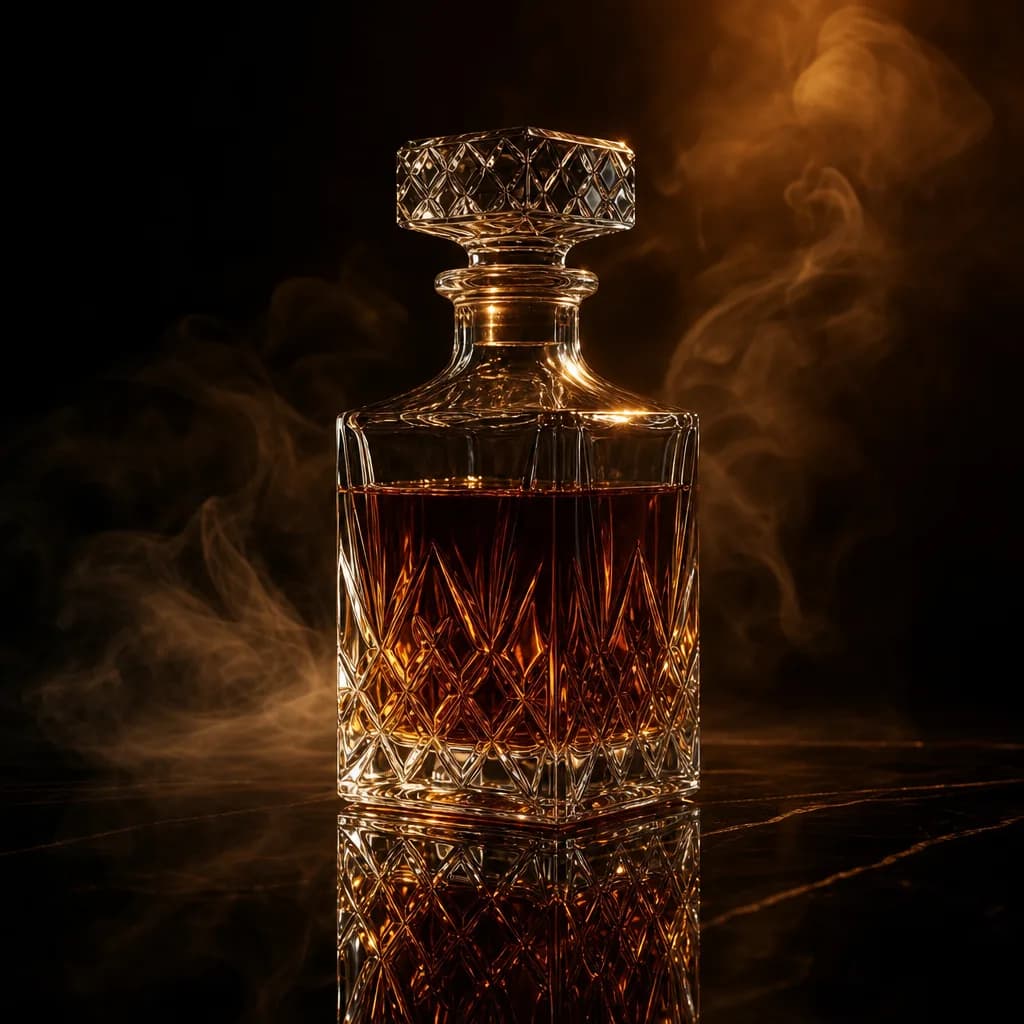
Luxury atmospherics
Render a product as the jewel of a moody, cinematic scene on a dark reflective surface, wrapped in elegant smoke, petals, or light particles.

Premium packaging
Present a product with its full unboxing spread, box, tissue, ribbon, and brand card, on a refined surface with soft light and tasteful metallic reflections.
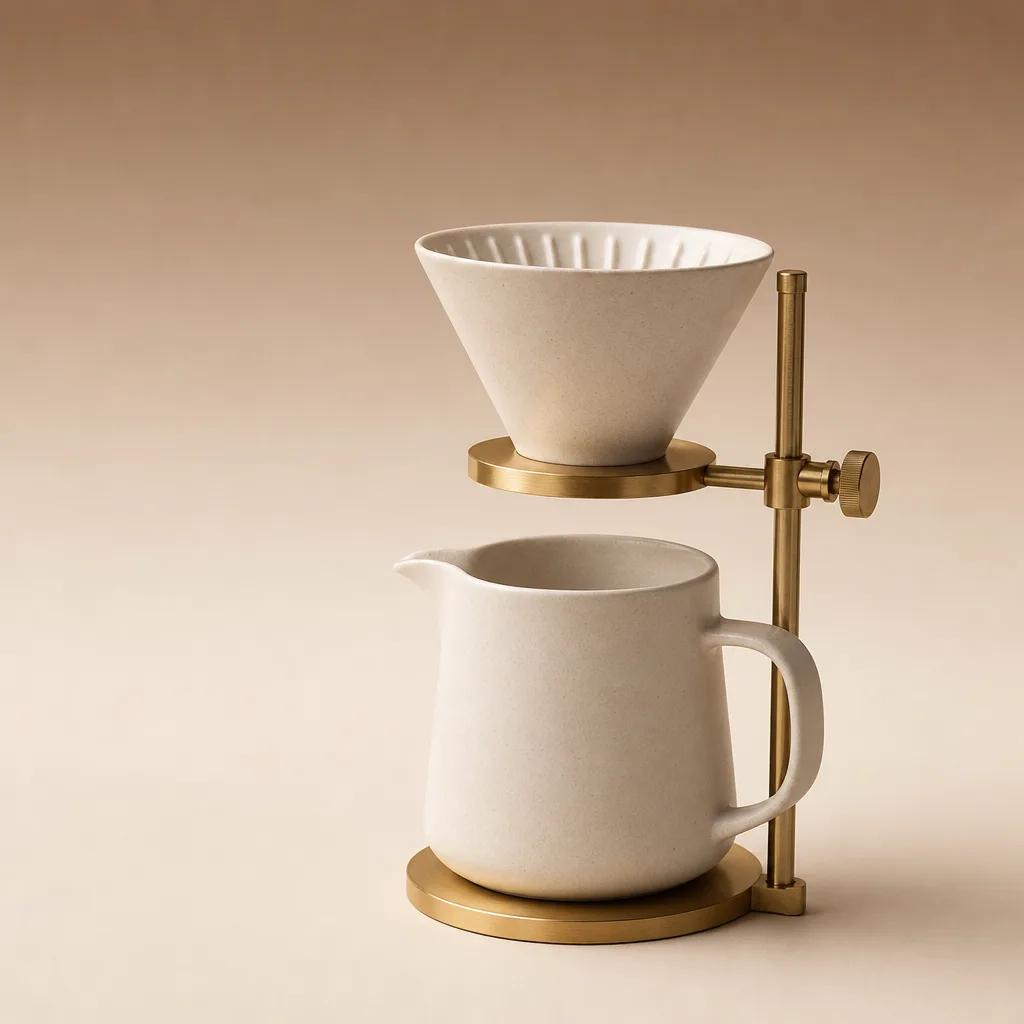
Product hero shot
Turn a plain product description into a clean, studio-lit hero image with a soft gradient backdrop and a grounded shadow, ready for a landing page or store listing.

Promotion poster
Lay out a polished vertical promo poster with a clear headline zone, hero product, and a call-to-action, rendering any copy you provide exactly as written.

Virtual try-on
Show your apparel worn by a real-looking person in a fitting setting, with honest fabric behavior, natural proportions, and no beauty-filter plasticity.
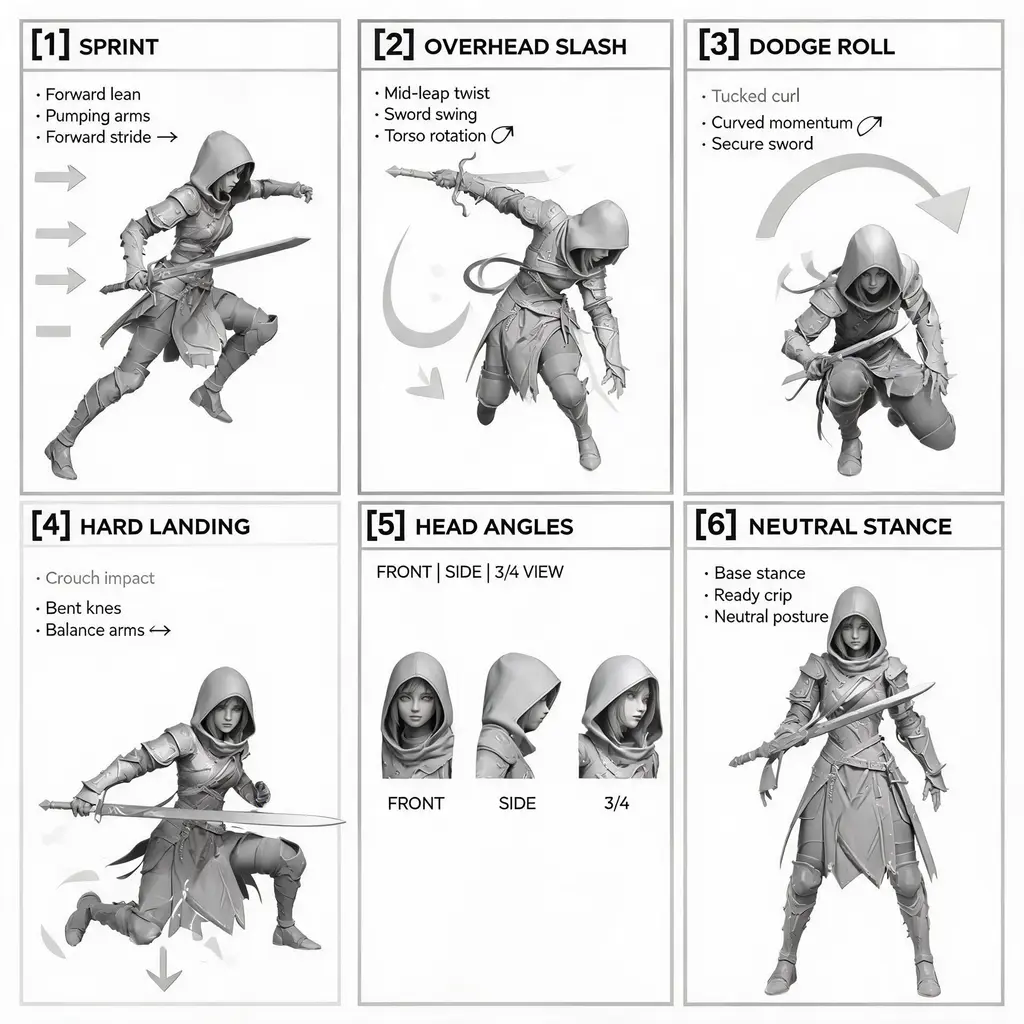
Action pose sheet
Generate a numbered study sheet of dynamic full-body action poses for one consistent character, complete with motion arrows, captions, and multi-angle head close-ups.
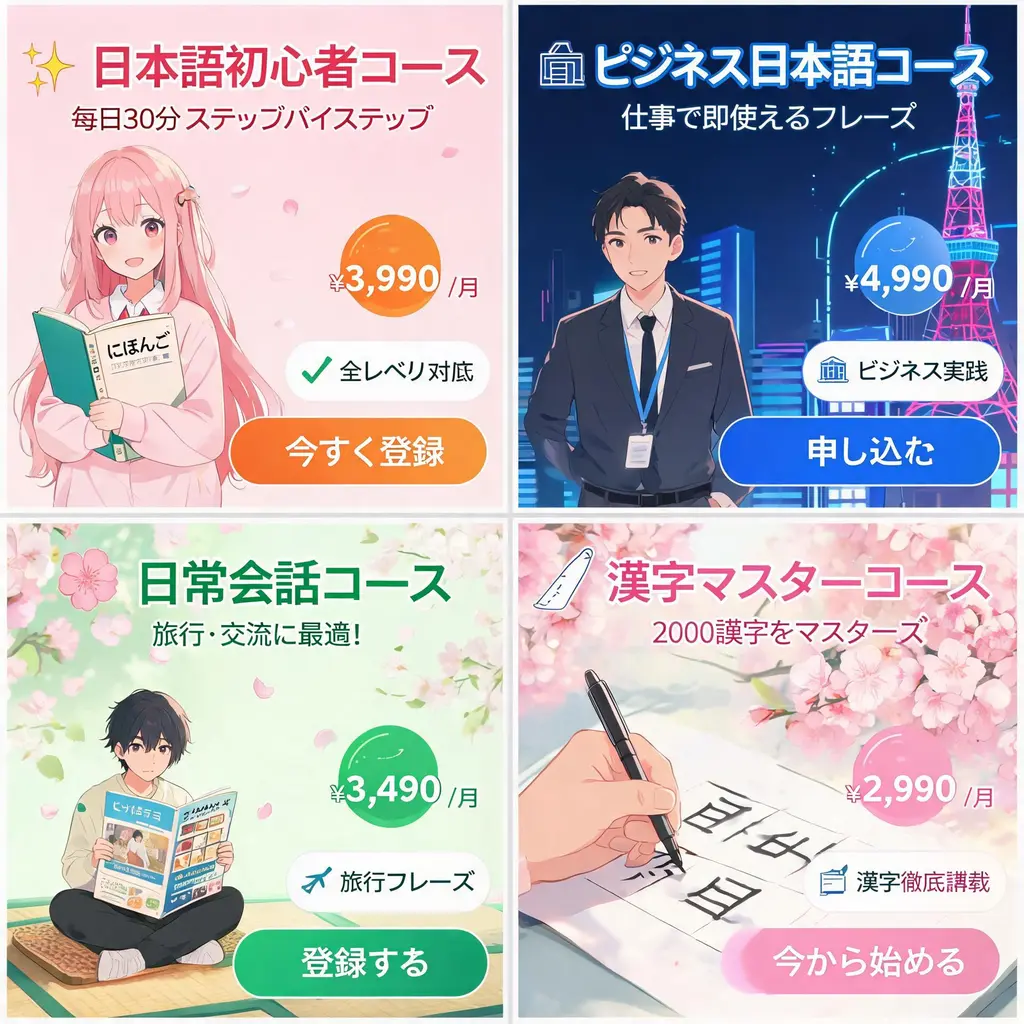
Japanese ad banner set
Turn one campaign brief into a coordinated sheet of Japanese-style web banners with punchy catch copy, price badges, feature seals, imagery, and clear CTA buttons.

Alphabet object grid
Turn a single letter or naming rule into a tidy 10×10 grid of 100 labeled illustrated objects on white, ready for classroom posters and vocabulary visuals.
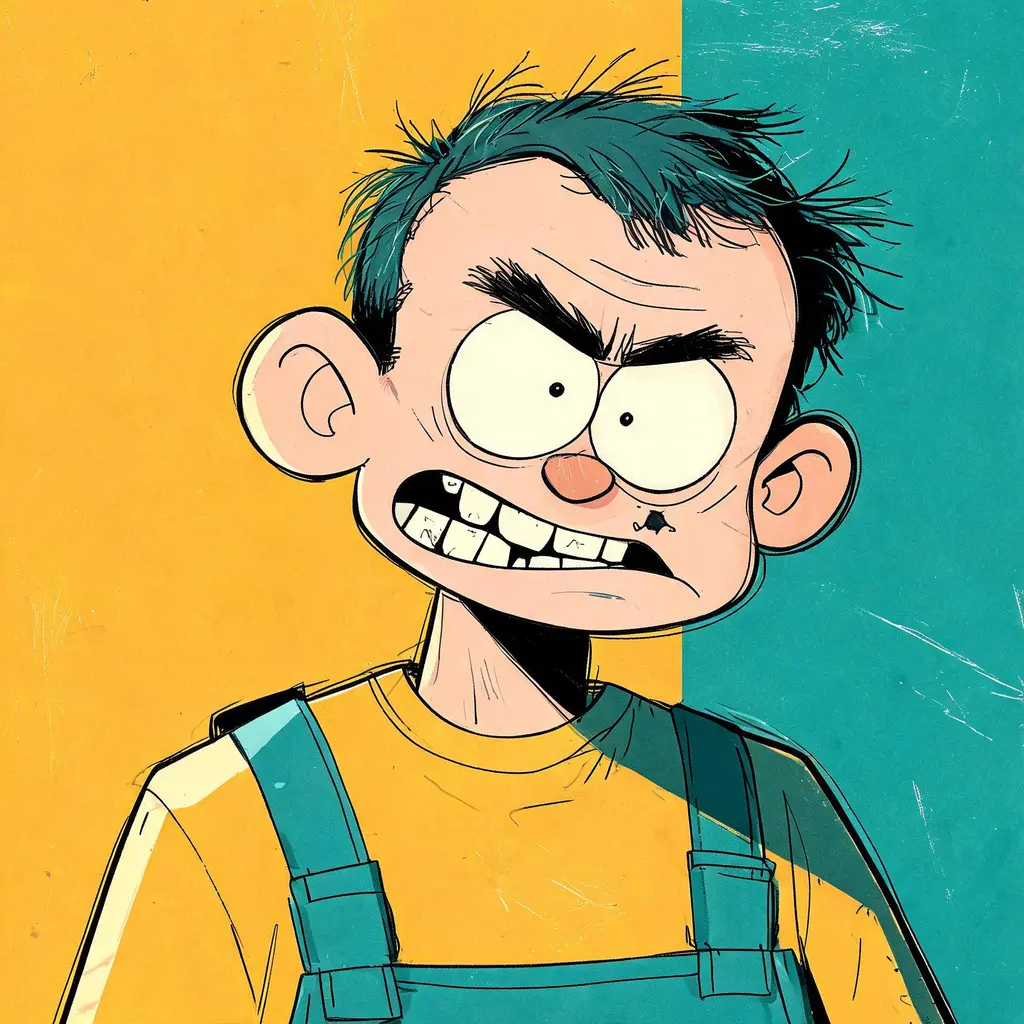
Alt-comic character portrait
Draw any character as a quirky alternative-comix portrait with an oversized head, wonky teeth, thick ink contours, flat color fields, and worn print texture.
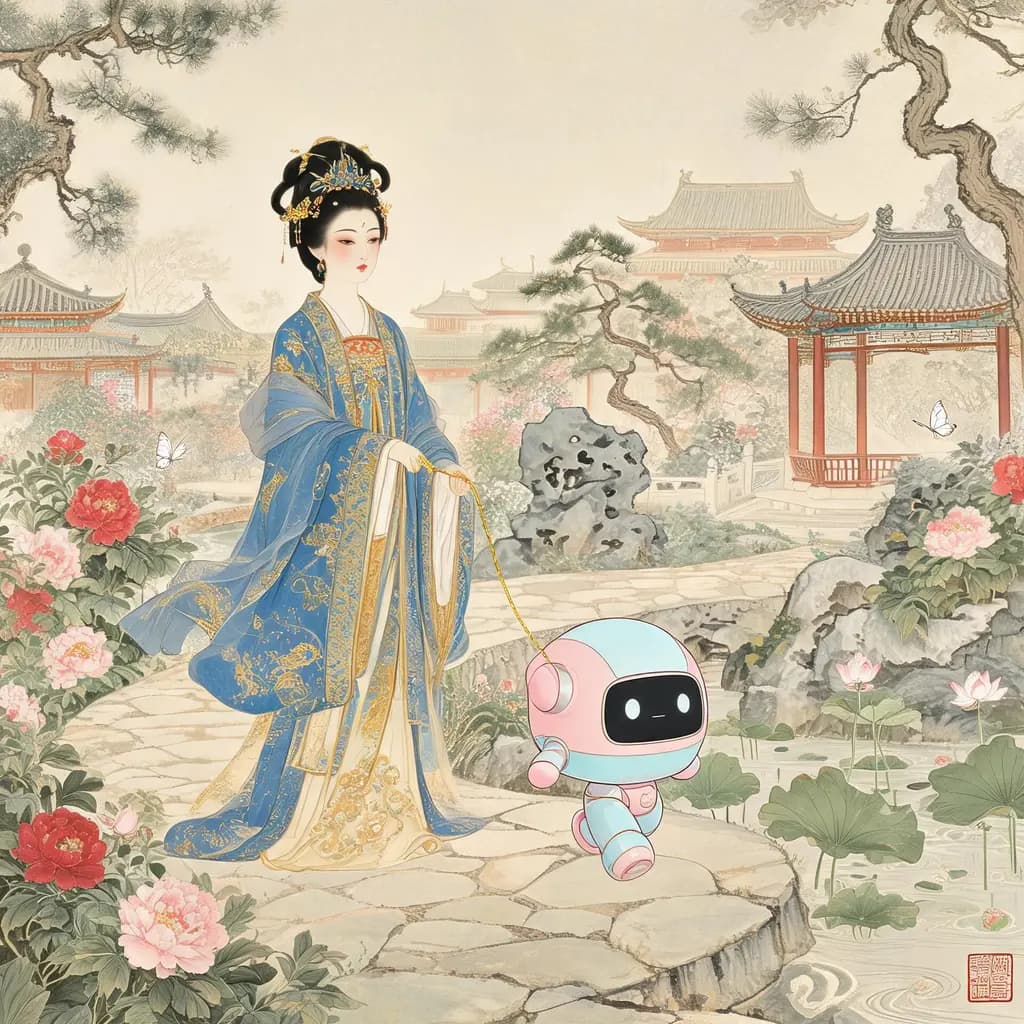
Ancient-modern mashup scene
Paint one modern gadget, institution, or creature into a faithful period artwork — rendered in the era's own technique so the anachronism looks like it always belonged there.

Anime action key visual
Freeze your characters at the peak of battle in a high-impact anime illustration with low-angle forced perspective, energy trails, flying debris, and cinematic cel-shaded lighting.

Anime adventure game scene
Turn any idea into a cel-shaded open-world adventure game screenshot — wind-swept fields, painterly skies, and a subtle HUD, ready for fan concepts and mood art.
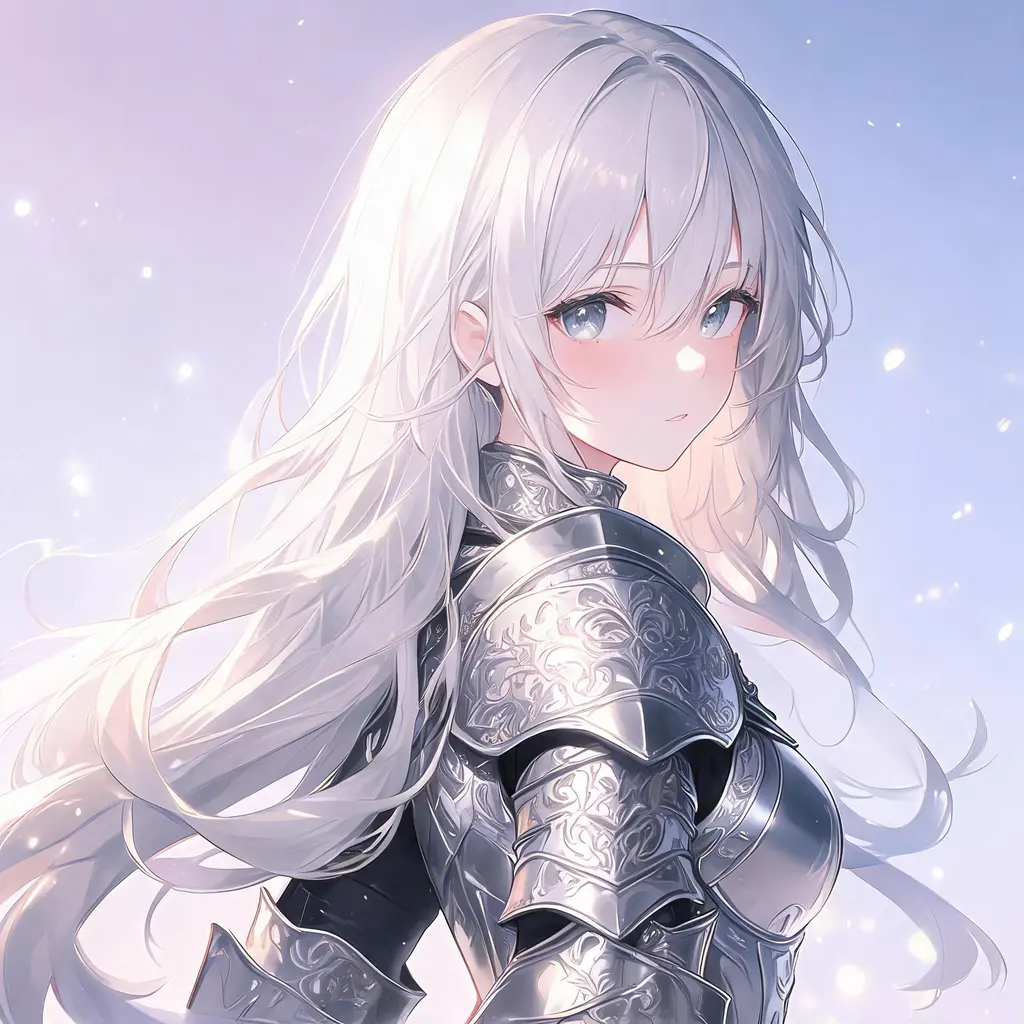
Anime character portrait
Turn any character description into a polished high-end anime portrait with expressive eyes, detailed costume, and cinematic lighting — in rich color or dramatic monochrome.
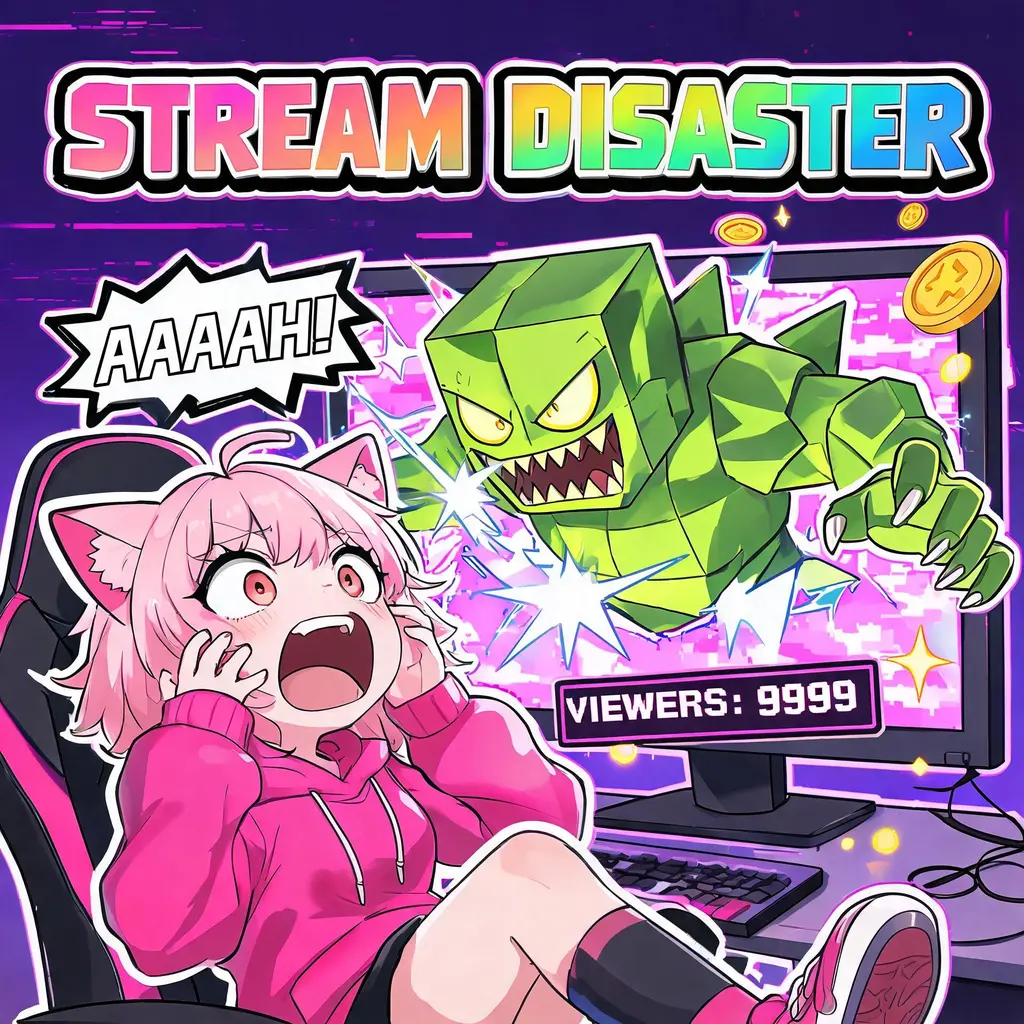
Anime game thumbnail
Turn a game moment or streamer scene into a neon, cel-shaded thumbnail with sticker outlines, HUD counters, burst callouts, and a giant rainbow headline.

Anime key animation sheet
Render any character as a scanned anime production key drawing, with colored-pencil lines, peg holes, margin production codes, and handwritten studio annotations.
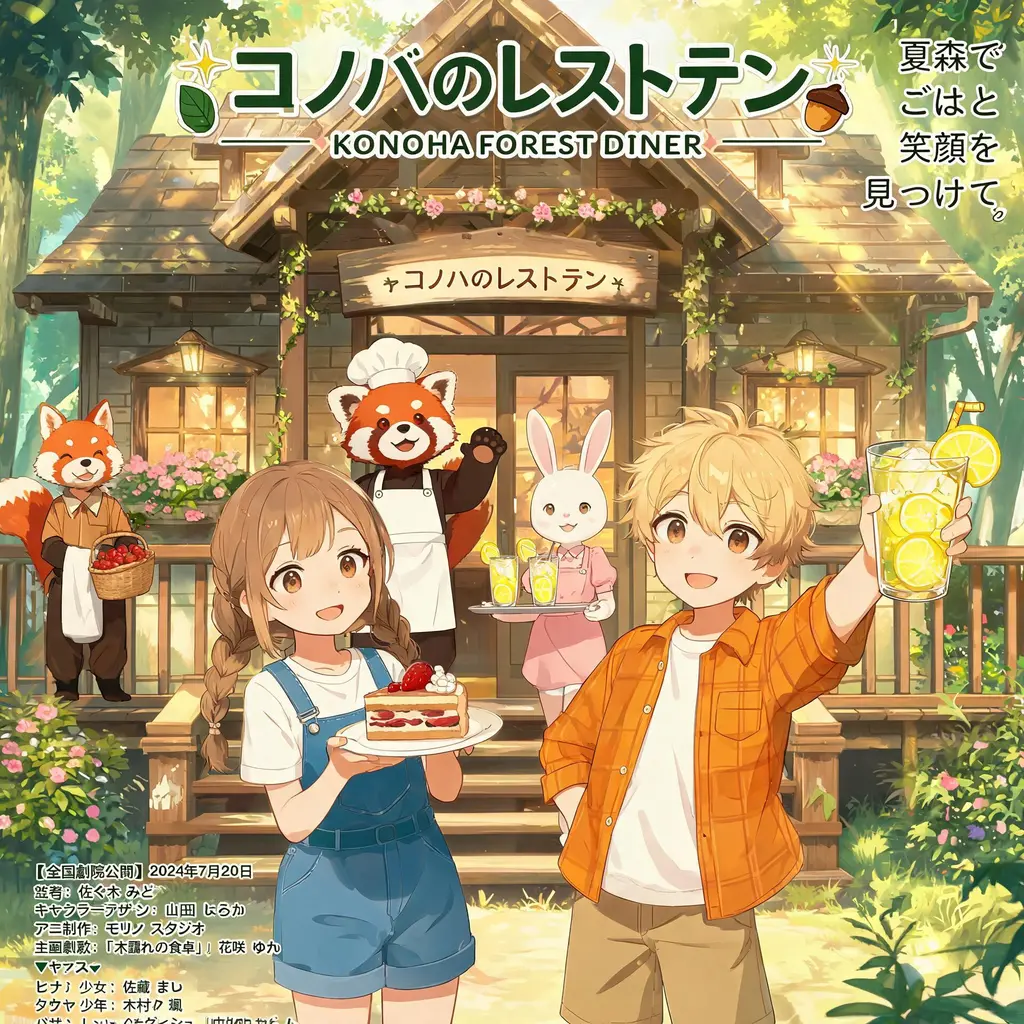
Anime key visual
Turn a story idea into an official-looking anime key visual, complete with stylized logo title, Japanese catch-copy, staff credits, and a release date — the full franchise one-sheet.
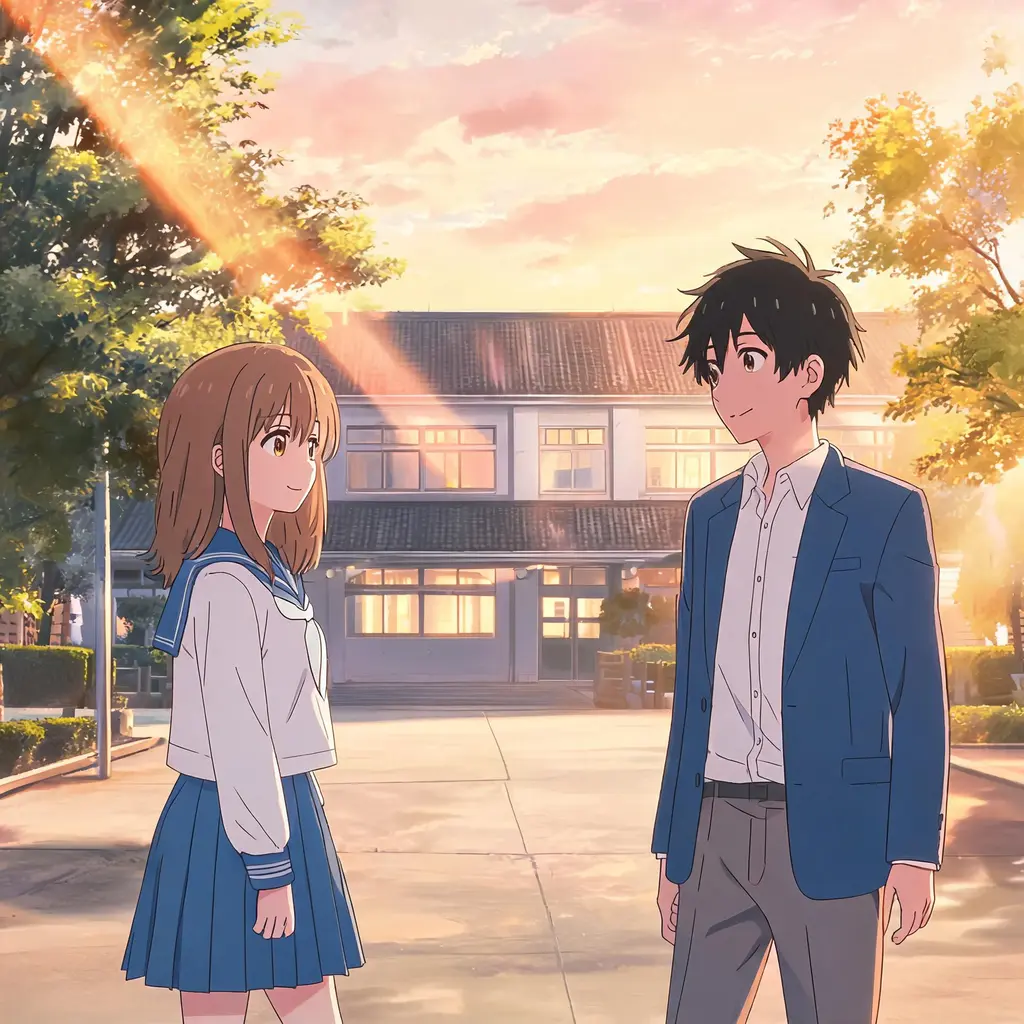
Anime episode still
Turn a photo into a frame that looks paused from a real anime episode — cel shading, clean linework, and a painted background, with your scene and people kept recognizable.

Anime realism classroom portrait
Create a warm, cinematic classroom portrait of two adult friends, blending anime-inspired features with realistic skin, hair, light, and photography.
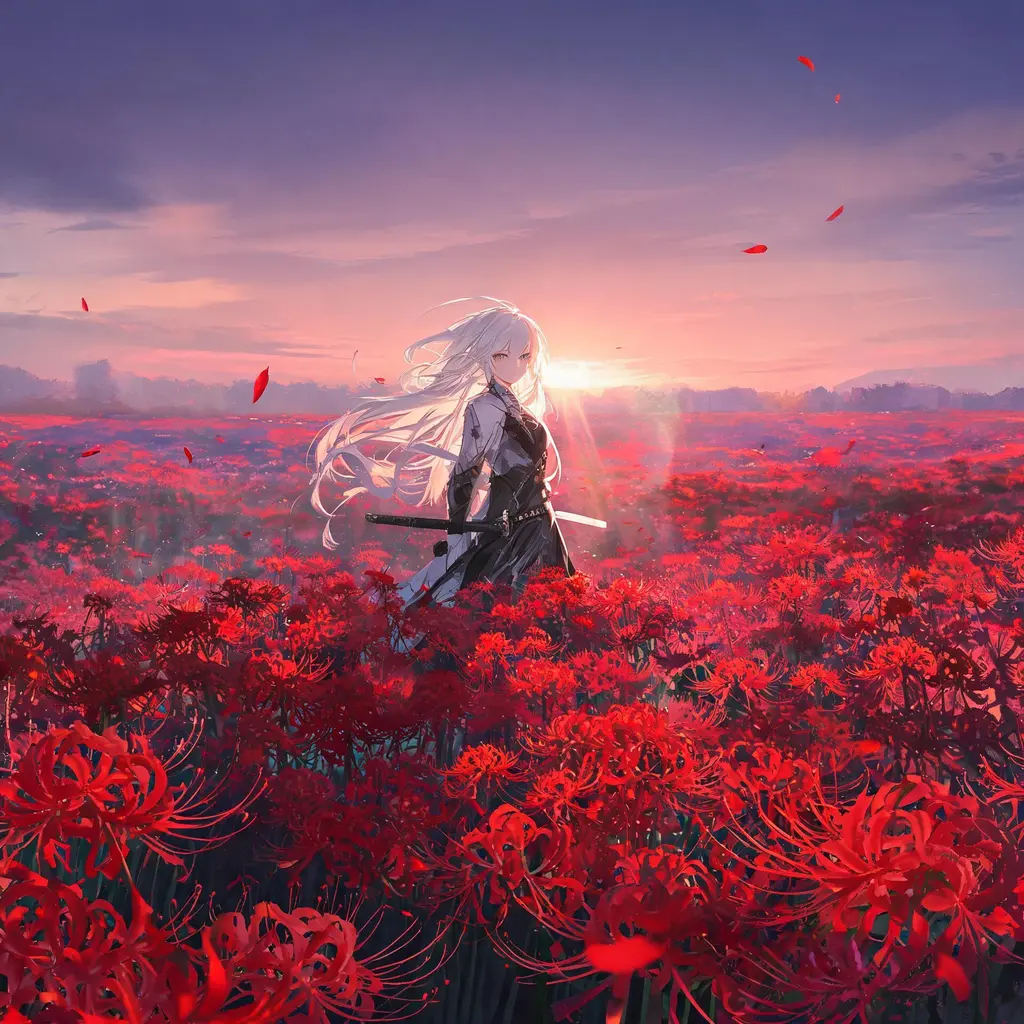
Anime scenic key visual
Place one character inside a vast, atmospheric anime environment — luminous skies, layered depth, cinematic backlight — for a poster-grade, wallpaper-ready key visual.
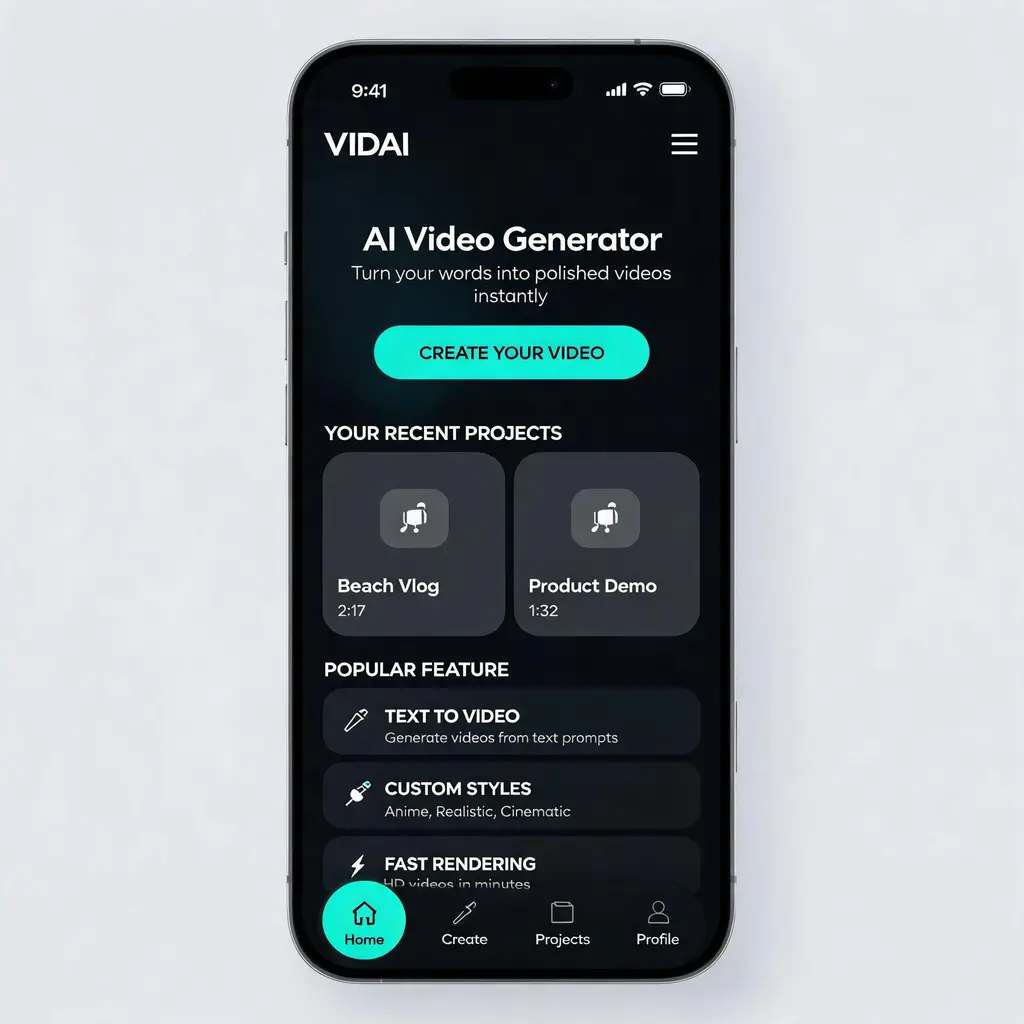
Polished app UI concept
Turn any app or website idea into a portfolio-grade, high-fidelity UI design shot — hero section, cards, and navigation in a cohesive dark or light theme, presented like a product-design concept.
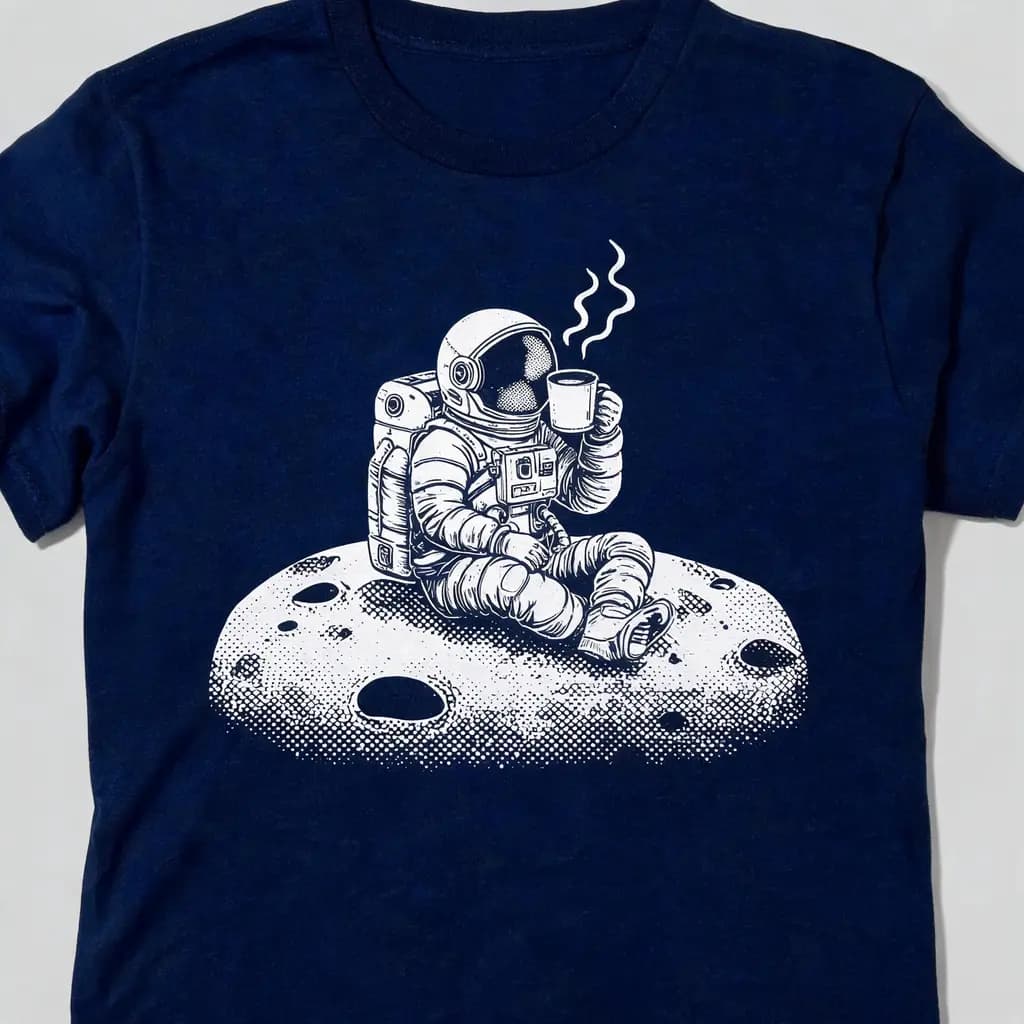
Apparel graphic print
Turn your idea into a clean, iconic screen-print style graphic presented on a t-shirt — limited-palette artwork with halftone shading and a serene, poster-like subject.

Beauty campaign close-up
Turn a model and product — uploaded or described — into a luxury beauty campaign close-up with natural, pore-real skin, soft studio light, and a clean minimal backdrop, both preserved 1:1.
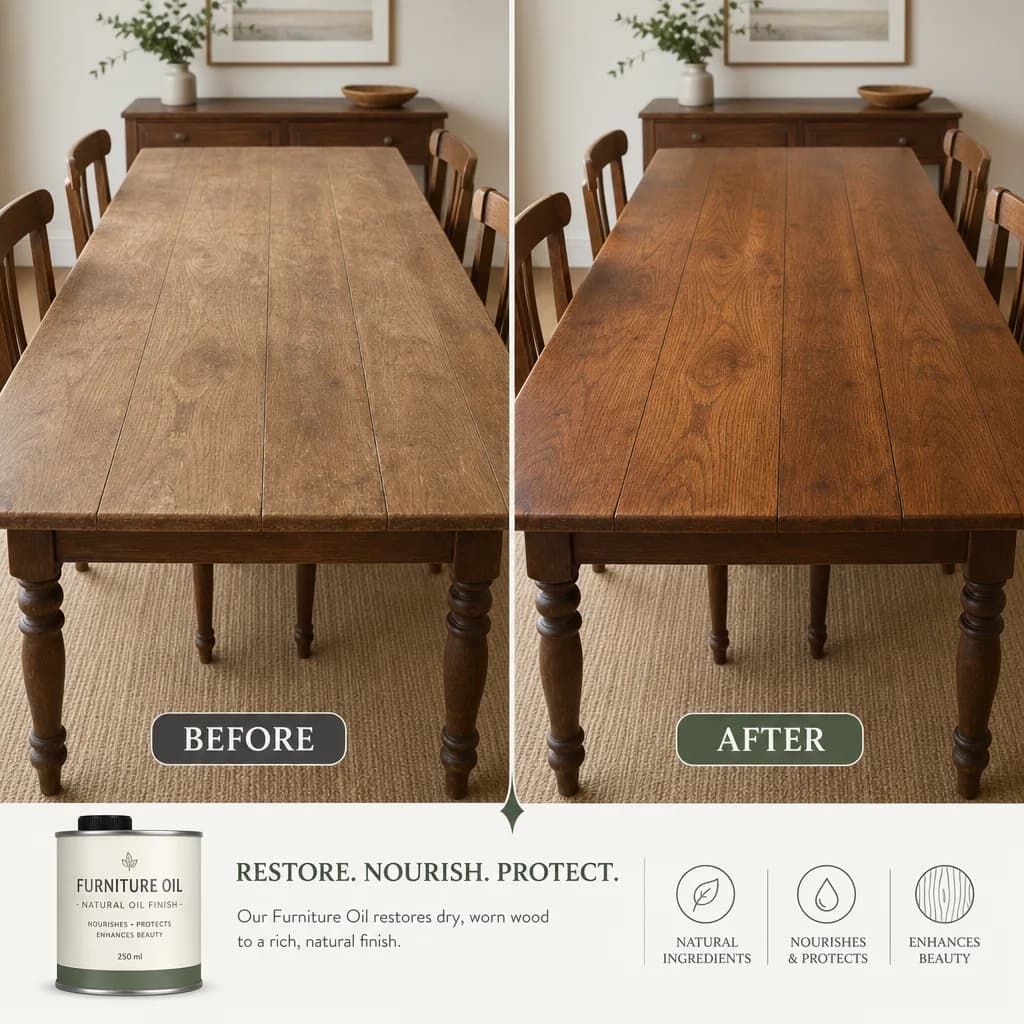
Before-and-after comparison
Split a transformation into two matched panels with a clean divider and consistent framing, rendering your captions and metrics exactly as written.

Beverage launch poster
Turn a new drink and its promo copy into a restrained new-Chinese vertical poster with a deep green, off-white, and gold palette and a clean hierarchy of prices and offers.
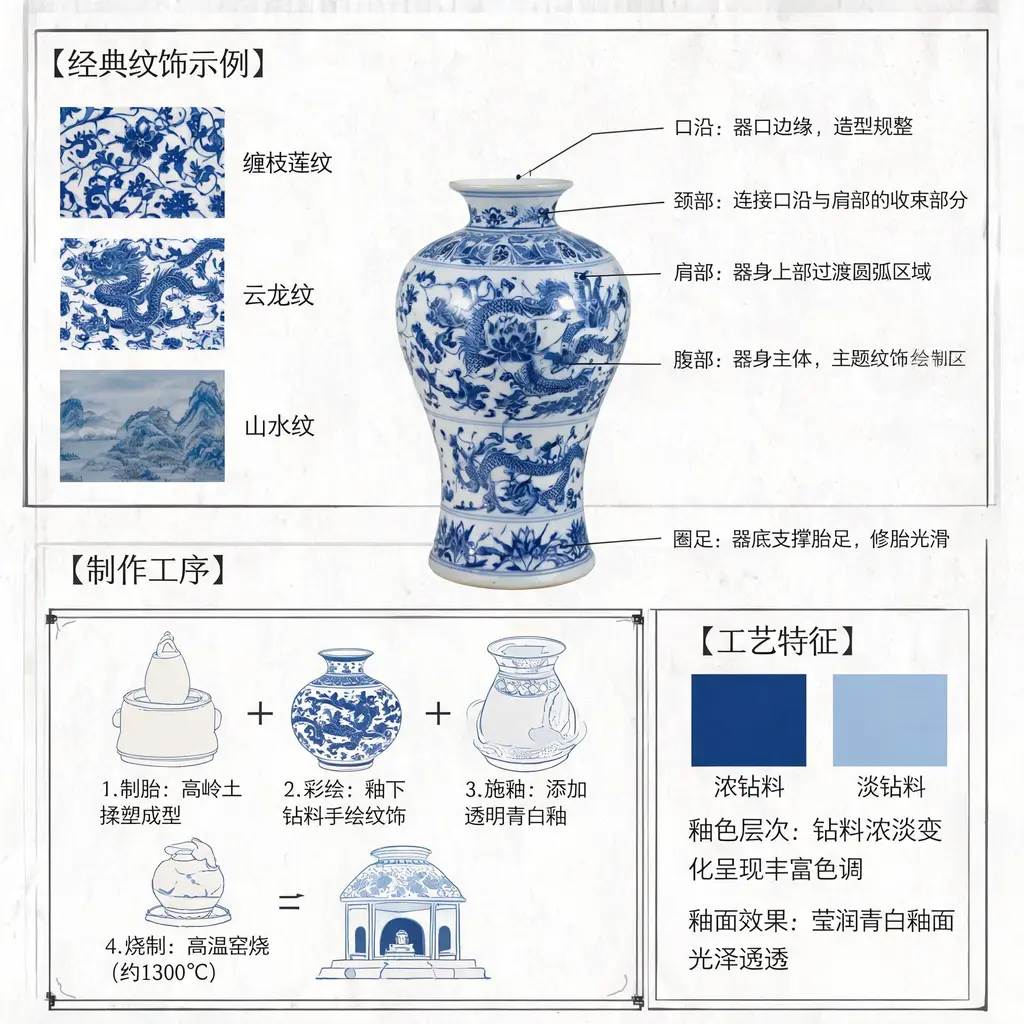
Blue-and-white porcelain diagram
Turn Jingdezhen blue-and-white porcelain into a museum-grade annotated diagram with structural lead lines, motif close-ups, and scholarly Chinese notes on the craft.
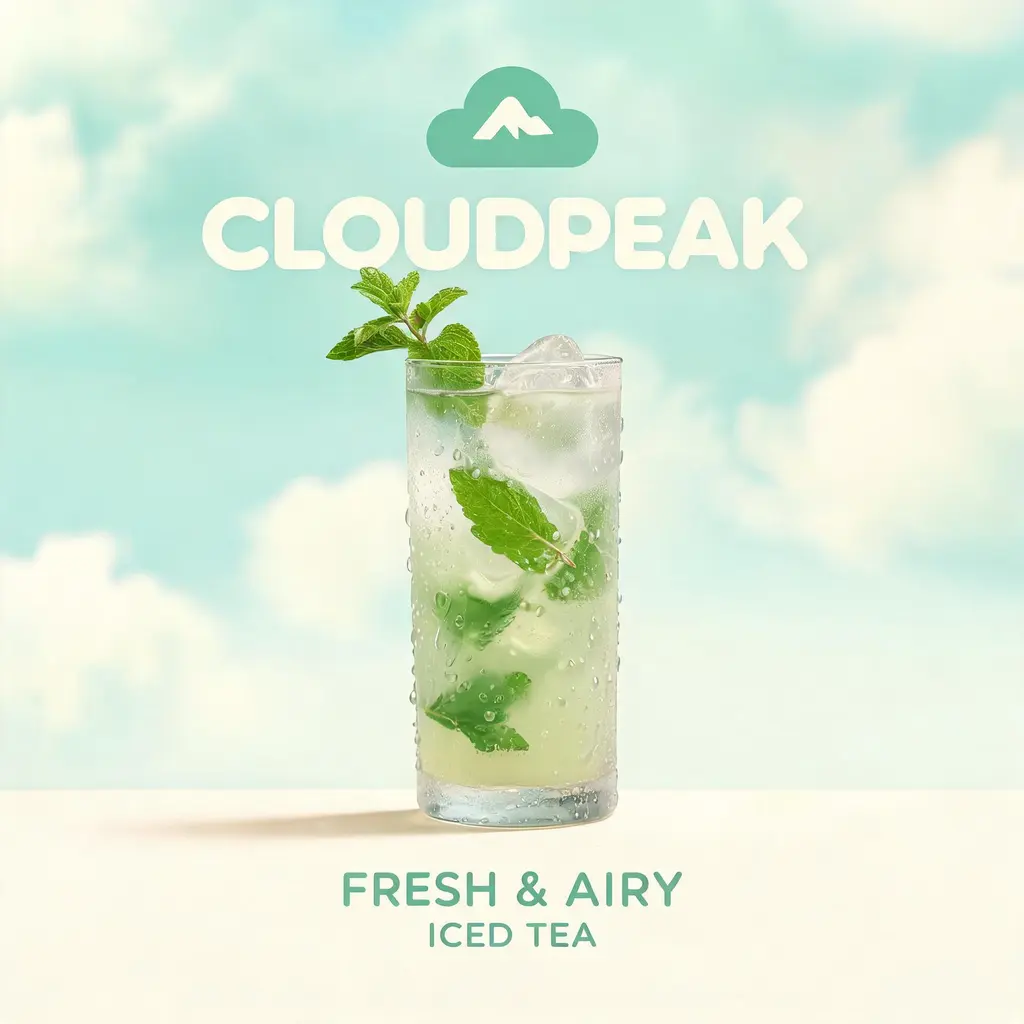
Brand concept key visual
Turn a brand name or abstract theme into a complete concept key visual — derived palette, hero product, logo zone, and tagline rendered with luxury CGI polish, never copying real trademarks.
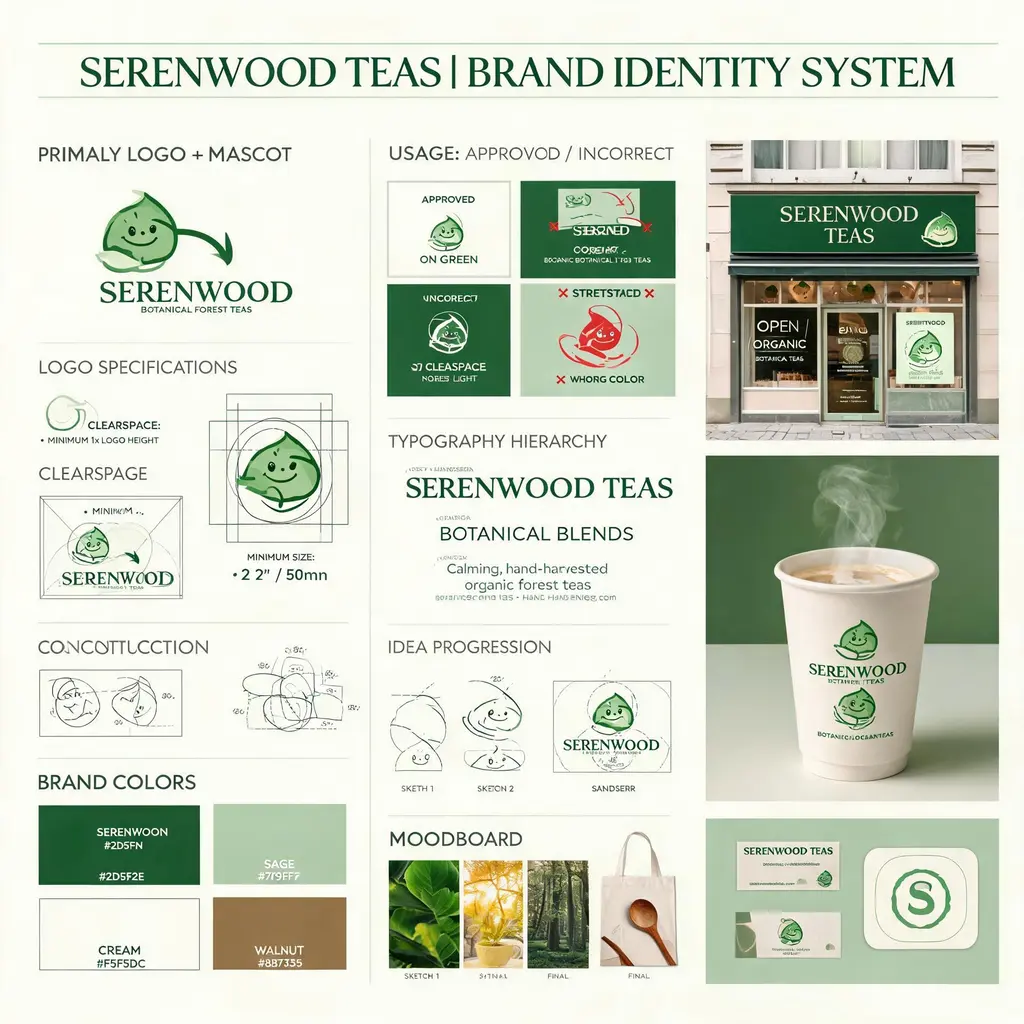
Brand identity board
Turn a fictional brand brief into an agency-style identity board with logo construction, palette, typography, usage rules, concept sketches, and polished real-world mockups.
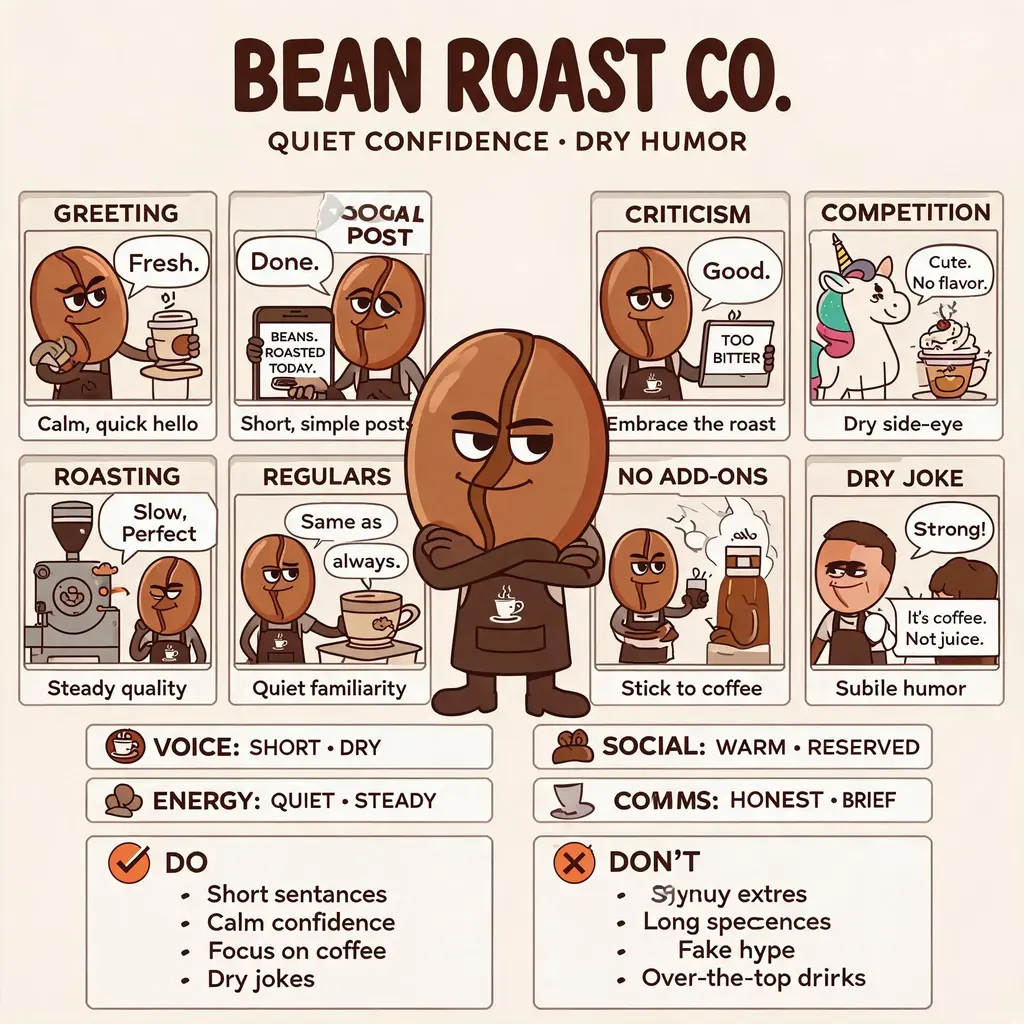
Brand personality comic
Turn a logo or brand description into a comic-meets-infographic poster: a humanized mascot at center, panels of the brand in action, trait blocks, and a do/don't guide — all in the logo's palette.
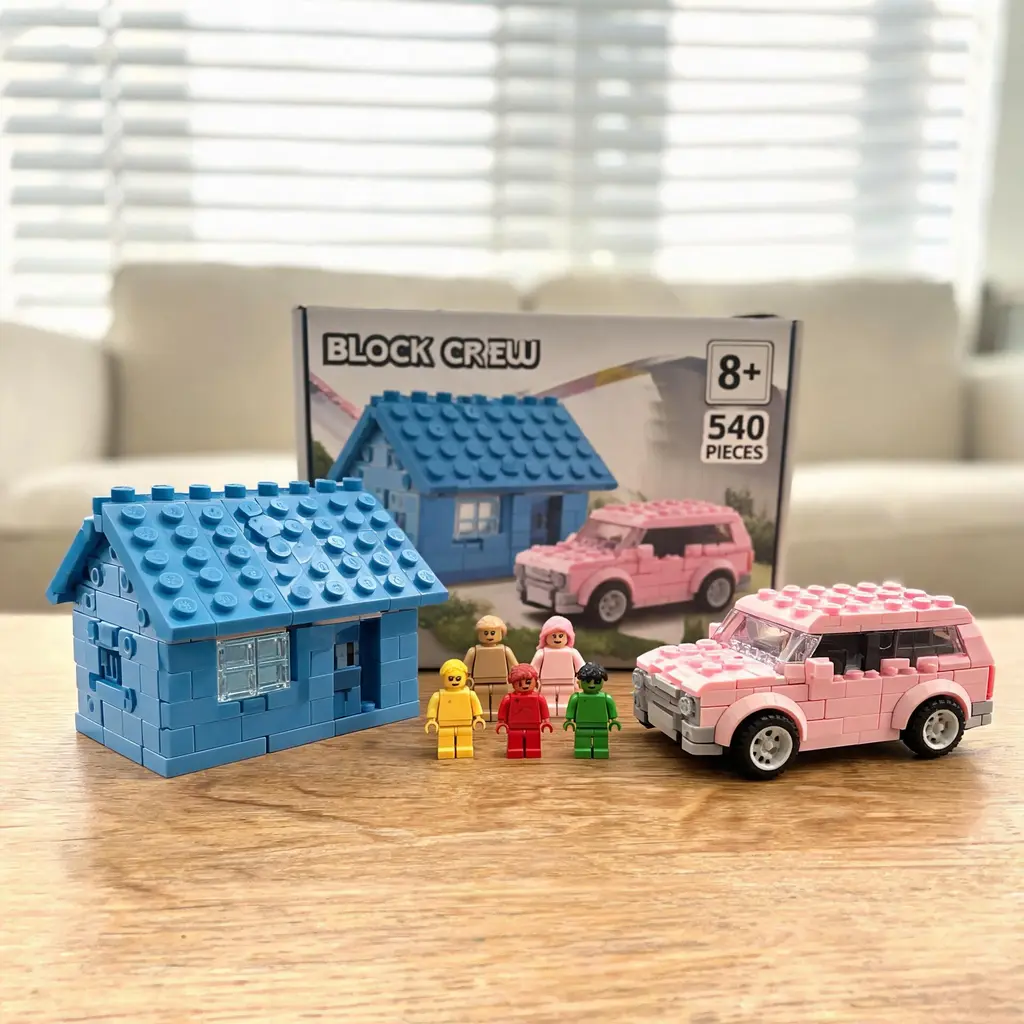
Custom brick set photo
Turn any scene or characters into a believable amateur photo of a custom building-block set — the assembled model and minifigures up front, a retail box with piece count and box art behind.

Calligraphy practice sheet
Turn any characters or phrase into a printed-style calligraphy copybook page, with red rice-grid cells, master models, and fading trace characters ready to practice over.
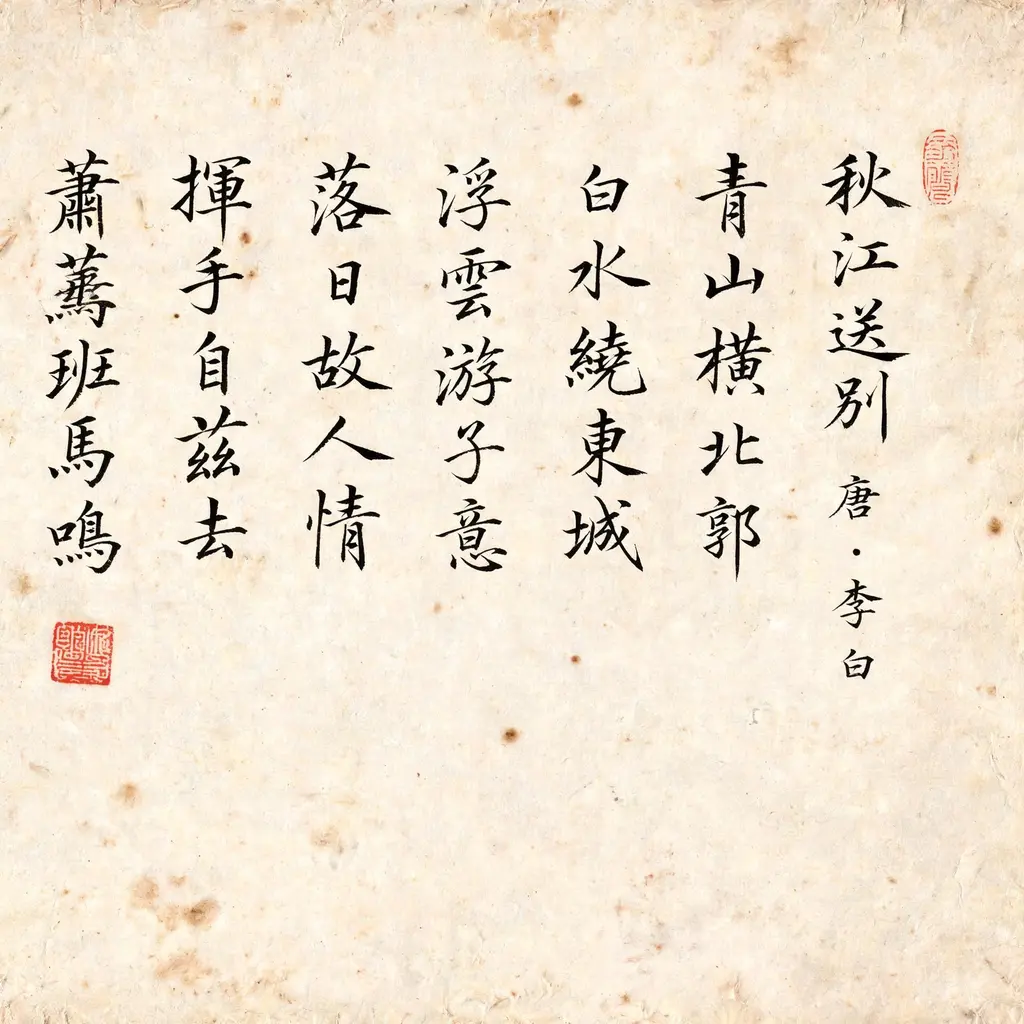
Calligraphy manuscript
Turn a classic text or a few treasured lines into an aged, brush-written calligraphy manuscript whose strokes carry the emotion of the words, ready for prints, covers, or cultural content.
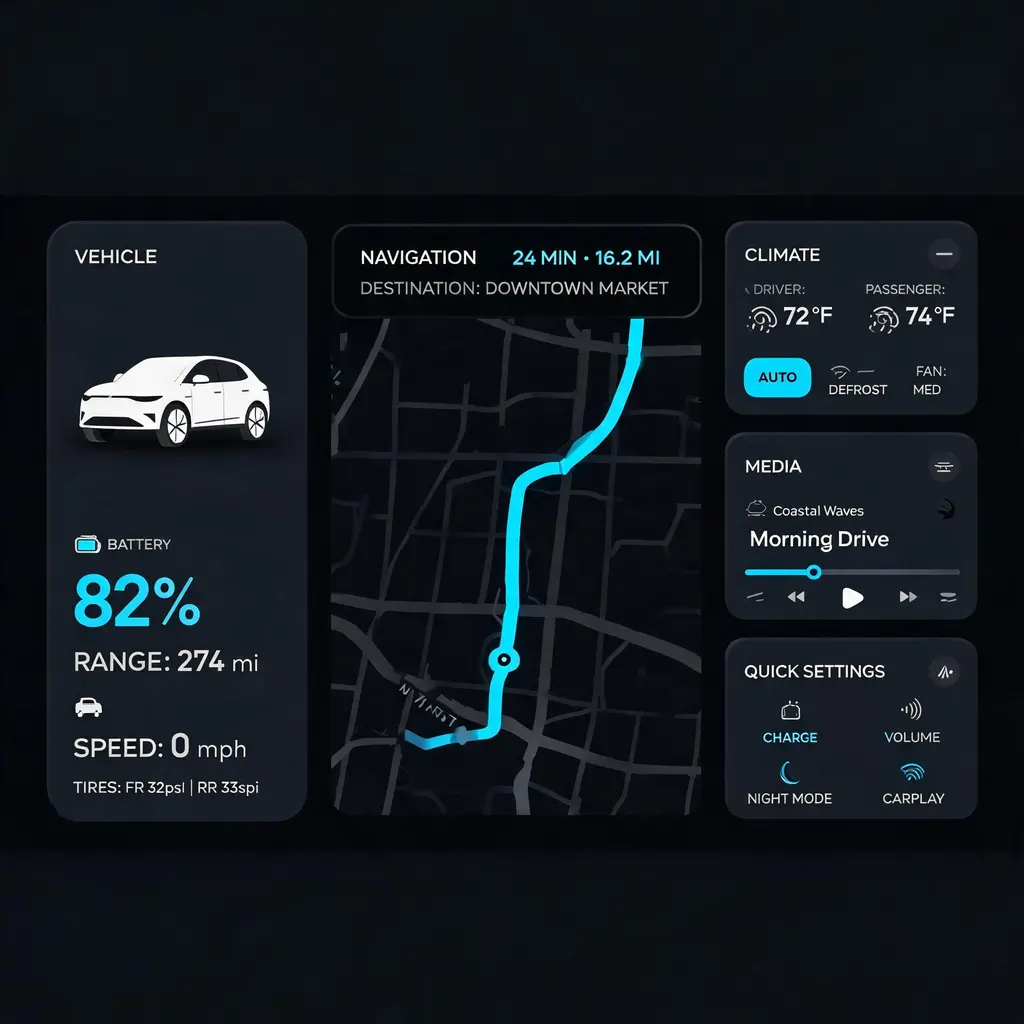
Car dashboard interface
Turn a feature list or mood into a production-grade 21:9 dark-theme car infotainment screen with a navigation map, vehicle status, and climate widgets, ready for an HMI portfolio or pitch.
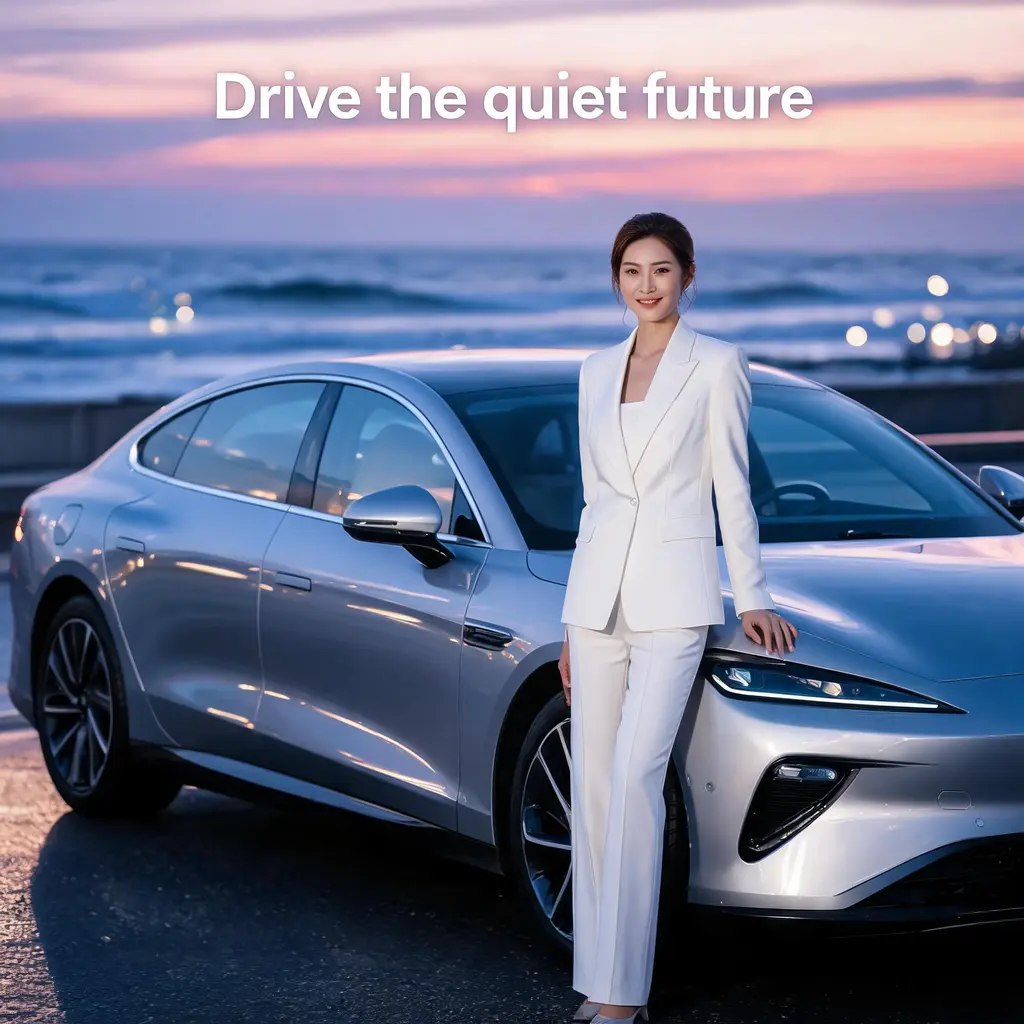
Car endorsement poster
Turn a spokesperson and car description into a polished automotive ad poster with showroom lighting, deep paint reflections, and space for a bold headline and tagline.
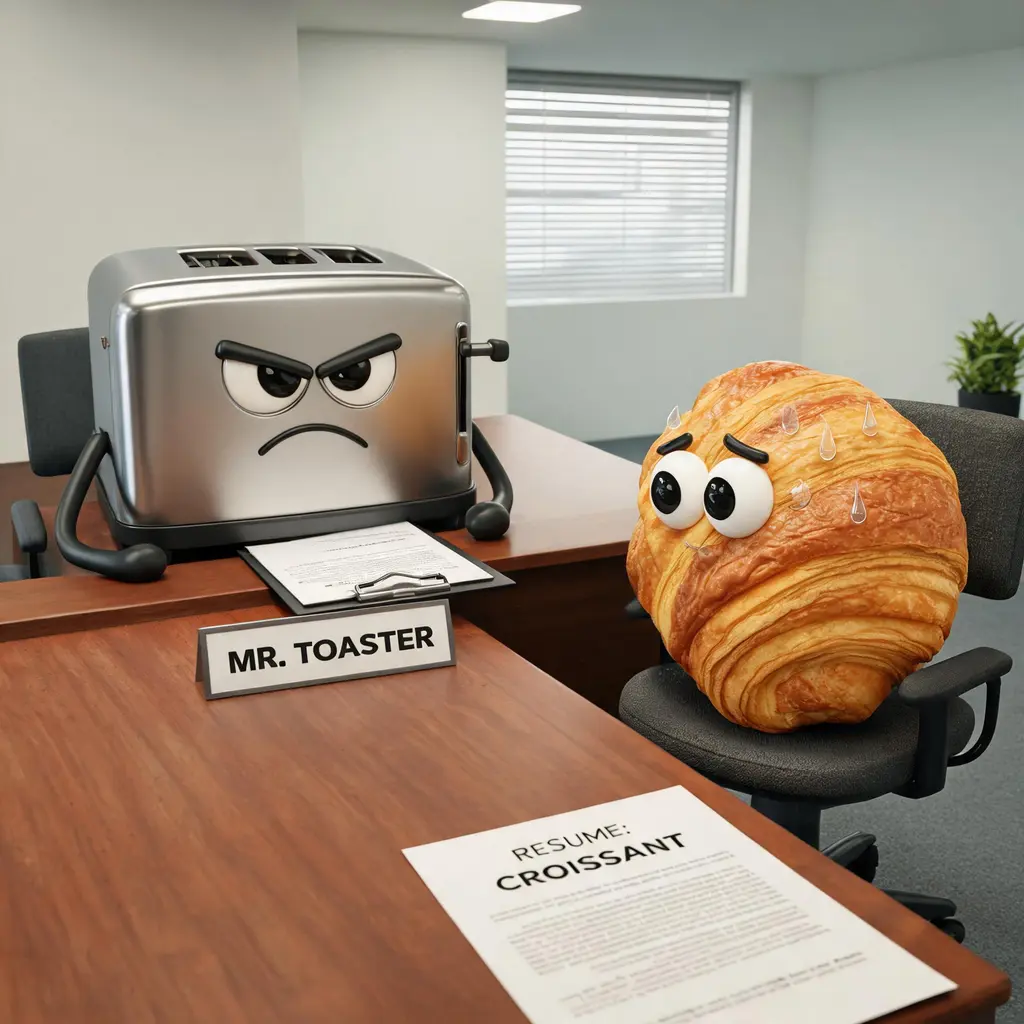
3D cartoon character scene
Stage any characters — even anthropomorphized objects — in a warm, feature-film style 3D cartoon scene, with in-scene text props like speech bubbles and posters carrying the joke.
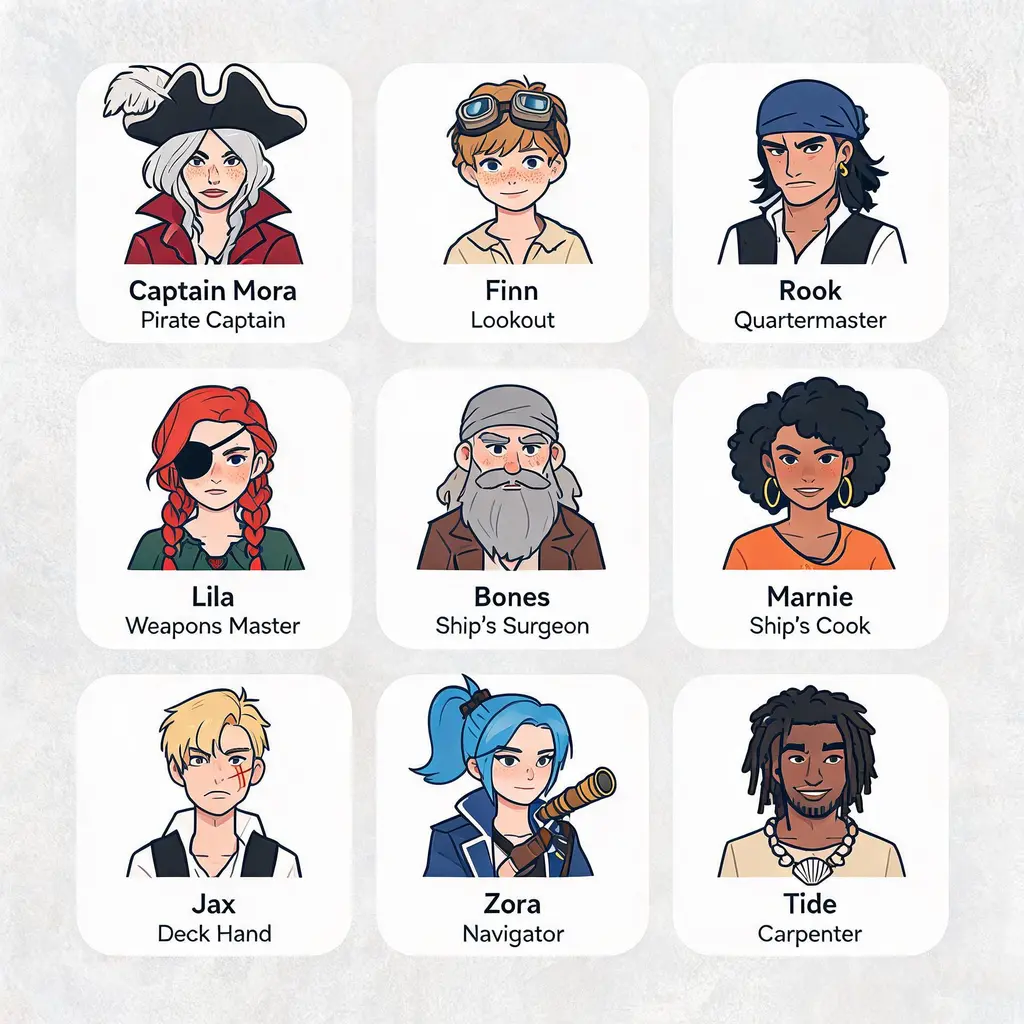
Cast portrait grid
Turn any list of characters into one labeled grid of matching flat-illustrated portraits — one framed tile per member with a name caption beneath, ready for fan sheets, rosters, or story bibles.

Chalkboard explainer
Turn any topic or article into a hand-drawn chalkboard lecture board packed with chalk diagrams, arrows, and lettering, ready to share as a one-image summary.
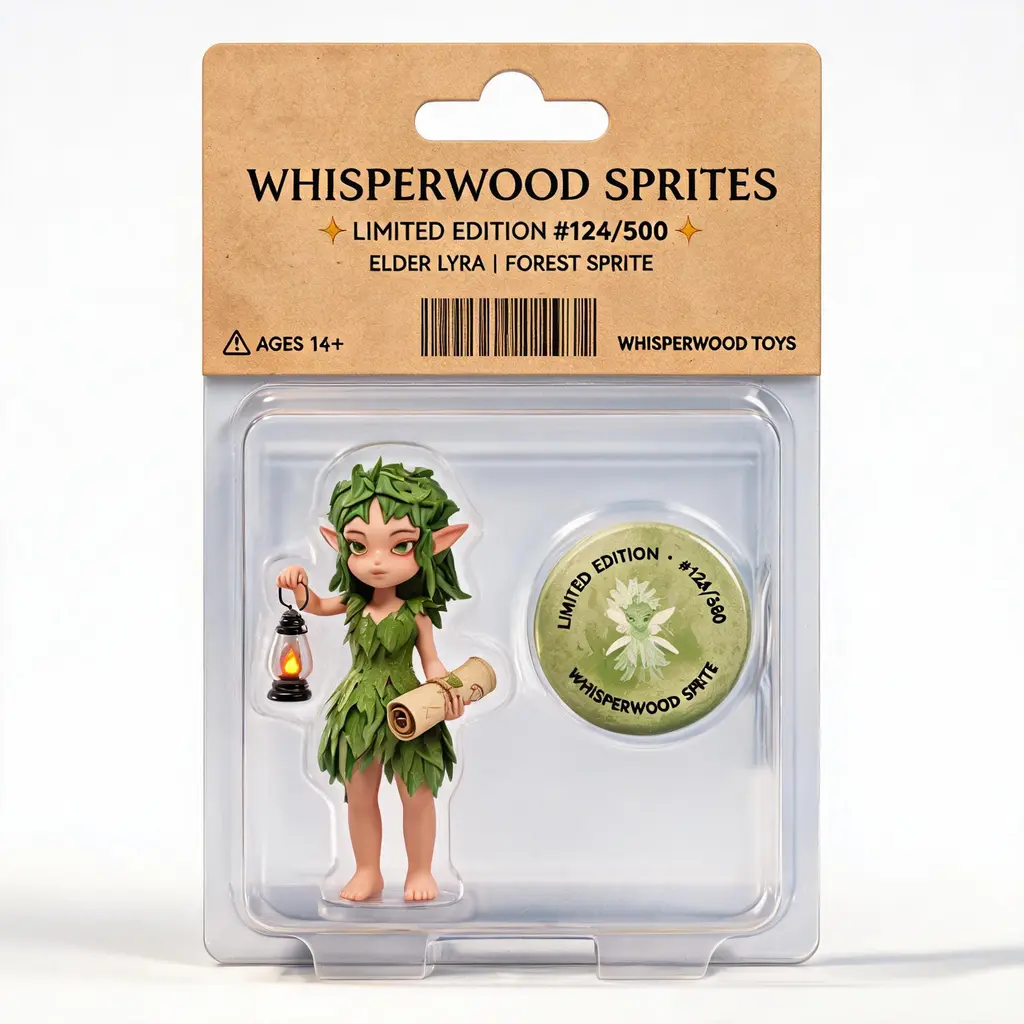
Character merch mockup
Turn an original character into convincing packaged merchandise, from blister figures and bagged mini goods to collector boxes staged with accessories and edition details.
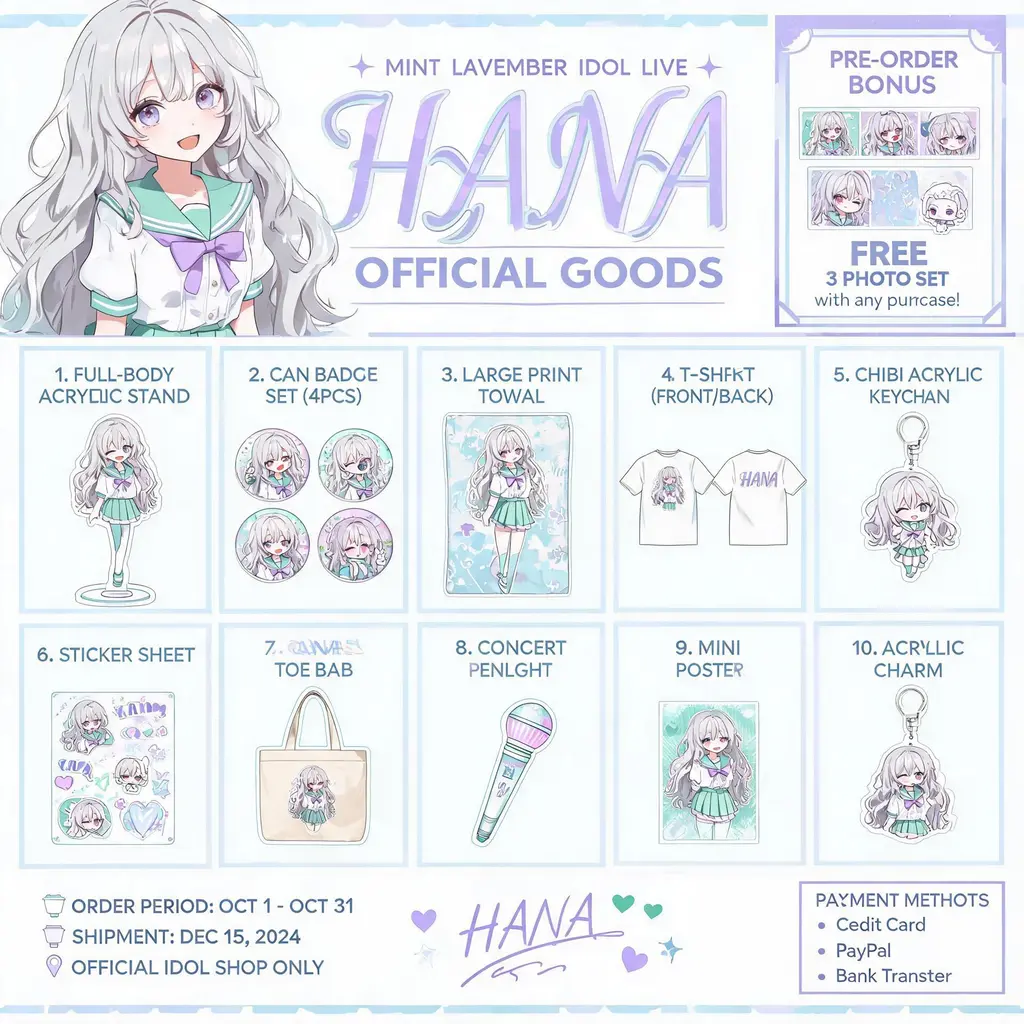
Character merch catalog
Turn your original character into an official-goods catalog flyer — a numbered grid of acrylic stands, badges, tees, and keychains under a key-visual header, ready to share with fans.
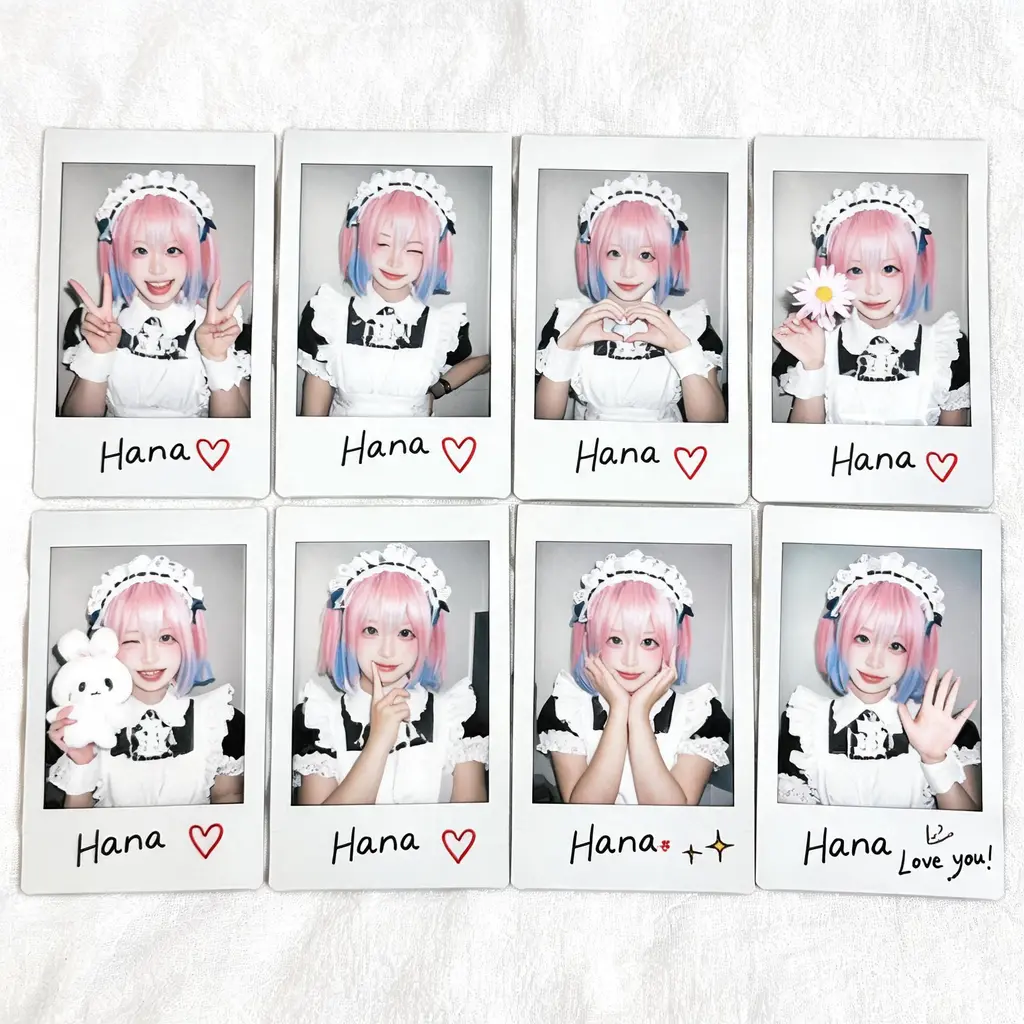
Character photo album
Turn one character into a flat-lay grid of signed instant-film prints — varied poses, border doodles, and a handwritten note, like a page of idol merch.
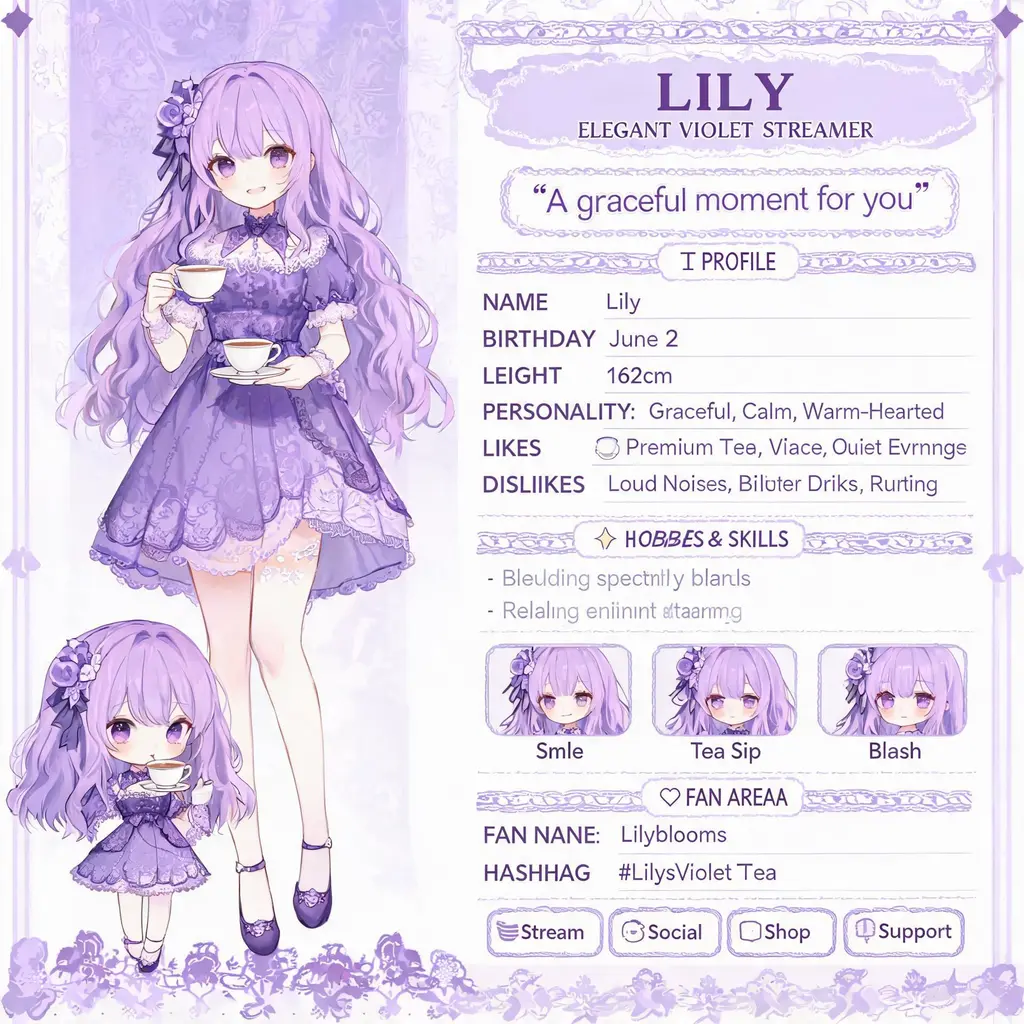
Character profile page
Turn a character description into an official-looking bio page — large key art plus a chibi, a profile data table, catchphrase, expression strip, and hashtag modules like a talent site.
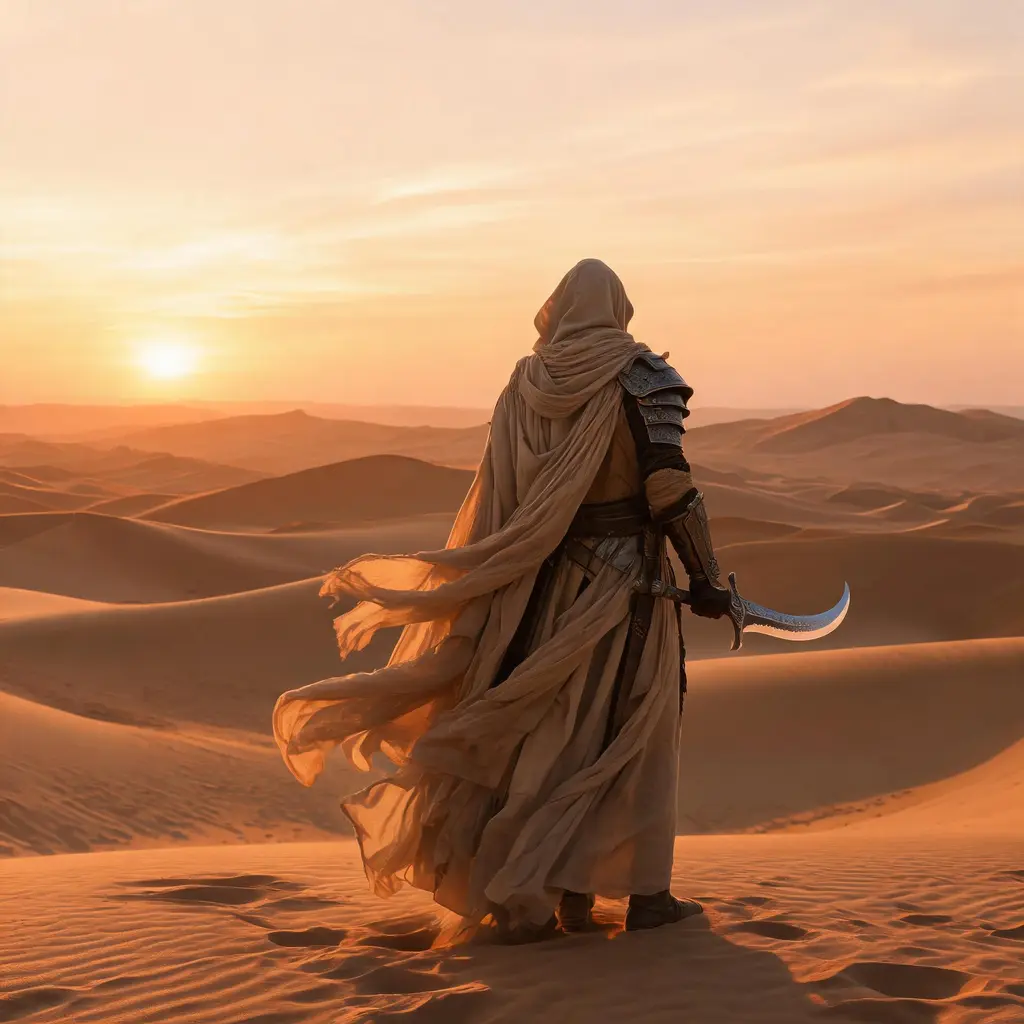
Character reference sheet
Turn a character description into an official-style reference sheet with three-view turnarounds, expression studies, gear callouts, and a color palette, ready for production or commissions.
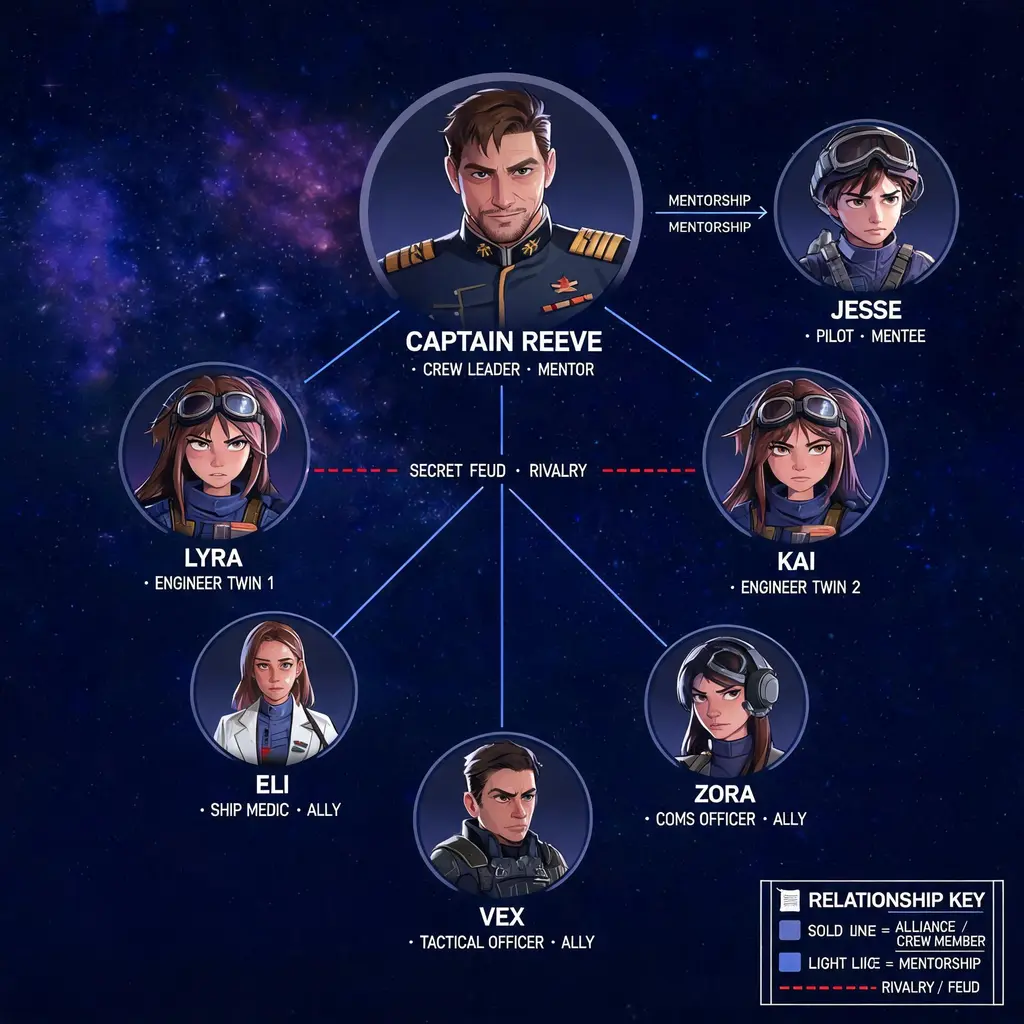
Character relationship map
Turn a cast of characters into a poster-grade relationship map with color-coded connections, portrait vignettes, and a visual style drawn from the story's own world.

Chat screenshot photo
Turn a short dialogue into a lifelike phone photo of a messaging-app conversation, complete with fingerprints, glare, and a casually tilted handheld frame.
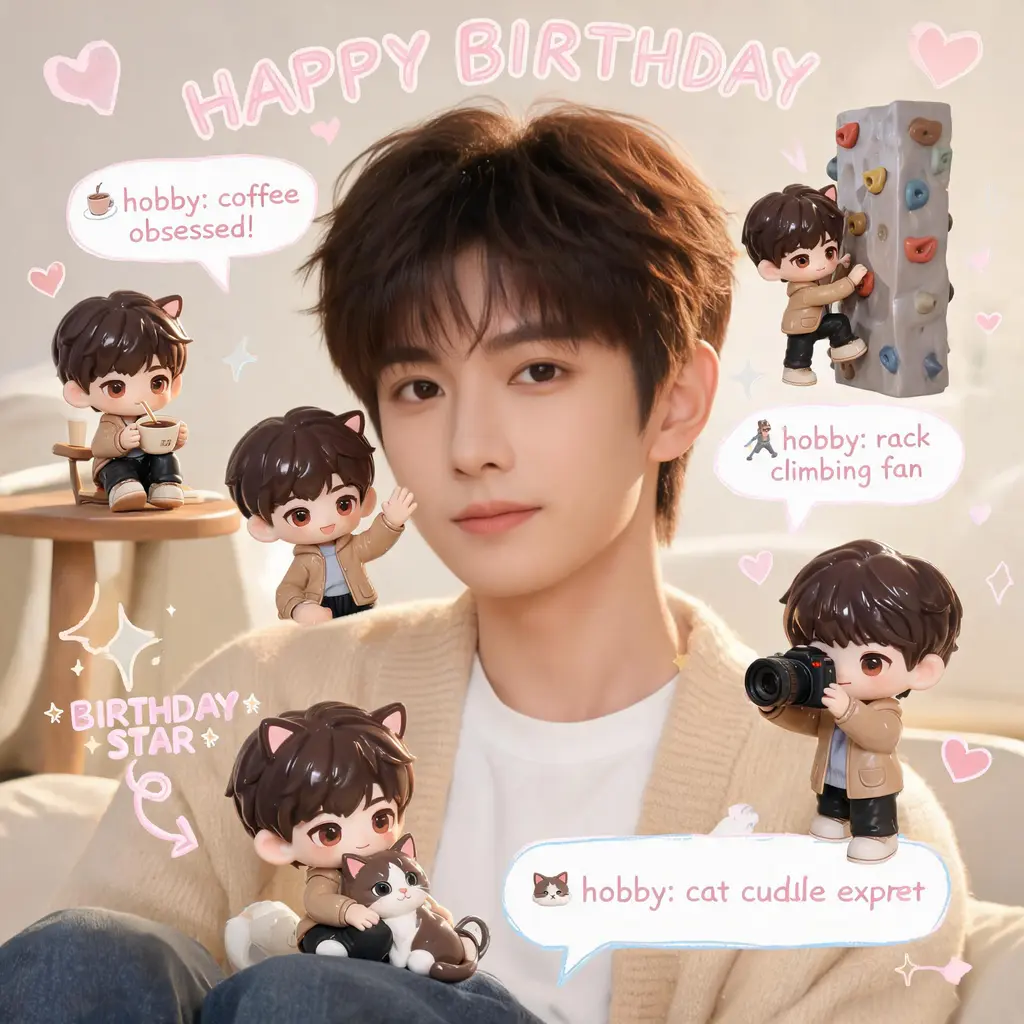
Chibi mini-me scrapbook
Keep your photo exactly as shot and fill the scene with tiny 3D chibi versions of yourself, plus handwritten doodles, arrows, and fact bubbles in a cozy pastel scrapbook style.
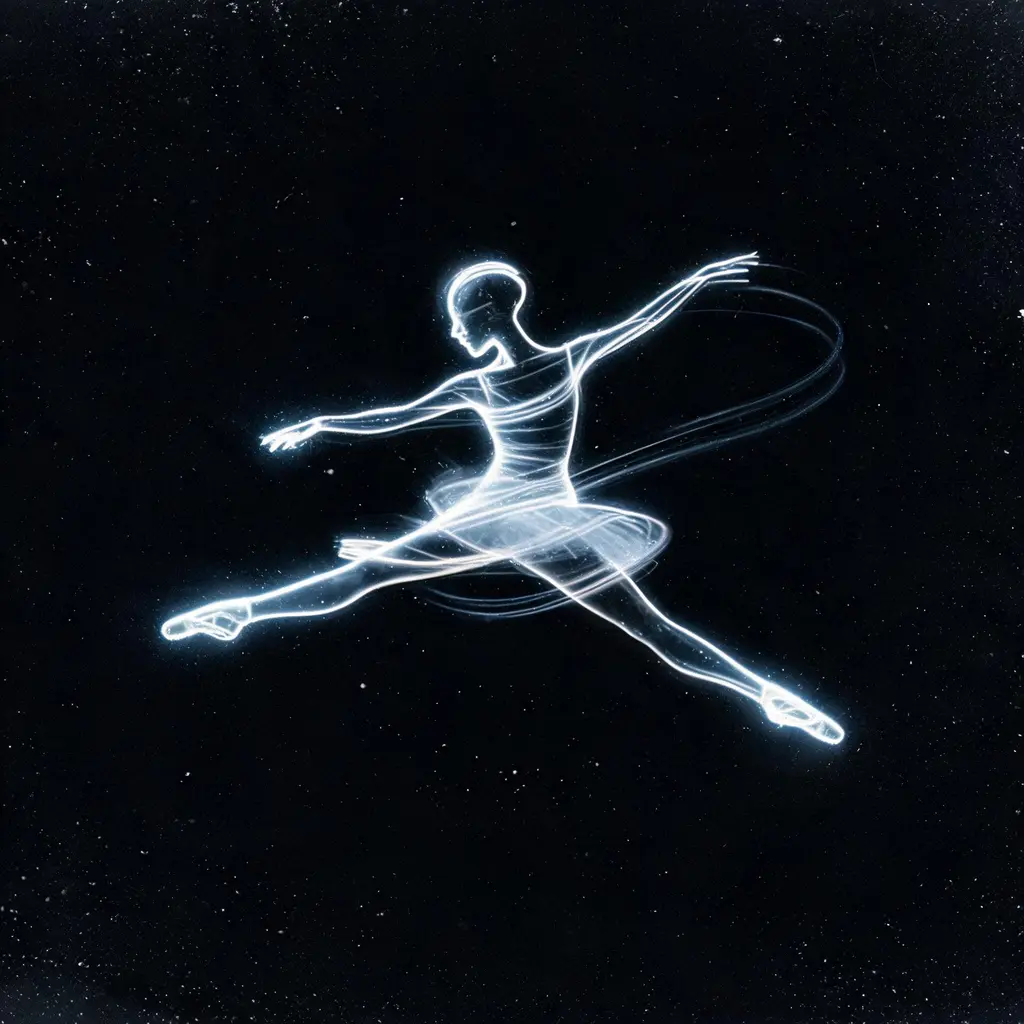
Motion trail light portrait
Turn a described movement into a fine-art chronophotography portrait — a figure woven entirely from glowing motion trails on pure darkness, finished with gelatin-silver print grain.
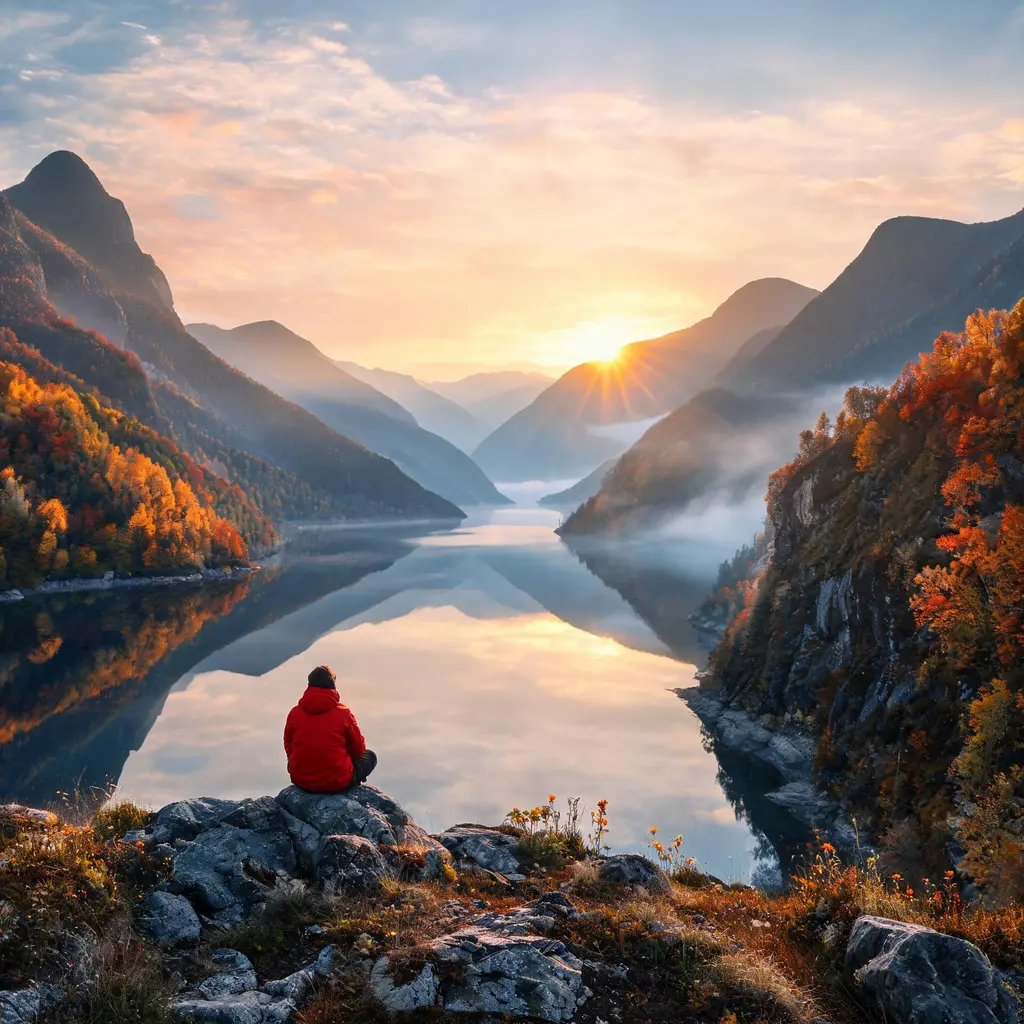
Cinematic lone-figure landscape
Turn a place and season into an ultra-real cinematic vista with mirror-still water, volumetric light, and one tiny human figure for scale, ready for wallpapers, headers, and mood boards.
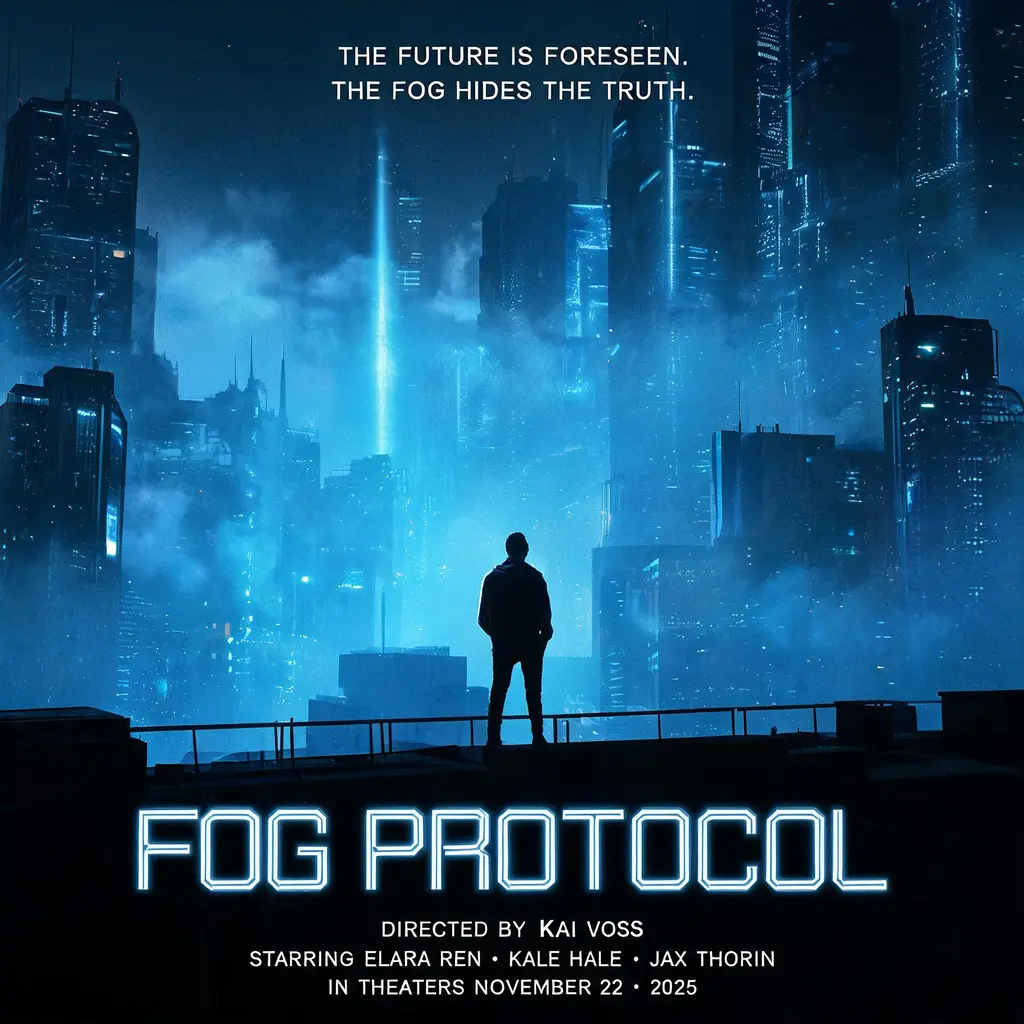
Cinematic movie poster
Turn a genre and premise into a Hollywood-grade theatrical one-sheet: dramatic key art, volumetric light, bold title treatment, tagline, and billing block, all fully invented.