Car dashboard interface
Turn a feature list or mood into a production-grade 21:9 dark-theme car infotainment screen with a navigation map, vehicle status, and climate widgets, ready for an HMI portfolio or pitch.
Updated:
Full prompt
English prompt with a suggested request. Edit the subject and details before generating. The original example input and generation settings are not fully verified.
Recommended model: GPT Image 2
First-party examples
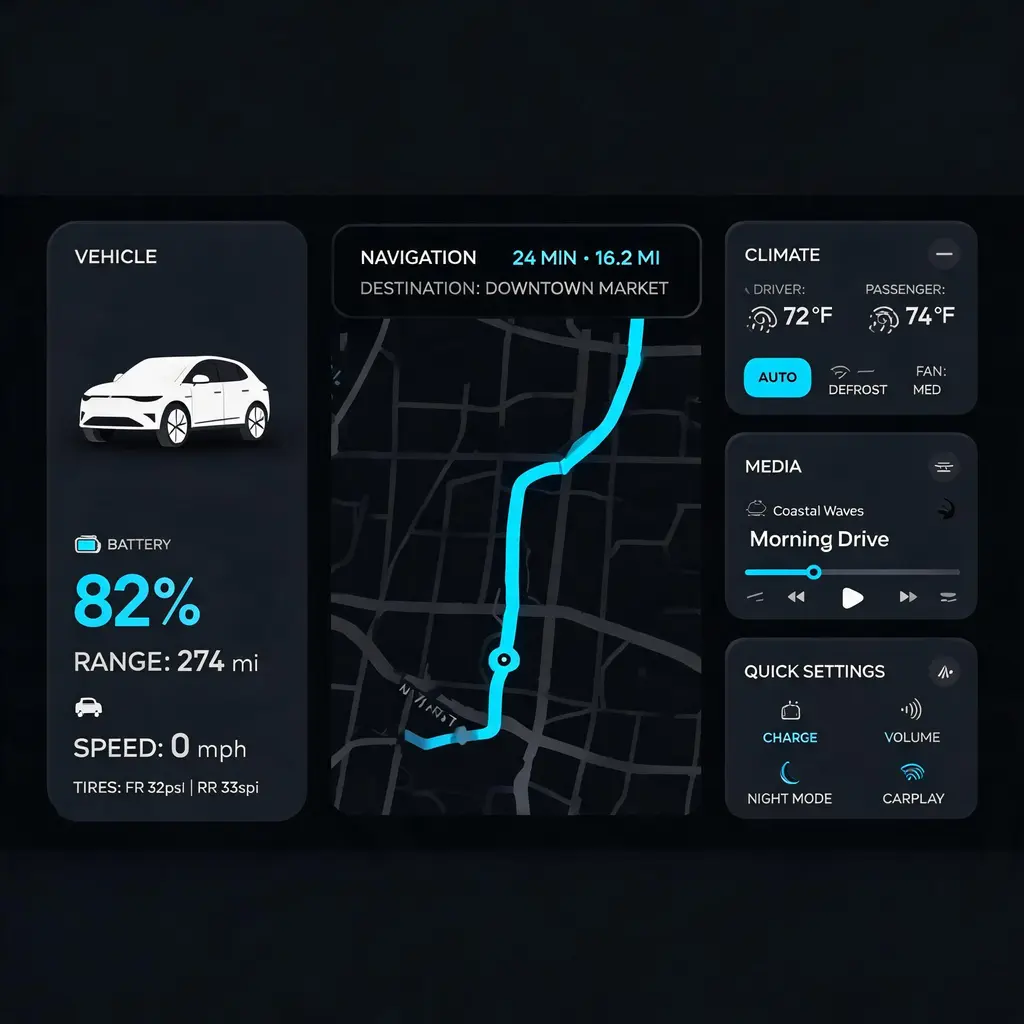
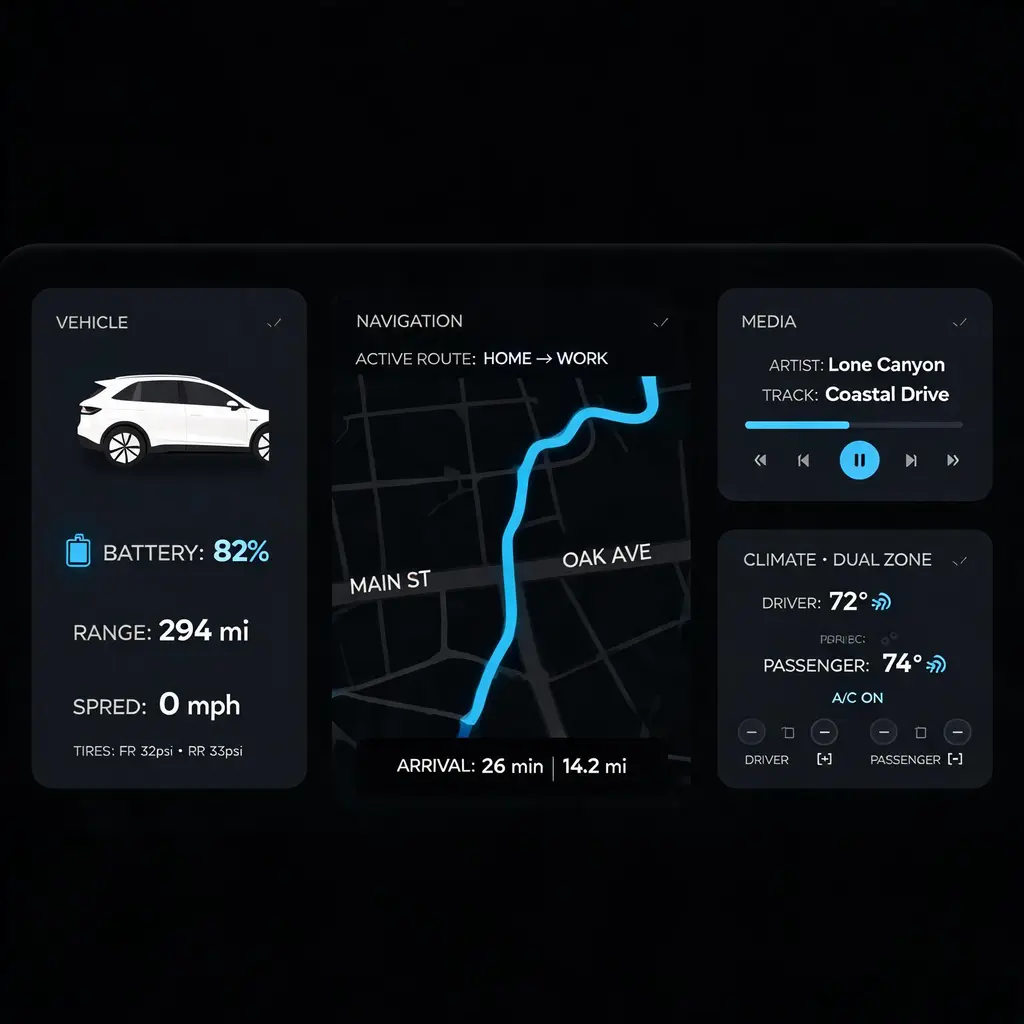
Great for
- HMI concept boards and portfolio shots for automotive UI designers
- EV startup pitch decks that need a believable in-car software screen
- Blog posts and courseware illustrating modern infotainment design patterns
Prompting tips
- Name the hero widget (map, battery, media) so the layout gives it the largest panel
- Specify an accent color in plain words — teal, amber, ice blue — to steer the highlight states
- Mention the vehicle's character (family SUV, performance coupe, minivan) to tune the tone of icons and data shown
Frequently asked questions
Yes. Ask for a light daytime theme in your request and the panels switch to bright surfaces while keeping the same layout system.
The recipe targets the 21:9 ultrawide central-control displays common in modern EVs. You can request a different ratio, such as a portrait center stack, in your prompt.
No. The design stays deliberately unbranded so you can present it as your own concept. Describe the styling cues you want instead of naming a brand.
Sources and attribution
Adapted and rewritten by OmniArt. Source attribution, changes, and usage conditions are listed below.
- 吉利银河暗黑中控界面 · @xin_pai88825
freestylefly/awesome-gpt-image-2
Repository code is MIT; its disclaimer says community content belongs to original authors/platforms and commercial reuse is not guaranteed.
Rewritten and consolidated into an OmniArt recipe archetype; template tokens removed; named people, brands, platforms, games, and film IP generalized; no raw prompt text or source image copied.
Related prompt recipes
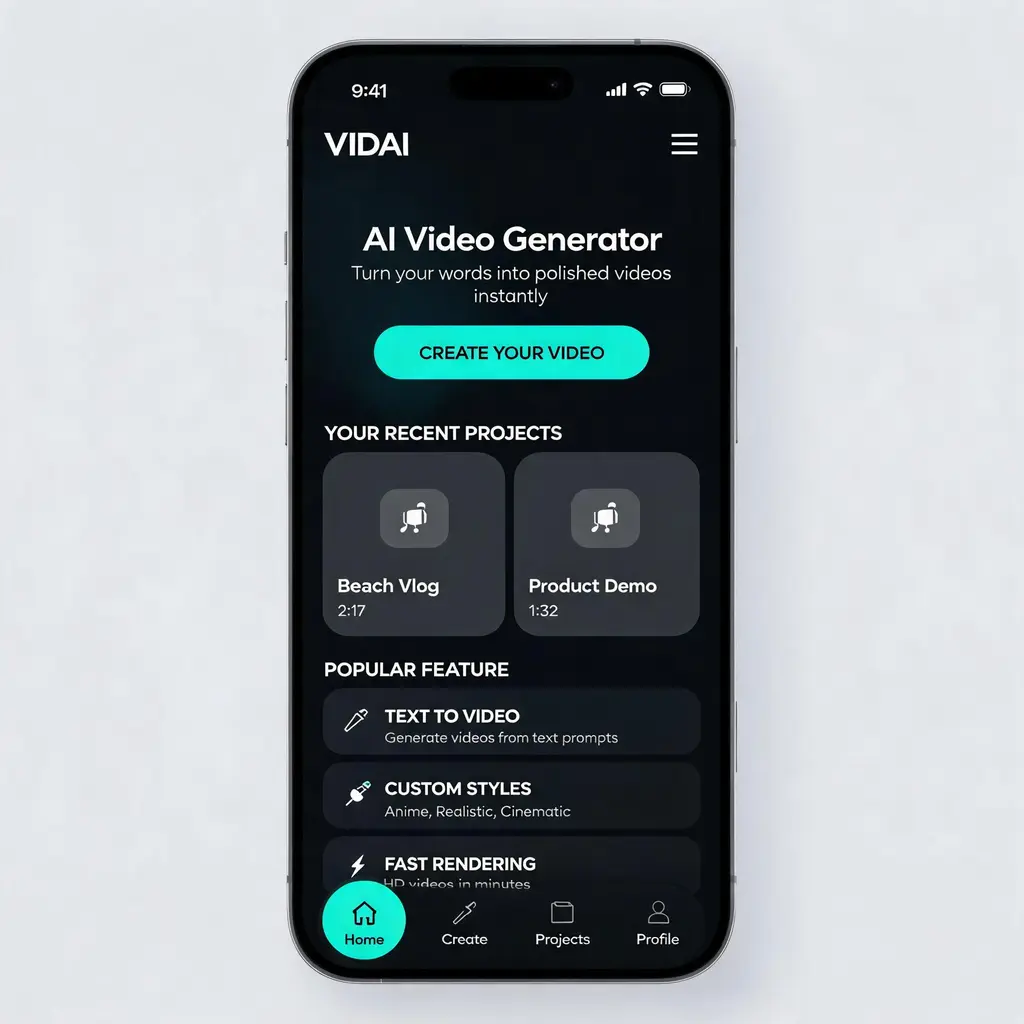
Polished app UI concept
Turn any app or website idea into a portfolio-grade, high-fidelity UI design shot — hero section, cards, and navigation in a cohesive dark or light theme, presented like a product-design concept.
Full prompt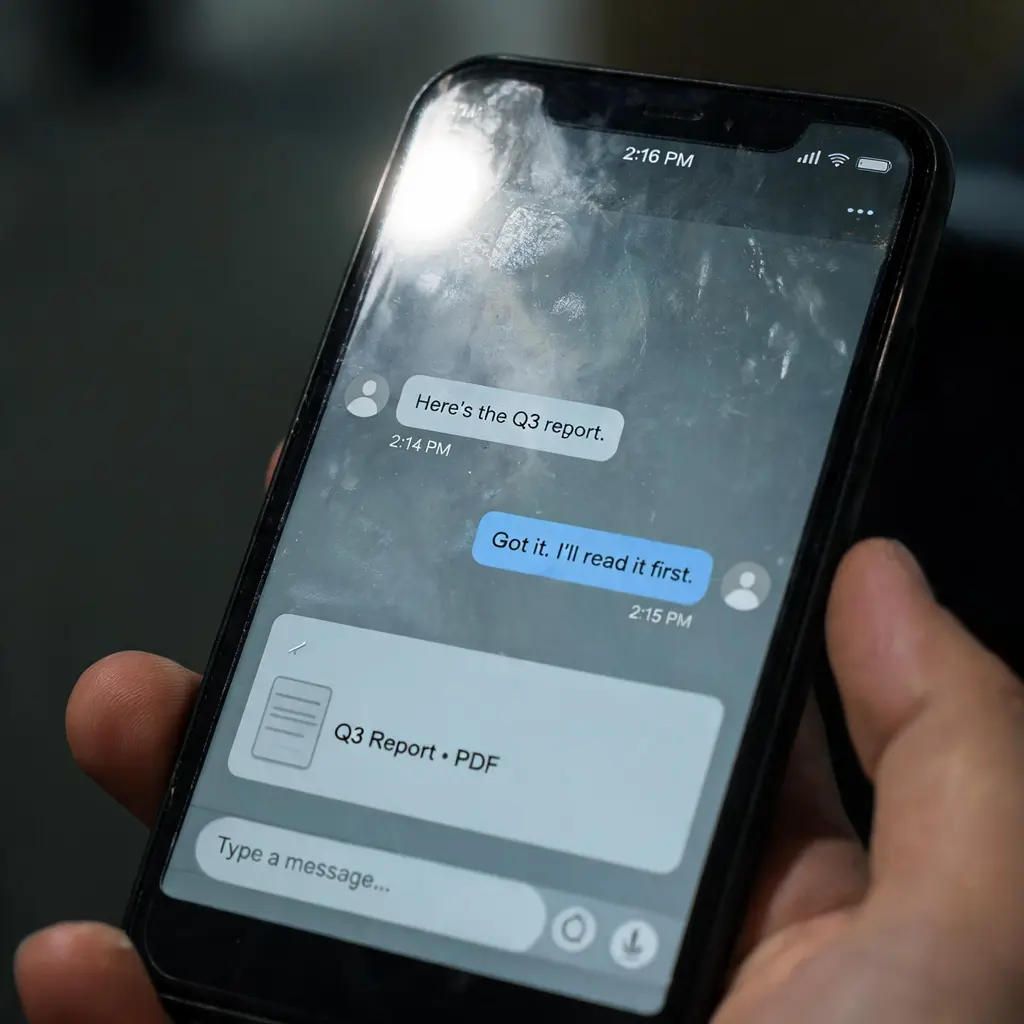
Chat screenshot photo
Turn a short dialogue into a lifelike phone photo of a messaging-app conversation, complete with fingerprints, glare, and a casually tilted handheld frame.
Full prompt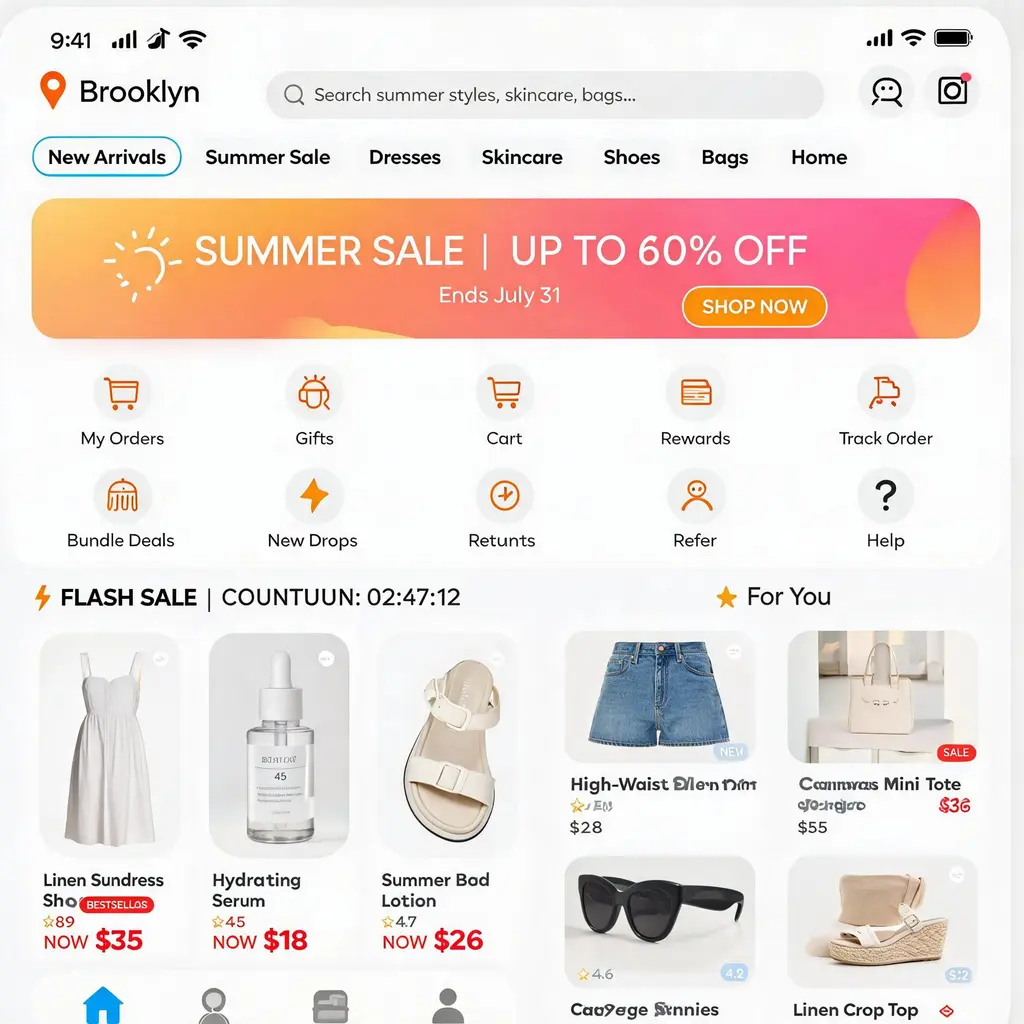
E-commerce app homepage
Turn a store or product niche into a pixel-perfect mobile shopping app homepage, with search bar, flash sale, banners and a product waterfall, ready for portfolios, pitches and UI inspiration.
Full prompt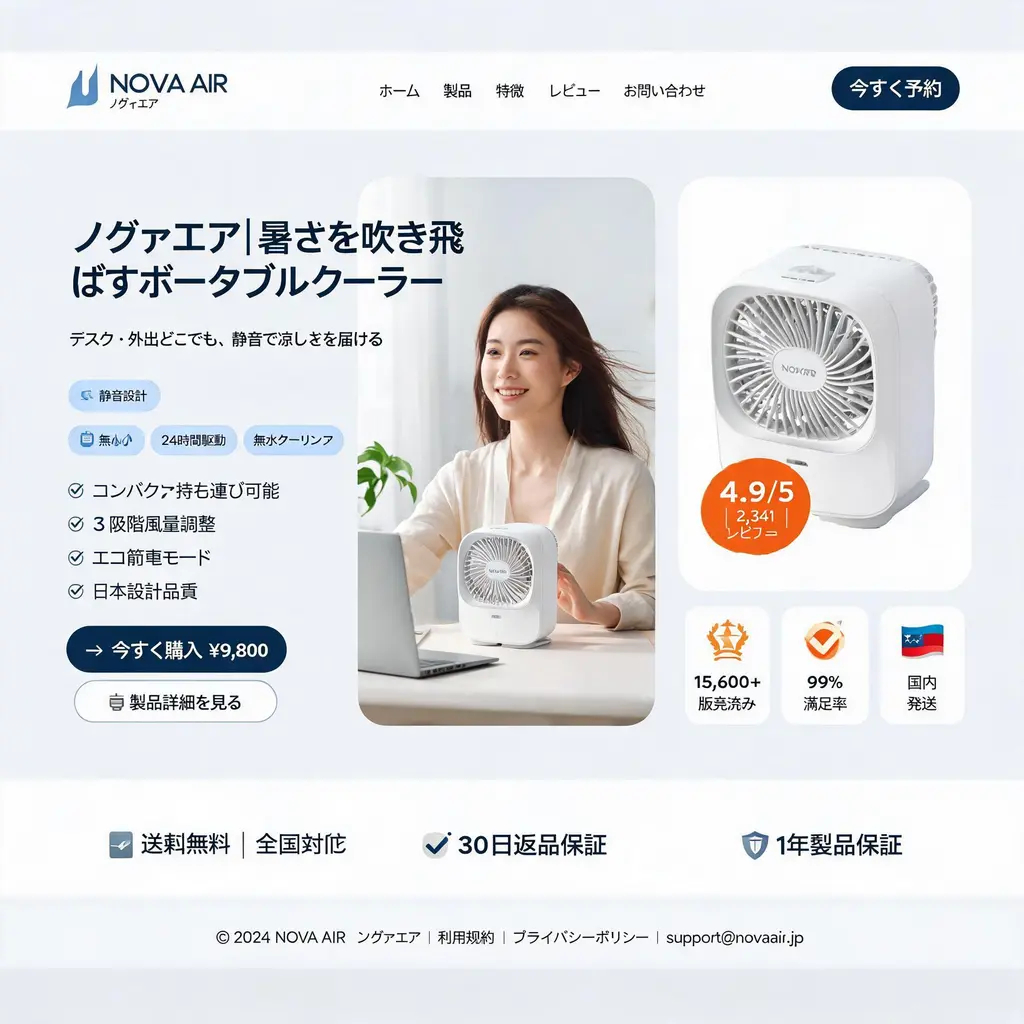
E-commerce landing page
Turn a D2C product into a pixel-clean desktop landing-page hero mockup — nav header, three-column hero with model and product shot, feature badges, and a stats trust bar in direct-response style.
Full prompt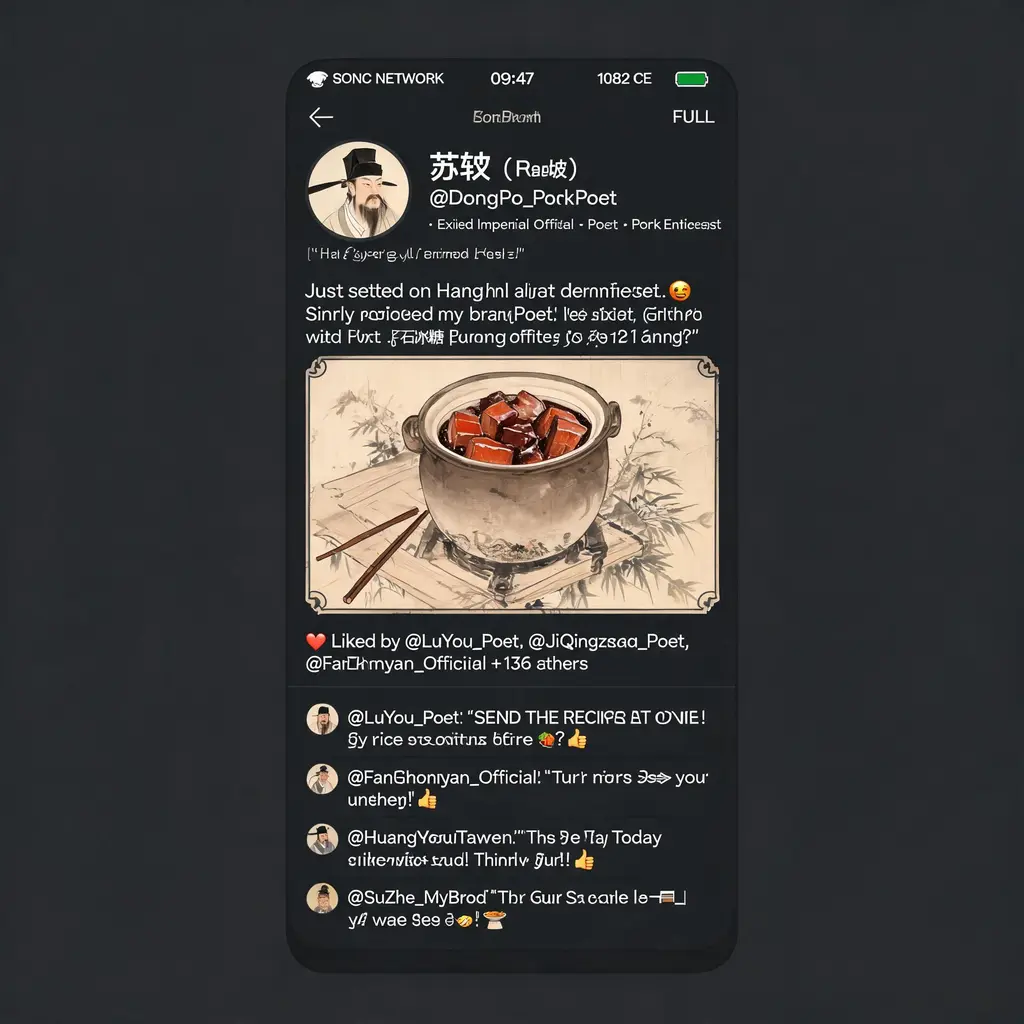
Historical social feed
Turn any historical era or figure into a witty modern social feed screenshot, with period-style portraits, in-character comments and era-themed UI, ready for sharing a laugh across the centuries.
Full prompt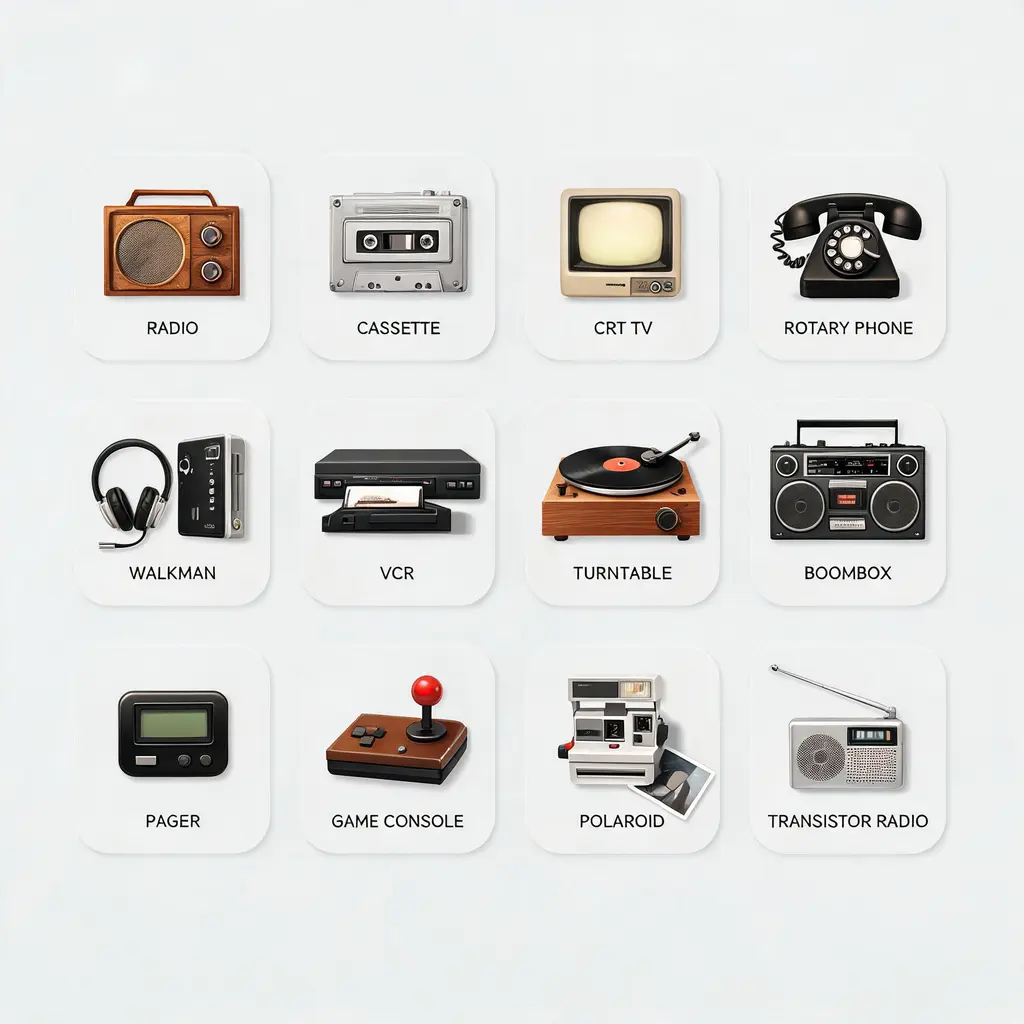
Labeled icon set
Turn a theme into a cohesive family of icons on one clean asset sheet, each tile labeled with its name and the whole set held to a single consistent style.
Full prompt