


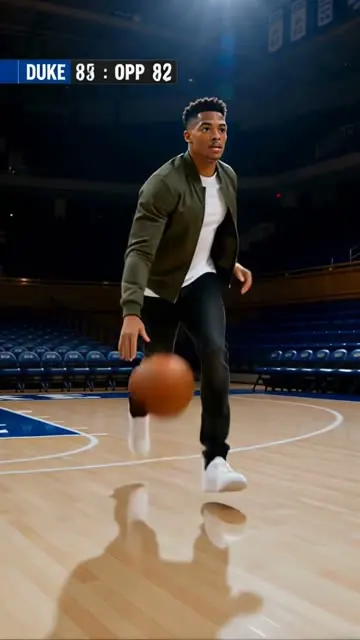
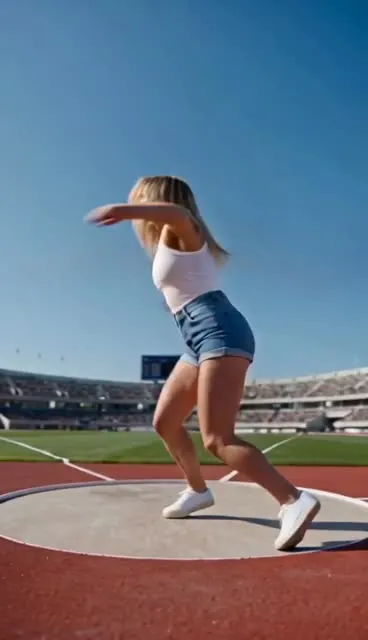
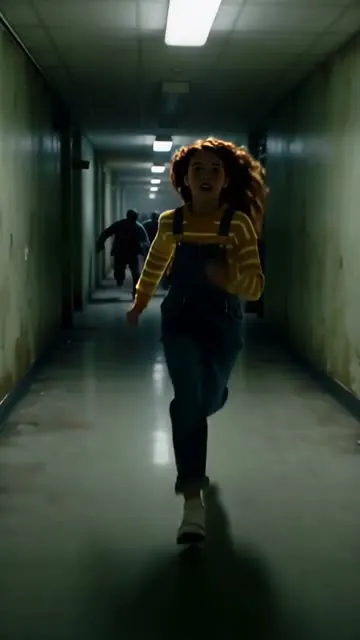
Create anything. All in one place.
Image, video, voice and music from every leading model, in one studio — take an idea from first prompt to finished piece without switching tools.
Every model. One dock.
| Model | Max resolution | Max length | From | ≈ USD |
|---|---|---|---|---|
| 1080p | 30s | 9 credits/s | $0.110/s | |
| 4K | 15s | 4 credits/s | $0.049/s | |
| 1080p | 30s | 15 credits/s | $0.184/s | |
| 4K | 15s | 12 credits/s | $0.147/s | |
| 2K (1440p) | 15s | 6 credits/s | $0.074/s | |
| 4K | 1 credit/image | $0.012/image | ||
| 4K | 3 credits/image | $0.037/image | ||
| 4K | 8 credits/image | $0.098/image |
Lowest rate per output second (video) or per image, across each family’s tiers. USD at the Creator plan rate: $49 for 4,000 credits ($0.01225 per credit).
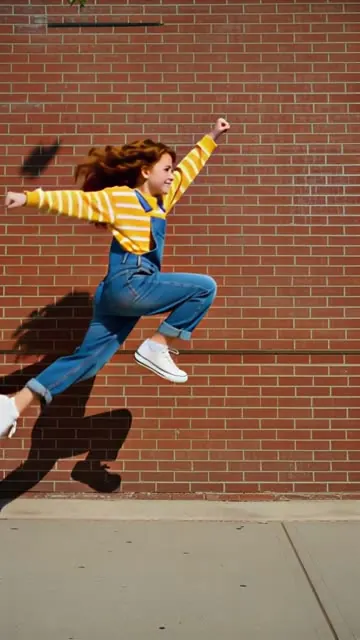
Every format. Every kind of weird.
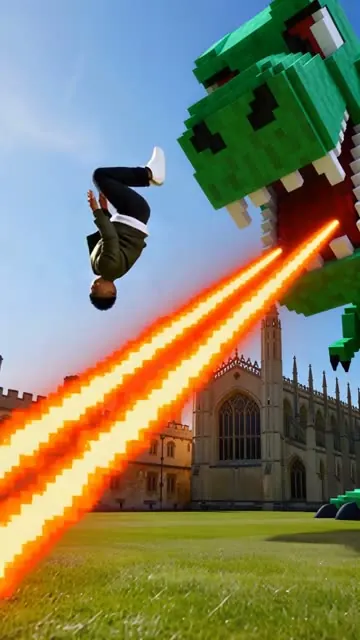
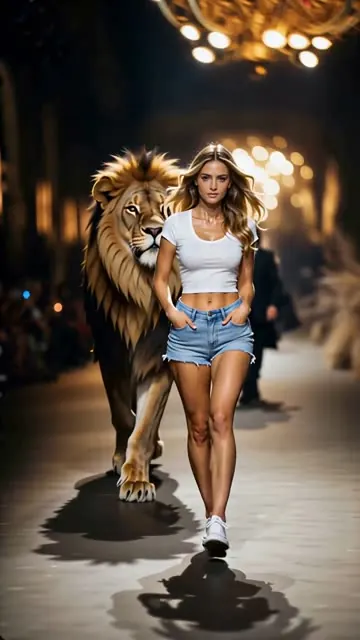
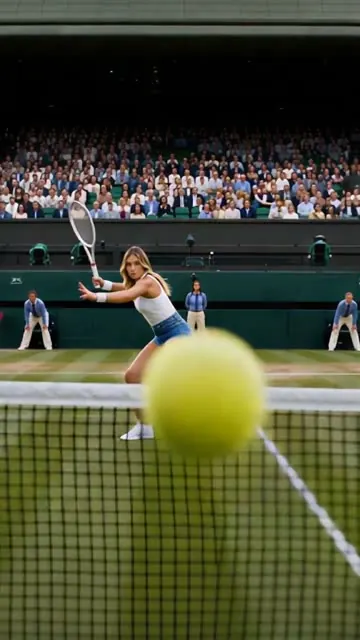
Text to video, image to video, effects, images and audio — pick the model per shot, pay per credit.
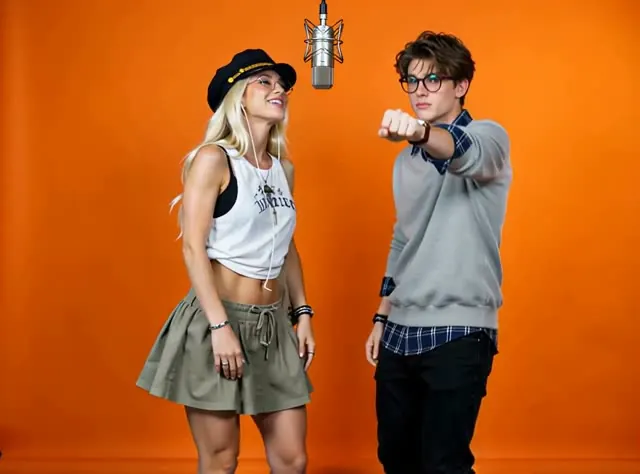
1,377 effects. One photo.
One balance. Every model.
Credits work across image, video and audio. Pick a plan, switch models per shot.
Starter
StarterFor your first serious runs
Video
≈ 300 s
Images
≈ 1,200
Parallel generations
4 images · 3 videos · 3 audio at once
No watermark
Clean exports for every image and video
Commercial use
Use your generations in client and paid work
Unlocks
- Kling 3.0
- Veo 3.1
- Nano Banana 2.1
- Seedance 2.0 Fast
- Included: Priority queue above Free
- Included: Credits refresh every month
- Included: Top up with credit packs
- Not included: Batch creation
- Not included: Highest priority queue
- Not included: Lowest cost per credit
Most popular
Creator
CreatorFor everyday creative work
Video
≈ 1,000 s
Images
≈ 4,000
Parallel generations
8 images · 6 videos · 6 audio at once
No watermark
Clean exports for every image and video
Commercial use
Use your generations in client and paid work
Everything in Starter, plus
Adds
- Seedance 2.5
- Seedance 2.0 Standard
- MiniMax H3
- Happy Horse 1.0
- Included: Higher priority queue
- Included: Batch creation
- Included: Credits refresh every month
- Included: Top up with credit packs
- Not included: Highest priority queue
- Not included: Lowest cost per credit
Ultra
UltraFor studios running at full speed
Video
≈ 2,500 s
Images
0 creditsUnlimited
Unlimited parallel generations
UnlimitedUnlimited parallel image, video and audio tasks
No watermark
Clean exports for every image and video
Commercial use
Use your generations in client and paid work
Everything in Creator, plus
Unlocks all models, plus unlimited images with
- Nano Banana 2.1
- GPT Image 2.5
- Seedream 5.0 Pro
- Included: Highest priority queue
- Included: Batch creation
- Included: Credits refresh every month
- Included: Top up with credit packs
- Included: Lowest cost per credit40% cheaper
Before your first shot.
Kling, Veo, Seedance, PixVerse, MiniMax, Nano Banana, GPT Image, Seedream, ElevenLabs and more — switch per generation from the same dock.
Every generation shows its credit cost before you press Generate. Credits are shared across image, video and audio.
Yes. Upload a reference image to edit it, or animate it with an image-to-video model.
Yes, subject to each model provider’s terms. Your creations stay in your private gallery.
No. OmniArt runs in the browser on desktop and mobile.