Chat screenshot photo
Turn a short dialogue into a lifelike phone photo of a messaging-app conversation, complete with fingerprints, glare, and a casually tilted handheld frame.
Updated:
Full prompt
English prompt with a suggested request. Edit the subject and details before generating. The original example input and generation settings are not fully verified.
Recommended model: GPT Image 2
First-party examples
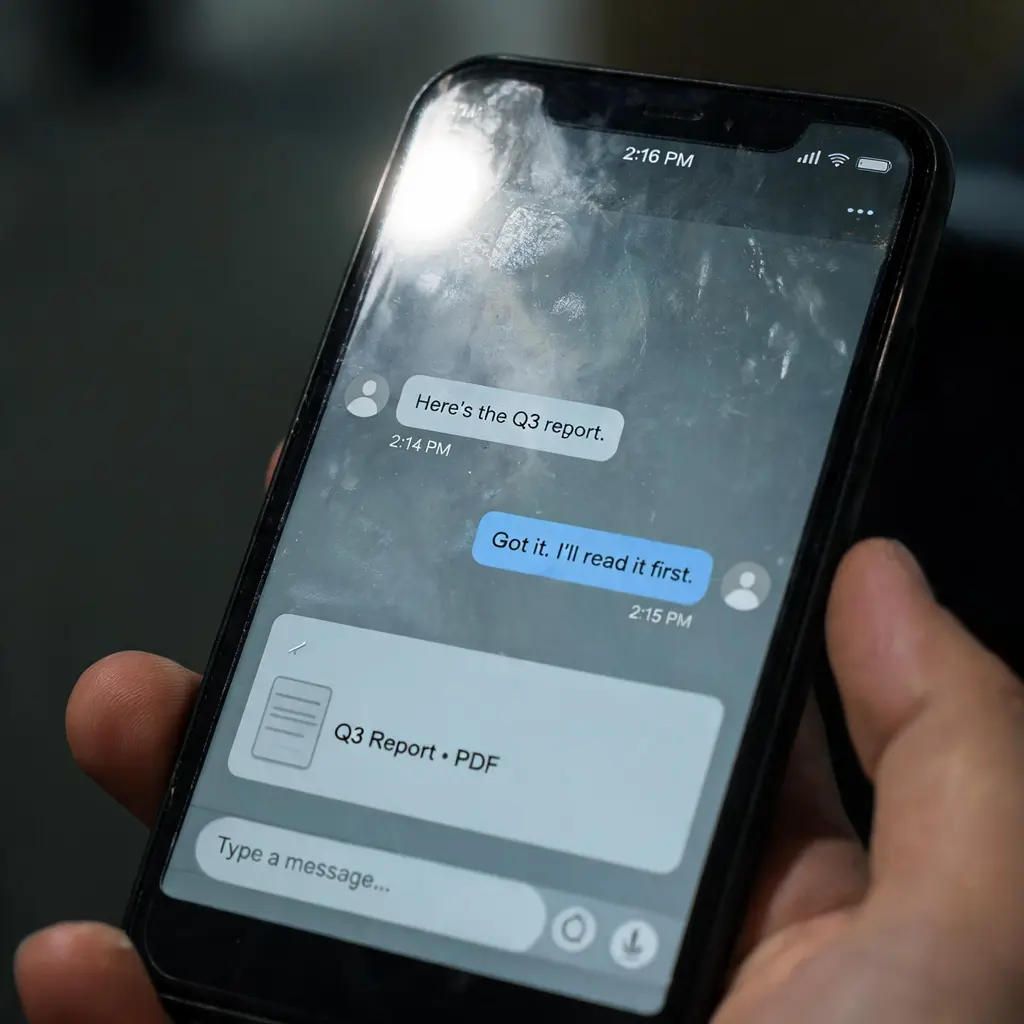
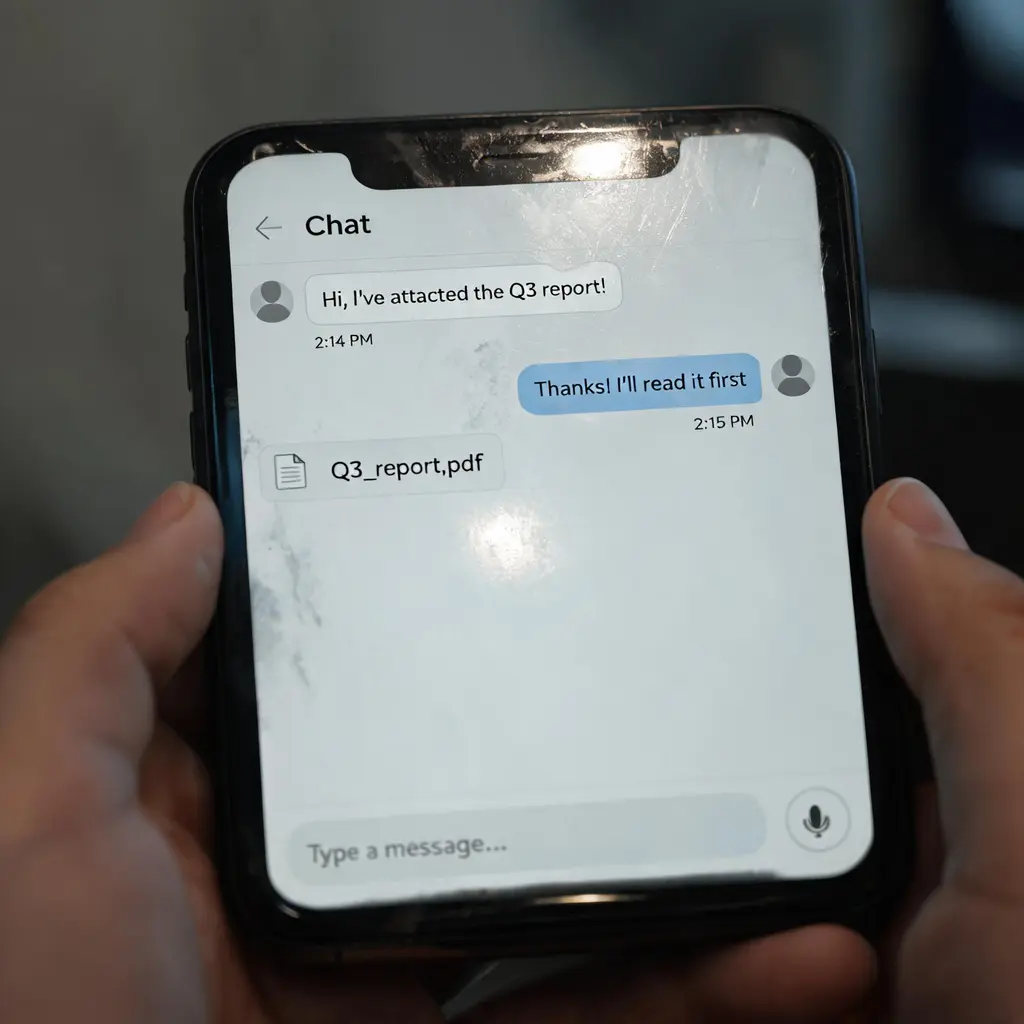
Great for
- Story and skit illustrations where a text conversation drives the plot
- Meme and social content built around a funny or awkward chat exchange
- Editorial imagery about workplace communication, scams, or messaging culture
Prompting tips
- Script the actual messages — two to six short lines works best — and say who sends which
- State the language of the conversation so bubbles and the keyboard area match it
- Mention props or setting, like the phone lying on a desk at night, to shape the photo around the screen
Frequently asked questions
Yes. Mention the attachment in your request — a document card, a voice note, or an image thumbnail — and it will appear as a bubble in the thread.
No. The interface is a generic modern messenger by design. You can steer the bubble accent color, but real app branding is deliberately avoided.
Yes. Ask for a clean screen and soft lighting, and the fingerprints, scratches, and harsh glare will be toned down while keeping the handheld realism.
Sources and attribution
Adapted and rewritten by OmniArt. Source attribution, changes, and usage conditions are listed below.
- WeChat Chat Interface Smartphone Photo
ZeroLu/awesome-gpt-image
README states CC BY 4.0 while the current LICENSE is MIT; attribution and the umbrella MIT notice are retained in THIRD_PARTY_NOTICES.md.
Rewritten and consolidated into an OmniArt recipe archetype; template tokens removed; named people, brands, platforms, games, and film IP generalized; no raw prompt text or source image copied.
Related prompt recipes
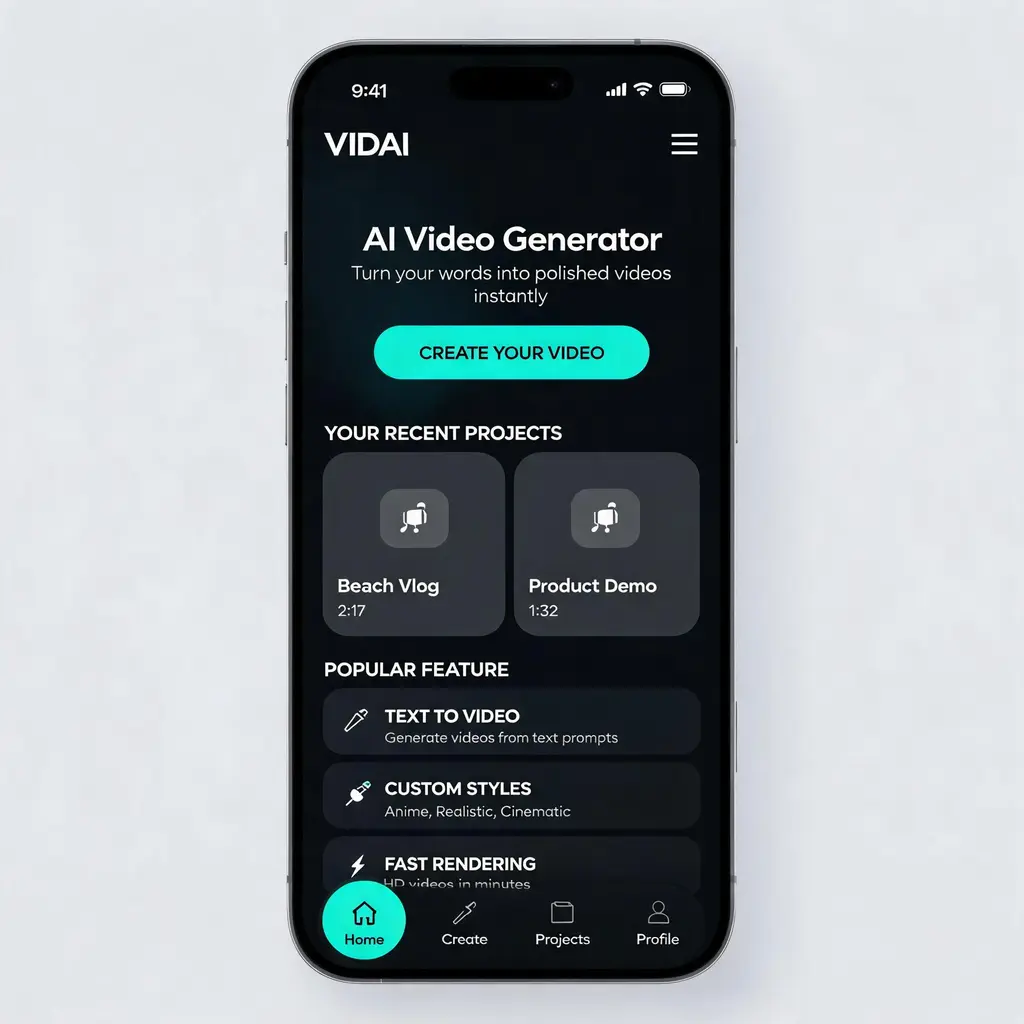
Polished app UI concept
Turn any app or website idea into a portfolio-grade, high-fidelity UI design shot — hero section, cards, and navigation in a cohesive dark or light theme, presented like a product-design concept.
Full prompt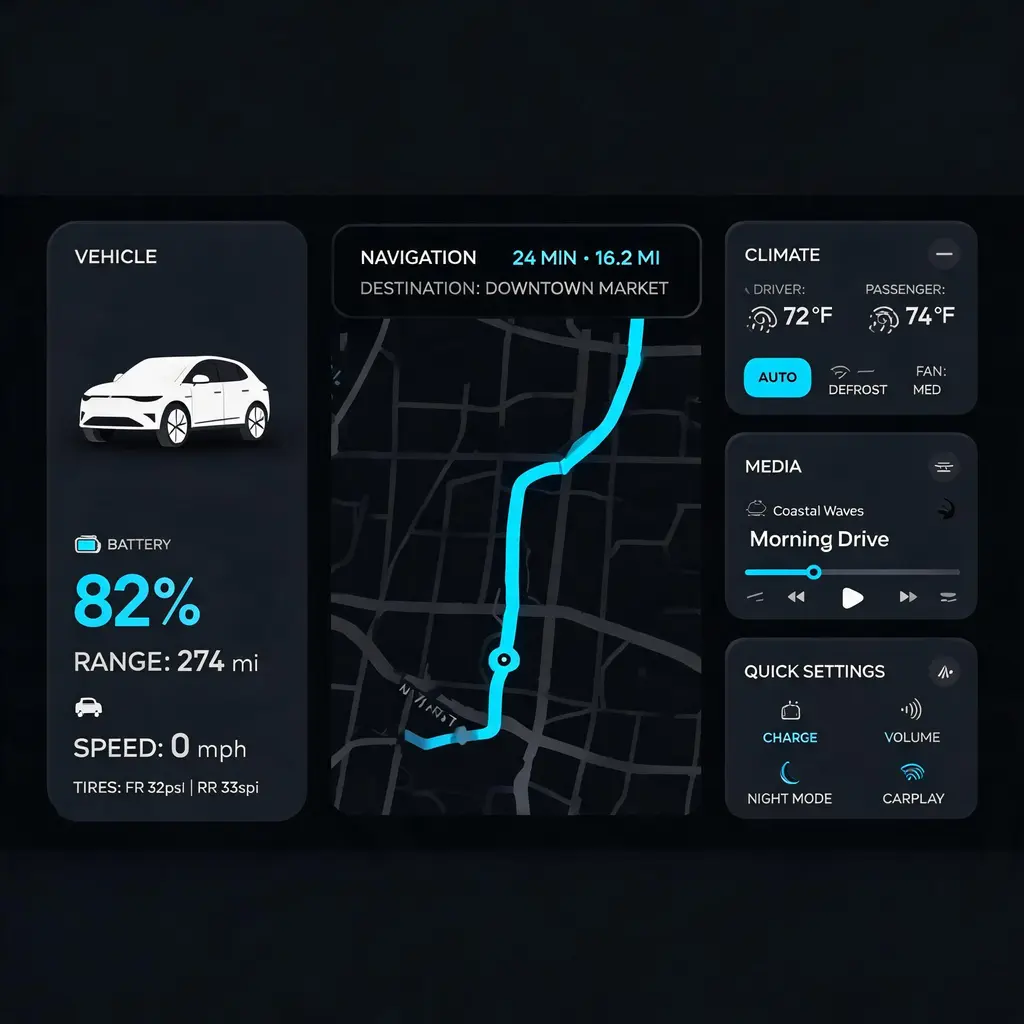
Car dashboard interface
Turn a feature list or mood into a production-grade 21:9 dark-theme car infotainment screen with a navigation map, vehicle status, and climate widgets, ready for an HMI portfolio or pitch.
Full prompt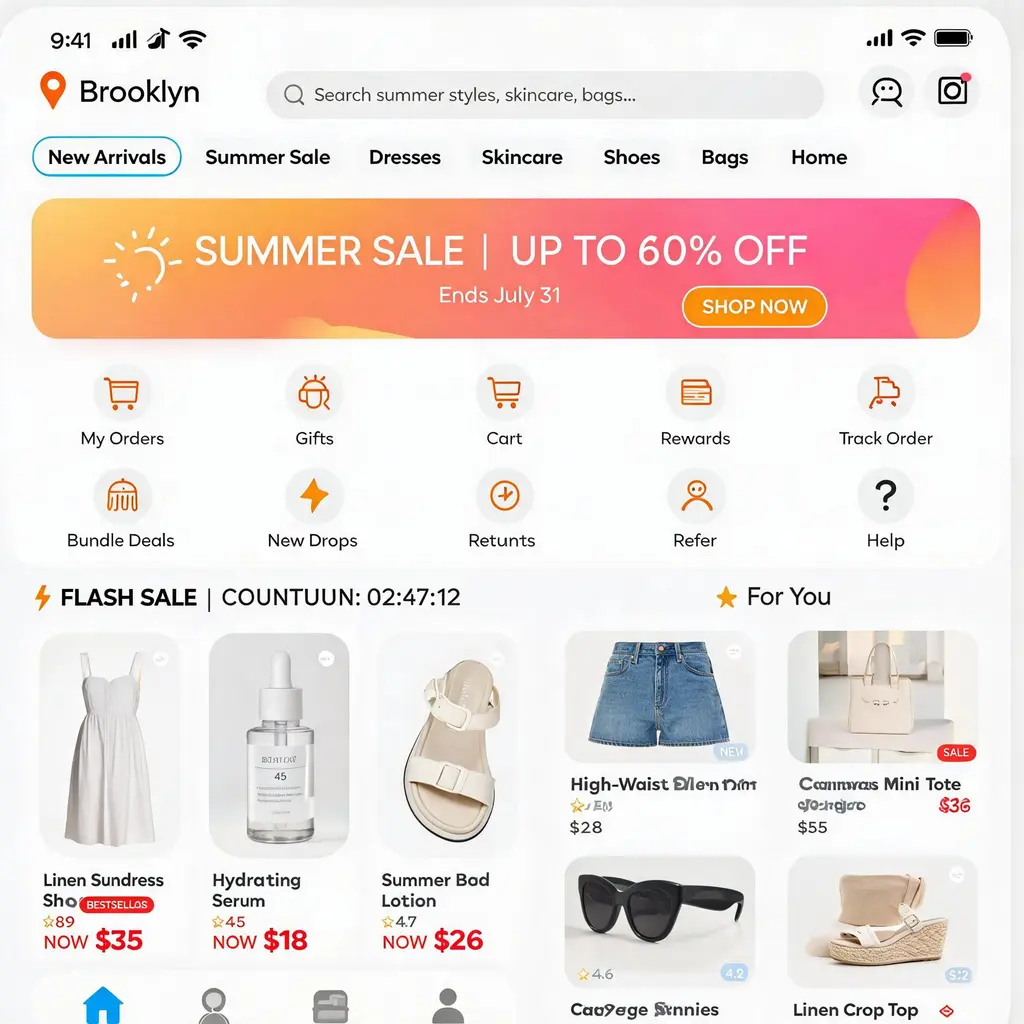
E-commerce app homepage
Turn a store or product niche into a pixel-perfect mobile shopping app homepage, with search bar, flash sale, banners and a product waterfall, ready for portfolios, pitches and UI inspiration.
Full prompt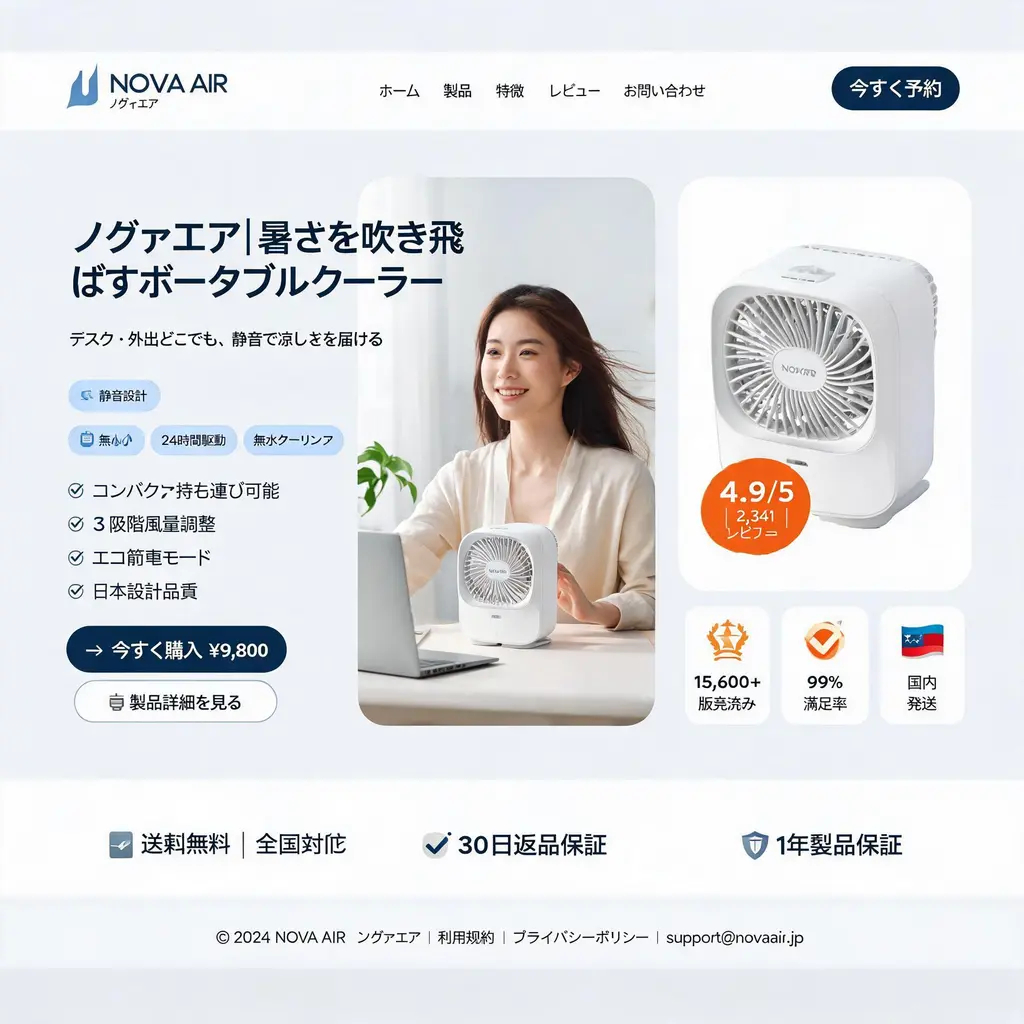
E-commerce landing page
Turn a D2C product into a pixel-clean desktop landing-page hero mockup — nav header, three-column hero with model and product shot, feature badges, and a stats trust bar in direct-response style.
Full prompt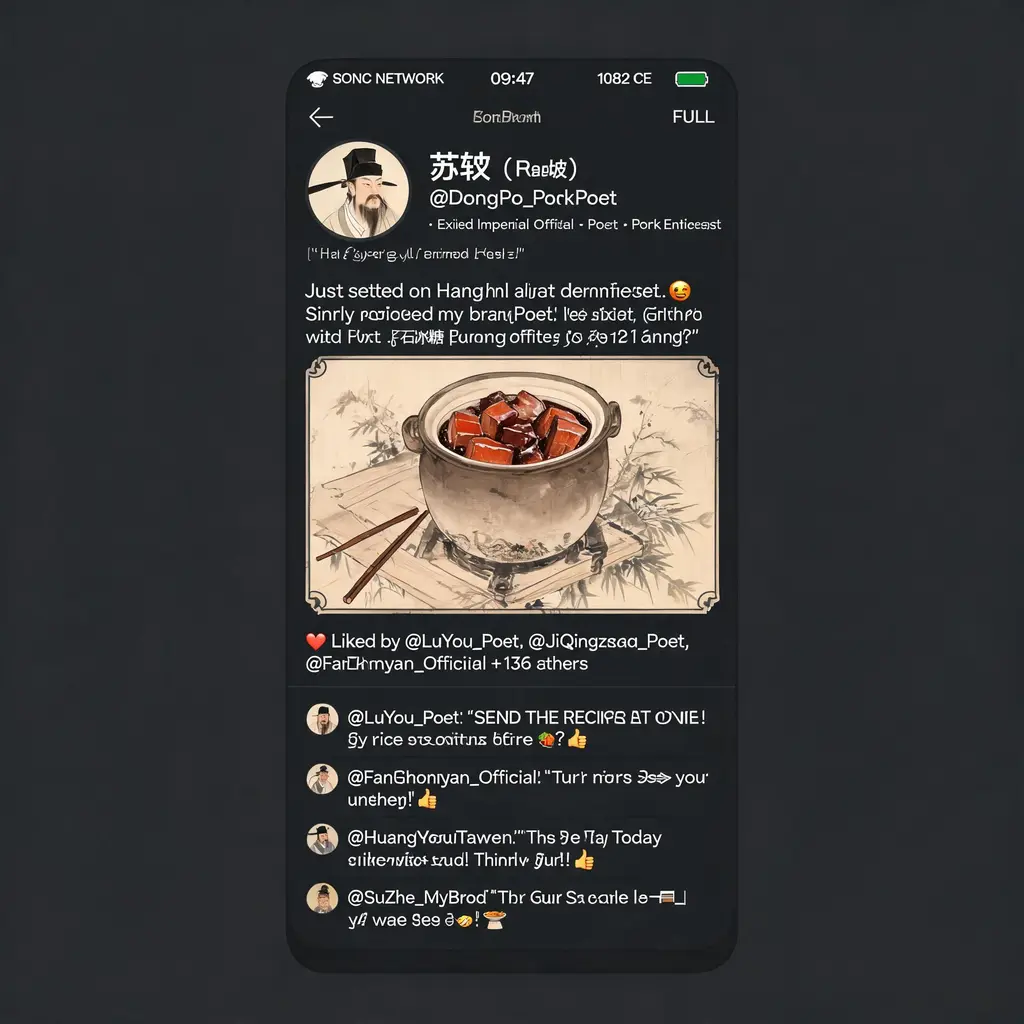
Historical social feed
Turn any historical era or figure into a witty modern social feed screenshot, with period-style portraits, in-character comments and era-themed UI, ready for sharing a laugh across the centuries.
Full prompt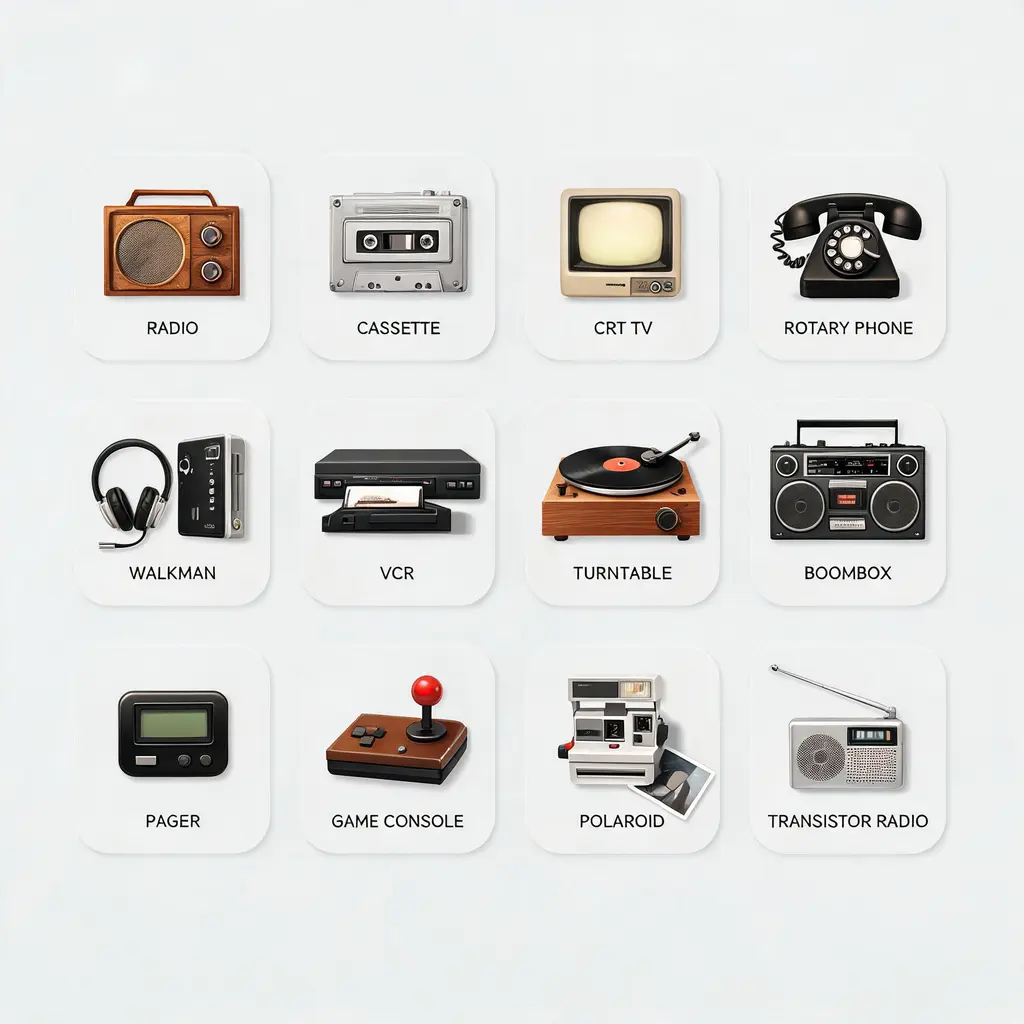
Labeled icon set
Turn a theme into a cohesive family of icons on one clean asset sheet, each tile labeled with its name and the whole set held to a single consistent style.
Full prompt