Articles & tips
Short, useful notes for improving everyday AI image and video production.
Industry7 min read
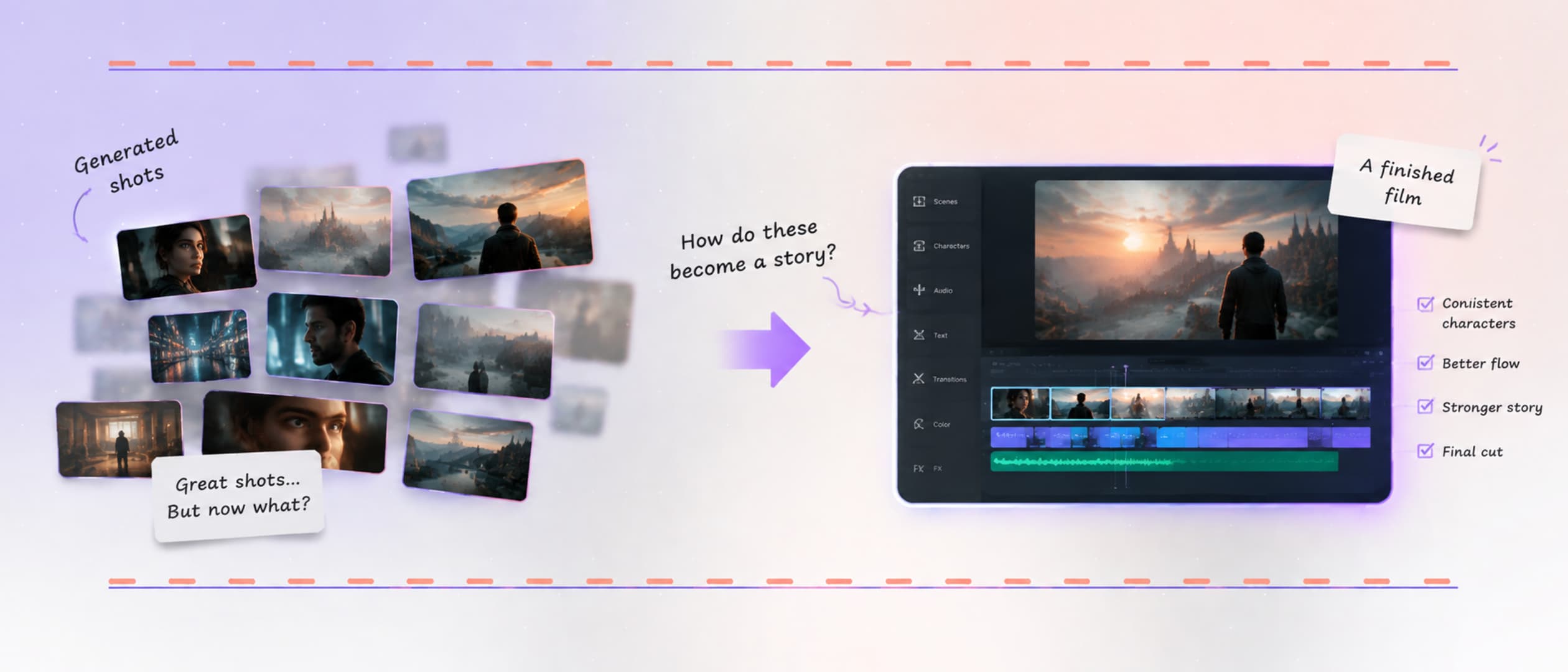
The AI Filmmaker's Biggest Challenge Starts After Generation
AI can generate shots quickly, but filmmakers still need to shape them into coherent stories with consistent characters, visual rules, pacing, and intent.
Industry7 min read
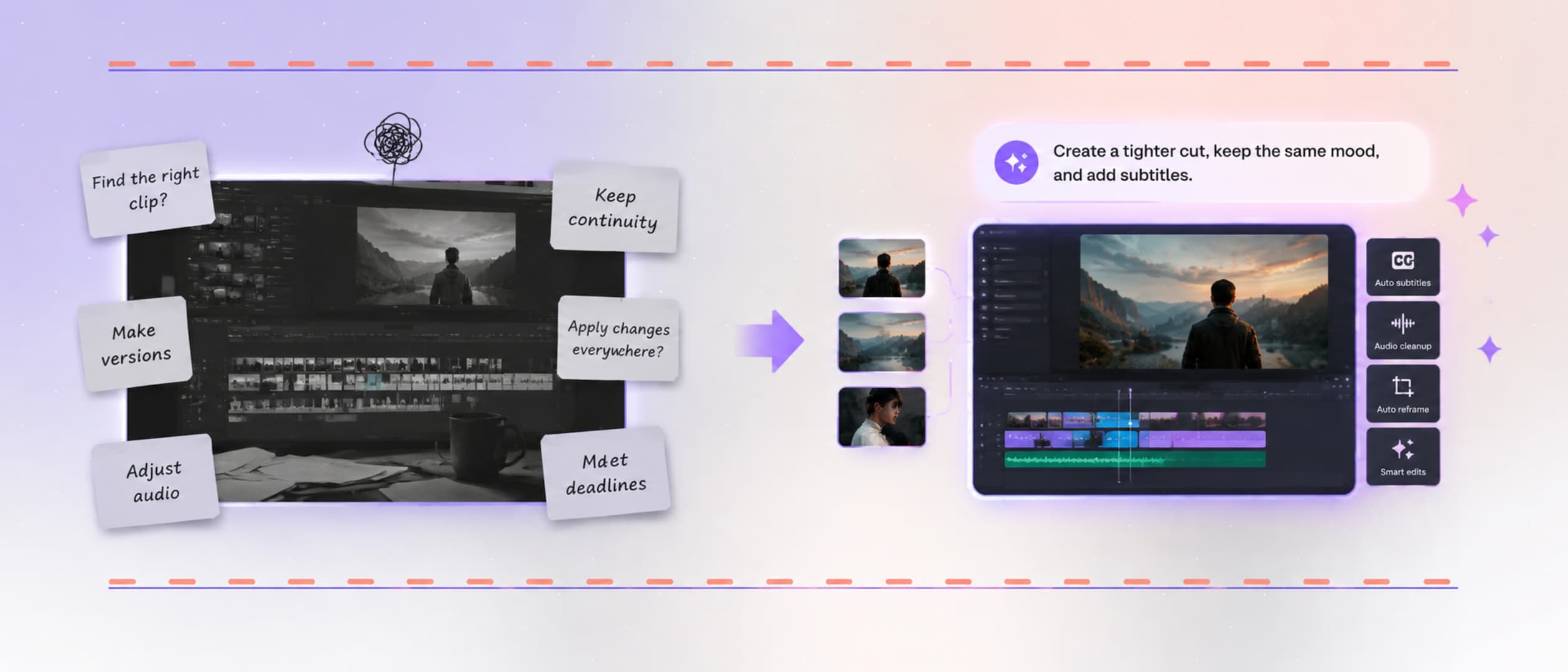
How AI Is Solving the Biggest Challenges in Manual Video Editing
AI is changing manual video editing by carrying project context, handling repetitive work, and helping creators protect story, continuity, and creative control.
Tips11 min read
7 AI video prompt fixes when your clip comes out wrong
AI video troubleshooting by symptom, with seven AI video prompt fixes for warped faces, ignored actions, scene drift, garbled text, jitter, and lip-sync misses.
Guide5 min read
Stop writing shot lists: a better way to prompt Seedance
Numbered shot lists make Seedance video feel stiff. Learn to convert a shot list into a story-driven Vibe Creating prompt, with a before-and-after example.