Personal color analysis
Turn a portrait into a diagram-first personal color chart that shows which clothing colors flatter you and which to skip, laid out like a stylist's board with minimal text.
Updated:
Full prompt
English prompt with a suggested request. Edit the subject and details before generating. The original example input and generation settings are not fully verified.
Recommended model: GPT Image 2
First-party examples
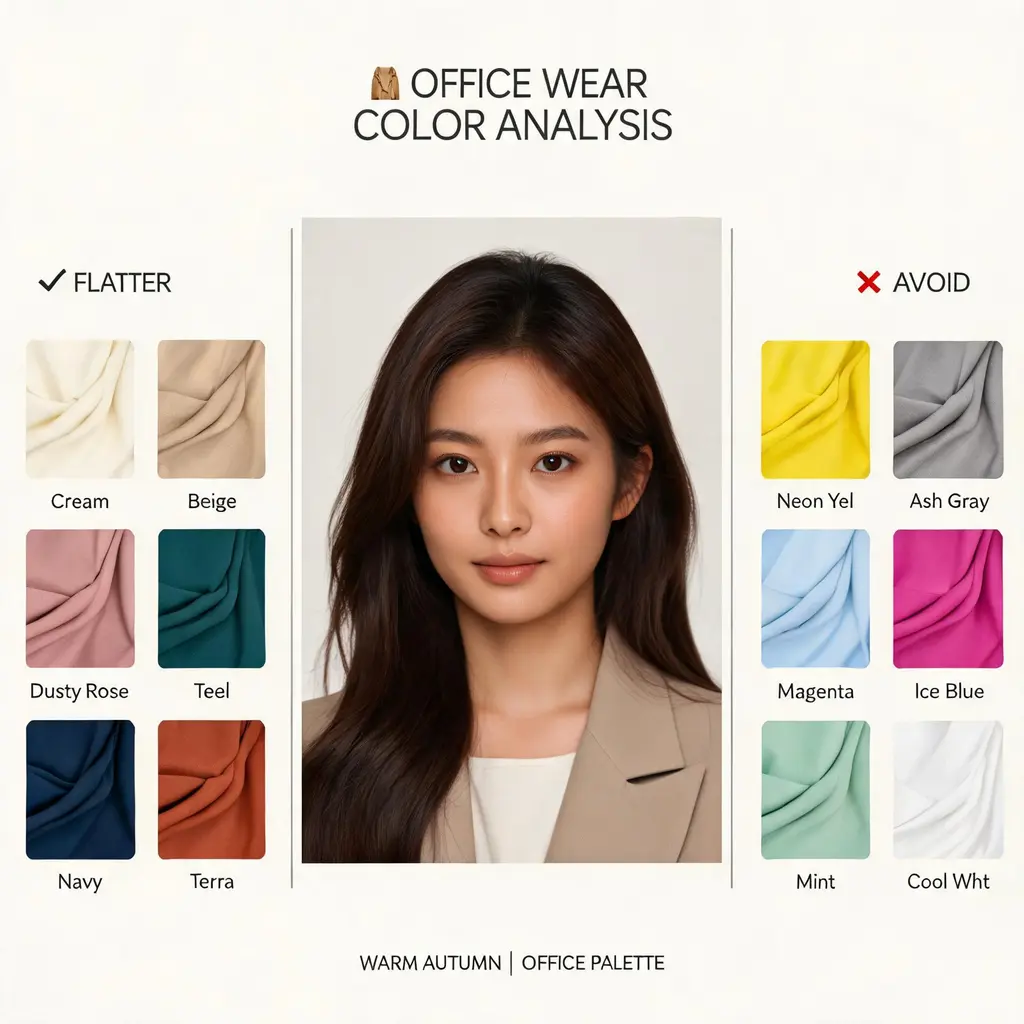
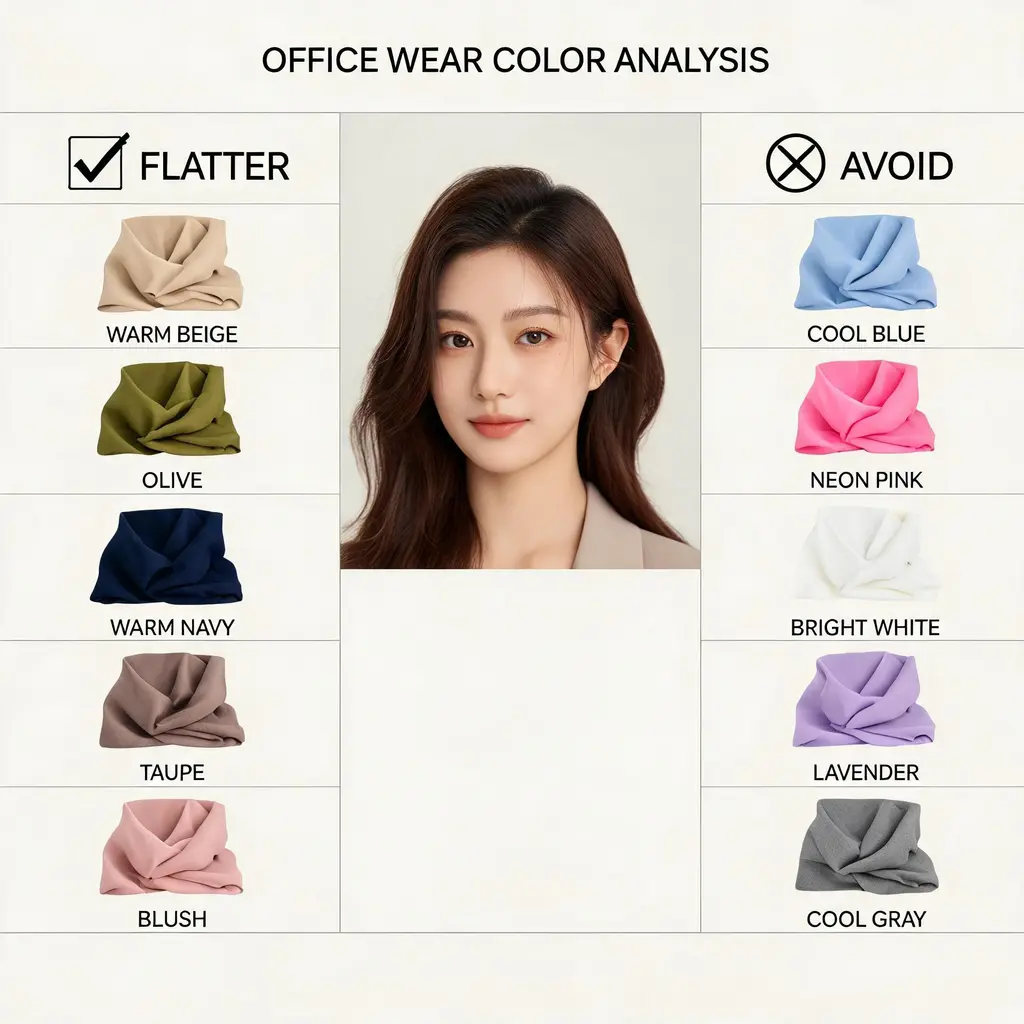
Great for
- A quick visual color consultation before a wardrobe refresh
- Fun before-you-shop content for style feeds and fashion posts
- Reference boards for stylists pitching palettes to clients
Prompting tips
- Upload a sharp, front-facing photo in neutral light without a strong color cast
- Say what the palette is for — office wear, dates, casual weekends — to focus the picks
- If you already suspect your season, name it (like soft autumn) and ask it to confirm or challenge
Frequently asked questions
It works best with a clear portrait so the analysis reacts to your actual coloring. Without one, it renders a described model as a generic demonstration chart.
The recipe instructs the model to preserve your identity and features faithfully. A sharp, well-lit photo gives the most accurate likeness.
No. It is a visual approximation for fun and inspiration. For high-stakes decisions, treat it as a starting point rather than a certified stylist consultation.
Sources and attribution
Adapted and rewritten by OmniArt. Source attribution, changes, and usage conditions are listed below.
- Personal Color Analysis Diagram
ZeroLu/awesome-gpt-image
README states CC BY 4.0 while the current LICENSE is MIT; attribution and the umbrella MIT notice are retained in THIRD_PARTY_NOTICES.md.
Rewritten and consolidated into an OmniArt recipe archetype; template tokens removed; named people, brands, platforms, games, and film IP generalized; no raw prompt text or source image copied.
Related prompt recipes
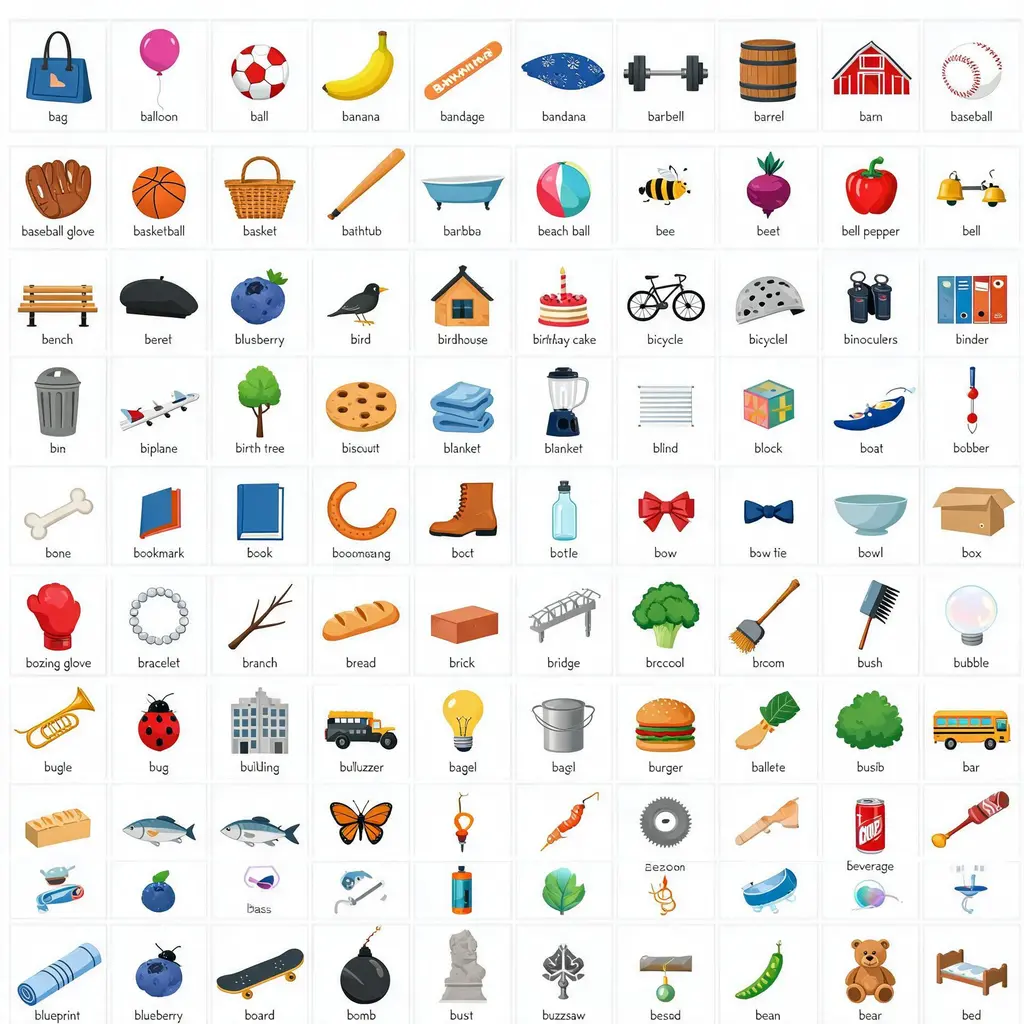
Alphabet object grid
Turn a single letter or naming rule into a tidy 10×10 grid of 100 labeled illustrated objects on white, ready for classroom posters and vocabulary visuals.
Full prompt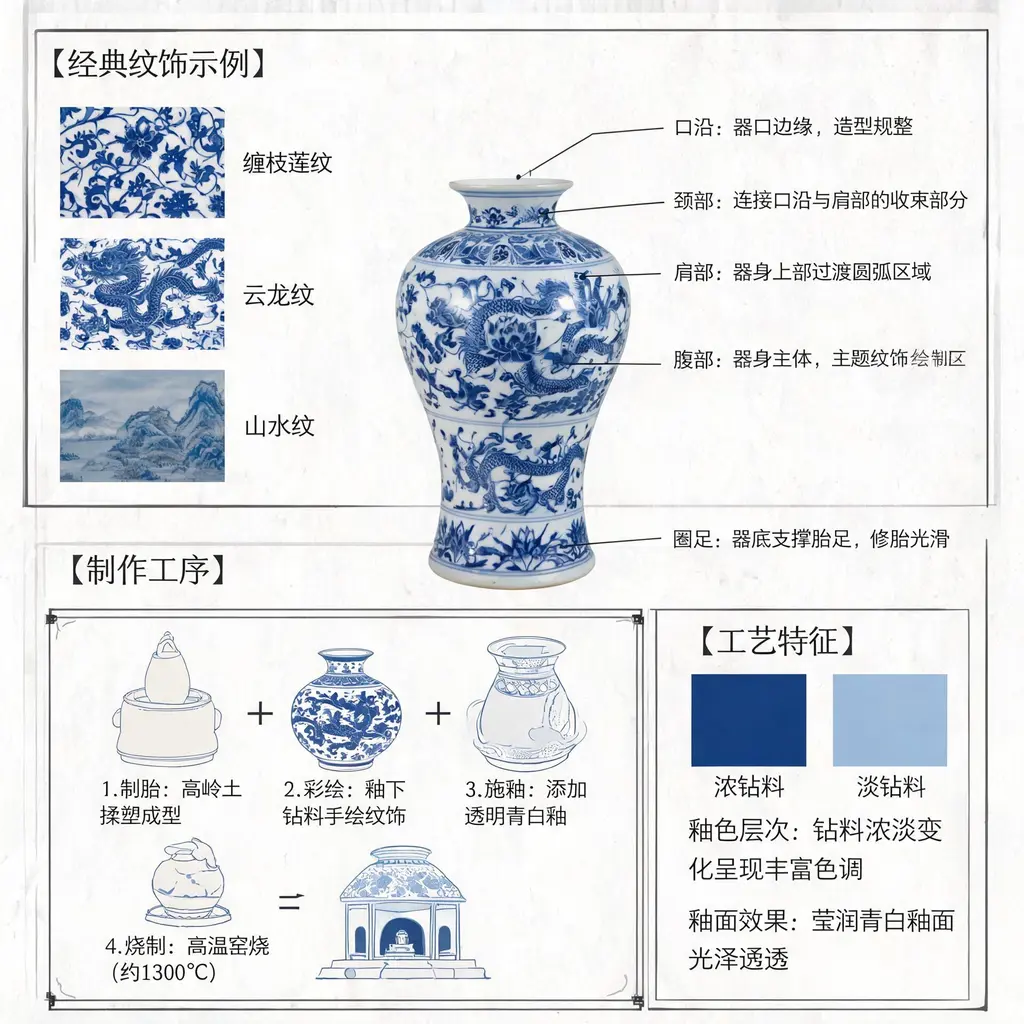
Blue-and-white porcelain diagram
Turn Jingdezhen blue-and-white porcelain into a museum-grade annotated diagram with structural lead lines, motif close-ups, and scholarly Chinese notes on the craft.
Full prompt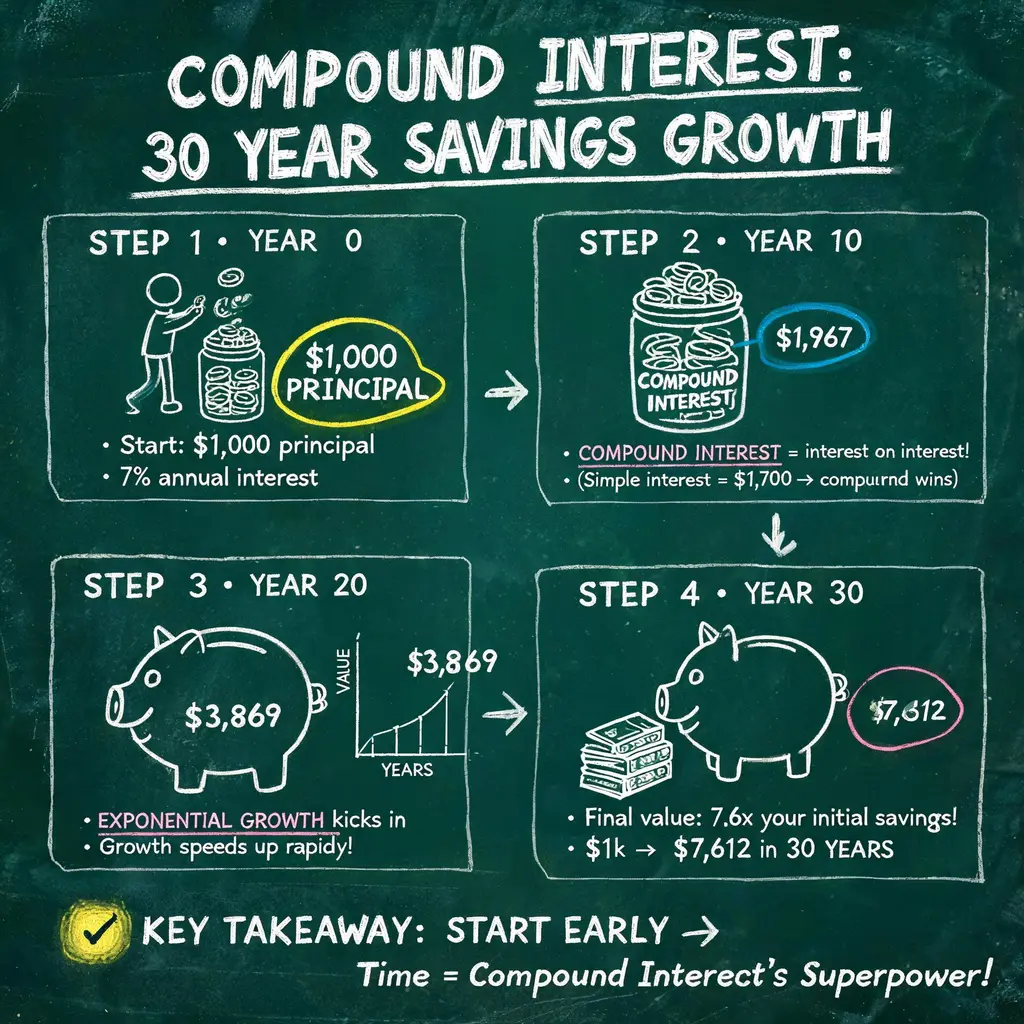
Chalkboard explainer
Turn any topic or article into a hand-drawn chalkboard lecture board packed with chalk diagrams, arrows, and lettering, ready to share as a one-image summary.
Full prompt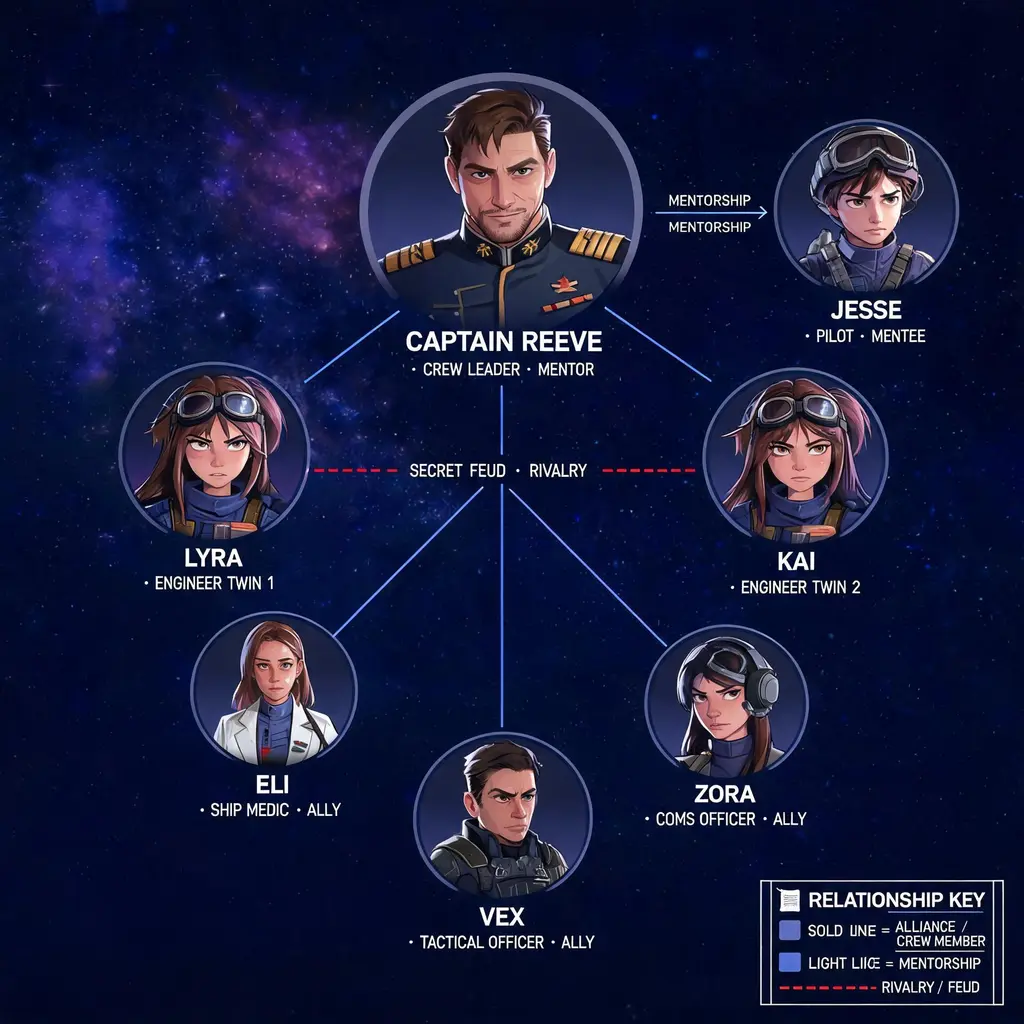
Character relationship map
Turn a cast of characters into a poster-grade relationship map with color-coded connections, portrait vignettes, and a visual style drawn from the story's own world.
Full prompt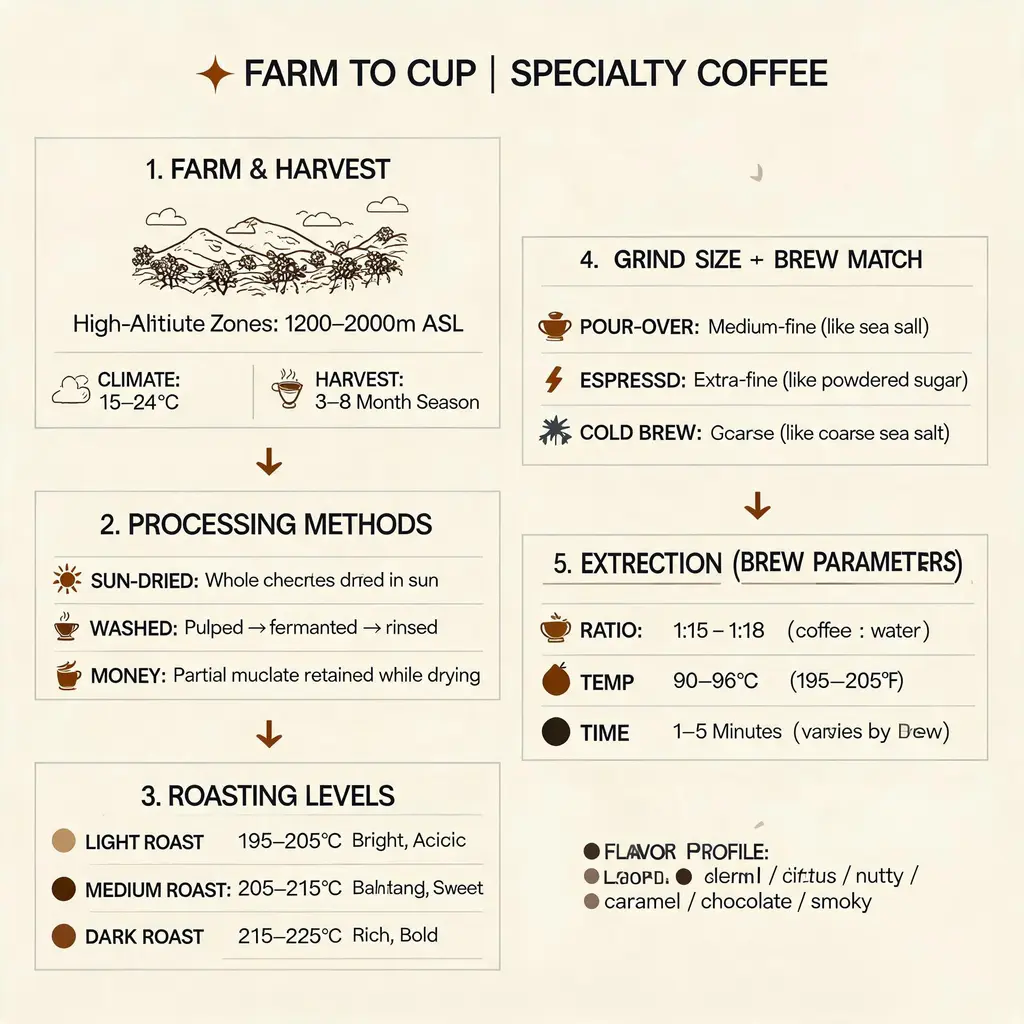
Coffee journey infographic
Trace a cup of coffee from farm to cup in a premium five-stage infographic poster with data boxes, icons, and a coffee-brown and copper palette, ready for café display.
Full prompt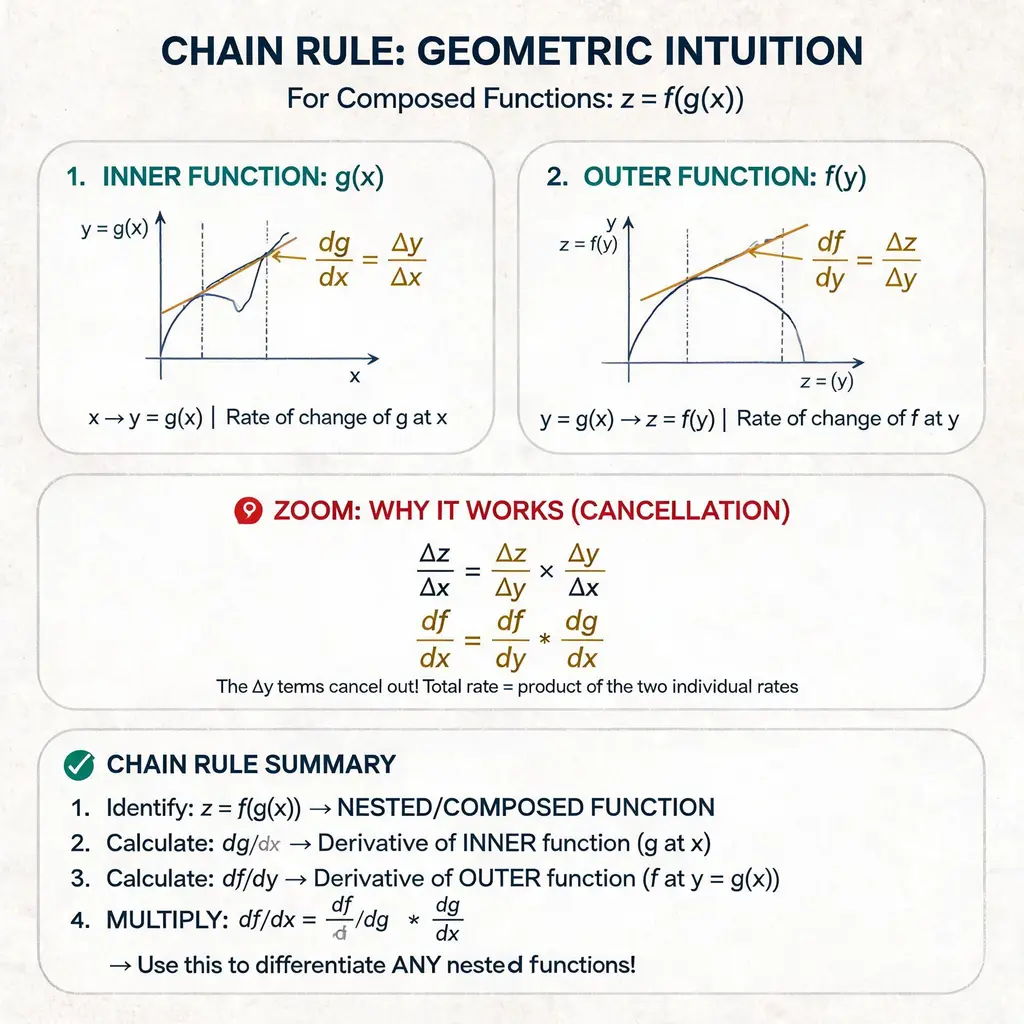
Concept lecture handout
Explain any concept — math, tech, or systems — as a clean paper-style handout with numbered labels, hand-drawn arrows, zoom-in callouts, and a summary section, like a beautiful lecture sheet.
Full prompt