Cute dense explainer
Explain any process with adorable rounded clip-art characters trapped inside the information density of a bureaucratic briefing chart — arrows, boxes, and captions that are disarmingly cute.
Updated:
Full prompt
English prompt with a suggested request. Edit the subject and details before generating. The original example input and generation settings are not fully verified.
Recommended model: GPT Image 2
First-party examples

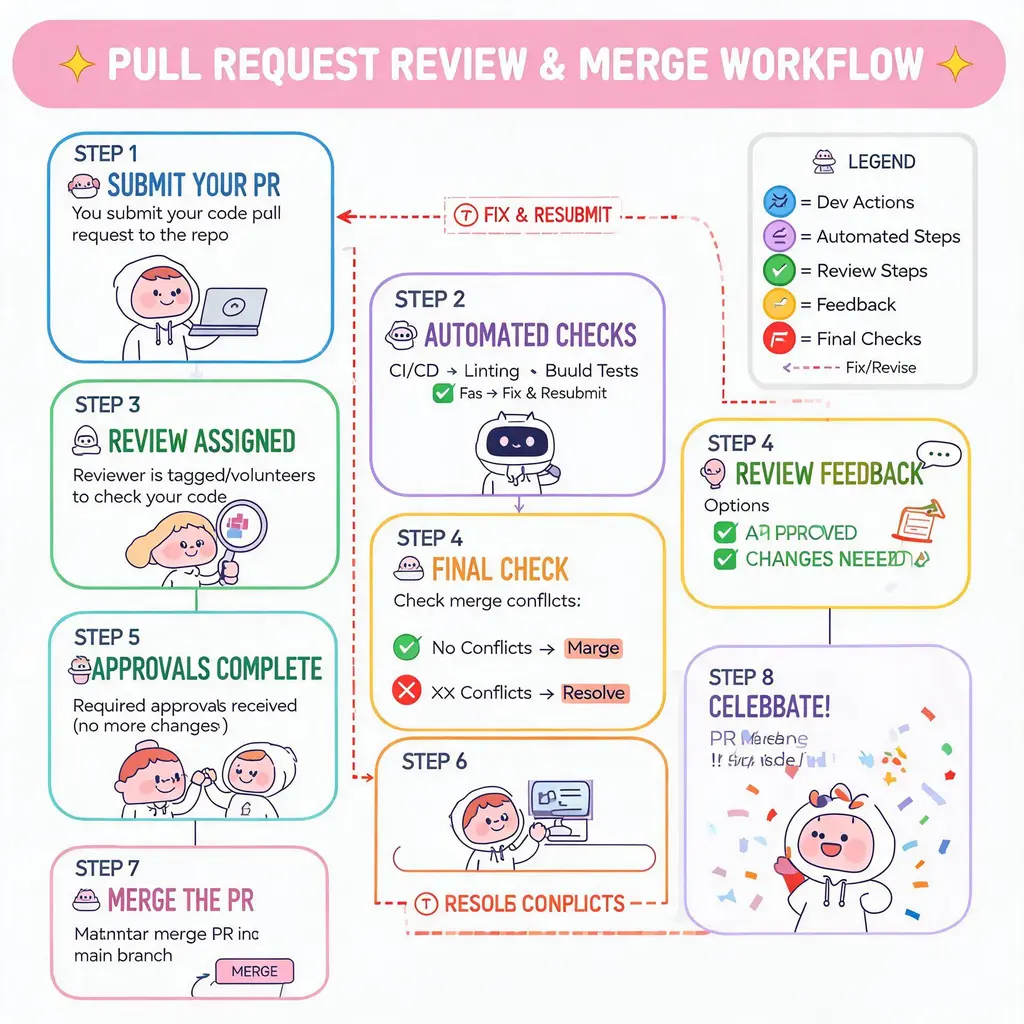
Great for
- Onboarding and internal process docs that people actually enjoy reading
- Shareable social explainers and listicle-style tips posters
- Briefing slides that soften a complex or dry topic with charm
Prompting tips
- List the steps, actors, and exceptions you want mapped — density is the point, so give it plenty
- For the listicle variant, ask for a soft pastel tips poster: a merged header plus a numbered grid where one recurring character acts out each tip
- Describe your recurring character (hair, outfit, mood) so they stay consistent across every panel
Frequently asked questions
Yes. The captions follow the language of your request, so write your steps in whichever language you want rendered on the chart.
Around 8–12 boxes stays readable. Beyond that, small captions may garble — split a giant process into two posters instead.
Yes. Ask for the pastel flat-vector tips-poster variant with a warm header, a grid of numbered panels, short captions, and a closing note panel.
Sources and attribution
Adapted and rewritten by OmniArt. Source attribution, changes, and usage conditions are listed below.
- 信息图可视化设计 · @yammamon
freestylefly/awesome-gpt-image-2
Repository code is MIT; its disclaimer says community content belongs to original authors/platforms and commercial reuse is not guaranteed.
Rewritten and consolidated into an OmniArt recipe archetype; template tokens removed; named people, brands, platforms, games, and film IP generalized; no raw prompt text or source image copied.
- 信息图可视化设计 · @yammamon
freestylefly/awesome-gpt-image-2
Repository code is MIT; its disclaimer says community content belongs to original authors/platforms and commercial reuse is not guaranteed.
Rewritten and consolidated into an OmniArt recipe archetype; template tokens removed; named people, brands, platforms, games, and film IP generalized; no raw prompt text or source image copied.
- 萌系大模型训练图解 · @op7418
freestylefly/awesome-gpt-image-2
Repository code is MIT; its disclaimer says community content belongs to original authors/platforms and commercial reuse is not guaranteed.
Rewritten and consolidated into an OmniArt recipe archetype; template tokens removed; named people, brands, platforms, games, and film IP generalized; no raw prompt text or source image copied.
- 信息图可视化设计 · @j_zou93
freestylefly/awesome-gpt-image-2
Repository code is MIT; its disclaimer says community content belongs to original authors/platforms and commercial reuse is not guaranteed.
Rewritten and consolidated into an OmniArt recipe archetype; template tokens removed; named people, brands, platforms, games, and film IP generalized; no raw prompt text or source image copied.
Related prompt recipes

Alphabet object grid
Turn a single letter or naming rule into a tidy 10×10 grid of 100 labeled illustrated objects on white, ready for classroom posters and vocabulary visuals.
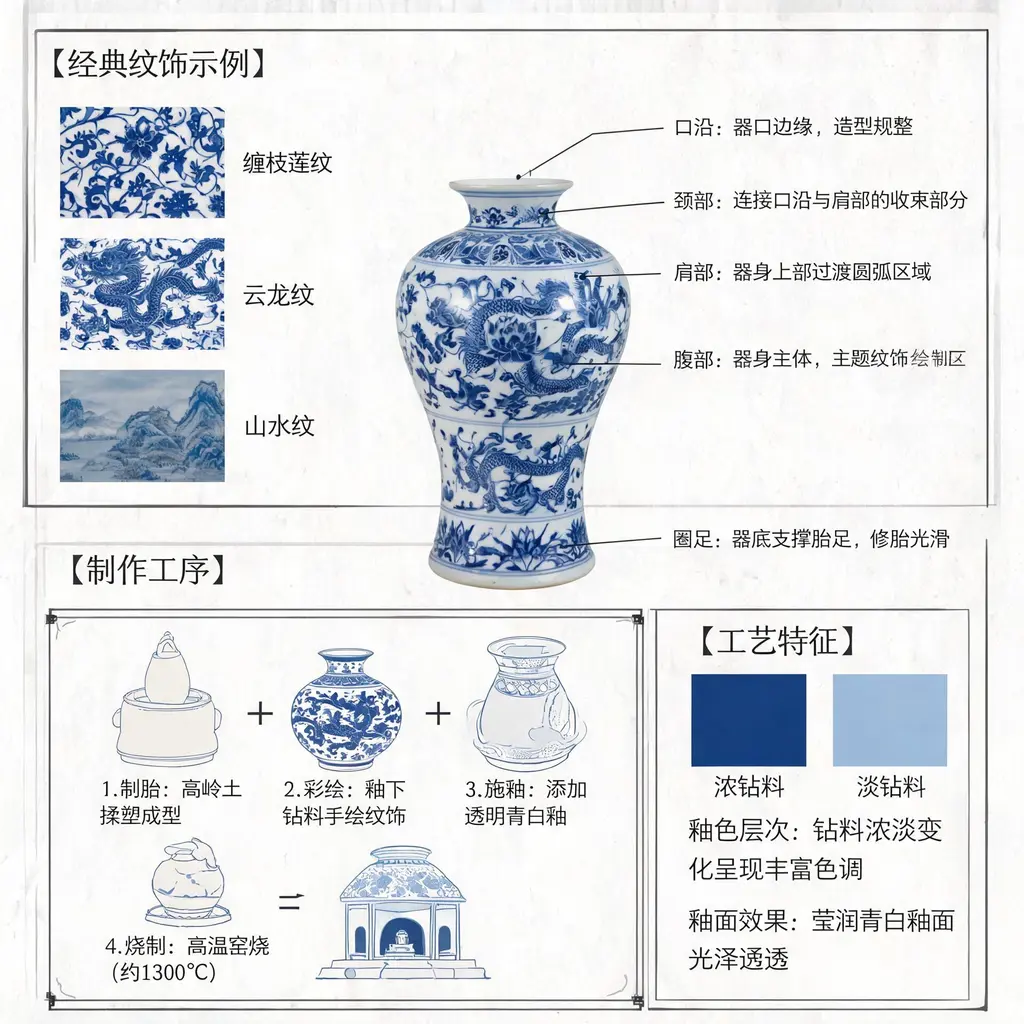
Blue-and-white porcelain diagram
Turn Jingdezhen blue-and-white porcelain into a museum-grade annotated diagram with structural lead lines, motif close-ups, and scholarly Chinese notes on the craft.

Chalkboard explainer
Turn any topic or article into a hand-drawn chalkboard lecture board packed with chalk diagrams, arrows, and lettering, ready to share as a one-image summary.
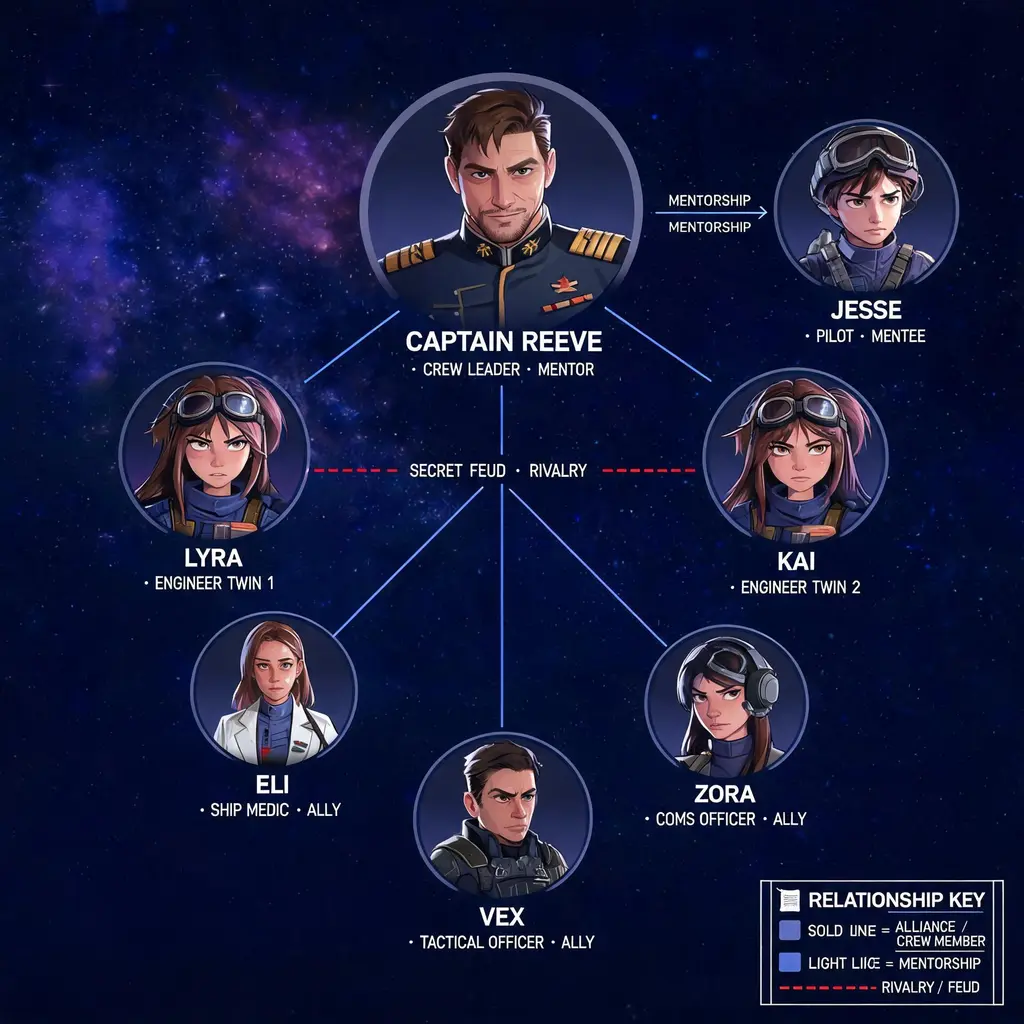
Character relationship map
Turn a cast of characters into a poster-grade relationship map with color-coded connections, portrait vignettes, and a visual style drawn from the story's own world.

Coffee journey infographic
Trace a cup of coffee from farm to cup in a premium five-stage infographic poster with data boxes, icons, and a coffee-brown and copper palette, ready for café display.
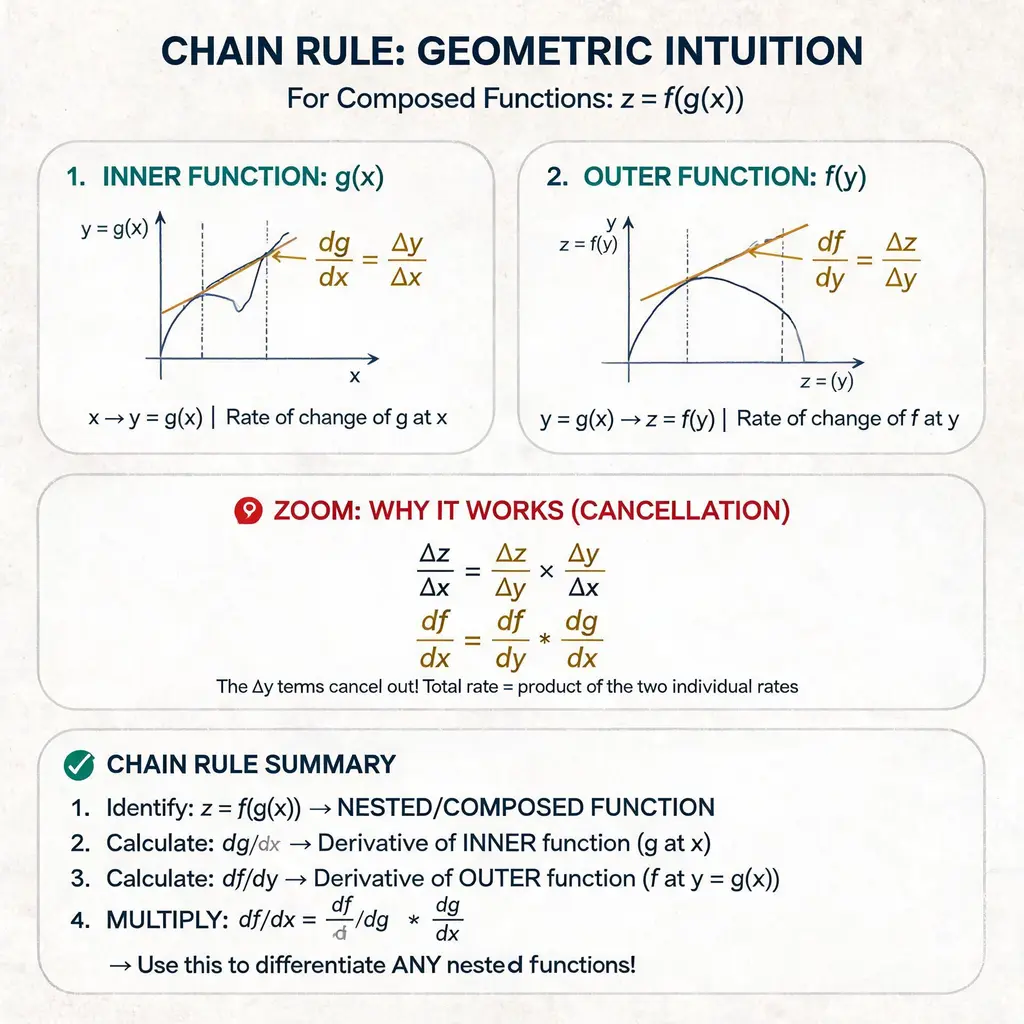
Concept lecture handout
Explain any concept — math, tech, or systems — as a clean paper-style handout with numbered labels, hand-drawn arrows, zoom-in callouts, and a summary section, like a beautiful lecture sheet.