社群商品貼文圖
把產品做成可直接分享的社群貼文圖,造型隨性又跟得上潮流,並留出乾淨的文字區,你的文案和標章會照原樣呈現
更新日期:
完整提示詞
英文提示詞包含建議的範例需求。生成前請調整主體和細節。原始範例輸入及生成參數尚未完全核實。
推薦模型: GPT Image 2
Design a scroll-stopping social media post graphic featuring the described product, composed for a feed rather than shot as a plain photo. Start from a natural, lifestyle-flavored product image with a fresh, on-trend aesthetic and warm, inviting light, then compose it as a finished post: a clear focal product, balanced framing, and clean zones reserved for overlay elements such as a short caption, a badge, a sticker, or a small feature callout. Keep the styling casual and authentic-feeling so it reads as native social content, not a stiff studio ad. If the user supplies caption text, a hashtag, a price, or badge wording, render that copy exactly as written, correctly spelled, in a clean modern sans-serif with strong legible contrast against the background; if no copy is given, leave tastefully composed empty text zones and simple shapes where captions would sit rather than inventing any words or lorem ipsum. Use a cohesive, lively color accent for energy and keep the layout uncluttered with intentional negative space. Render the product honestly with accurate color and material. Do not fabricate reviews, star counts, or brand names, and avoid watermarks. The result should look like a polished, share-ready social post. Use the details below for the product and the exact overlay copy.
官方範例


相關的提示詞配方

電商版面
促銷活動海報
排一張精緻的直式促銷海報,標題區、主角產品和行動呼籲清楚分明,你提供的文案會照原樣呈現
完整提示詞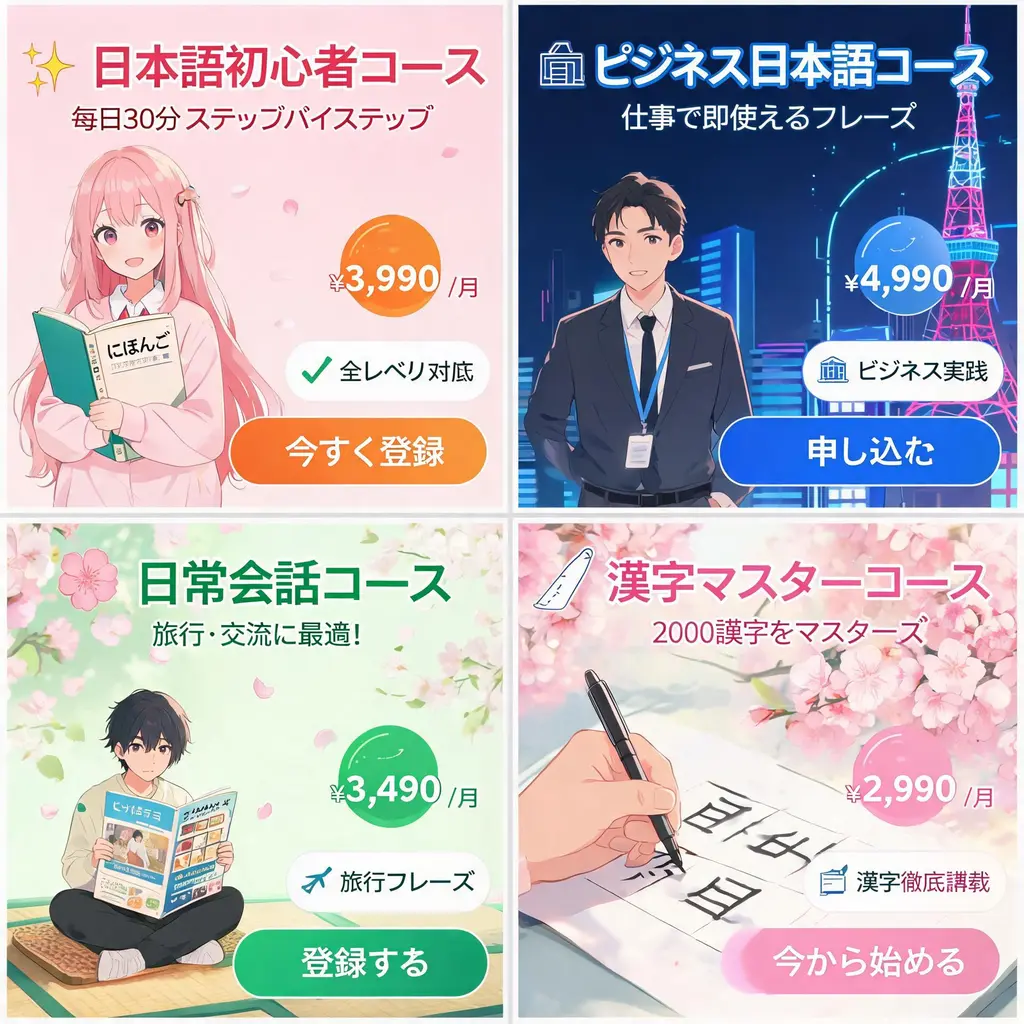
電商版面
日系網頁橫幅組
把一份活動需求變成一整組日系風格的網頁橫幅,包含有力的宣傳標語、價格標章、賣點印章、主視覺圖和清楚的行動按鈕
完整提示詞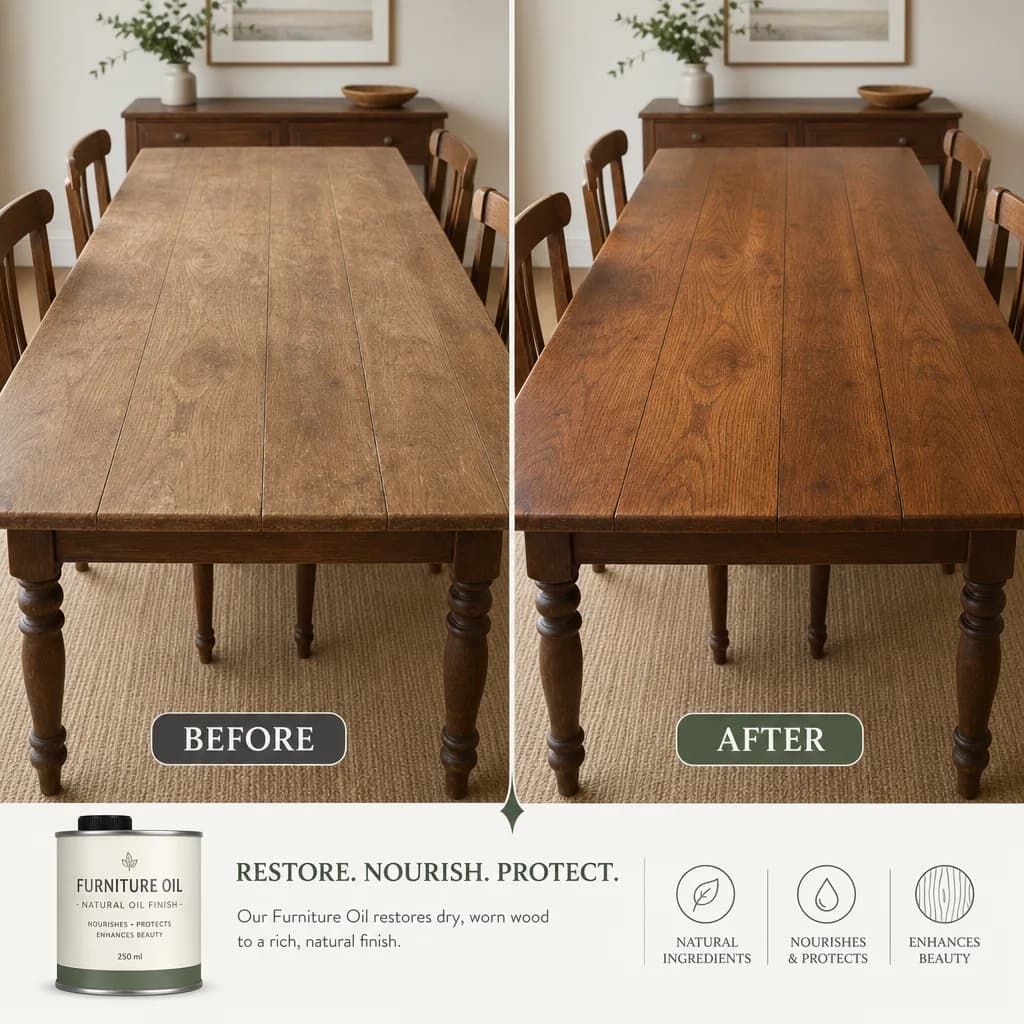
電商版面
改造前後對照圖
把一次改變拆成左右兩格,中間乾淨分隔、構圖一致,你寫的說明文字和數值會照原樣呈現
完整提示詞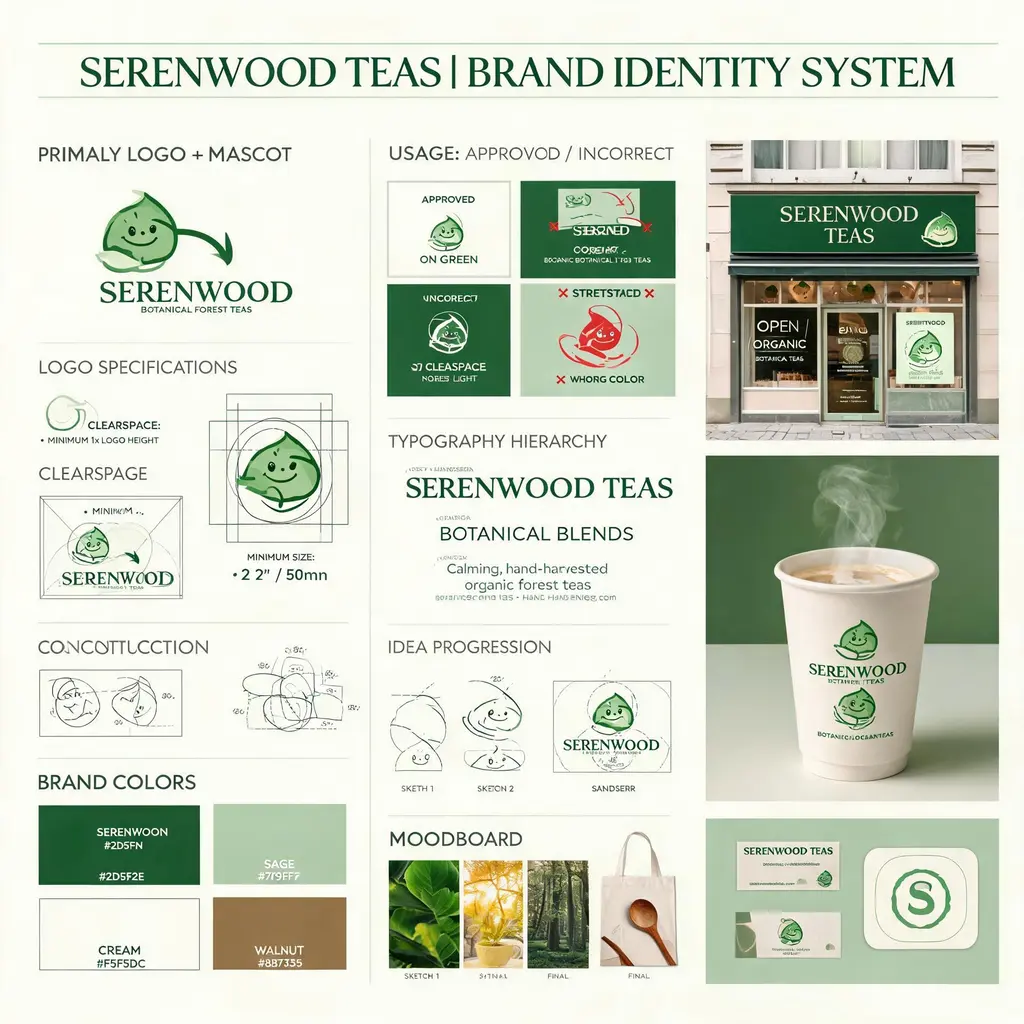
電商版面
品牌識別提案板
把虛構的品牌需求做成代理商風格的識別板,含標誌製圖、色彩、字體、使用規範、概念草圖和精緻的實境模擬圖
完整提示詞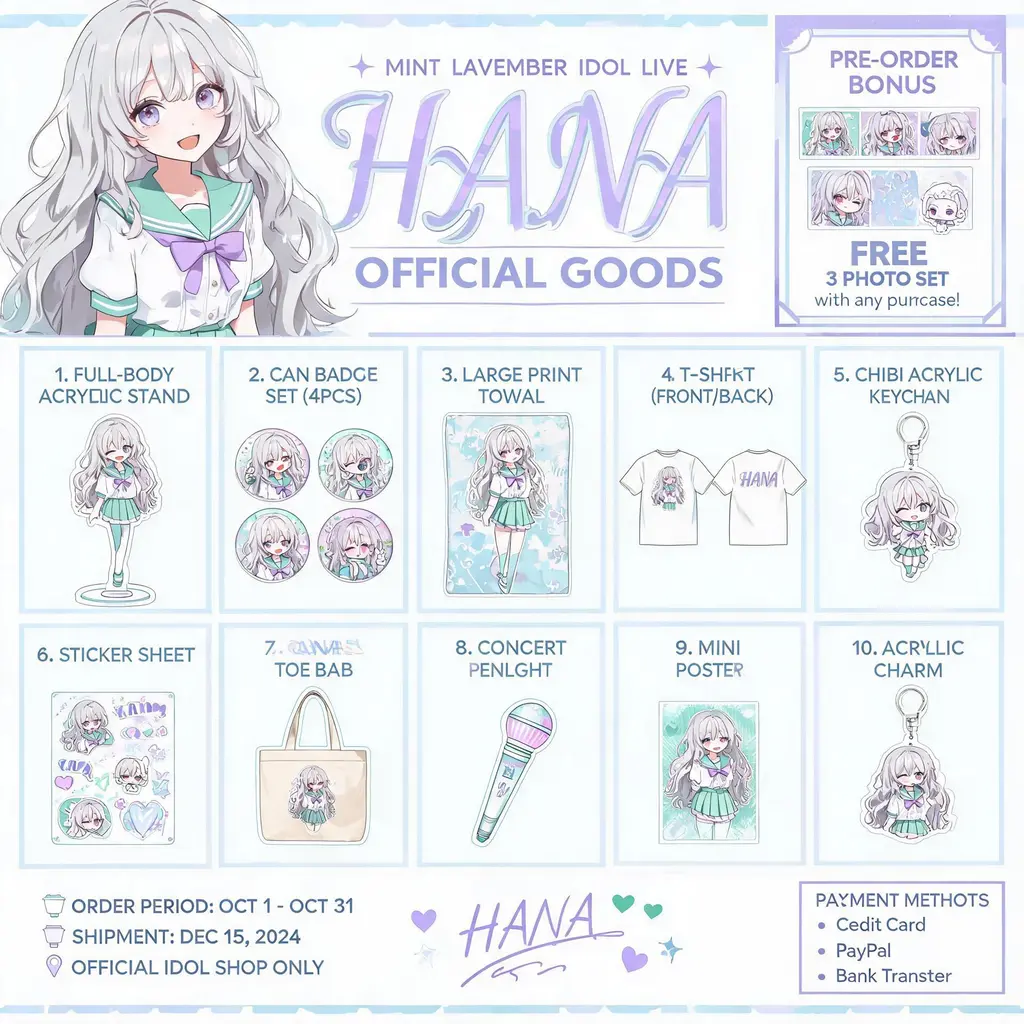
電商版面
角色周邊型錄
把原創角色做成官方周邊型錄傳單:主視覺標頭下,是編號排列的壓克力立牌、徽章、T 恤和鑰匙圈
完整提示詞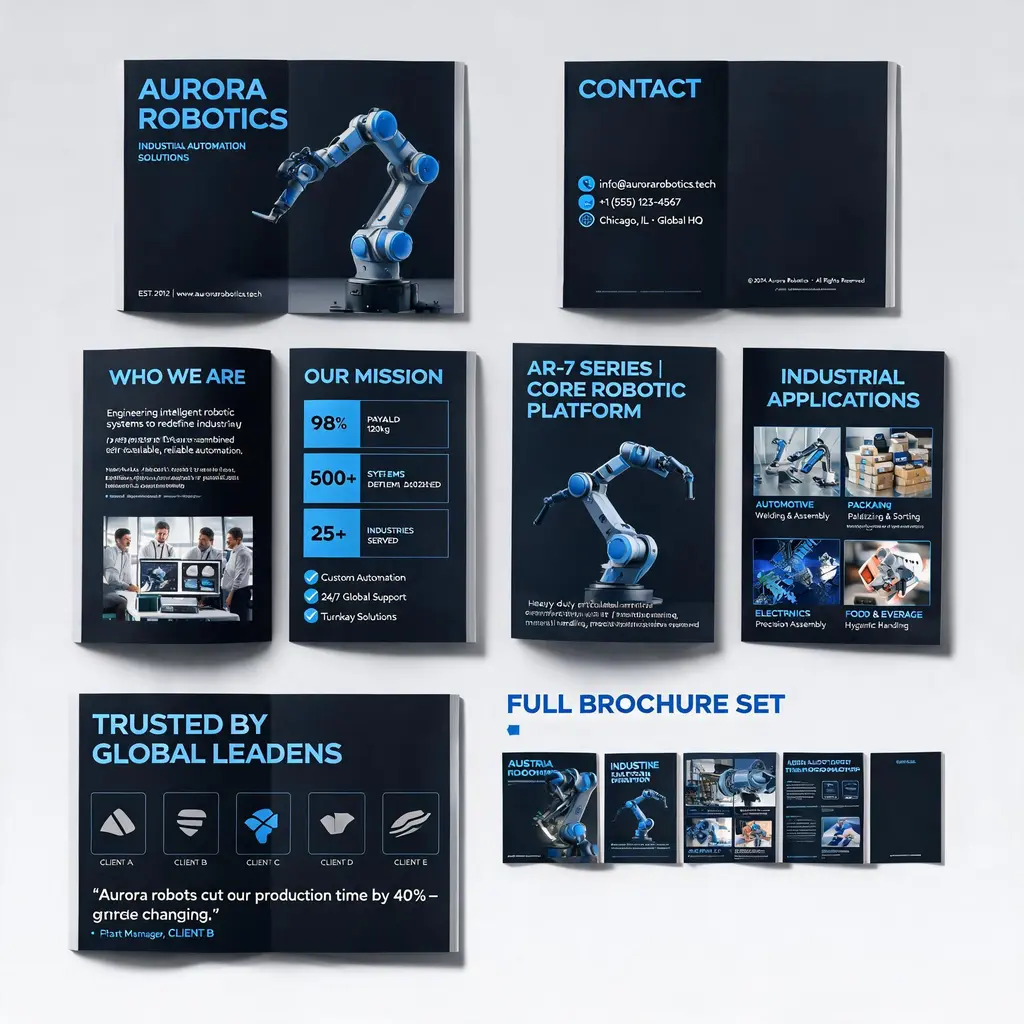
電商版面
企業型錄整套設計
把公司或產品描述做成質感的多頁型錄:封面、簡介、產品、應用情境和案例頁在同一套品牌風格下,最後附整套預覽
完整提示詞