裝置樣機圖
把 App 畫面或介面放進寫實的手機、平板或筆電,背景乾淨、比例精準,底下帶一點落地陰影
更新日期:
完整提示詞
英文提示詞包含建議的範例需求。生成前請調整主體和細節。原始範例輸入及生成參數尚未完全核實。
推薦模型: GPT Image 2
Create a clean product mockup that presents a described app screen or interface inside a realistic modern device such as a smartphone, tablet, or laptop, styled for a marketing or portfolio page. Set the device on a simple, uncluttered surface or a soft solid-color backdrop with a gentle gradient, keeping the environment minimal so the screen stays the focus. Render the device with accurate, contemporary industrial design: correct proportions, slim uniform bezels, subtle rounded corners, and believable materials like matte aluminum or dark glass, shown at a slight three-quarter angle or straight-on depending on what reads best. Display the described interface crisply on the screen with a plausible, tidy layout, honest UI spacing, and a bright accurate display glow, avoiding warped or smeared graphics. Add a soft, realistic contact shadow and a faint screen reflection for grounding, but keep reflections subtle so content stays legible. Light the scene evenly and softly so the device edges catch a clean highlight without harsh glare. Only render on-screen text that the user explicitly describes, spelled correctly and neatly aligned; otherwise show simple, generic interface shapes rather than inventing detailed copy. Do not add brand logos you were not asked for, extra devices, hands, or busy props. The final image should look like a professional device presentation shot.
User request: a smartphone showing a minimal weather app with a soft blue gradient
官方範例
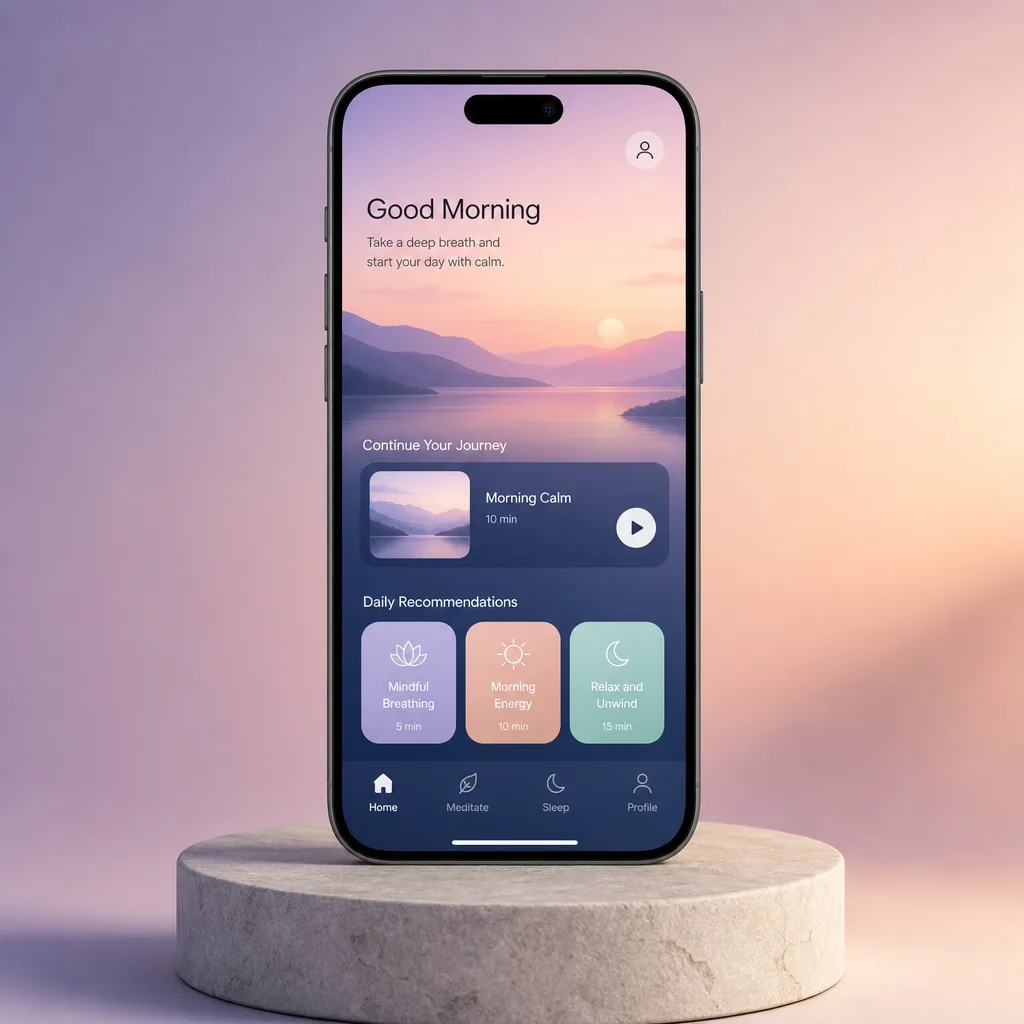

相關的提示詞配方

電商版面
促銷活動海報
排一張精緻的直式促銷海報,標題區、主角產品和行動呼籲清楚分明,你提供的文案會照原樣呈現
完整提示詞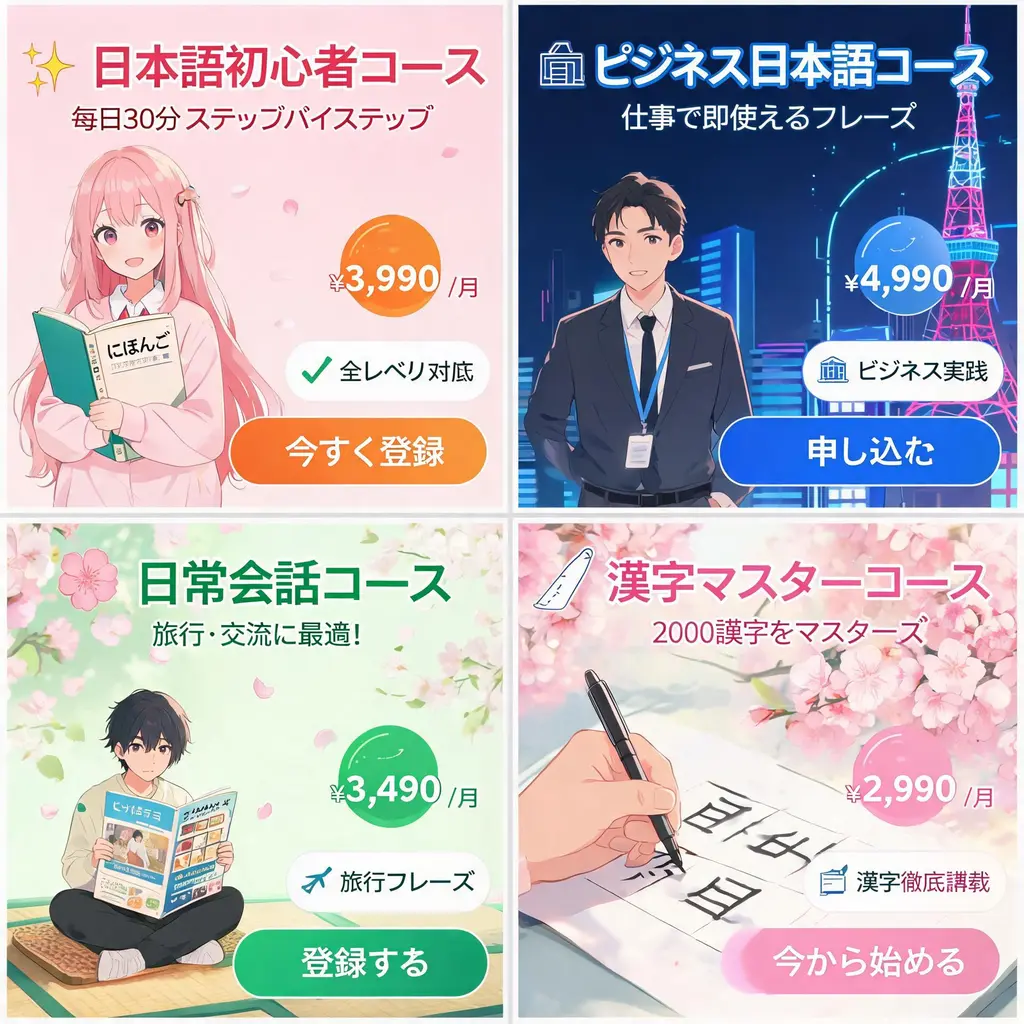
電商版面
日系網頁橫幅組
把一份活動需求變成一整組日系風格的網頁橫幅,包含有力的宣傳標語、價格標章、賣點印章、主視覺圖和清楚的行動按鈕
完整提示詞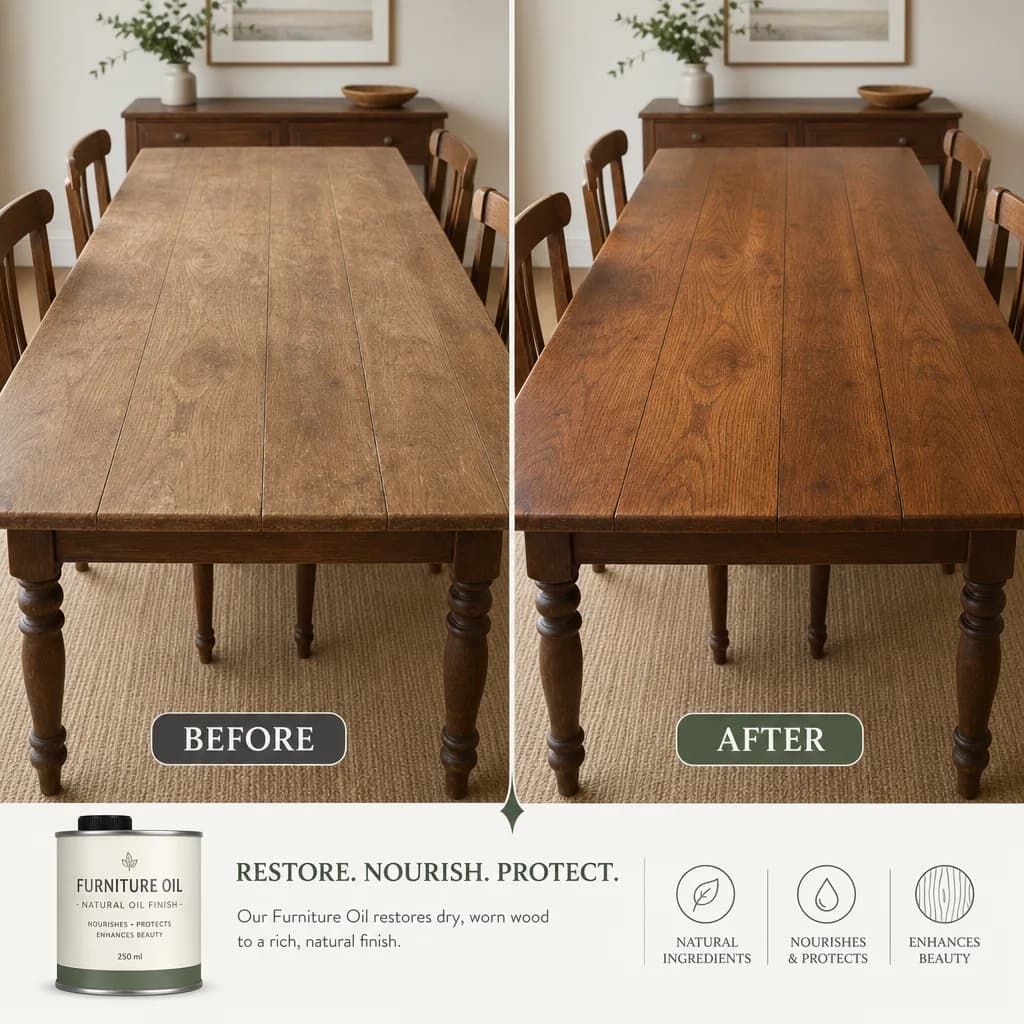
電商版面
改造前後對照圖
把一次改變拆成左右兩格,中間乾淨分隔、構圖一致,你寫的說明文字和數值會照原樣呈現
完整提示詞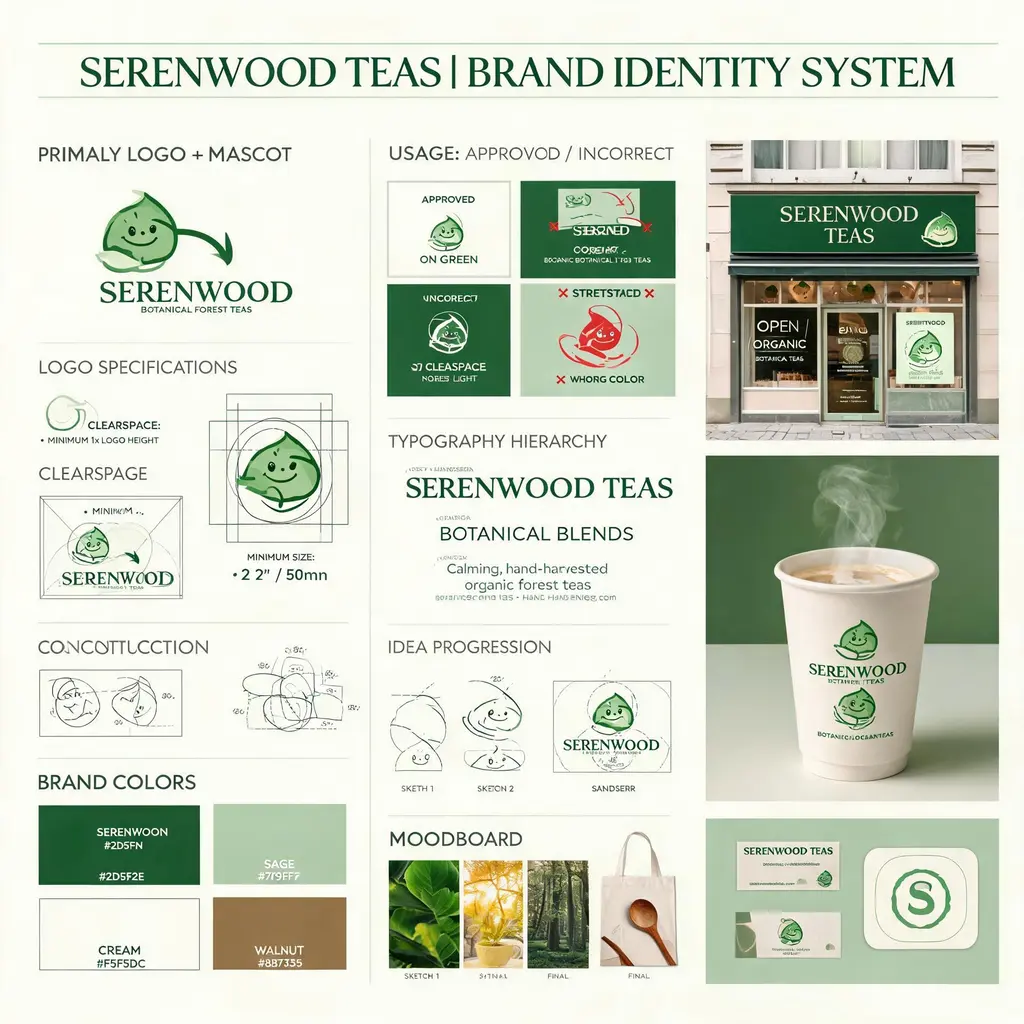
電商版面
品牌識別提案板
把虛構的品牌需求做成代理商風格的識別板,含標誌製圖、色彩、字體、使用規範、概念草圖和精緻的實境模擬圖
完整提示詞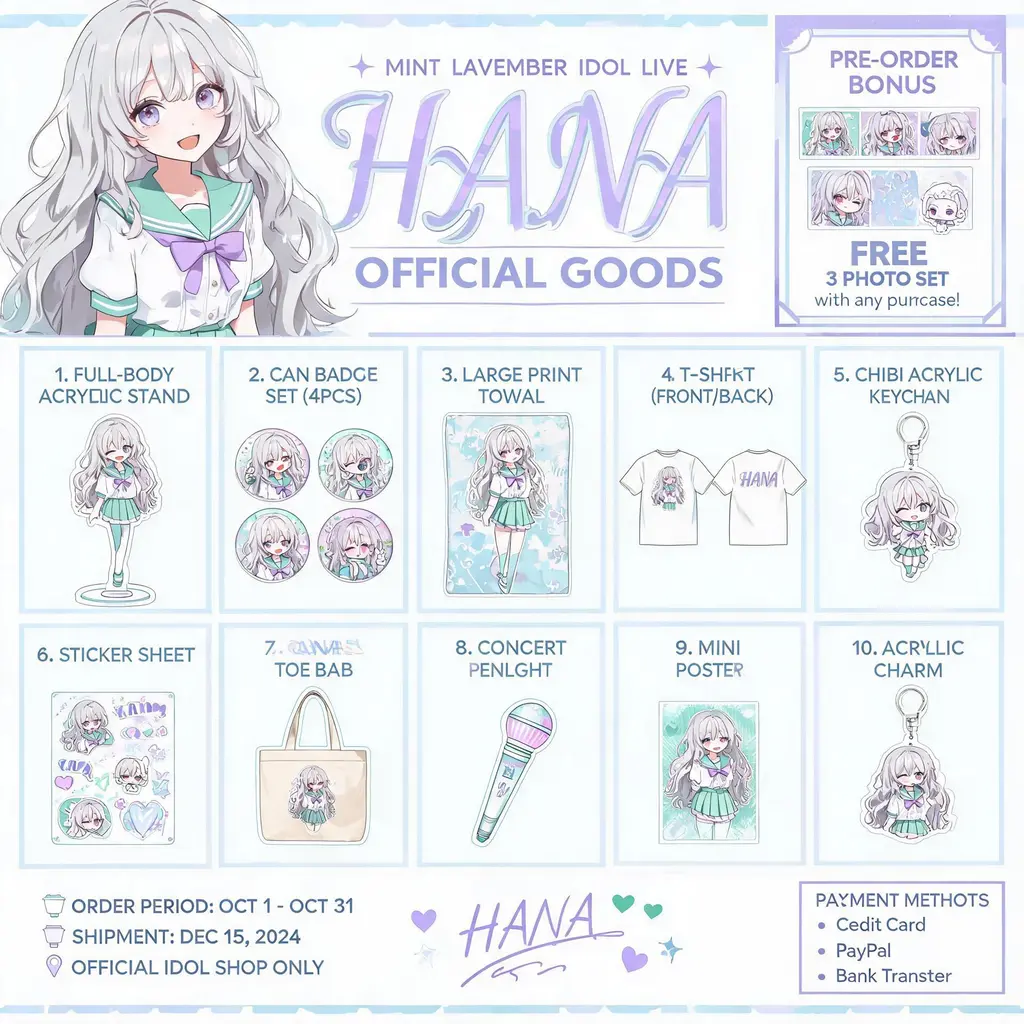
電商版面
角色周邊型錄
把原創角色做成官方周邊型錄傳單:主視覺標頭下,是編號排列的壓克力立牌、徽章、T 恤和鑰匙圈
完整提示詞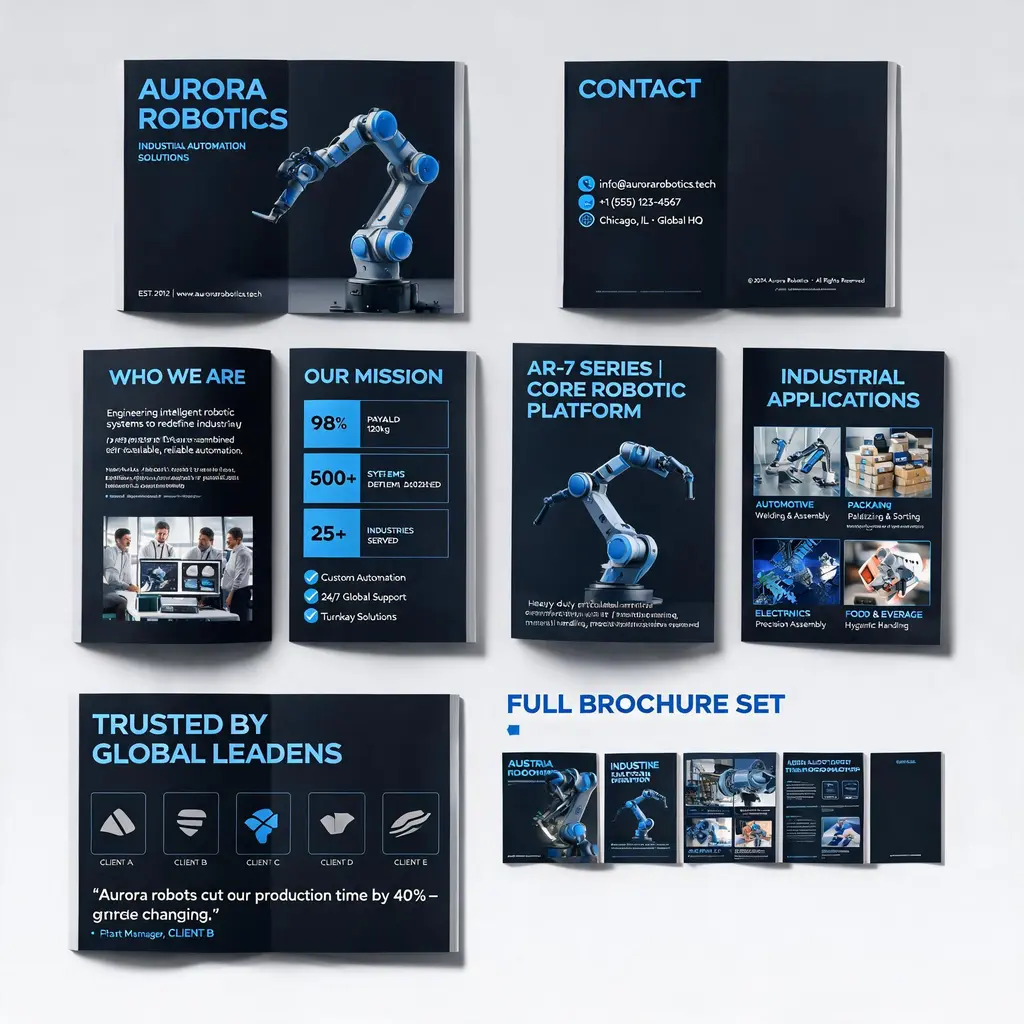
電商版面
企業型錄整套設計
把公司或產品描述做成質感的多頁型錄:封面、簡介、產品、應用情境和案例頁在同一套品牌風格下,最後附整套預覽
完整提示詞