スケッチから建築へ
アップロードした建物の形状スケッチをもとに、主要な立体の数を保ちながら未来的な建築を描きます。
更新日:
プロンプト全文
英語のプロンプトに入力例を添えています。生成前に被写体や詳細を調整してください。元の作例の入力内容と生成設定は完全には確認できていません。
推奨モデル: GPT Image 2
プロンプトのヒント
- スケッチをアップロードし、主要な立体の数、高さ、建物の占有範囲を保ってください。
- 素材を変えるときは次の生成で1件だけ頼み、この生成結果を新しい現在の画像にしてください。
出典とクレジット
OmniArt が構成を調整し、書き直しました。出典、変更内容、利用条件は以下をご確認ください。
- Turn a sketch into a future building · peter6759
wangrunlin/awesome-gpt-image-2-5-prompts
Repository MIT covers tooling and original documentation only; community prompts and third-party media retain their original rights and terms (CONTENT_POLICY.md).
Rewritten as an original OmniArt single-edit workflow that turns an uploaded massing sketch into one future building while keeping volume count and footprint. A later material change is a separate generation. Localized into 19 locales. No source wording or media copied.
関連するプロンプトレシピ
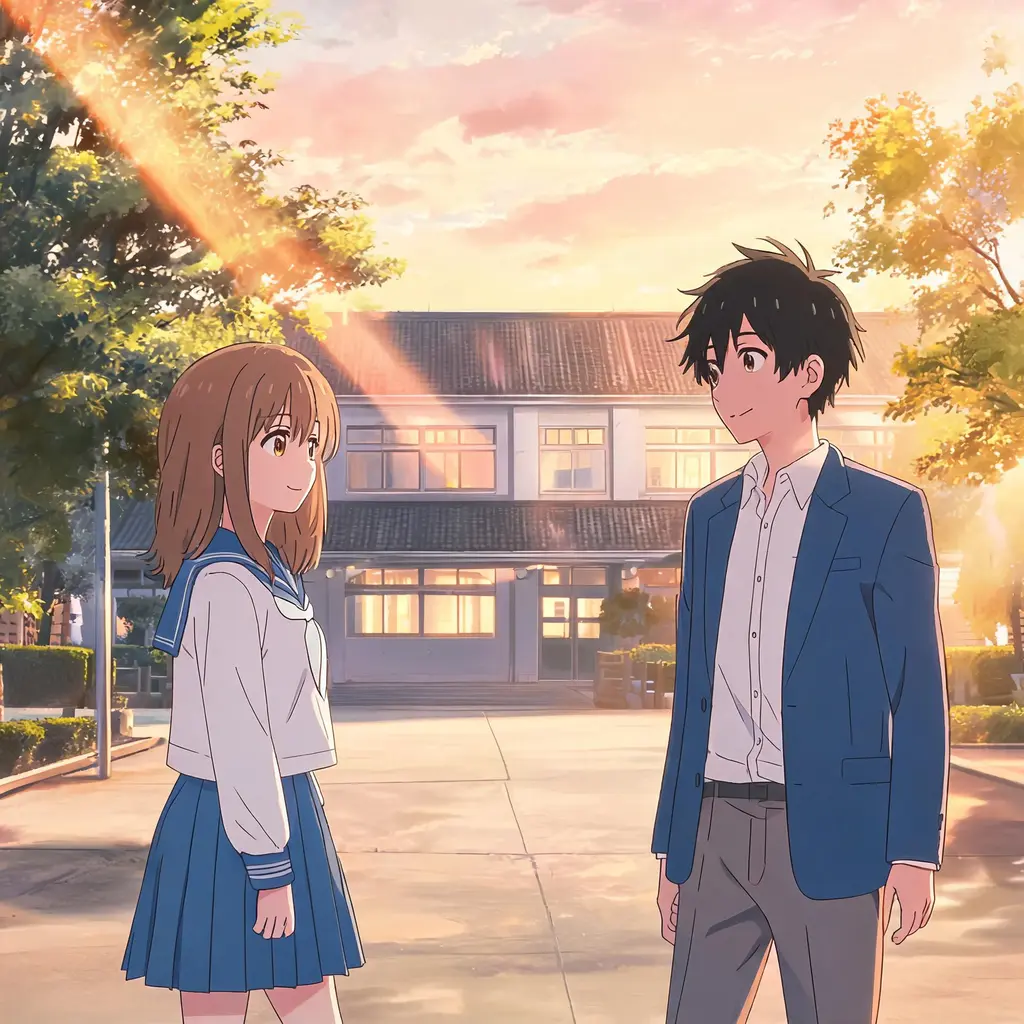
アニメの一時停止フレーム
写真を、本物のアニメの一話を一時停止したようなワンフレームに変換。セル塗り、クリーンな線画、手描き背景で、シーンと人物はちゃんと見分けられるまま残ります。
プロンプト全文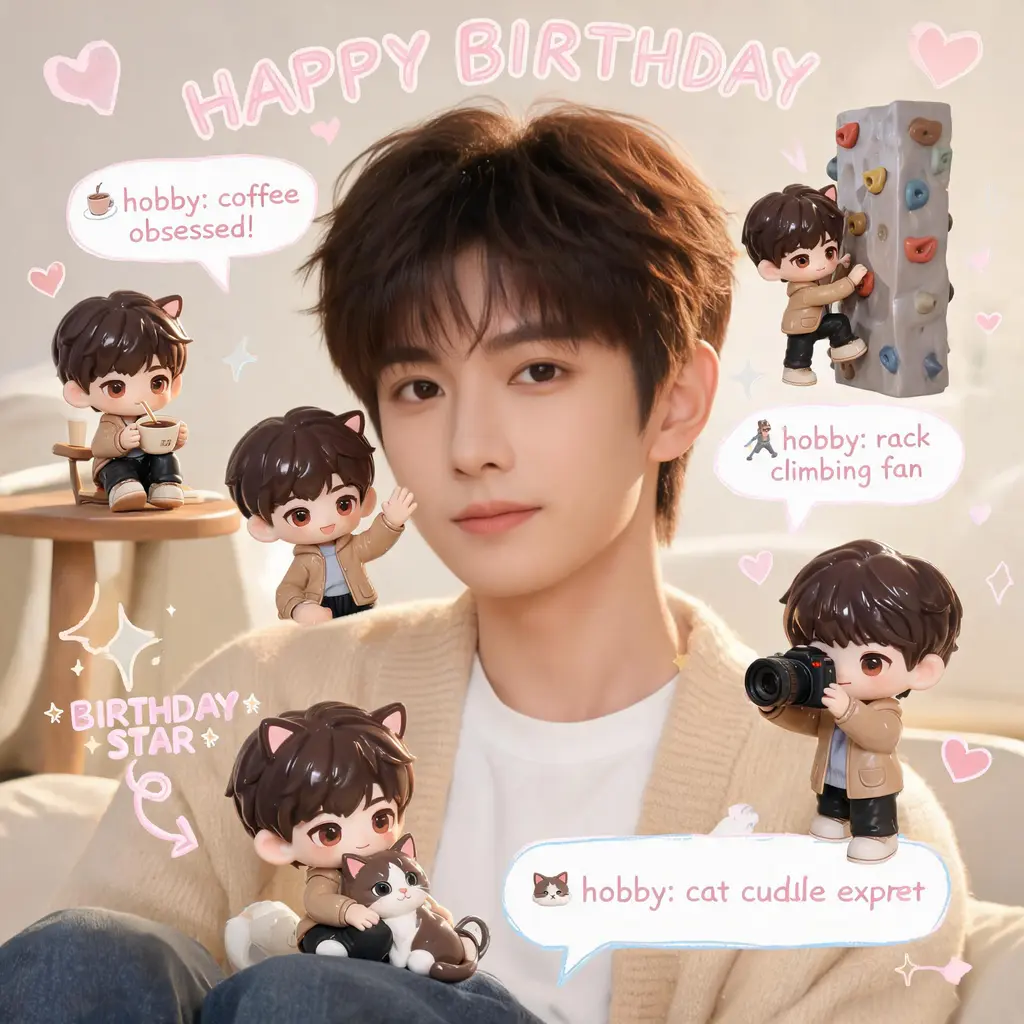
ちびミニミー・スクラップブック
元の写真はそのままに、シーンのあちこちに自分の3Dちびフィギュア分身を配置し、手書き風の落書き、矢印、豆知識バブルを添えて、ほっこりパステルなスクラップブック風に仕上げます。
プロンプト全文
漫画ページのカラー化
白黒の漫画ページをフルカラー版に。統一感のあるパレットとセル塗りの陰影を加えつつ、線画とフキダシの文字は元のまま保ちます。
プロンプト全文
漫画コマ突き破り
自分や任意の被写体を、白黒漫画のページを破って飛び出すフルカラーの実写風人物に変換。驚くモブキャラ、スピード線、舞い散る紙片が臨場感を盛り上げます。
プロンプト全文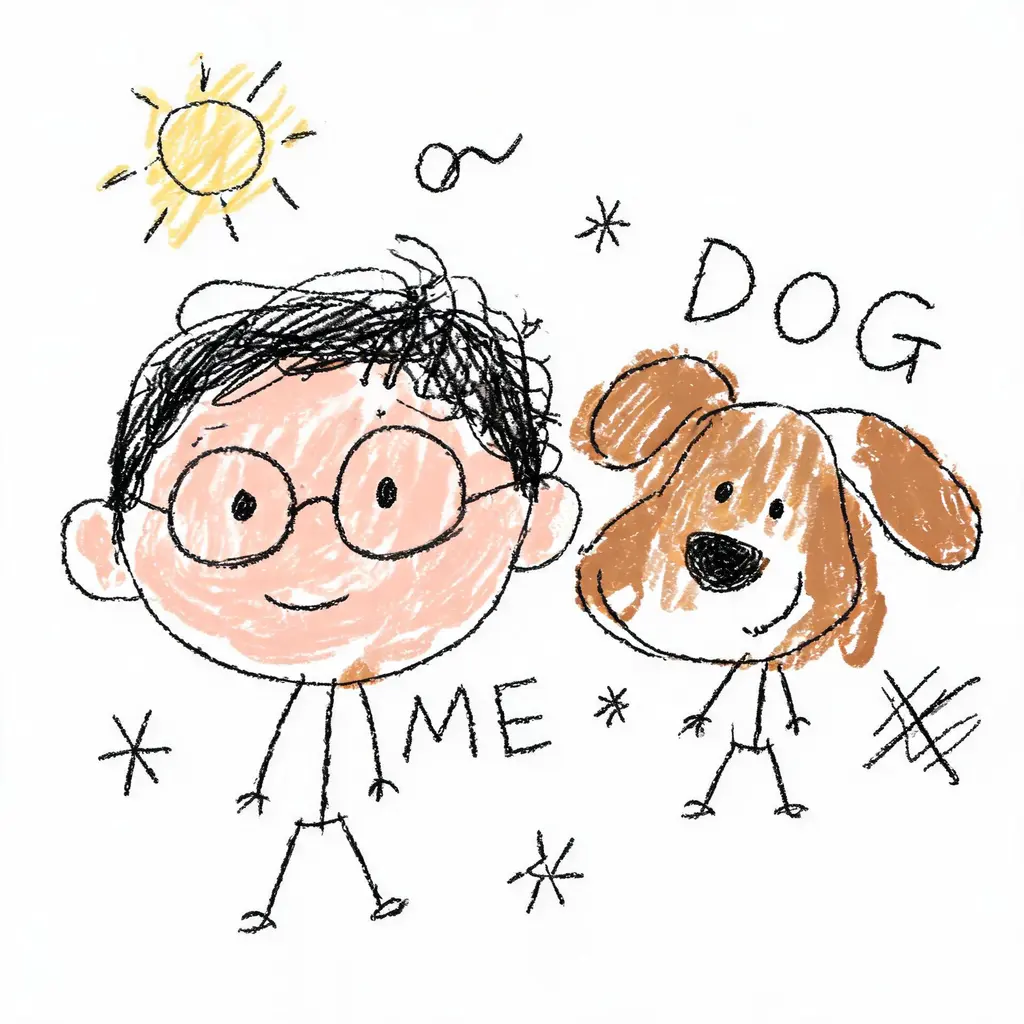
わざとヘタな落書き化
写真を堂々とヘタクソな落書きに変換。震えた線、歪んだ比率、はみ出した雑な塗りが白背景の上で愉快なほど間違っているのに、誰なのかはかろうじて分かります。
プロンプト全文
顔キープ変身ショット
あなたの顔はそのままに、新しいヘアスタイル、オリジナルの衣装、映画のようなシーンへ。顔を一切変えない厳格なルールと、洗練された一眼レフ級のライティングで仕上げます。
プロンプト全文