編集とスタイル変換

参照画像の色調でつくる商品ポートレート

参照画像の配色・明暗のカーブ・光を生かした1枚の商品ポートレートです。包装の特徴を保ち、架空の成人を登場させます。

更新日:

プロンプト全文

英語のプロンプトに入力例を添えています。生成前に被写体や詳細を調整してください。元の作例の入力内容と生成設定は完全には確認できていません。

推奨モデル: GPT Image 2.5 Flare

Create one believable lifestyle product portrait, using the uploaded product image as the product-identity reference and a separately identified look reference for color and light. Preserve the product's silhouette, proportions, visible packaging layout, and essential label colors. From the look reference, borrow the dominant background palette, shadow tint, contrast curve, highlight softness, grain, and direction of illumination; do not copy its person, location, or composition. Place a fictional adult presenter in the new setting described in the request, holding or using the product naturally with anatomically plausible hands. Keep the face original rather than resembling the person in the look reference. If the request includes a JSON color specification, interpret its relevant palette, exposure, and lighting values as visual instructions and produce the image itself, without displaying the JSON or adding a specification panel. Reconcile the borrowed grade with truthful product color: apply strong tints mainly to the environment and shadows, keeping important packaging details recognizable. Use an informal waist-up or chest-up phone-camera composition, realistic skin texture, and natural interaction rather than a posed catalog stance. Deliver one coherent photograph with no comparison grid, diagrams, invented endorsements, added branding, or watermark. User request: Use the uploaded reusable-bottle photo as the product reference and the uploaded amber-window photograph only as the look reference. Show a fictional adult ceramicist holding the bottle in a sunlit studio, chest-up phone framing, warm highlights, gently cool shadows, soft contrast, and fine grain. Preserve the bottle’s forest-green body and white label.

プロンプトのヒント

  • 商品画像と色調用の参照画像を区別し、補正後も正確に保つ包装の色を指定してください。

出典とクレジット

OmniArt が構成を調整し、書き直しました。出典、変更内容、利用条件は以下をご確認ください。

  • JSON Color Grading UGC Model · @pavellaslov

    EvoLinkAI/awesome-gpt-image-2-API-and-Prompts

    The repository uses CC0 1.0; this does not establish rights to third-party community prompts or media. Attribution is retained without asserting clearance of third-party content.

    Independently authored from a general workflow concept. Separates product identity from look references and renders one original adult product portrait; optional JSON values guide the image rather than becoming output. No source prompt text or media copied. GPT Image 2.5 Flare is a recommendation, not a verified example model.

出典とクレジット

関連するプロンプトレシピ

アニメの一時停止フレーム
編集とスタイル変換

アニメの一時停止フレーム

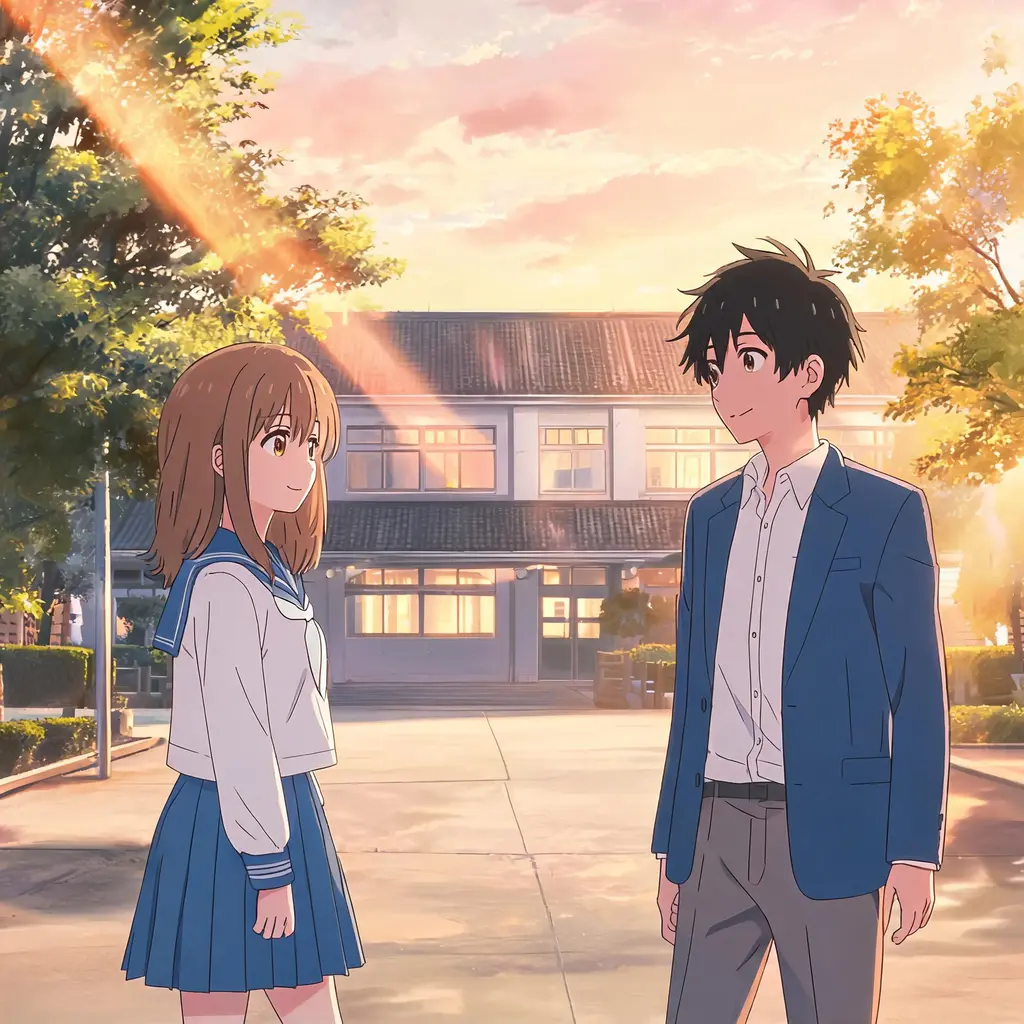
写真を、本物のアニメの一話を一時停止したようなワンフレームに変換。セル塗り、クリーンな線画、手描き背景で、シーンと人物はちゃんと見分けられるまま残ります。
プロンプト全文
ちびミニミー・スクラップブック
編集とスタイル変換

ちびミニミー・スクラップブック

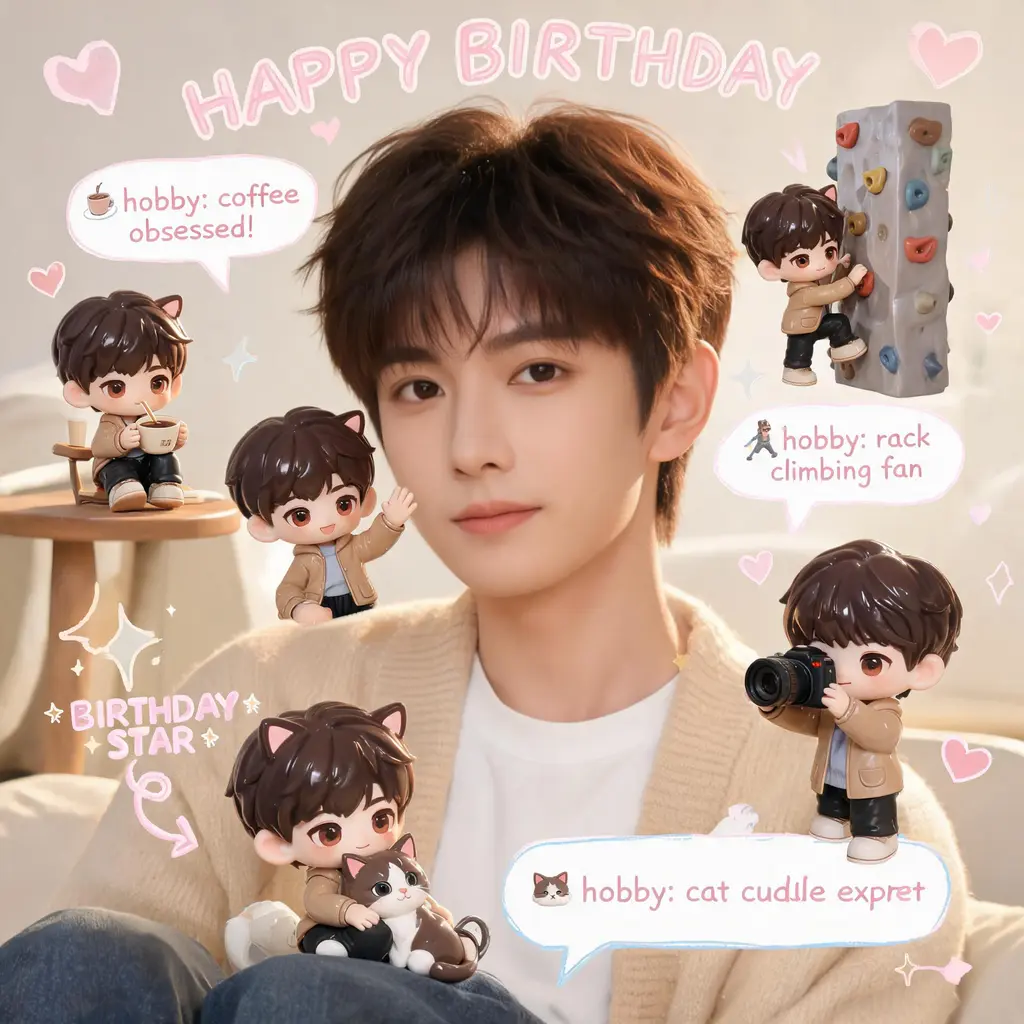
元の写真はそのままに、シーンのあちこちに自分の3Dちびフィギュア分身を配置し、手書き風の落書き、矢印、豆知識バブルを添えて、ほっこりパステルなスクラップブック風に仕上げます。

プロンプト全文
漫画ページのカラー化
編集とスタイル変換

漫画ページのカラー化

白黒の漫画ページをフルカラー版に。統一感のあるパレットとセル塗りの陰影を加えつつ、線画とフキダシの文字は元のまま保ちます。

プロンプト全文
漫画コマ突き破り
編集とスタイル変換

漫画コマ突き破り

自分や任意の被写体を、白黒漫画のページを破って飛び出すフルカラーの実写風人物に変換。驚くモブキャラ、スピード線、舞い散る紙片が臨場感を盛り上げます。
プロンプト全文
わざとヘタな落書き化
編集とスタイル変換

わざとヘタな落書き化

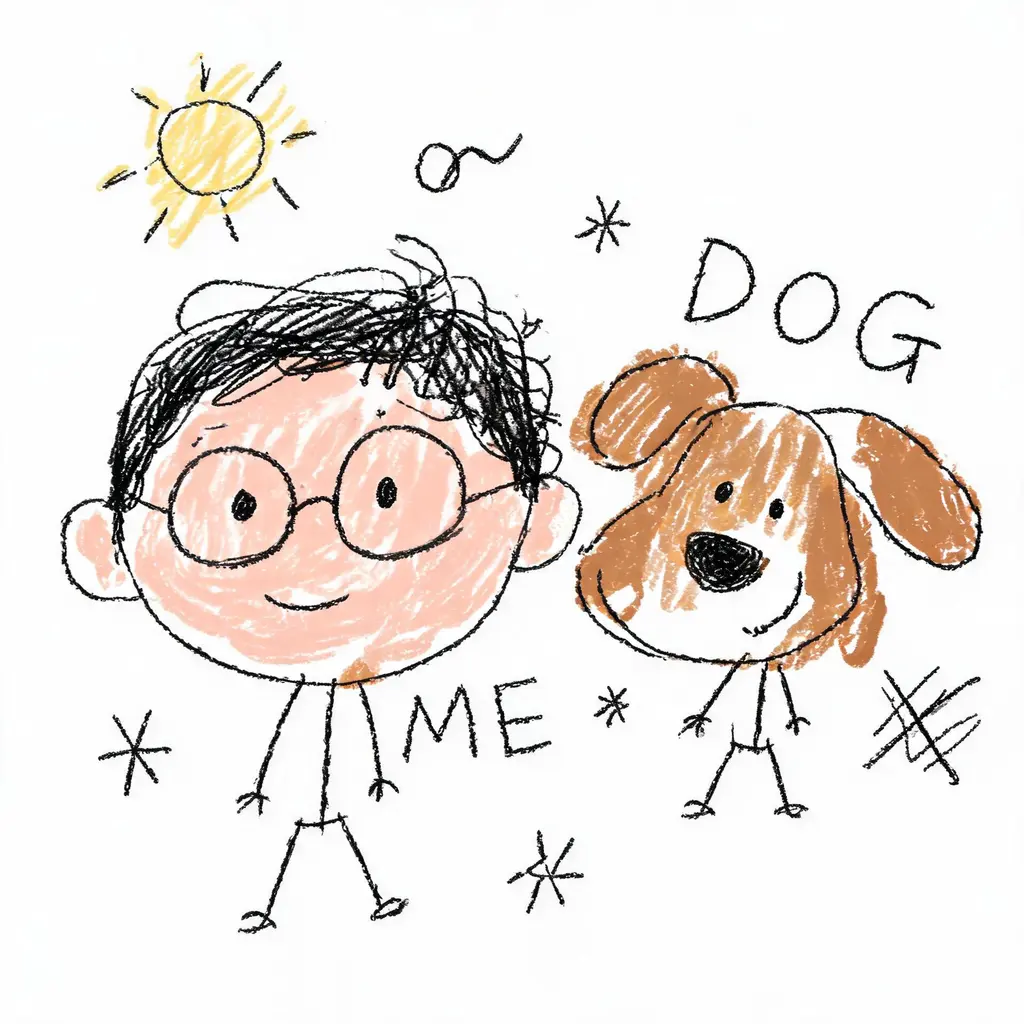
写真を堂々とヘタクソな落書きに変換。震えた線、歪んだ比率、はみ出した雑な塗りが白背景の上で愉快なほど間違っているのに、誰なのかはかろうじて分かります。

プロンプト全文
顔キープ変身ショット
編集とスタイル変換

顔キープ変身ショット

あなたの顔はそのままに、新しいヘアスタイル、オリジナルの衣装、映画のようなシーンへ。顔を一切変えない厳格なルールと、洗練された一眼レフ級のライティングで仕上げます。

プロンプト全文