編集とスタイル変換

複数写真のペットを一枚に

別々の写真にいるペットを一つの場面へ移し、光と毛並みを揃えます。

更新日:

プロンプト全文

英語のプロンプトに入力例を添えています。生成前に被写体や詳細を調整してください。元の作例の入力内容と生成設定は完全には確認できていません。

推奨モデル: GPT Image 2.5 Flare

Combine the pets named in the request into one believable photograph. When two or more images are uploaded, treat the earliest as the destination and each following image as an animal to bring across, unless the request names another order. Preserve breed cues, coat pattern, markings, ear shape, and any collar exactly as shown. Place each animal on the surface the user names, with paws or hooves touching it and a shadow that follows the light already in the destination. Match color temperature, grain, lens softness, and time of day so the arrival does not look cut out. Leave people, furniture, architecture, and the original crop as they are, except where an animal must overlap them. If only one photo is uploaded, use it as the destination and build any missing animal from the written description; markings will only be reliable when a source photo is present. If nothing is uploaded, construct the room and the animals from the brief and keep them consistent inside the frame. Do not invent brand marks, readable collar lettering, or watermarks. The user may name a short label; render that text once, exactly, or omit lettering when none is given. Return one still photograph. User request: Use the living-room photo as the setting and add the greyhound from the later upload, lying on the empty rug in front of the sofa. Match the warm lamp light and leave the books and the plant where they are.

プロンプトのヒント

  • 共有する前に、模様、耳の形、首輪をそれぞれの元写真と照合してください。
  • 足と影を確認してください。浮いて見える、または光の向きが違うときは、接地面と光の方向を書き足してください。

出典とクレジット

OmniArt が構成を調整し、書き直しました。出典、変更内容、利用条件は以下をご確認ください。

  • Combine pets across images · OpenAI

    RaphaelAI-OpenLab/awesome-gpt-image-2.6

    Public example from OpenAI's image prompting guide; no redistribution license was verified and the collection's MIT license does not cover it. This template is independently authored; no source text or media is copied.

    Generalized the composite so any pets the user names can move into a destination photo, with upload order, coat identity, contact shadows, and a path when a photo is missing. The source collection labels this case GPT Image 2.6; GPT Image 2.5 Flare is a recommendation, not a verified example model.

出典とクレジット

関連するプロンプトレシピ

アニメの一時停止フレーム
編集とスタイル変換

アニメの一時停止フレーム

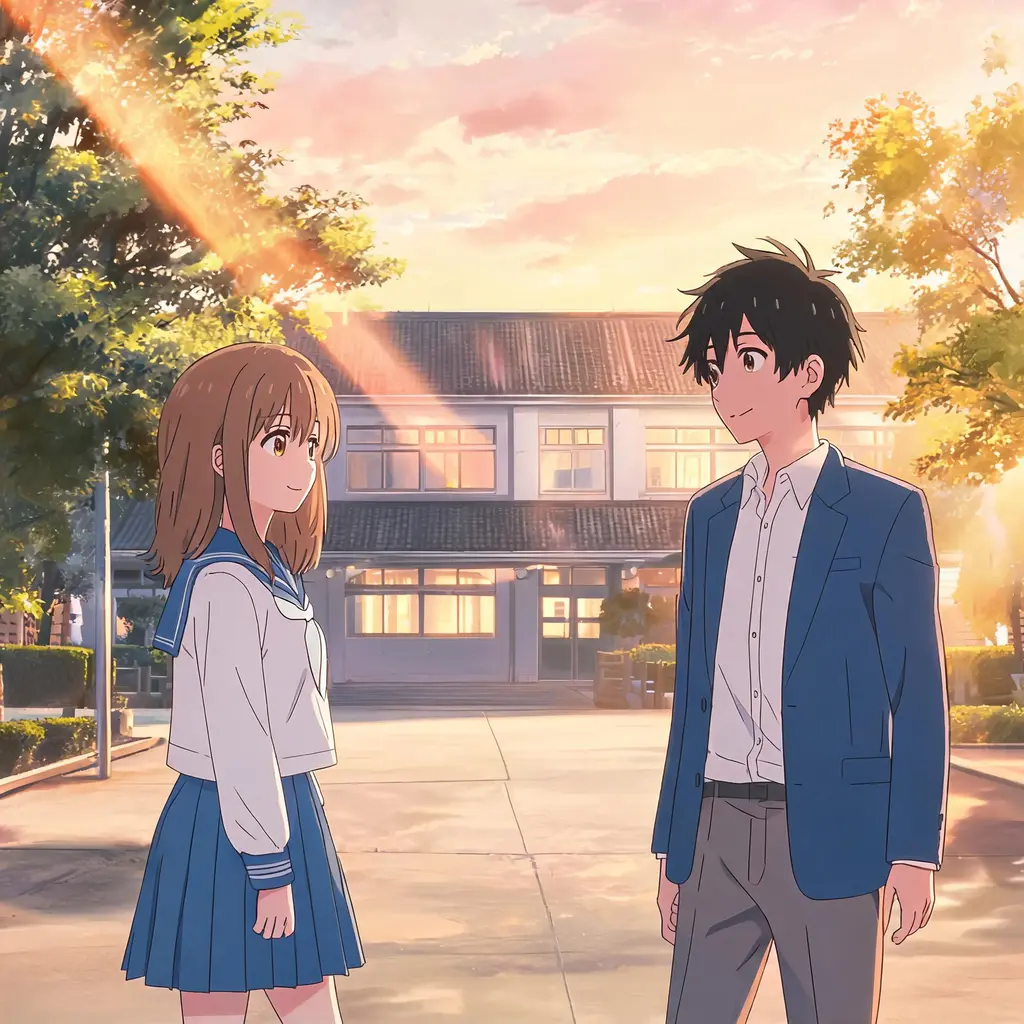
写真を、本物のアニメの一話を一時停止したようなワンフレームに変換。セル塗り、クリーンな線画、手描き背景で、シーンと人物はちゃんと見分けられるまま残ります。
プロンプト全文
ちびミニミー・スクラップブック
編集とスタイル変換

ちびミニミー・スクラップブック

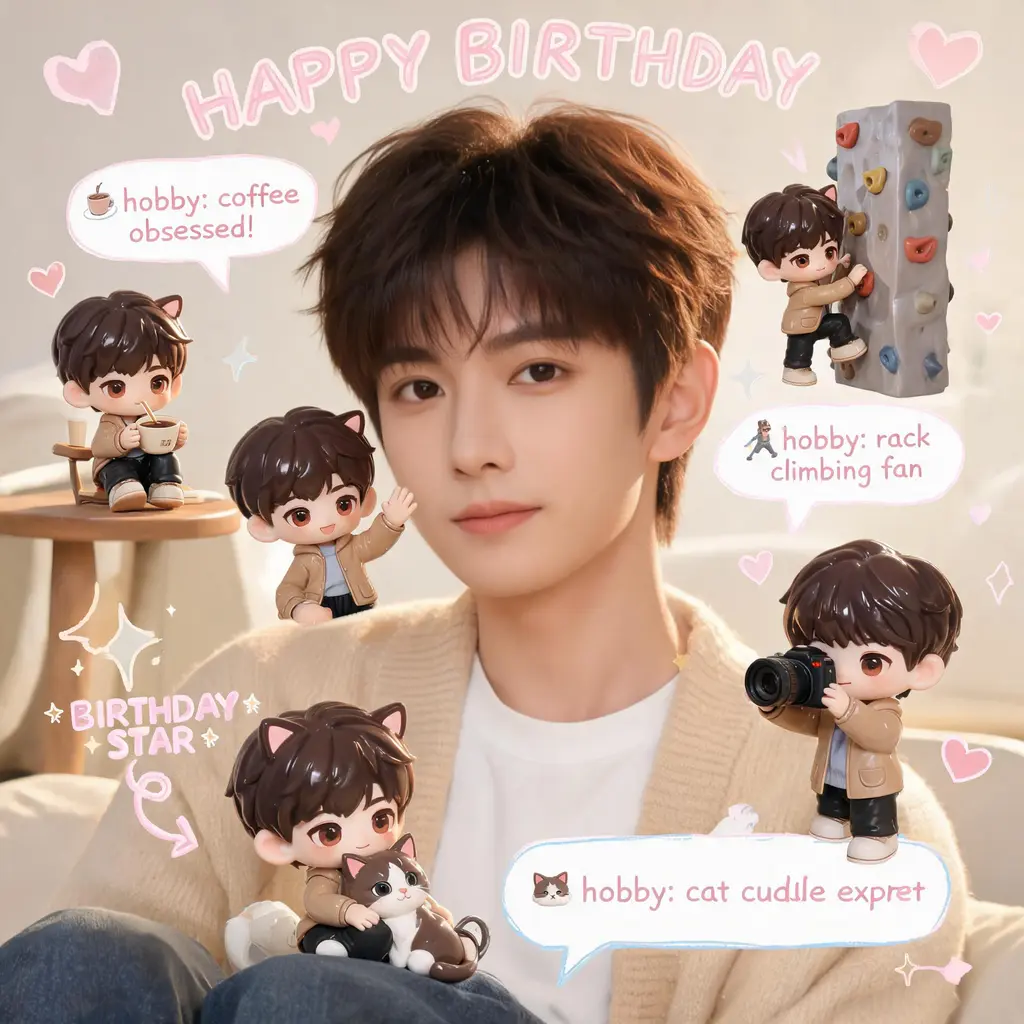
元の写真はそのままに、シーンのあちこちに自分の3Dちびフィギュア分身を配置し、手書き風の落書き、矢印、豆知識バブルを添えて、ほっこりパステルなスクラップブック風に仕上げます。

プロンプト全文
漫画ページのカラー化
編集とスタイル変換

漫画ページのカラー化

白黒の漫画ページをフルカラー版に。統一感のあるパレットとセル塗りの陰影を加えつつ、線画とフキダシの文字は元のまま保ちます。

プロンプト全文
漫画コマ突き破り
編集とスタイル変換

漫画コマ突き破り

自分や任意の被写体を、白黒漫画のページを破って飛び出すフルカラーの実写風人物に変換。驚くモブキャラ、スピード線、舞い散る紙片が臨場感を盛り上げます。
プロンプト全文
わざとヘタな落書き化
編集とスタイル変換

わざとヘタな落書き化

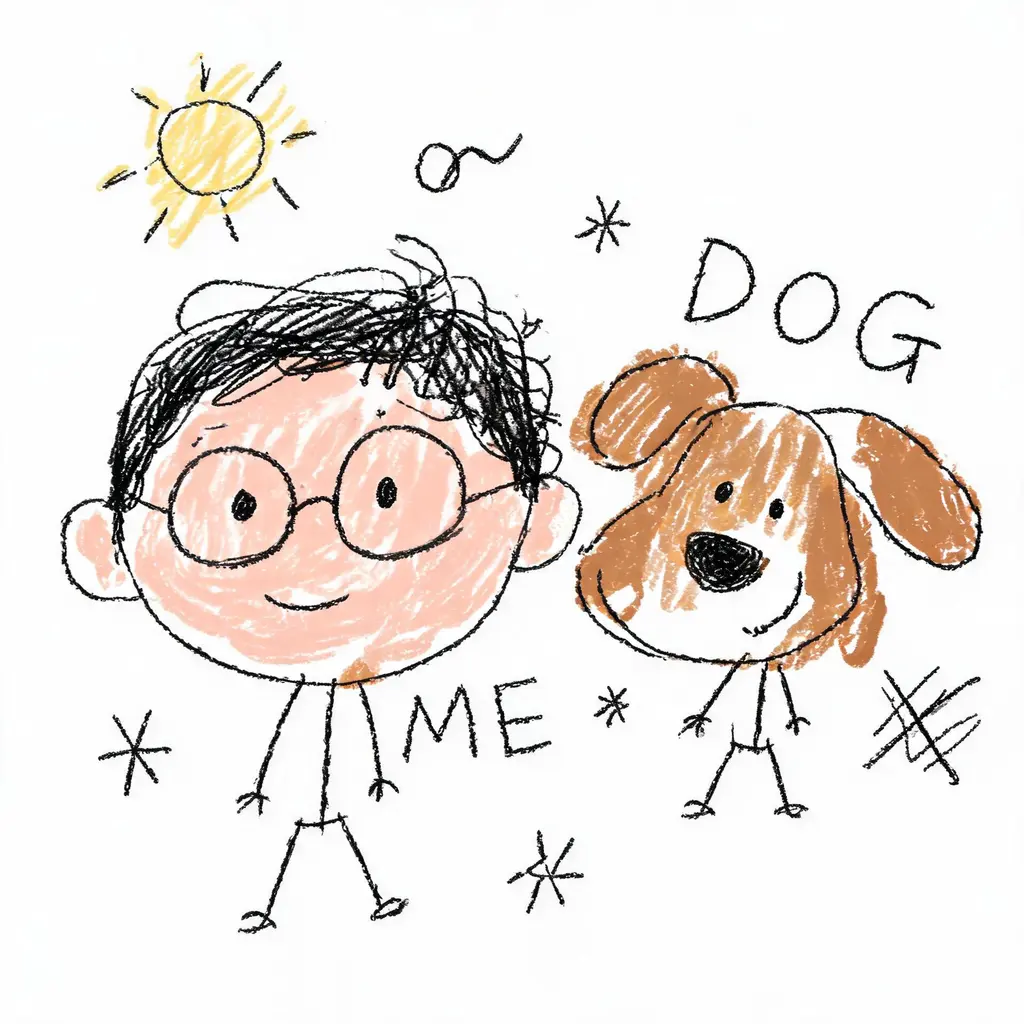
写真を堂々とヘタクソな落書きに変換。震えた線、歪んだ比率、はみ出した雑な塗りが白背景の上で愉快なほど間違っているのに、誰なのかはかろうじて分かります。

プロンプト全文
顔キープ変身ショット
編集とスタイル変換

顔キープ変身ショット

あなたの顔はそのままに、新しいヘアスタイル、オリジナルの衣装、映画のようなシーンへ。顔を一切変えない厳格なルールと、洗練された一眼レフ級のライティングで仕上げます。

プロンプト全文