一杯やり、竜に挑む
ポートレートをアップロードして、手持ちのファンタジーアドベンチャーで映画のような騎士になろう。一杯飲んだ後、キャラクターはカップを放り投げ、カメラは草むらへと回転し、巨大なドラゴンを前に武器を抜き、壮大な対決へと突撃する姿を映し出す。
一杯やり、竜に挑むエフェクトとは?
一杯やり、竜に挑むテンプレートは、あらかじめ設計された見た目と動きで写真を短いAI動画に変換します。生成前に、このページのサンプルで仕上がりのスタイルを確認できます。
指定された写真を追加し、必要に応じてプロンプトを確認するだけで、動画編集ソフトなしで生成できます。完成した動画はOmniArtの制作履歴に保存され、すぐにダウンロードして共有できます。
基本情報
- 出力
- 13秒の動画・720p
- 用意するもの
- 写真1枚
- テキストプロンプト
- 不要
- クレジット
- 動画1本あたり12クレジット
- 所要時間の目安
- 数分
試してみたい他のAIエフェクト
 動画
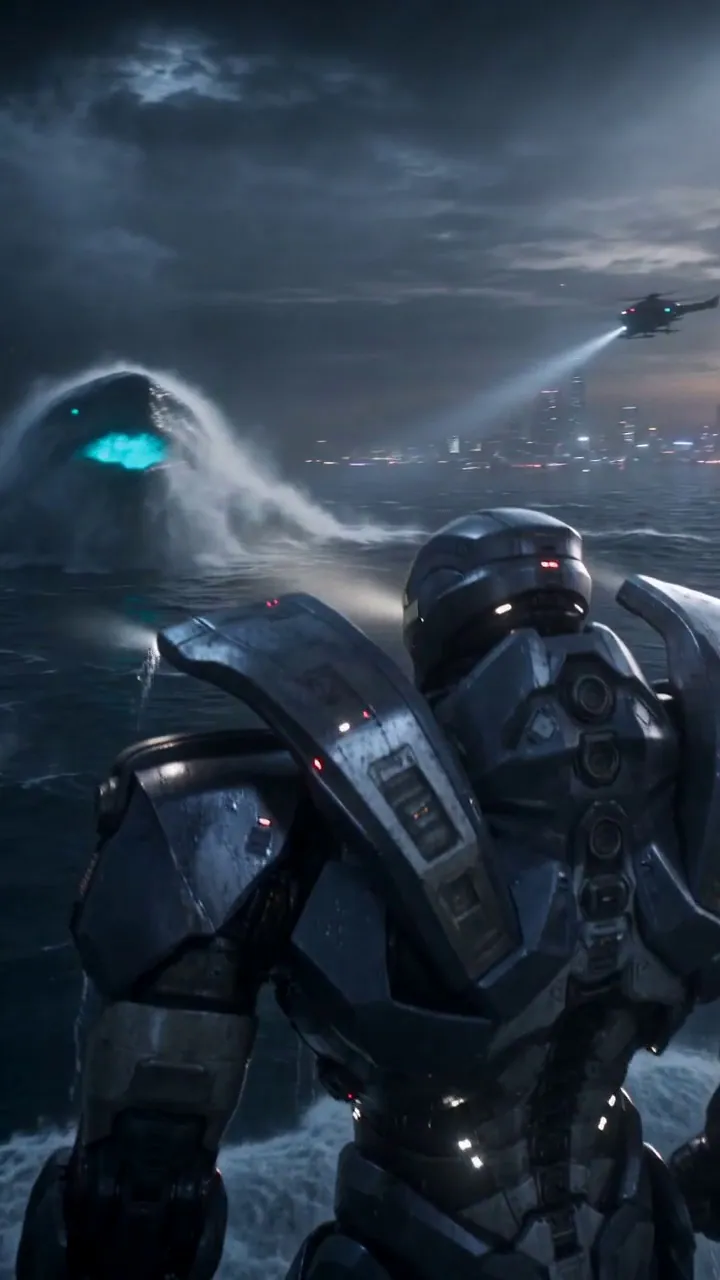
Skyfall Mecha Assembly
Upload a portrait to create a cinematic sci-fi mecha transformation. The character leaps from a high-altitude aircraft above a stormy ocean, assembles into a massive industrial mech during freefall, crashes into the sea with colossal impact, then rises to face a glowing ocean creature.
 動画
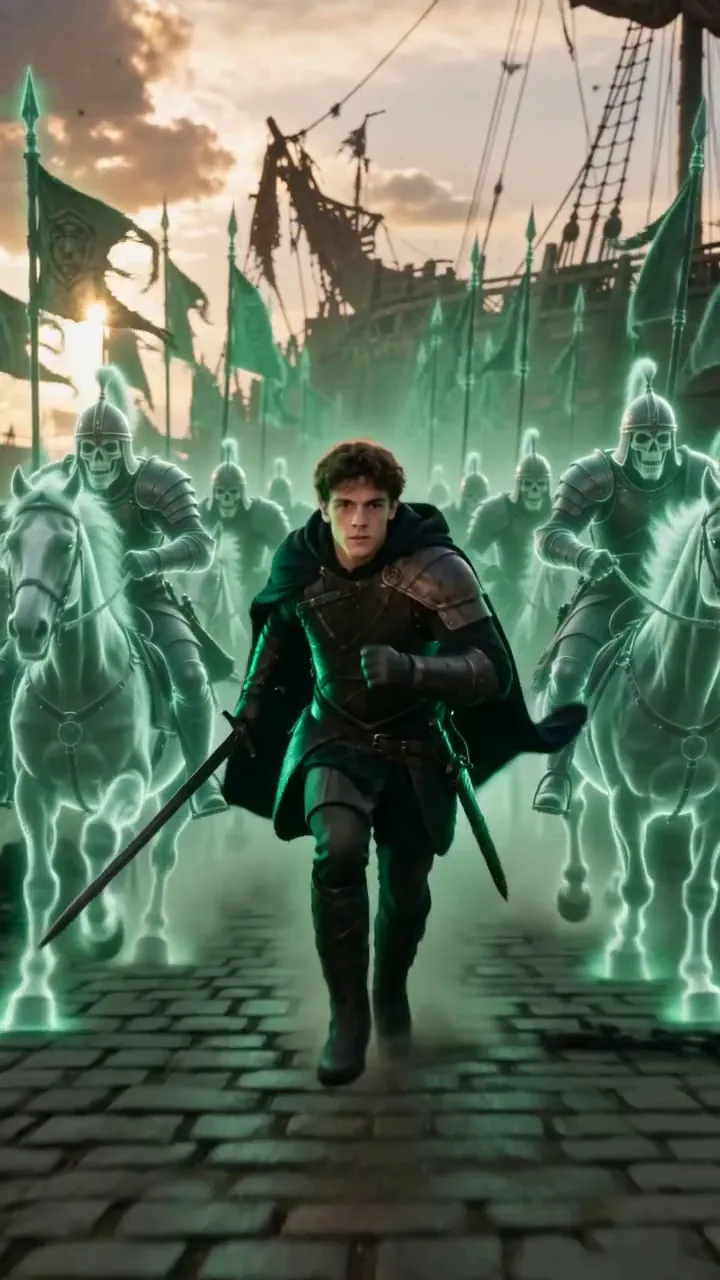
Upload Your Hero to a Ghost Army Charge
Upload a person, pet, or character photo and turn them into an epic fantasy battle hero. The hero raises their weapon sideways, gives a powerful command swing, then charges forward as thousands of green spectral undead warriors materialize from the air behind them and rush into battle together.
 動画
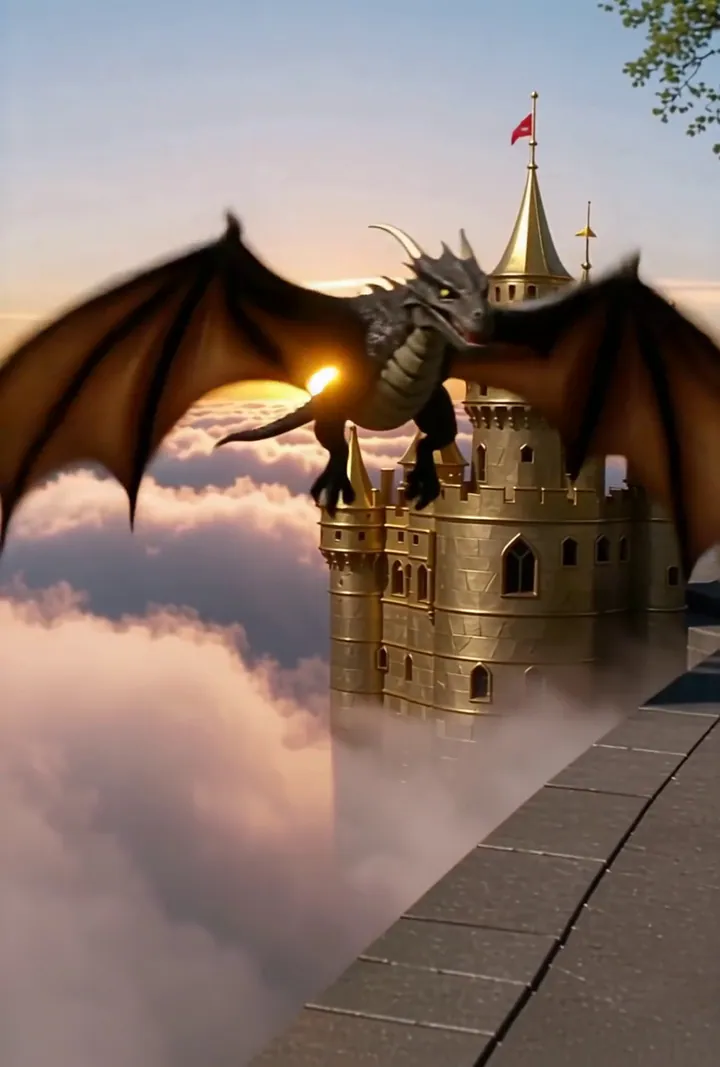
空を飛ぶドラゴン
黄金の城と空飛ぶドラゴン。夕日のライティング。あなたの日常が壮大なファンタジー映画のワンシーンに!
 動画
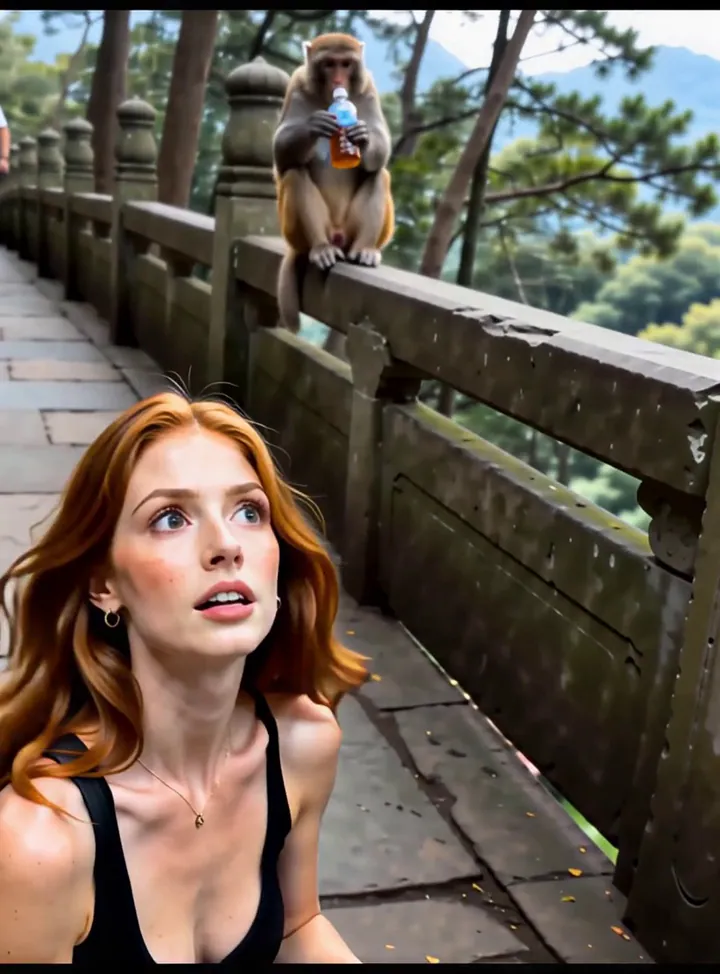
Monkeys grab water to drink
One monkey failed to grab water to drink, while another powerful monkey snatched the water away.
 動画
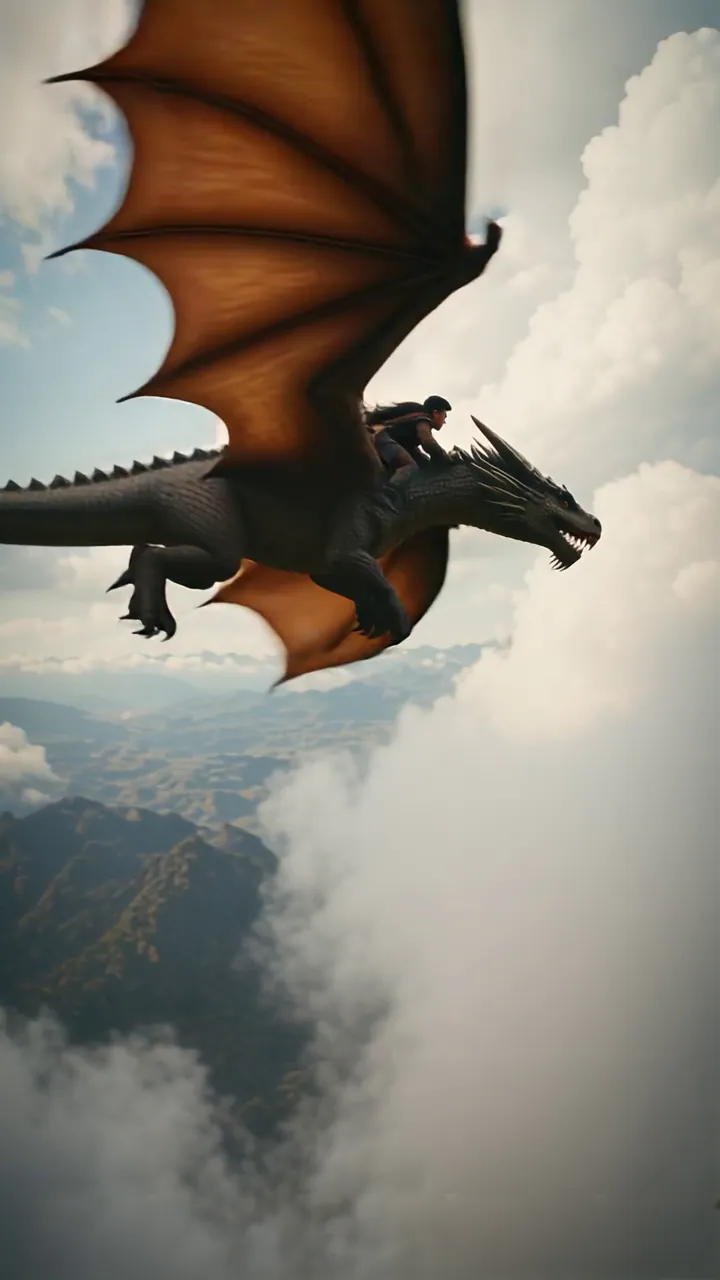
ドラゴンライダー
ドラゴンライダーに変身するシネマティックファンタジーシークエンス。
 動画
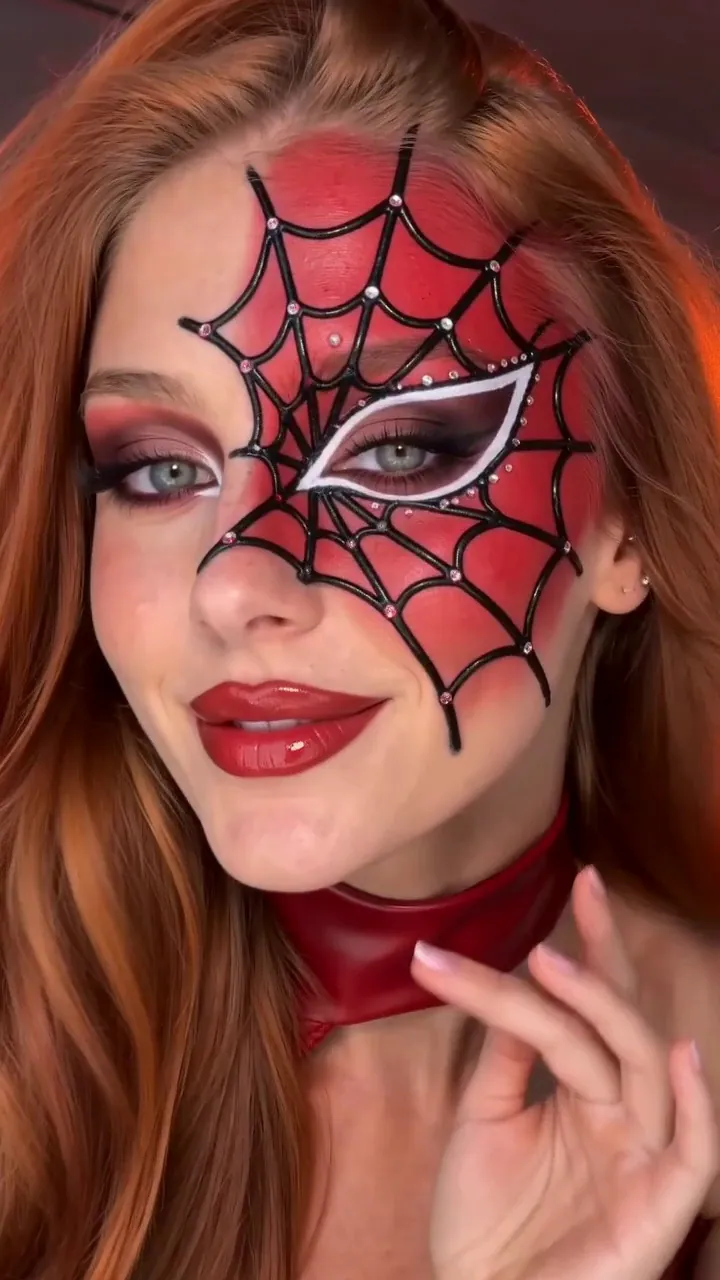
Beat-Cut Beauty Transformation
Upload a face photo and turn it into a beat-synced beauty transformation. The performer lip-syncs in a natural before look, pushes both hands close to the lens on the music beat, then instantly reveals a stylish red outfit, long hair, and natural glam artistic makeup with sparkle effects.
 動画
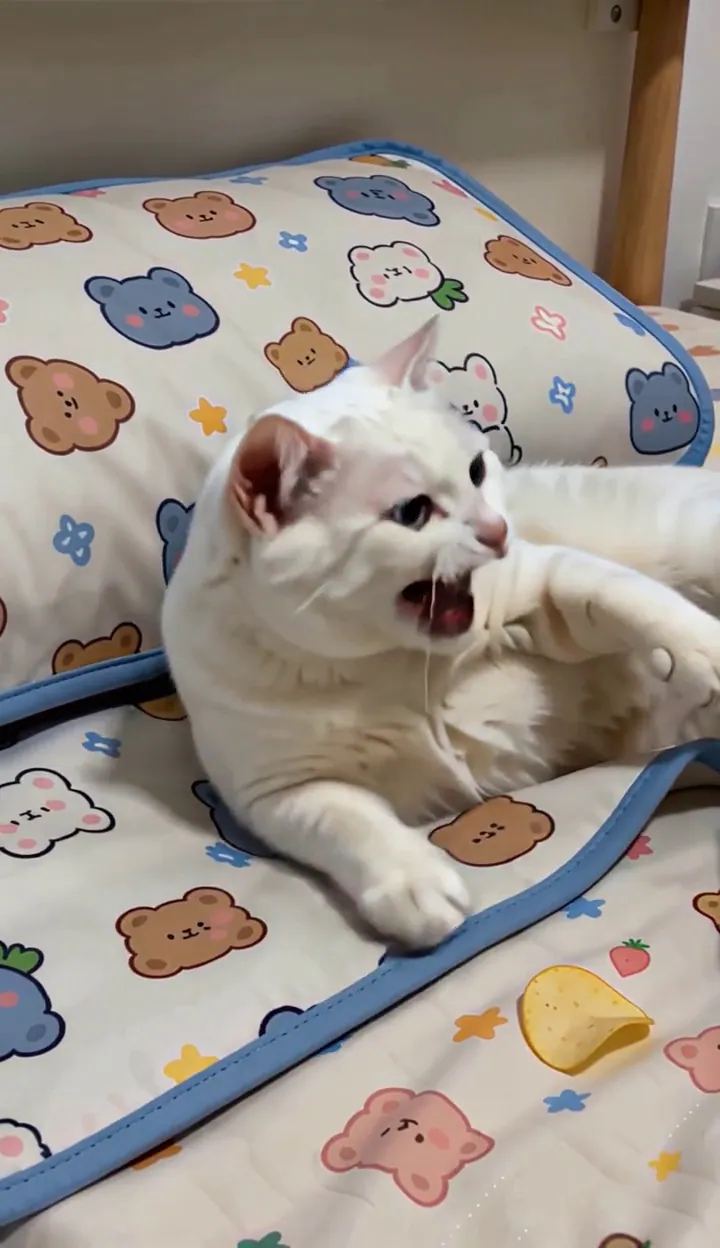
Don't take the kitten's phone, it will throw a tantrum.
Upload a photo of your cat and see how cute it is.
 動画
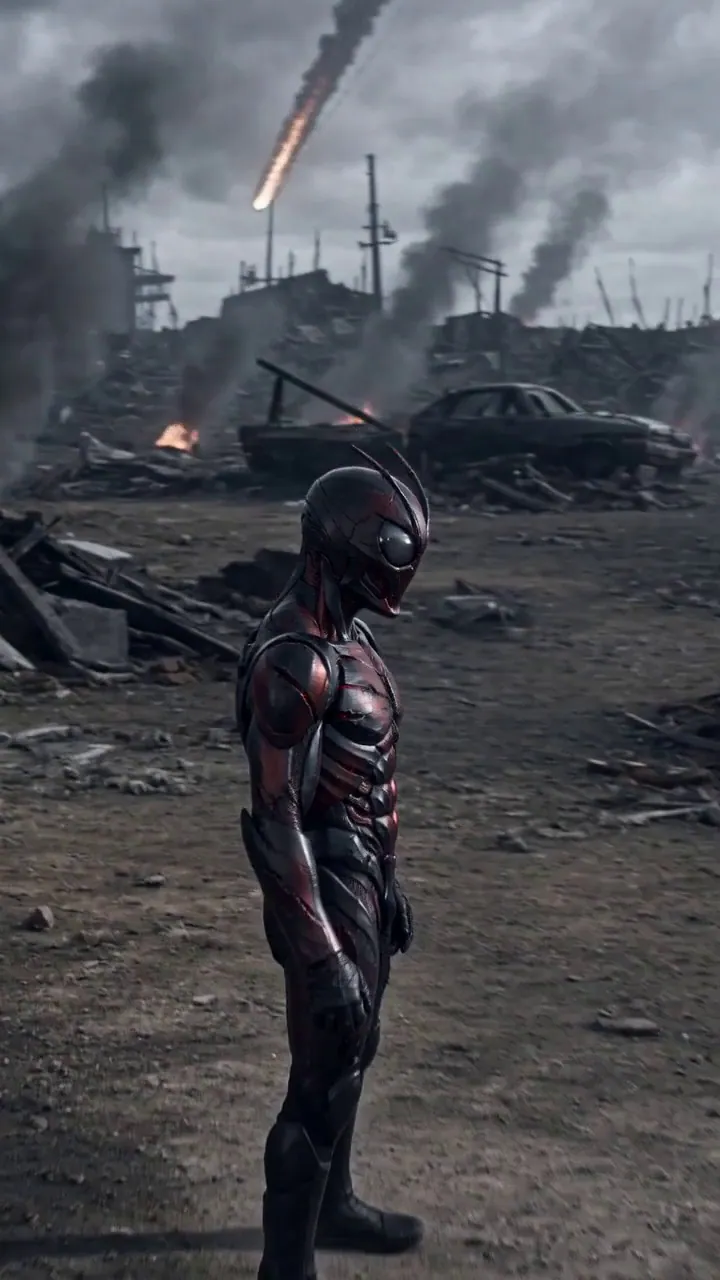
Dark Bio-Armor Transformation
Upload a portrait and transform into a dark bio-armor warrior on an apocalyptic battlefield. The character activates a cracked red crystal belt as black mist, blue arcs, and living black-red armor gradually form around the body in a grim cinematic one-shot transformation.
一杯やり、竜に挑む動画の作り方
- 1
写真をアップロード
被写体がはっきり見える、鮮明で明るい写真を選びましょう。ポートレートも集合写真も対応 — エフェクトが画像に合わせて自動調整されます。
- 2
プレビューを確認
サンプルクリップを見て、エフェクトが具体的に何をするか確認しましょう。一部のエフェクトは短いテキストプロンプトで結果を調整することもできます。
- 3
生成してダウンロード
生成ボタンを押して進行状況をリアルタイムで確認。数分で動画をダウンロード・シェアできます。
一杯やり、竜に挑むの動画をきれいに仕上げるコツ
- 被写体はひとつに。 ごちゃついた背景はトリミングして、エフェクトが狙いどおりの人物や物をとらえられるようにしましょう。
- 光は正面から均一に。 影になった顔や強い逆光の顔は、カメラが動くとディテールが失われます。
- 被写体は画面の中に。 画面の端で切れた頭や手、輪郭は、動画にしても補えません。
- 加工は控えめに。 美肌フィルターやスタンプはテンプレートの認識を妨げます。加工していない写真がいちばんきれいに仕上がります。
OmniArtで一杯やり、竜に挑む動画を作る理由
スタジオ品質の仕上がり
すべてのエフェクトは、鮮明な動き、安定した顔、シェアしやすい仕上がりに調整された動画テンプレートで動作します。
数分で完成
タイムラインもキーフレームも編集アプリも不要。写真をアップロードすれば、進行状況を見ている間に動画が完成します。
従量課金
各エフェクトの生成に必要なのは少量のクレジットです。生成結果はすべて OmniArt のライブラリに保存され、どのデバイスからでも確認できます。
よくある質問
厳選された一杯やり、竜に挑むテンプレートを使って、アップロードした写真を短いAI生成動画に変えます。このページのサンプルクリップで、実際にどんな動きになるかを確認できます。
被写体がはっきり見える、鮮明で明るい写真が最も良い結果を生みます。強いフィルター、極端なアングル、極端に低い解像度の画像は避けてください。
ほとんどの動画は数分で完成します。ページ上で進行状況をリアルタイムに確認でき、完成したクリップは自動的にライブラリに保存されます。
1回の生成に必要なクレジットは少量です。生成ボタンで必要数を確認できます。クレジットは有料プランに含まれるほか、クレジットパックでも購入できます。
商用利用の可否は、使用するテンプレート、素材、適用される規約によって異なります。アップロードするすべての素材に必要な権利を保有し、出力の利用が第三者の知的財産権を侵害しないことを確認してください。