Spring Magic
Become the hero of a magical spring transformation.
Upload a photo to generate
What is the Spring Magic effect?
The Spring Magic template turns your photos into a short AI video with a predesigned look and motion. The example on this page shows the style you can expect before you generate.
Add the requested photos, review any optional prompt, and generate without a video editor. OmniArt keeps the finished clip in your creative history so it is ready to download and share.
How to make a Spring Magic video
- 01
Upload your photo
Pick a clear, well-lit photo where the subject is easy to see. Portraits and group shots both work — the effect adapts to your image.
- 02
Check the preview
Watch the example clip to see exactly what the effect does. Some effects also accept a short text prompt to steer the result.
- 03
Generate and download
Hit generate and watch the progress live. Your video is ready to download and share in minutes.
Why create Spring Magic videos on OmniArt
Studio-grade results
Every effect runs on a curated video template tuned for sharp motion, stable faces, and share-ready output.
Results in minutes
No timeline, no keyframes, no editing app. Upload a photo and get a finished video while you watch the progress.
Start free
Generate with free credits on any effect, and keep every result in your OmniArt gallery across devices.
More AI effects to try
 Video
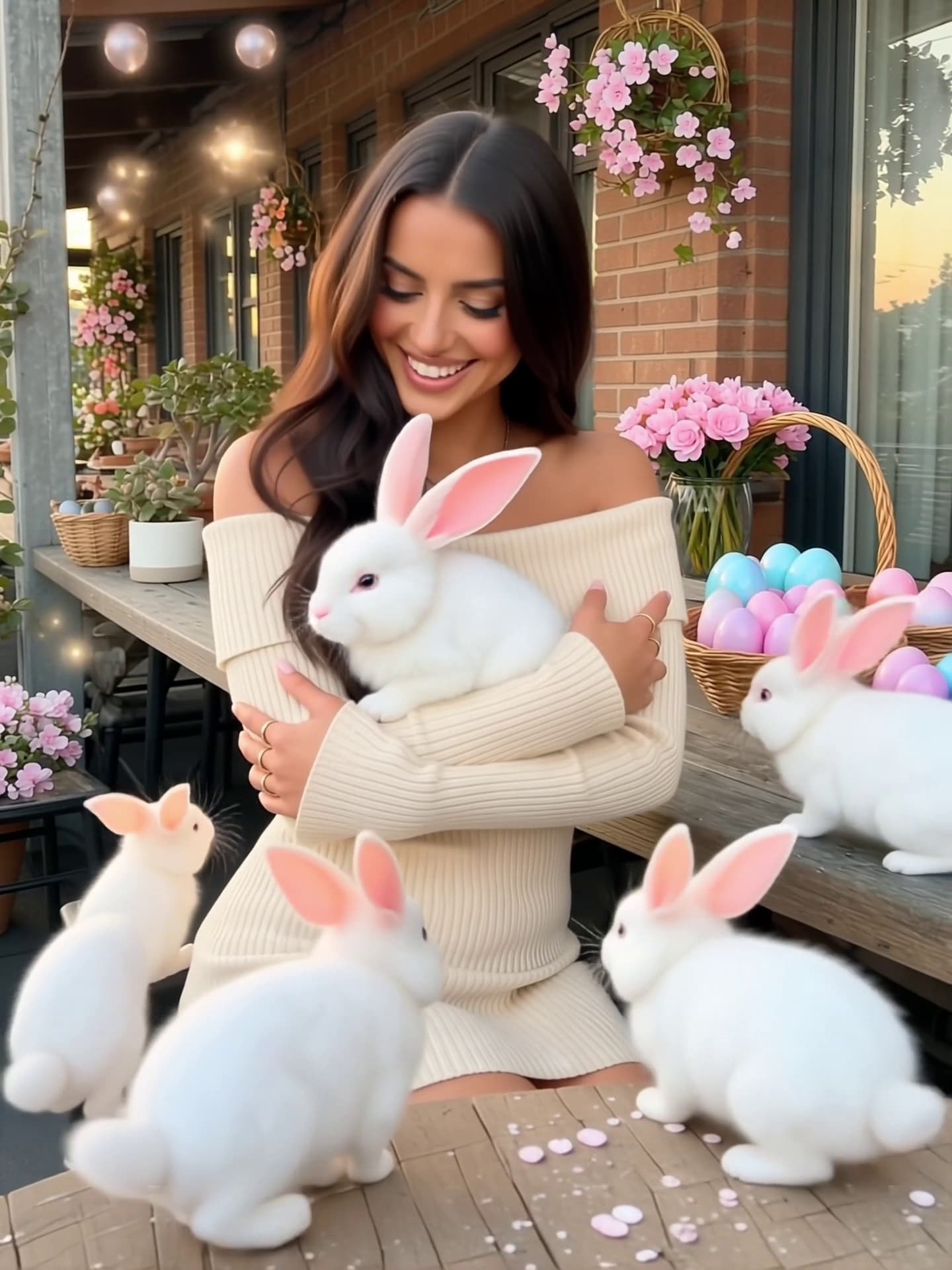
VideoSpring Bunny Magic
Wait… a bunny just came out of the egg?!
 Video
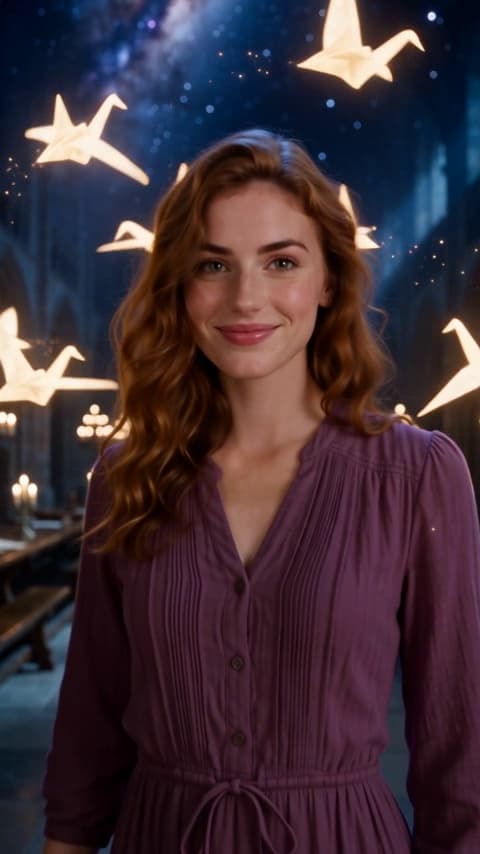
VideoMagical Magic Academy!
Magical Magic Academy! Upload your selfie to get the same style.
 Video
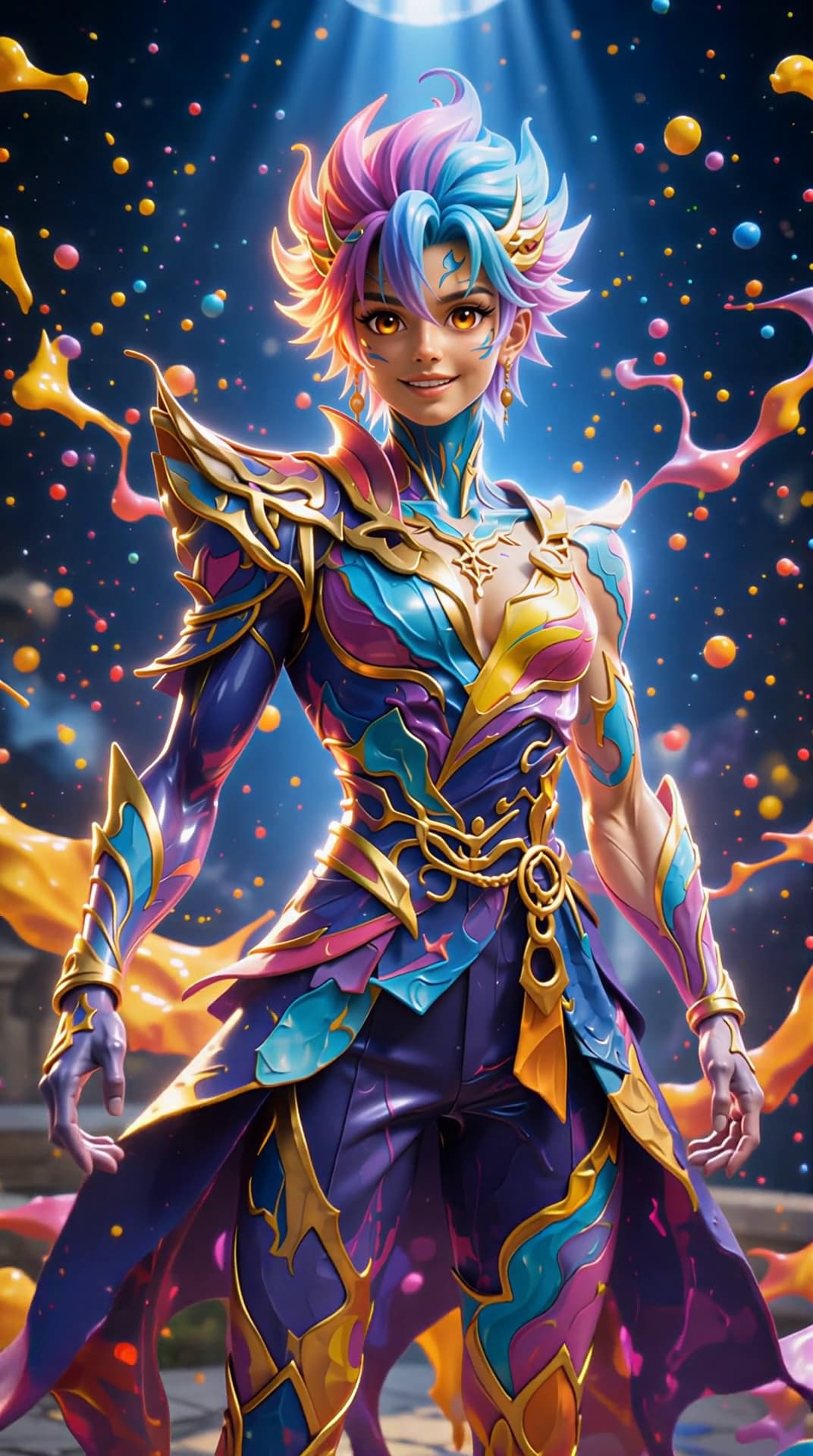
VideoPainted by Magic
Throw a burst of magical paint into the air and watch it transform you into a vibrant, anime-inspired figure.
 Video
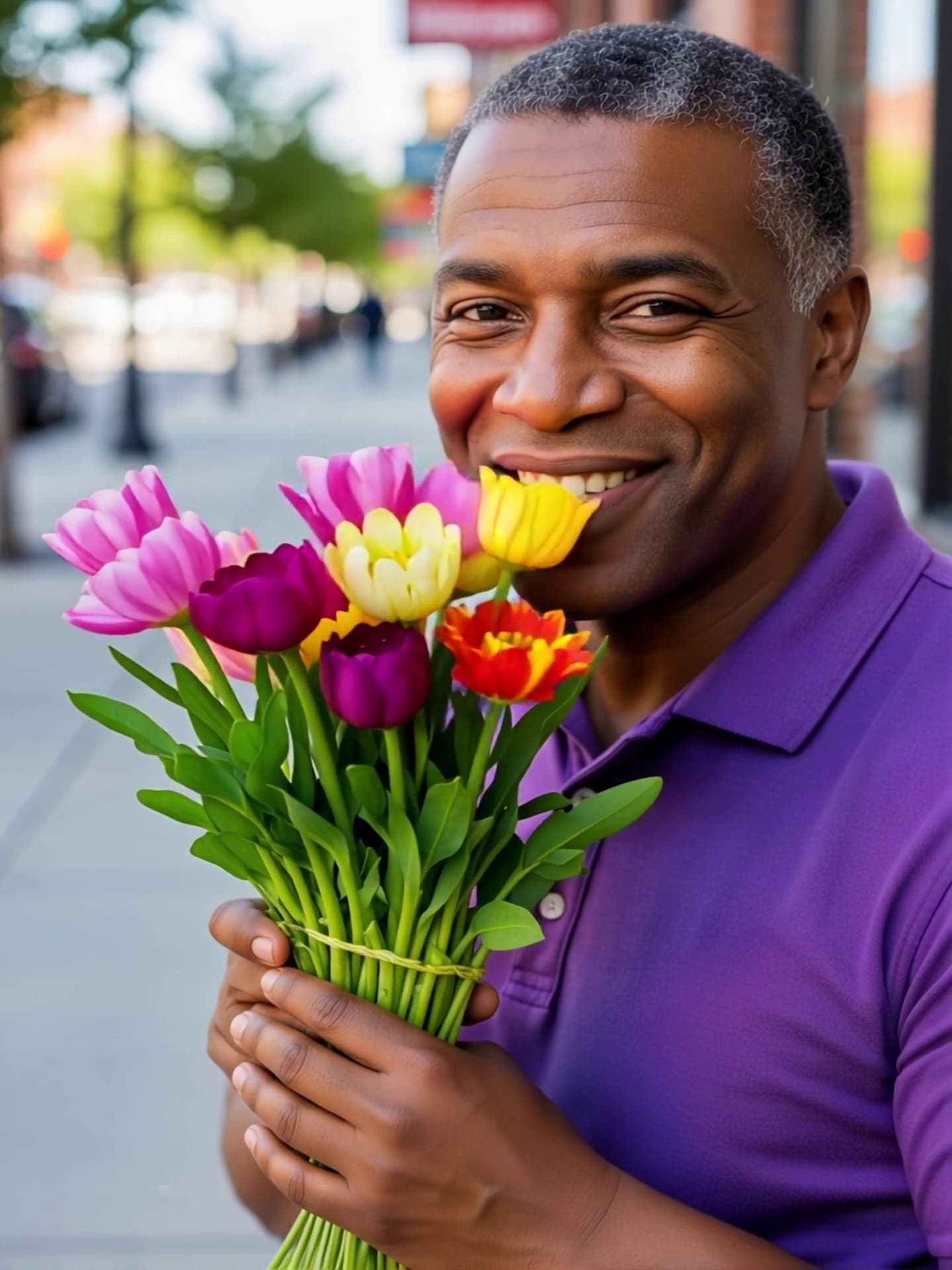
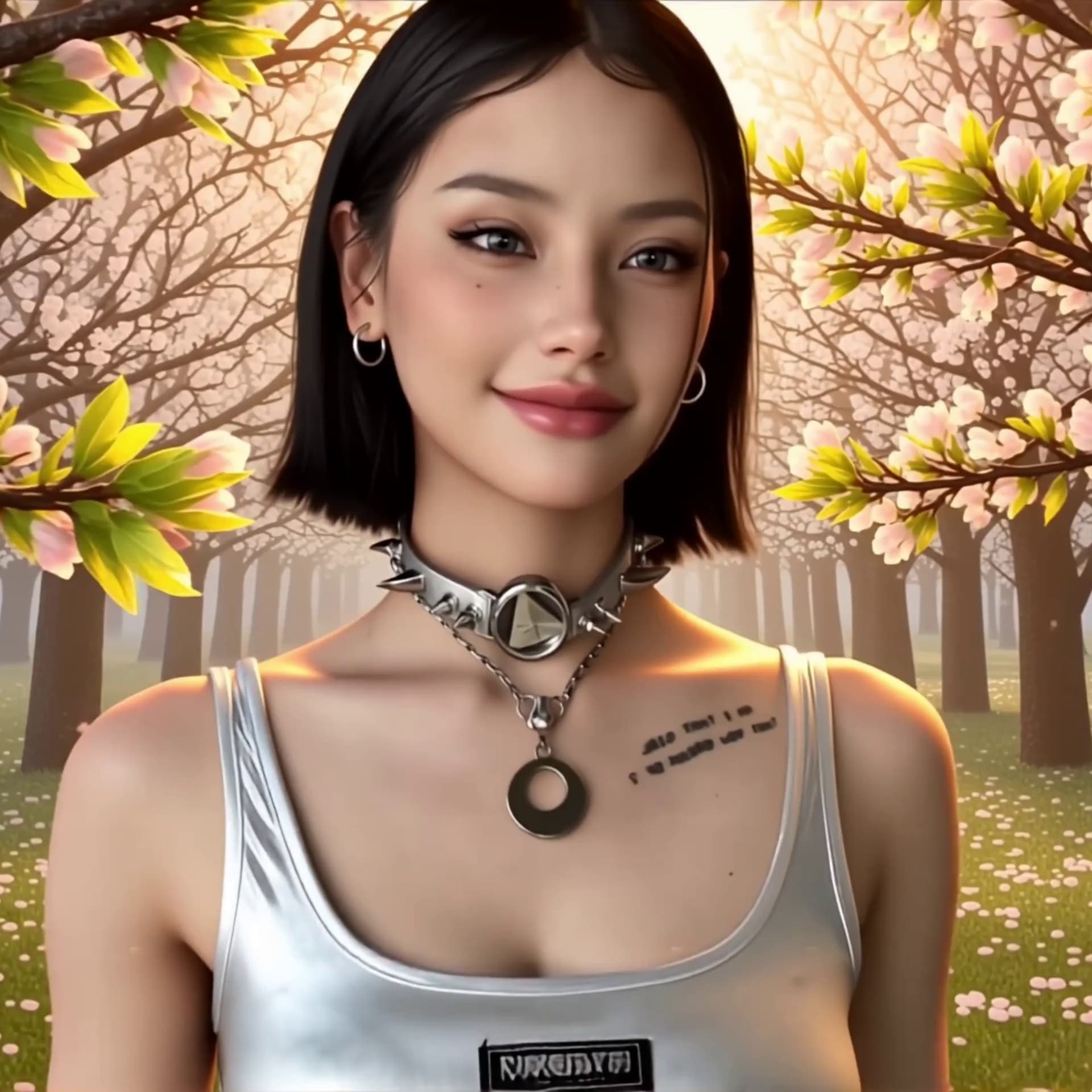
VideoMagic Flowers
Cultivate your own Spring bouquet!
 Video
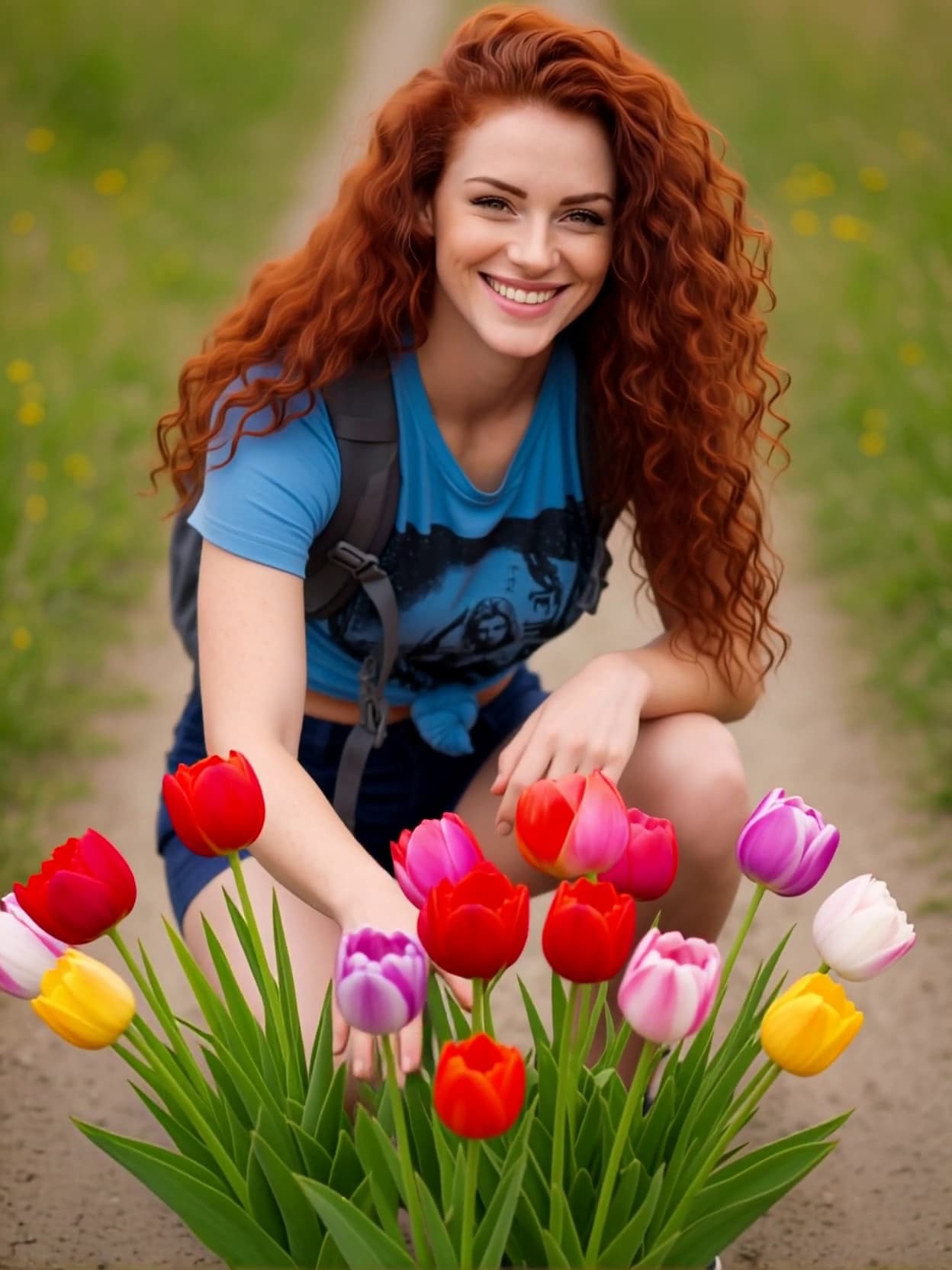
VideoSpring Awakening
Watch winter transform into vibrant spring as flowers bloom around you in a magical cinematic moment.
 Video
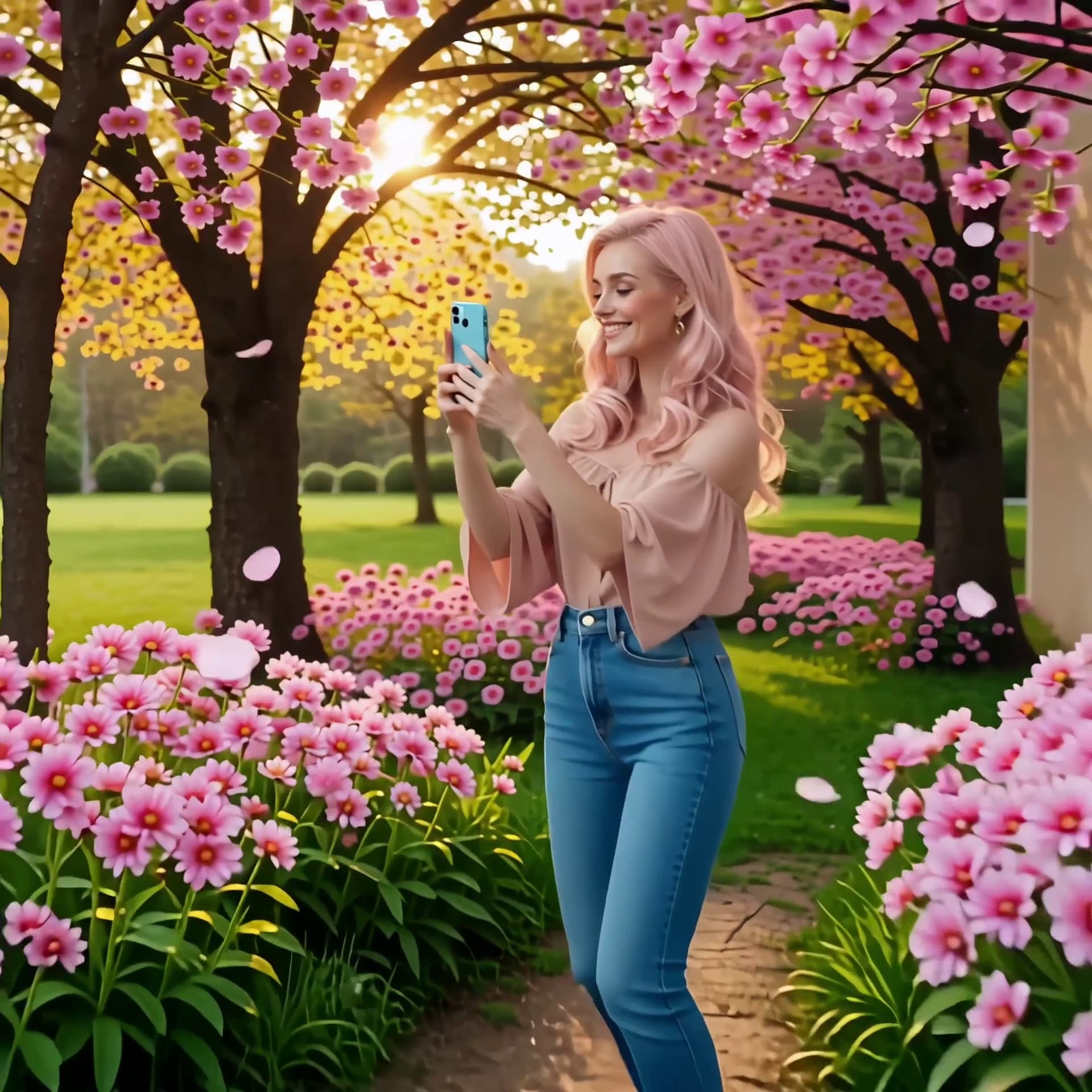
VideoSpring Summoning
Tap into life's magic!
 Video
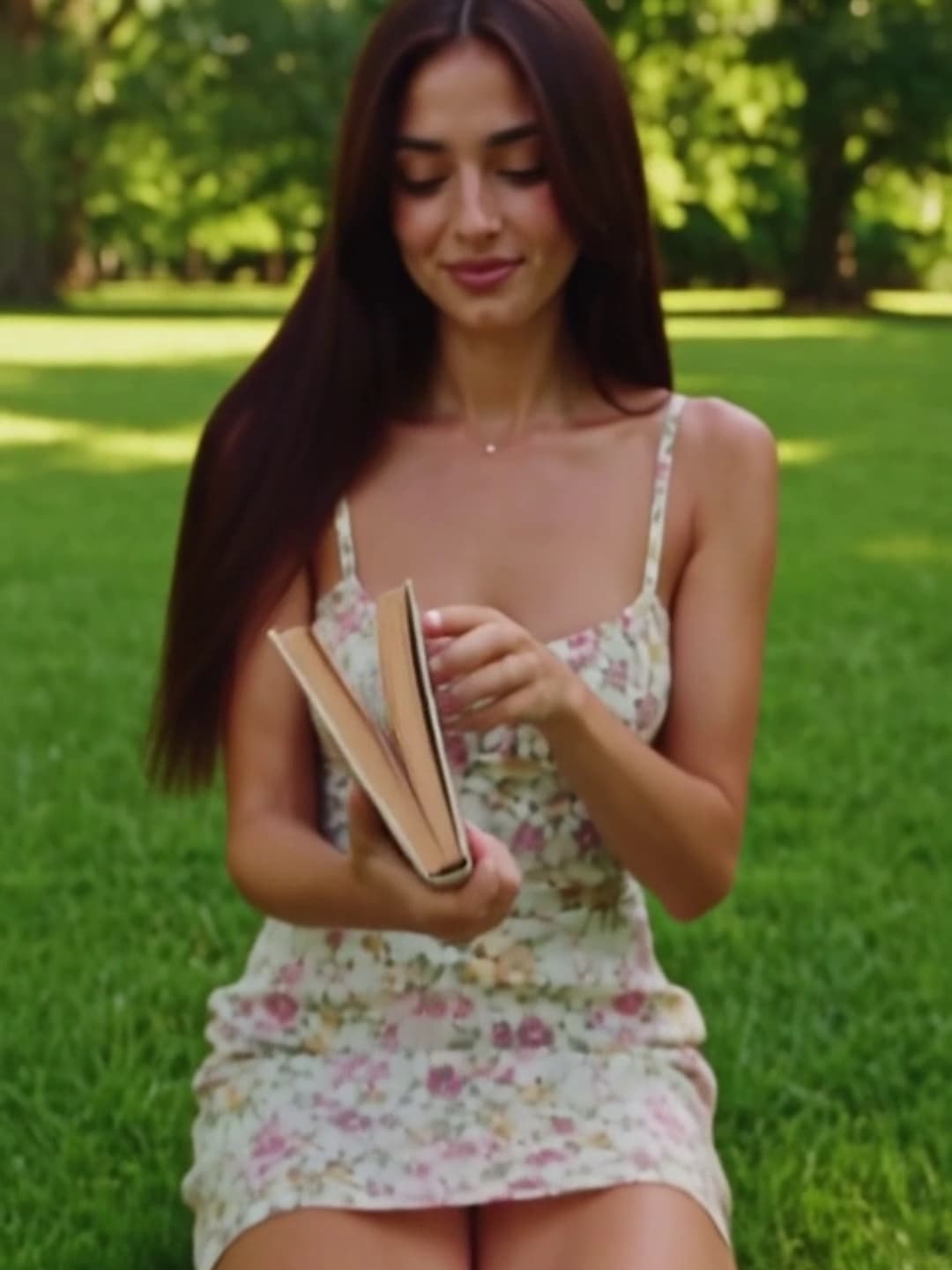
VideoA Spring Memory
Witness the world around you blossom, transforming you into the hero of a beautiful spring revival.
 Video
VideoMagic Book in the Academy!
Magic Book in the Academy! Upload your selfie to get the same style.
Frequently asked questions
It turns the photo you upload into a short AI-generated video using a curated Spring Magic template. The example clip on this page shows the exact motion you can expect.
Clear, well-lit photos with the subject fully visible give the best results. Avoid heavy filters, extreme angles, or very low resolution images.
Most videos finish within a few minutes. You can watch the progress on the page, and finished clips are saved to your gallery automatically.
Each generation costs a small number of credits, shown on the generate button. New accounts start with free credits, so you can try the effect before paying anything.
Commercial use depends on the template, your materials, and the applicable terms. You must hold the necessary rights to everything you upload and ensure that your use of the output does not infringe any third-party intellectual property.