Doctor
Upon your graduation, you will be a doctor, and you can use this template now.
What is the Doctor effect?
The Doctor template turns your photos into a short AI video with a predesigned look and motion. The example on this page shows the style you can expect before you generate.
Add the requested photos, review any optional prompt, and generate without a video editor. OmniArt keeps the finished clip in your creative history so it is ready to download and share.
Key facts
- Output
- 15s video · 720p
- You need
- 1 photo
- Text prompt
- Not needed
- Credits
- 8 credits per video
- Typical time
- A few minutes
More AI effects to try
 Video
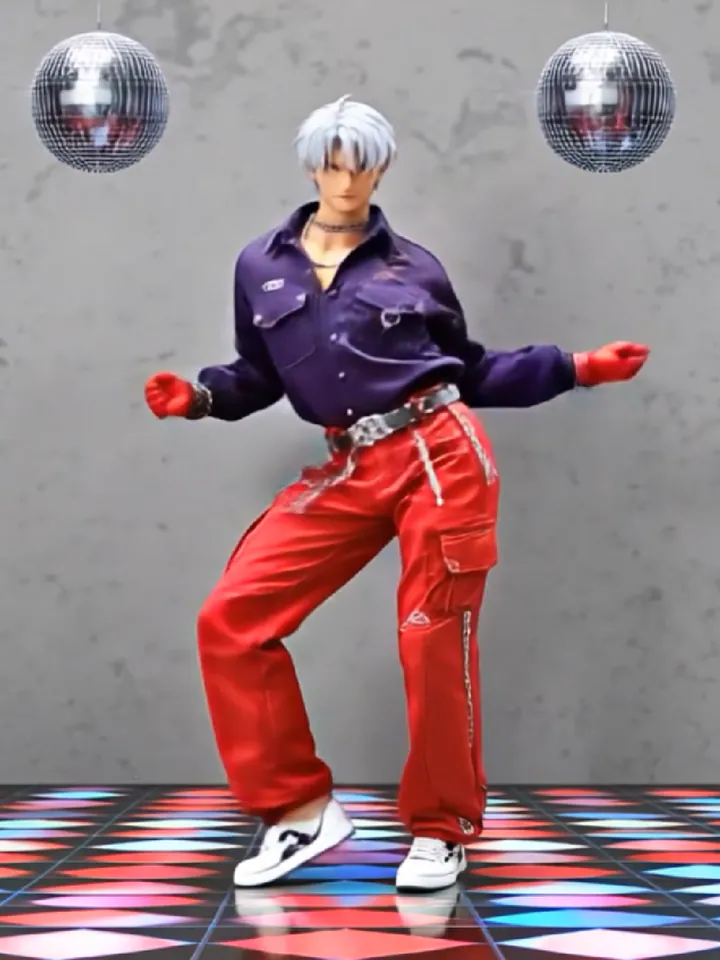
Li Xi Cheng Merch
Once upon a time, a legend was born
 Video
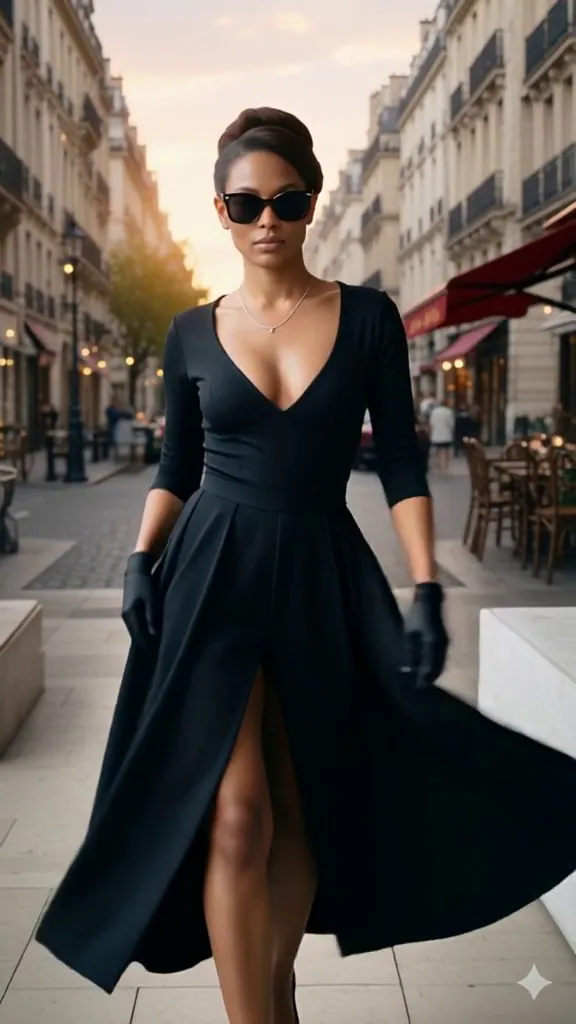
Parisian Chic
Bestow a timeless Audrey Hepburn glow upon your photos.
 Video
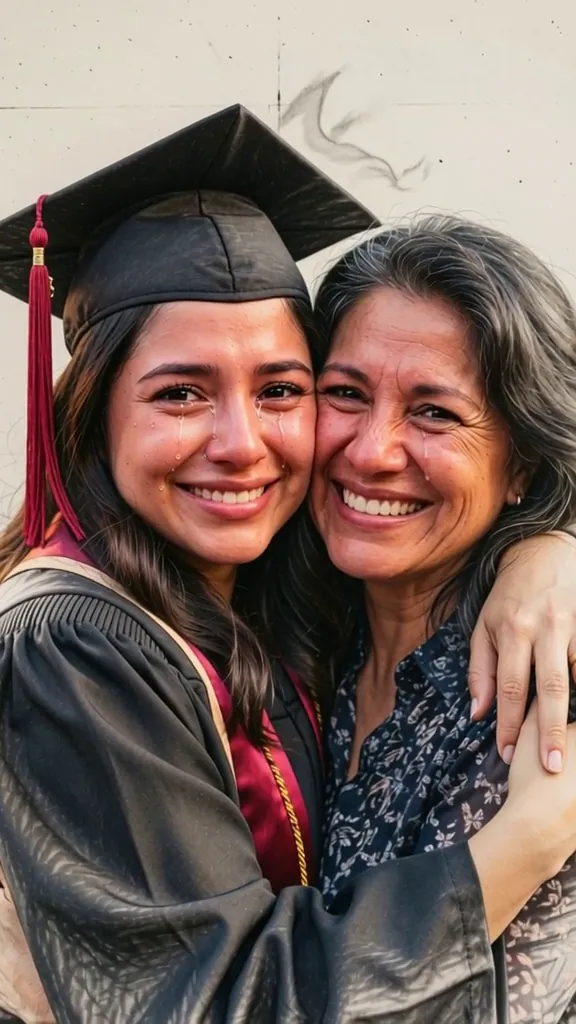
Graduation
The transition here escapes the obvious: instead of generic digital effects, the photorealistic reality.
 Video
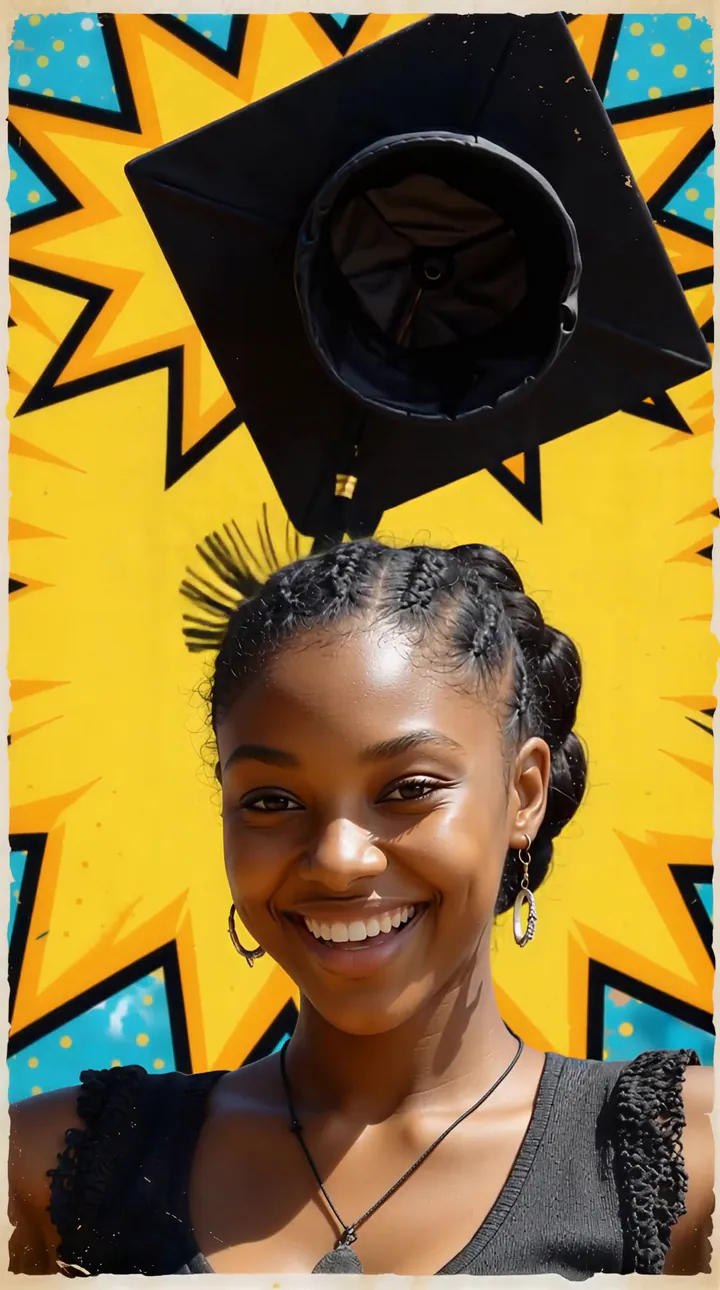
Graduate Comic Book
You did it! See your graduation milestone drawn as a classic retro comic book cover.
 Video
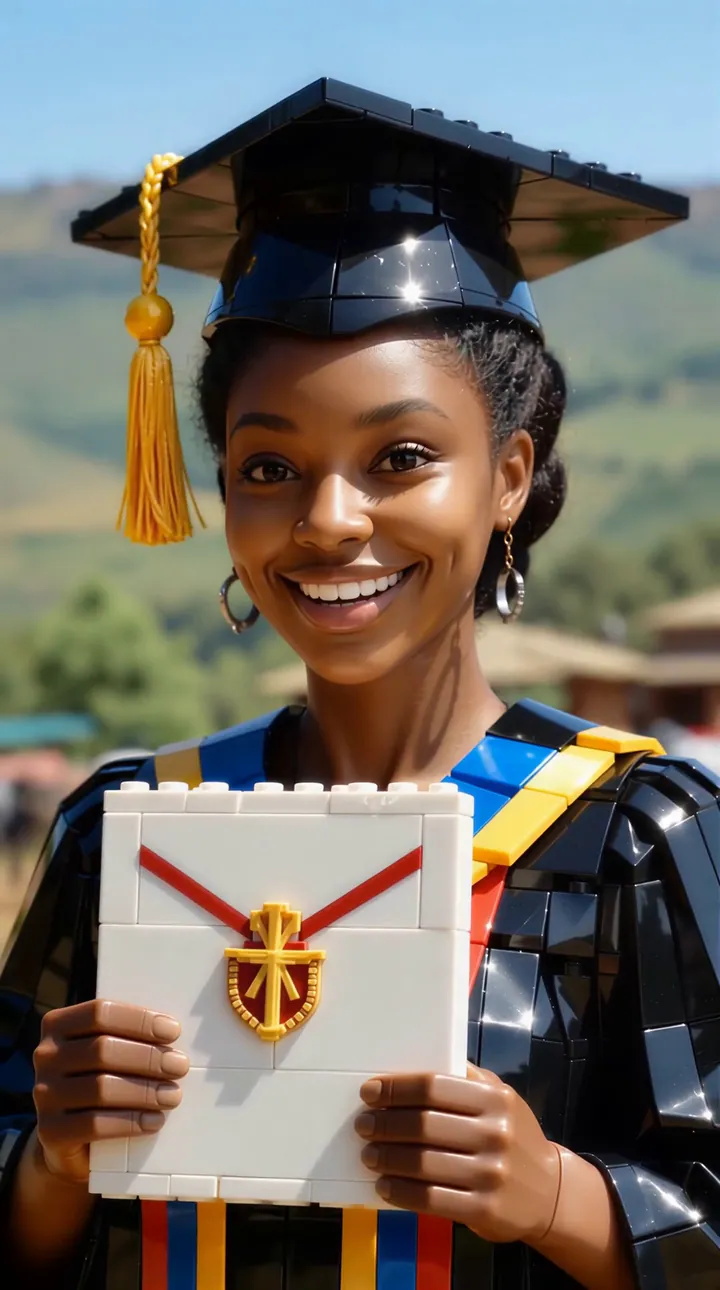
Graduate Brick Art
Celebrate your graduation milestone in a high-detail 3D plastic brick universe.
 Video
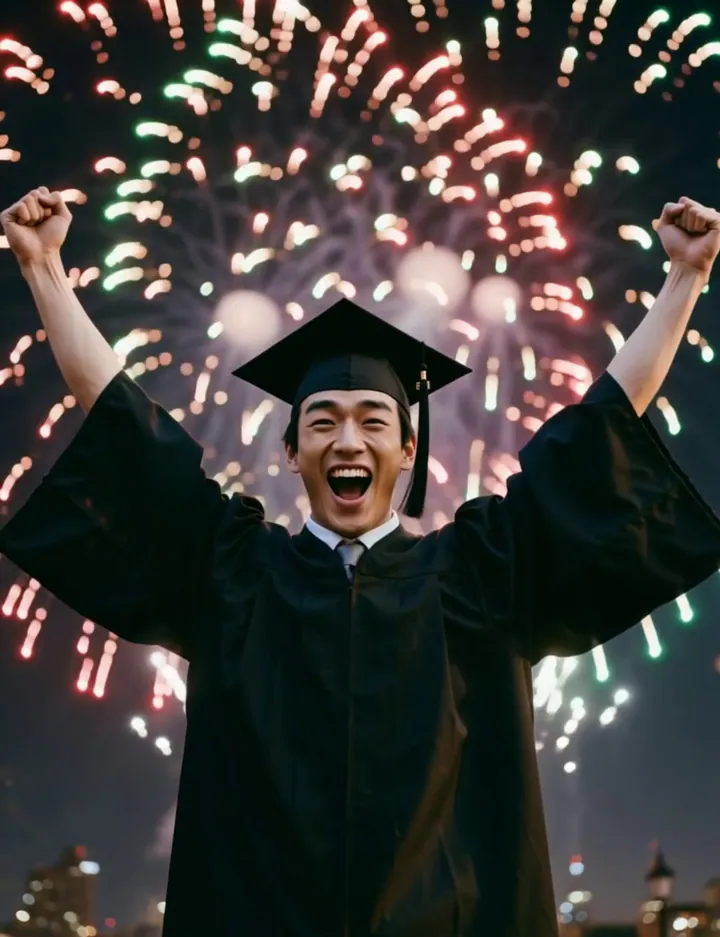
Graduation Fireworks
Confetti and fireworks for your graduation
 Video
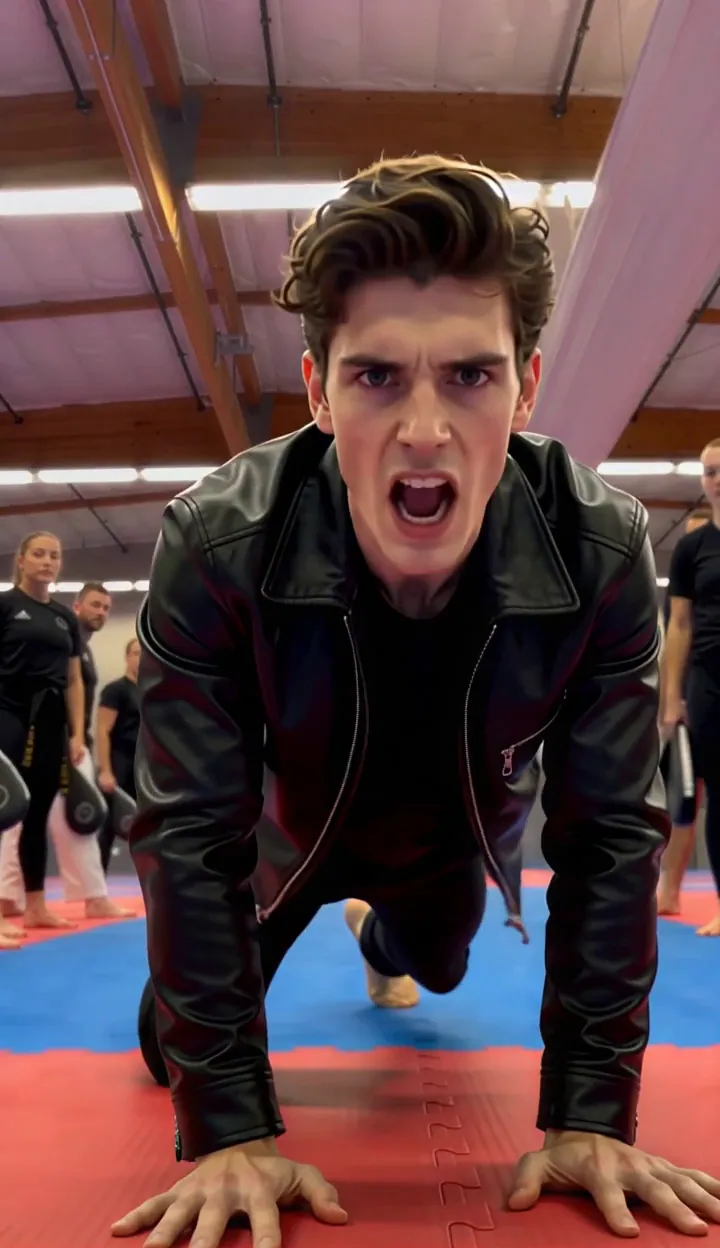
Invincible Whirlwind Kick
Come and use your invincible whirlwind kick.
 Video
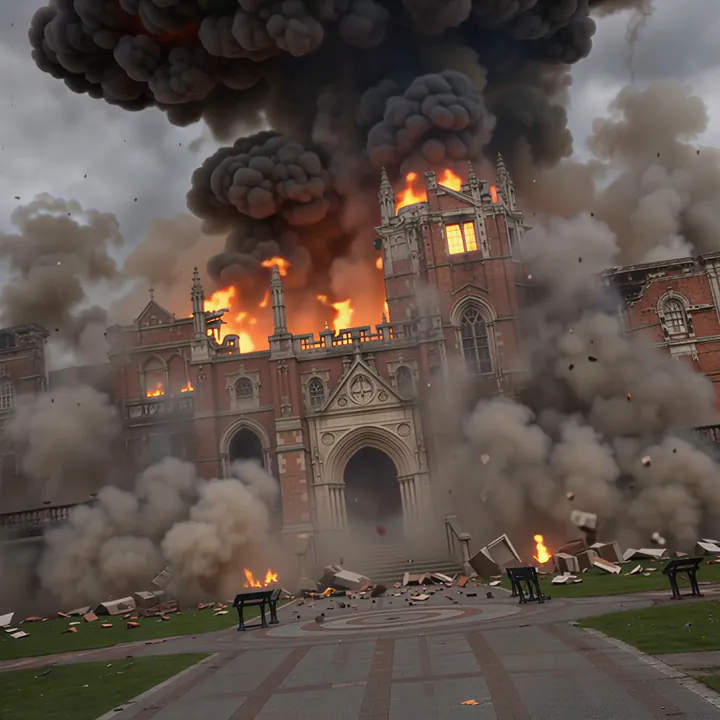
Finally Free
That’s enough education for today. (Upload a front-facing subject photo, a building photo, and a graduation attire photo.)
How to make your Doctor video
- 1
Upload your photo
Pick a clear, well-lit photo where the subject is easy to see. Portraits and group shots both work — the effect adapts to your image.
- 2
Check the preview
Watch the example clip to see exactly what the effect does. Some effects also accept a short text prompt to steer the result.
- 3
Generate and download
Hit generate and watch the progress live. Your video is ready to download and share in minutes.
Tips for a better Doctor video
- One clear subject. Crop out busy backgrounds so the effect locks onto the person or object you mean.
- Even, front-facing light. Faces in shadow or strong backlight lose detail once the camera moves.
- Keep the subject in frame. Heads, hands and edges cut off by the border cannot be animated back in.
- Skip heavy filters. Beauty filters and stickers confuse the template; the original photo works best.
Why create Doctor videos on OmniArt
Studio-grade results
Every effect runs on a curated video template tuned for sharp motion, stable faces, and share-ready output.
Results in minutes
No timeline, no keyframes, no editing app. Upload a photo and get a finished video while you watch the progress.
Pay as you go
Each effect costs a few credits, and every result stays in your OmniArt gallery across devices.
Frequently asked questions
It turns the photo you upload into a short AI-generated video using a curated Doctor template. The example clip on this page shows the exact motion you can expect.
Clear, well-lit photos with the subject fully visible give the best results. Avoid heavy filters, extreme angles, or very low resolution images.
Most videos finish within a few minutes. You can watch the progress on the page, and finished clips are saved to your gallery automatically.
Each generation costs a small number of credits, shown on the generate button. Credits come with a paid plan or a one-time credit pack.
Commercial use depends on the template, your materials, and the applicable terms. You must hold the necessary rights to everything you upload and ensure that your use of the output does not infringe any third-party intellectual property.