Kiss Me, AI!
No Lover? Get an AI Sweetheart!
What is the Kiss Me, AI! effect?
Kiss Me, AI! turns one portrait into a five-second cheek-kiss scene. A second person moves into view from the side and leans in to kiss the subject's cheek. The subject smiles as pink hearts float around the pair. The camera keeps a close portrait framing, focusing on their expressions and the affectionate gesture.
Try it for a playful Valentine's post or a lighthearted video to share with friends. Use a clear solo portrait with the face unobstructed and some space beside the head for the added person.
Key facts
- Output
- 5s video · 720p
- You need
- 1 photo
- Text prompt
- Not needed
- Credits
- 8 credits per video
- Typical time
- A few minutes
More AI effects to try
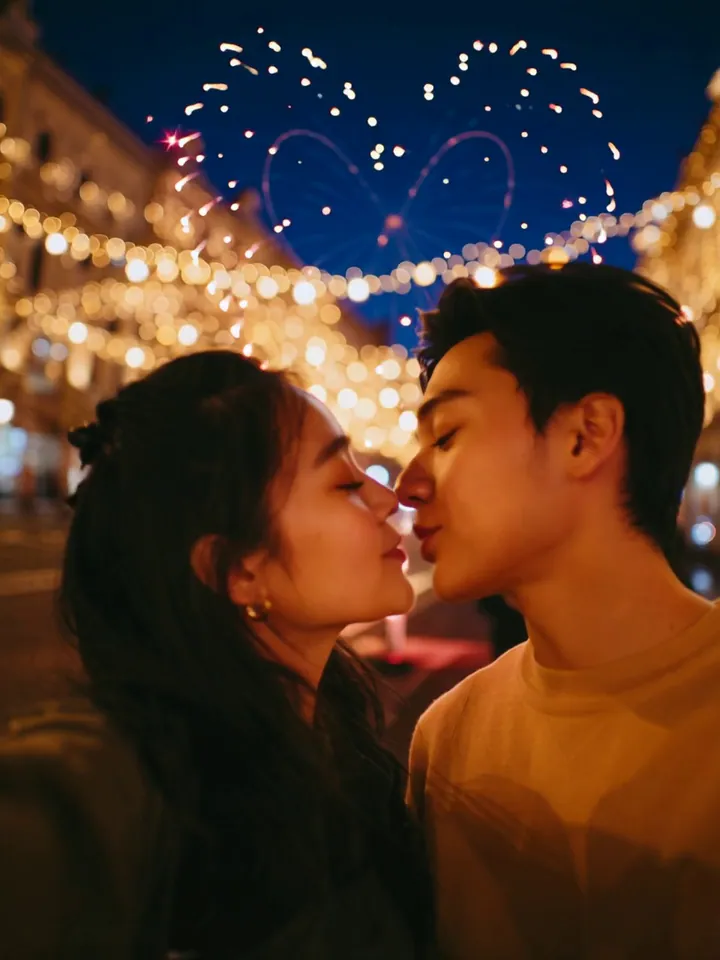 Video
VideoNew Year Kiss
A kiss at New Year's with a heart-shaped firework.
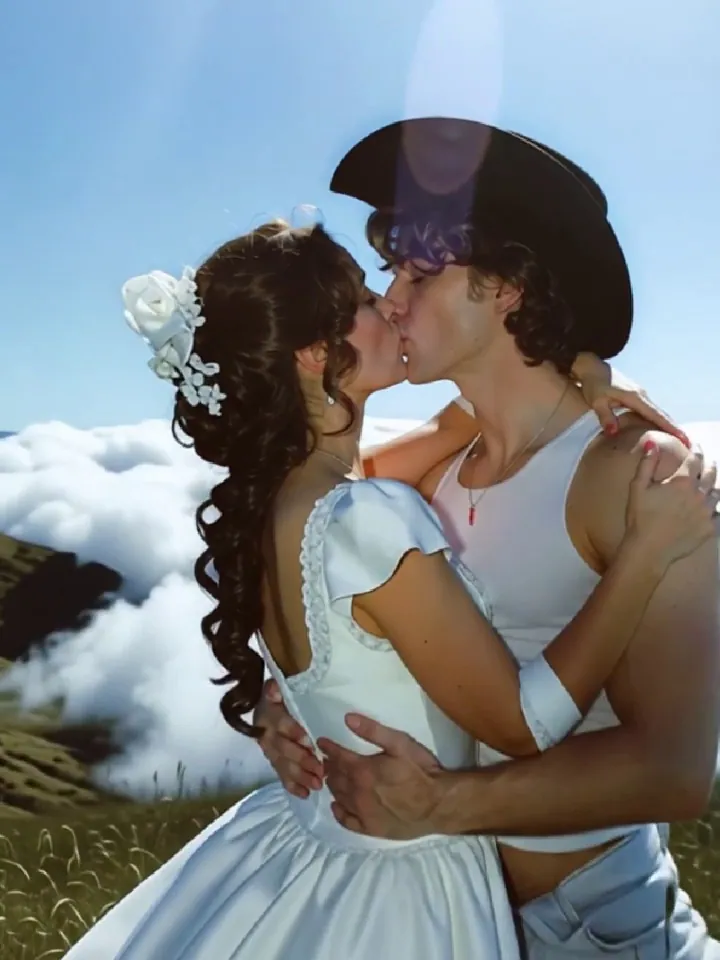 Video
VideoKiss Me to Heaven
Kissing non-stop, feeling the heat.
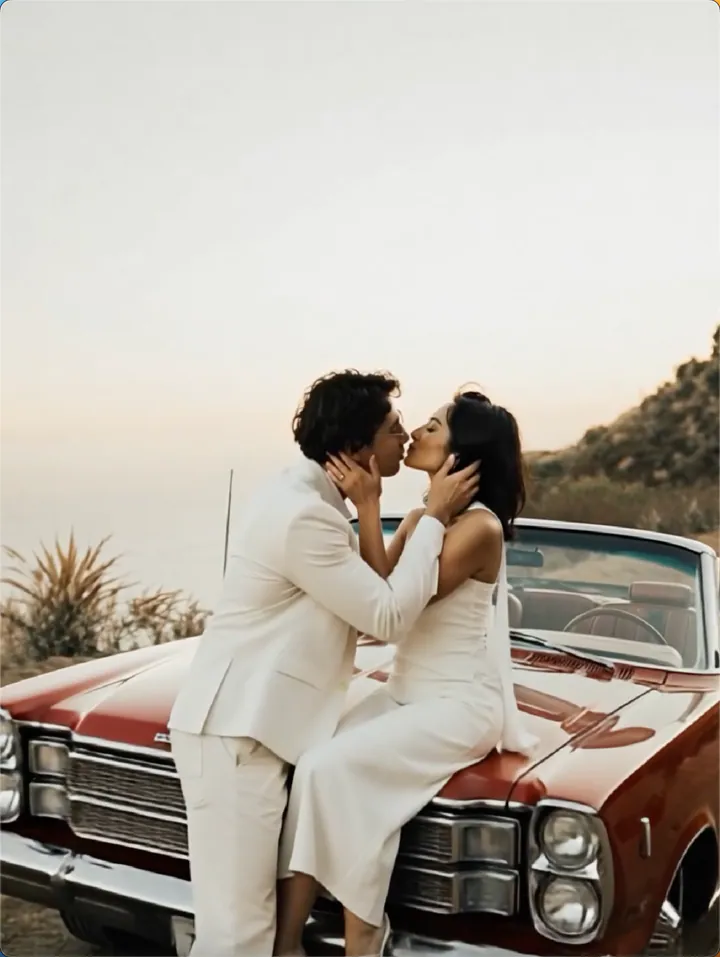 Video
VideoKiss Kiss
One click to send your kiss
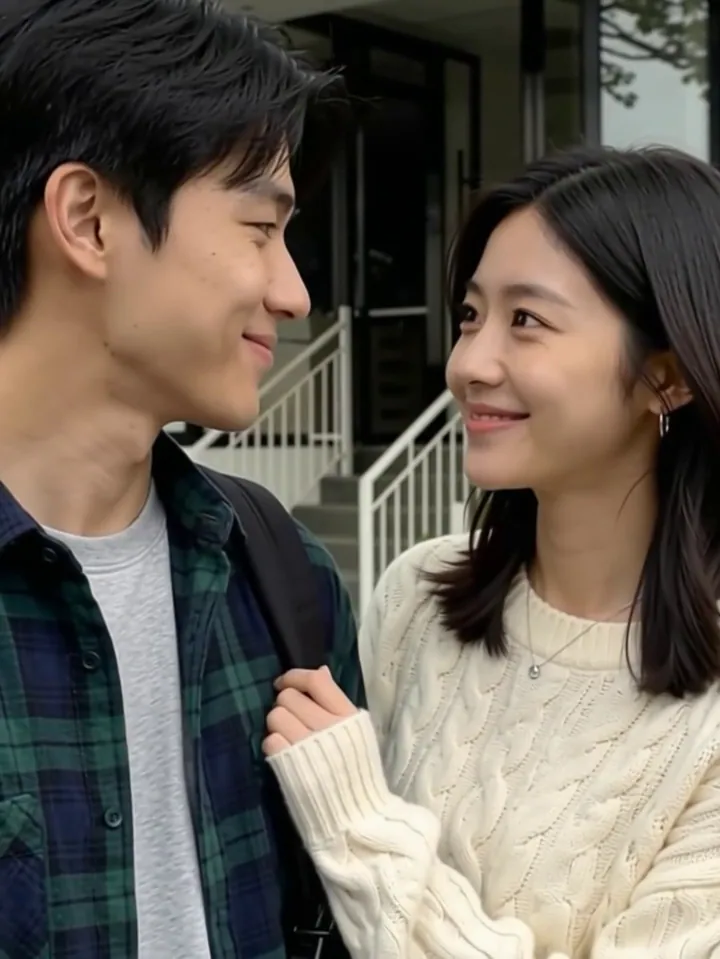 Video
VideoKiss me
Summon a heart-fluttering cuddle in one tap.
 Video
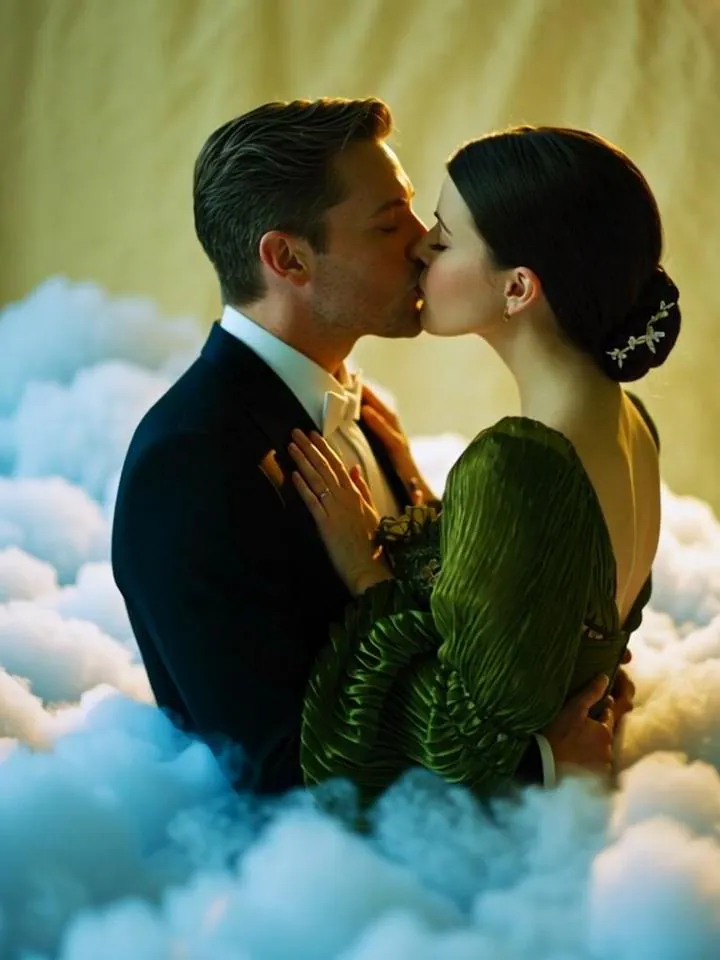
VideoCloud Nine Kiss
One kiss to leave the earth behind and wake up in the clouds. ☁️✨
 Video
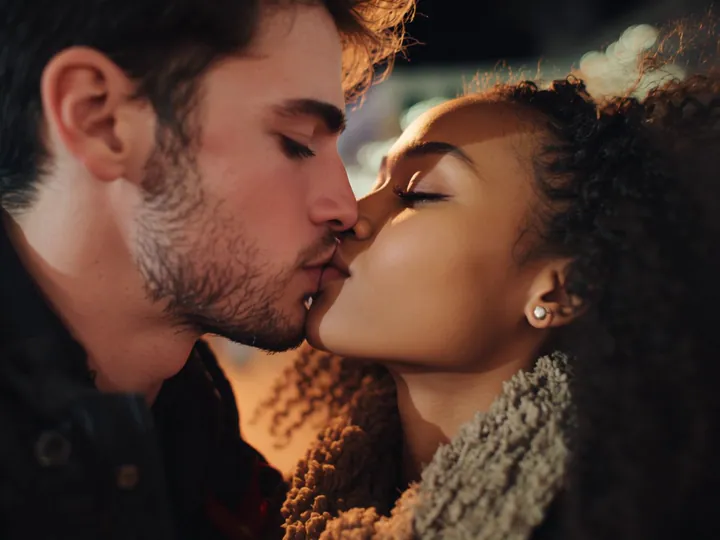
VideoVALENTINE’S KISS
Time-Frozen Kiss with Rose Petals
 Video
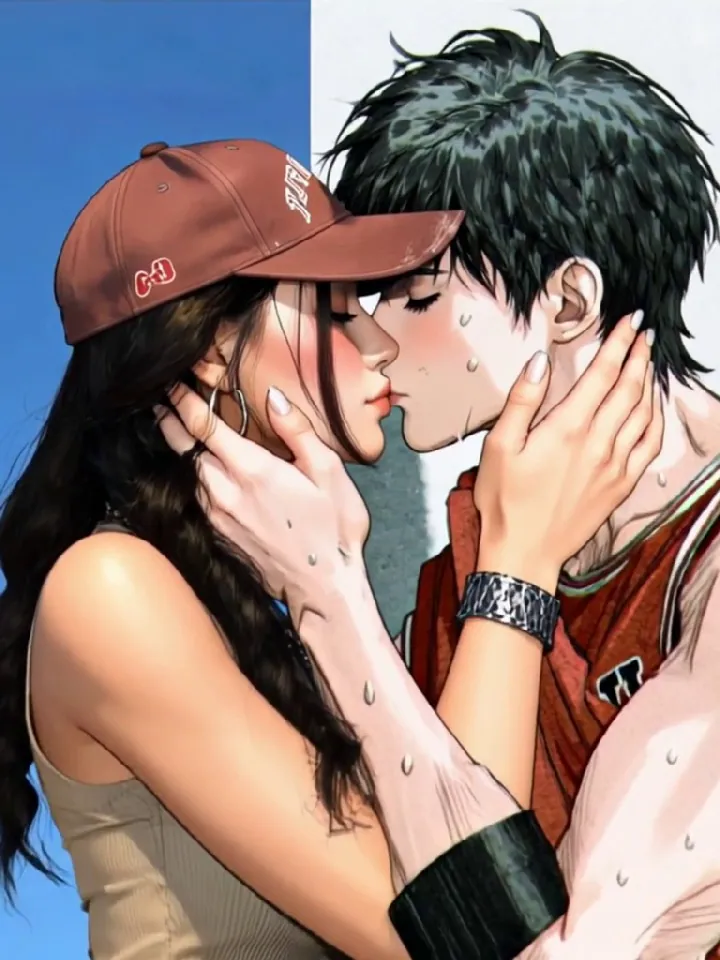
VideoMwah Mwah
A soft kiss strong enough to shatter
 Video
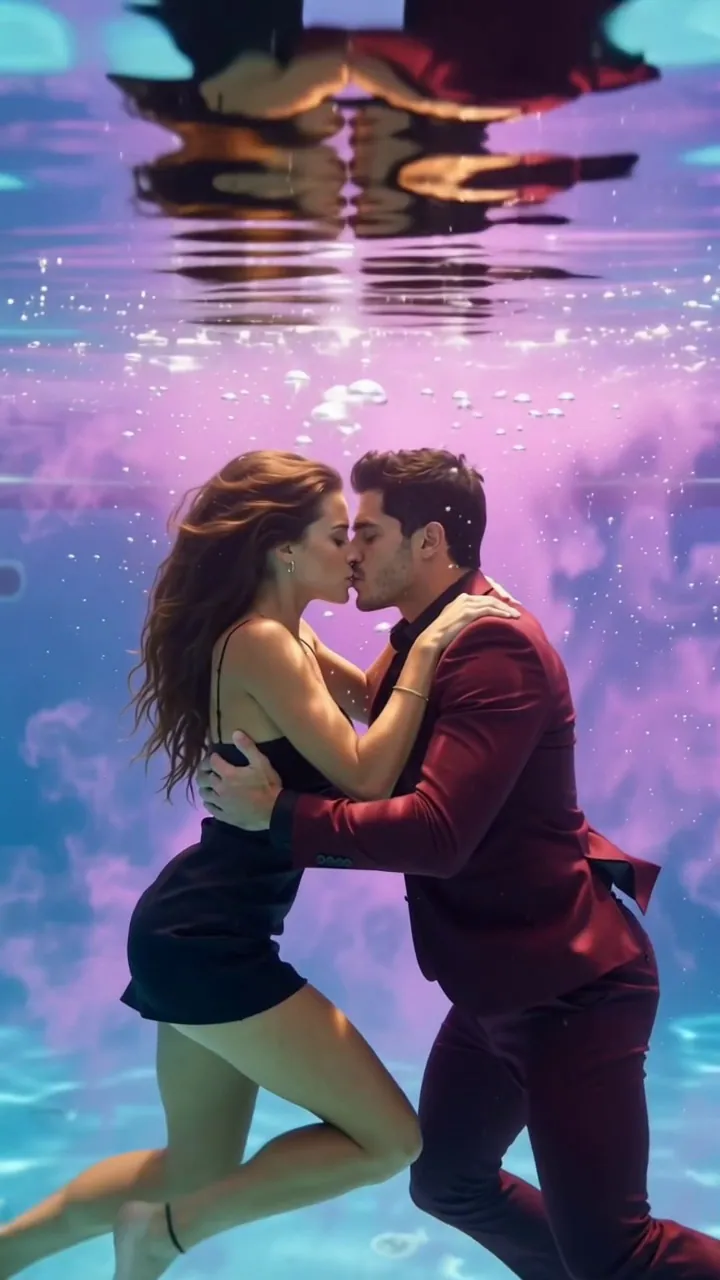
VideoAqua Dive
Where every kiss becomes a dream.
How to make your Kiss Me, AI! video
- 1
Upload your photo
Pick a clear, well-lit photo where the subject is easy to see. Portraits and group shots both work — the effect adapts to your image.
- 2
Check the preview
Watch the example clip to see exactly what the effect does. Some effects also accept a short text prompt to steer the result.
- 3
Generate and download
Hit generate and watch the progress live. Your video is ready to download and share in minutes.
Tips for a better Kiss Me, AI! video
- For this effect: Use a clear solo portrait with an unobstructed face and room beside the head for the second person to lean in.
- One clear subject. Crop out busy backgrounds so the effect locks onto the person or object you mean.
- Even, front-facing light. Faces in shadow or strong backlight lose detail once the camera moves.
- Keep the subject in frame. Heads, hands and edges cut off by the border cannot be animated back in.
- Skip heavy filters. Beauty filters and stickers confuse the template; the original photo works best.
Why create Kiss Me, AI! videos on OmniArt
Studio-grade results
Every effect runs on a curated video template tuned for sharp motion, stable faces, and share-ready output.
Results in minutes
No timeline, no keyframes, no editing app. Upload a photo and get a finished video while you watch the progress.
Start free
Generate with free credits on any effect, and keep every result in your OmniArt gallery across devices.
Frequently asked questions
It turns the photo you upload into a short AI-generated video using a curated Kiss Me, AI! template. The example clip on this page shows the exact motion you can expect.
Clear, well-lit photos with the subject fully visible give the best results. Avoid heavy filters, extreme angles, or very low resolution images.
Most videos finish within a few minutes. You can watch the progress on the page, and finished clips are saved to your gallery automatically.
Each generation costs a small number of credits, shown on the generate button. New accounts start with free credits, so you can try the effect before paying anything.
Commercial use depends on the template, your materials, and the applicable terms. You must hold the necessary rights to everything you upload and ensure that your use of the output does not infringe any third-party intellectual property.