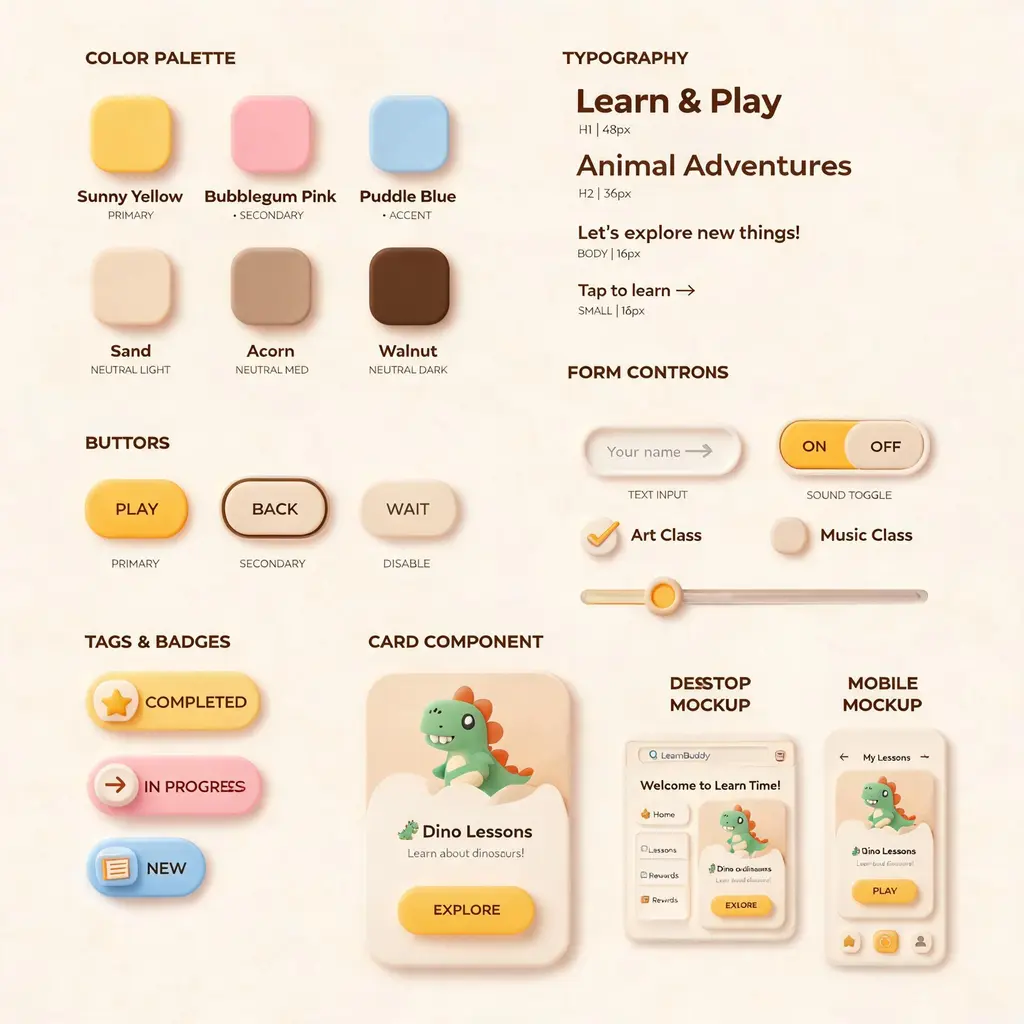
UI 設計系統總覽板
把一個風格構想做成完整的設計系統看板:配色、字體、按鈕、控制元件和卡片,再加上一致的網頁與行動端樣稿
更新日期:
完整提示詞
英文提示詞包含建議的範例需求。生成前請調整主體和細節。原始範例輸入及生成參數尚未完全核實。
推薦模型: GPT Image 2
官方範例

來源與署名
由 OmniArt 改編及重寫,以下列出來源署名、修改說明及使用條件
- Custom Style UI Design System
ZeroLu/awesome-gpt-image
README states CC BY 4.0 while the current LICENSE is MIT; attribution and the umbrella MIT notice are retained in THIRD_PARTY_NOTICES.md.
Rewritten and consolidated into an OmniArt recipe archetype; template tokens removed; named people, brands, platforms, games, and film IP generalized; no raw prompt text or source image copied.
相關的提示詞配方
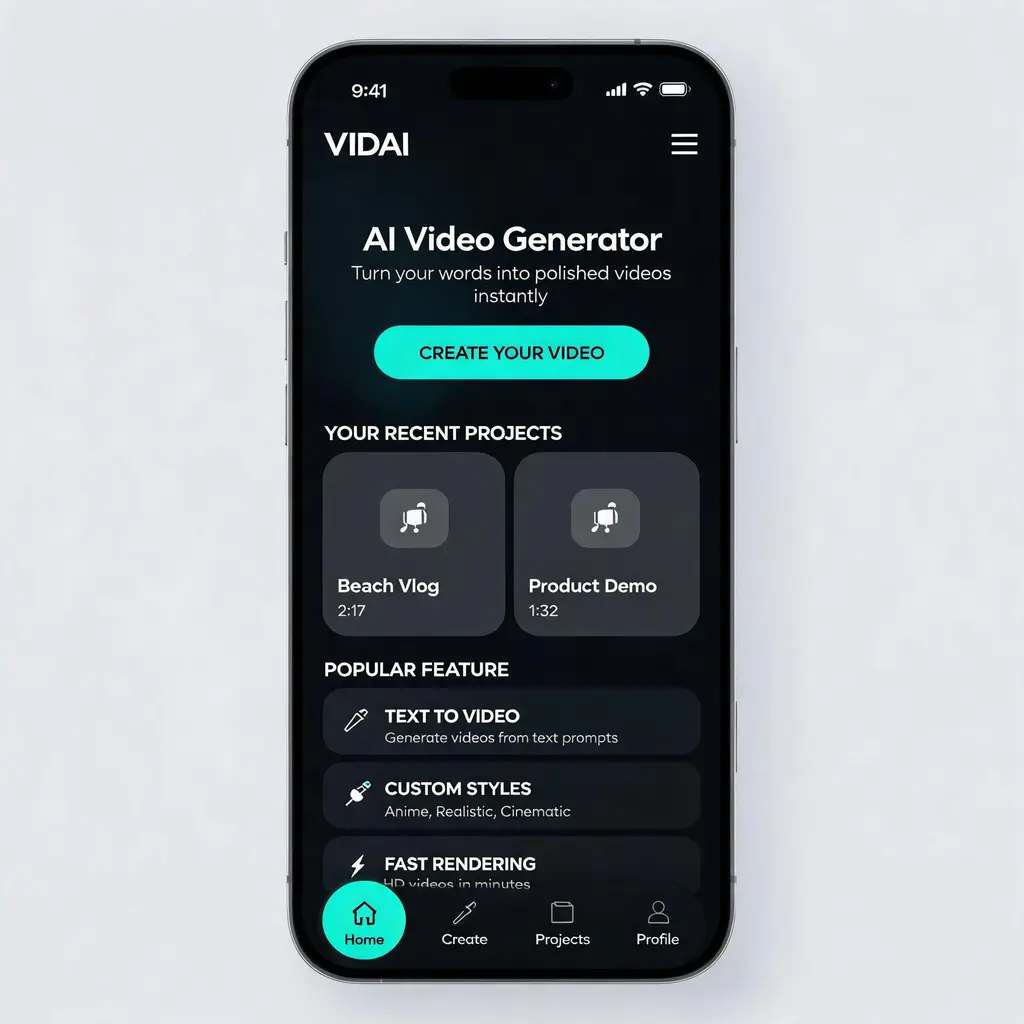
精緻 App UI 概念稿
把任何 App 或網站構想變成作品集等級的高擬真 UI 設計圖,含主視覺區、卡片和導覽列,深色或淺色主題一致
完整提示詞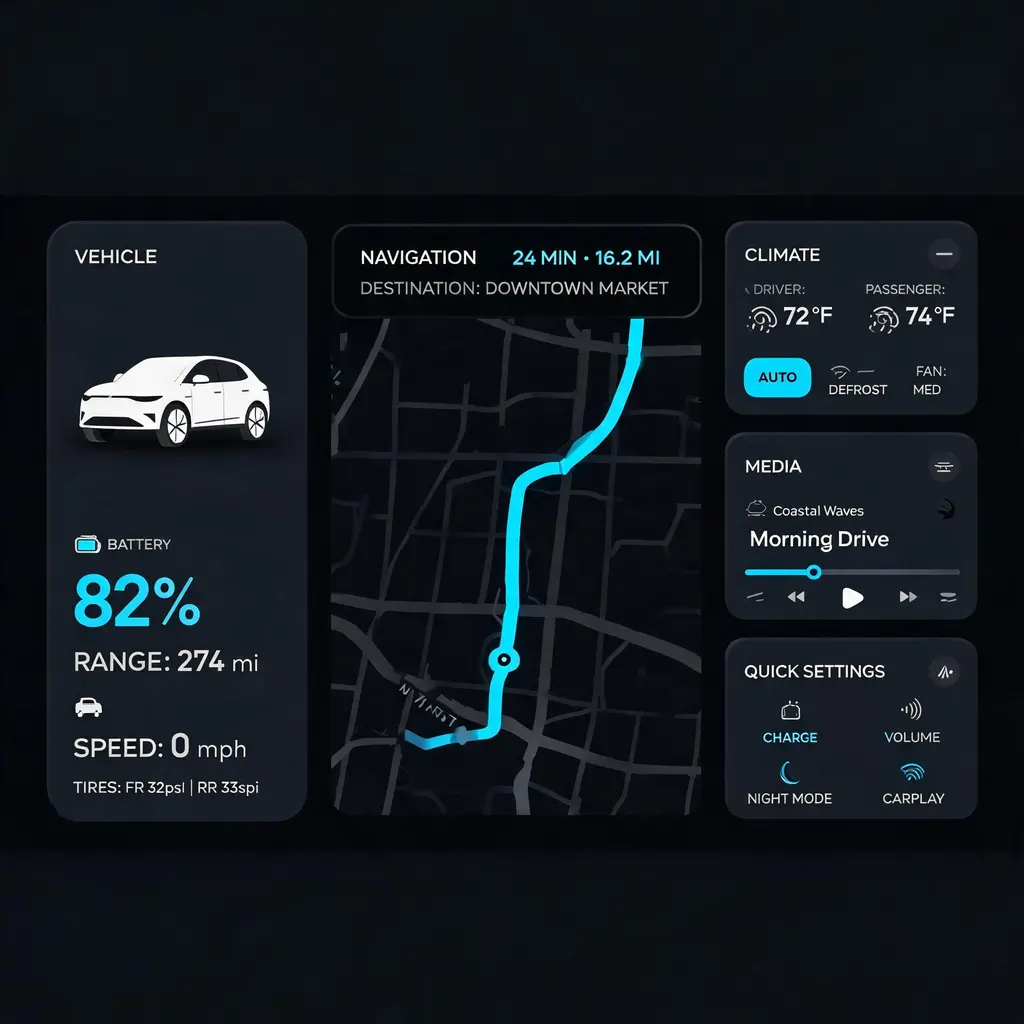
車機中控介面
把功能清單或風格描述變成量產級的 21:9 深色車載娛樂主畫面,含導航地圖、車輛狀態和空調元件,適合 HMI 作品集或提案
完整提示詞
對話截圖翻拍照
把一段短對話變成像實拍的手機照片,畫面裡是通訊軟體的對話,還有指紋、反光和隨手傾斜的手持角度
完整提示詞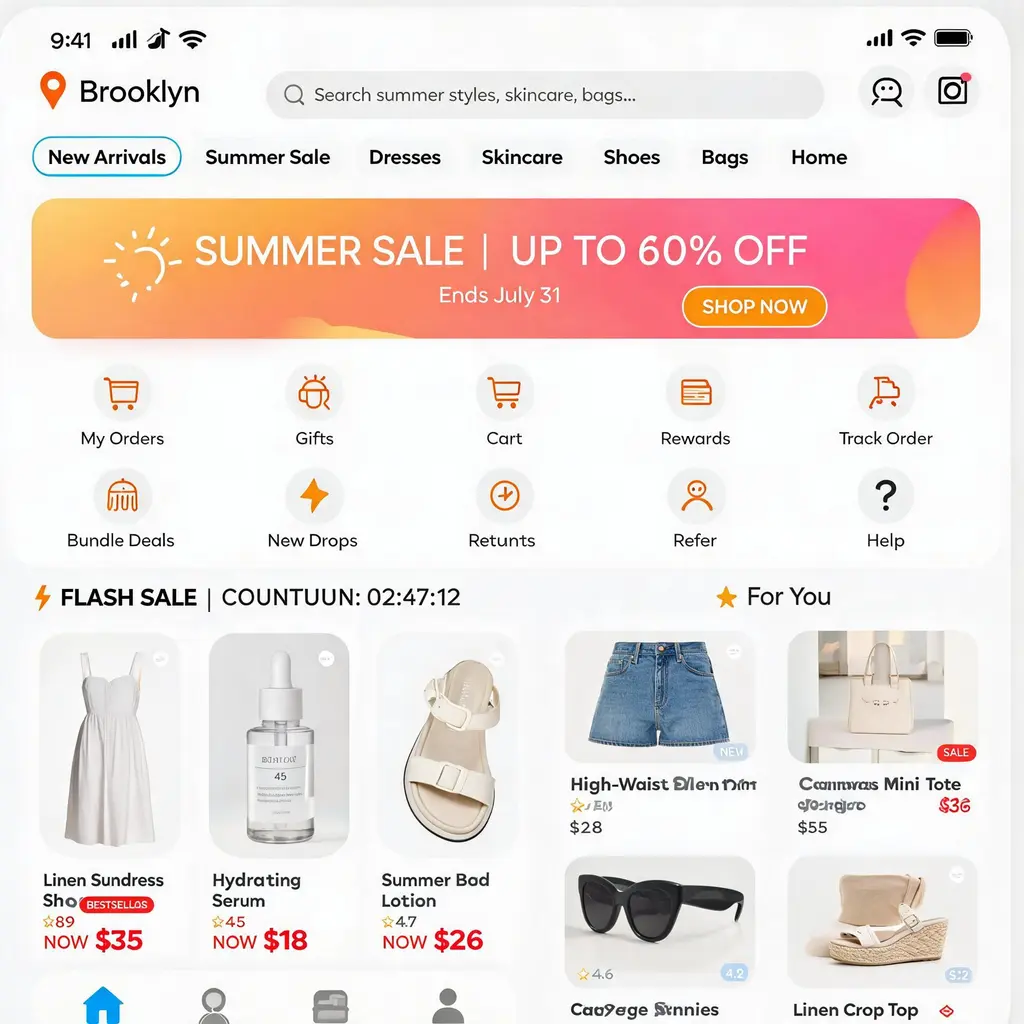
購物 App 首頁
把一家店或一個品類變成像素級精準的手機購物 App 首頁,含搜尋列、限時特賣、橫幅和商品瀑布流,適合作品集、提案和 UI 參考
完整提示詞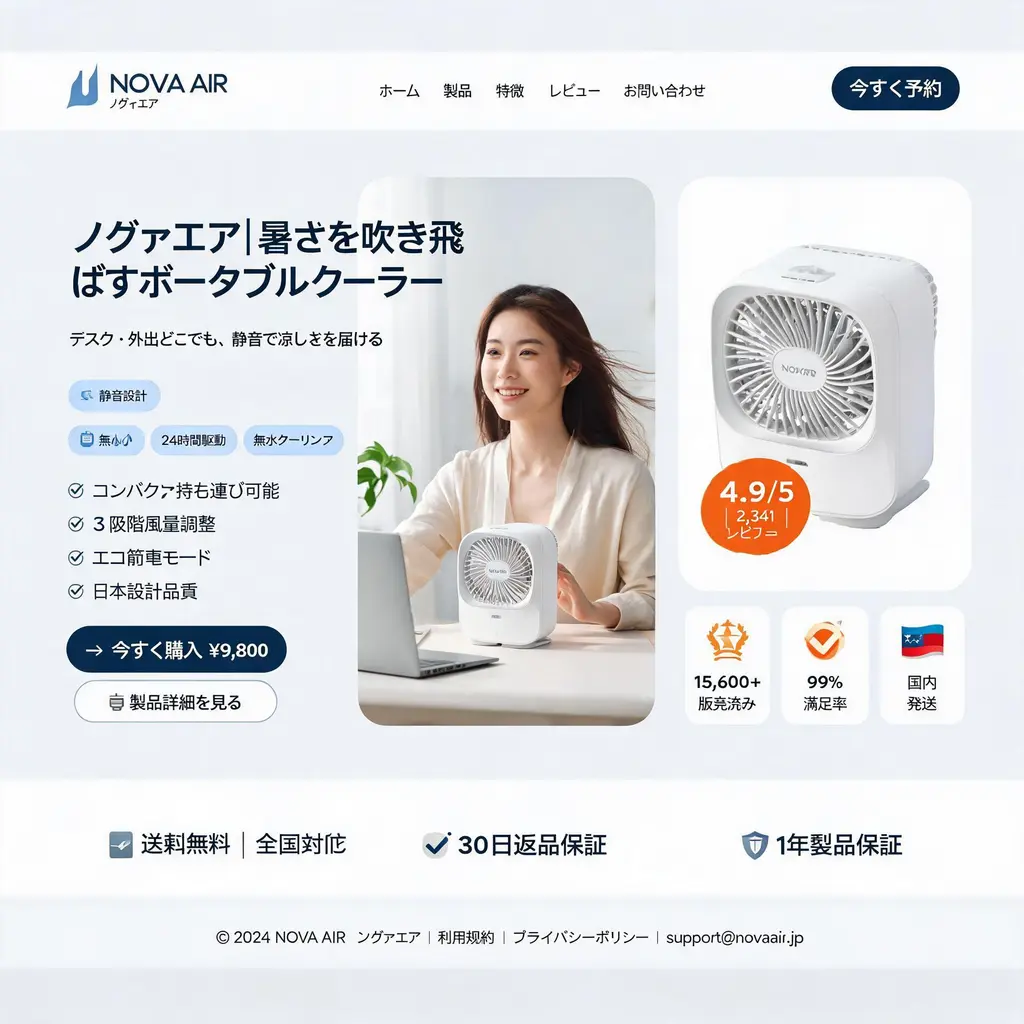
電商到達頁主視覺
把 D2C 產品做成乾淨的桌面版到達頁主視覺樣稿:導覽列、模特兒與產品的三欄式主視覺、賣點標章,還有直效行銷風格的數字信任列
完整提示詞
古人社群動態截圖
把一個時代或歷史人物變成機智的現代社群動態截圖,含時代風格的頭像、入戲的留言和主題化介面,跨越時空一起笑
完整提示詞