筆電螢幕內容替換
只替換筆電螢幕內容,並明確列出必須保持不變的周圍場景細節
更新日期:
完整提示詞
英文提示詞包含建議的範例需求。生成前請調整主體和細節。原始範例輸入及生成參數尚未完全核實。
推薦模型: GPT Image 2
提示詞技巧
- 明確指出螢幕位置,並列出桌面、燈光與窗外景色等不可改動項
- 與原照片對比;螢幕外仍可能出現細微變化
來源與署名
由 OmniArt 改編及重寫,以下列出來源署名、修改說明及使用條件
- Replace only the content of a laptop screen · ai_kairos_jp
wangrunlin/awesome-gpt-image-2-5-prompts
Repository MIT covers tooling and original documentation only; community prompts and third-party media retain their original rights and terms (CONTENT_POLICY.md).
Original independently written workflow recipe with explicit scene and optional screen-content reference roles, identified edit region, and comparison guidance; localized into 19 languages. No source wording or media copied.
相關的提示詞配方
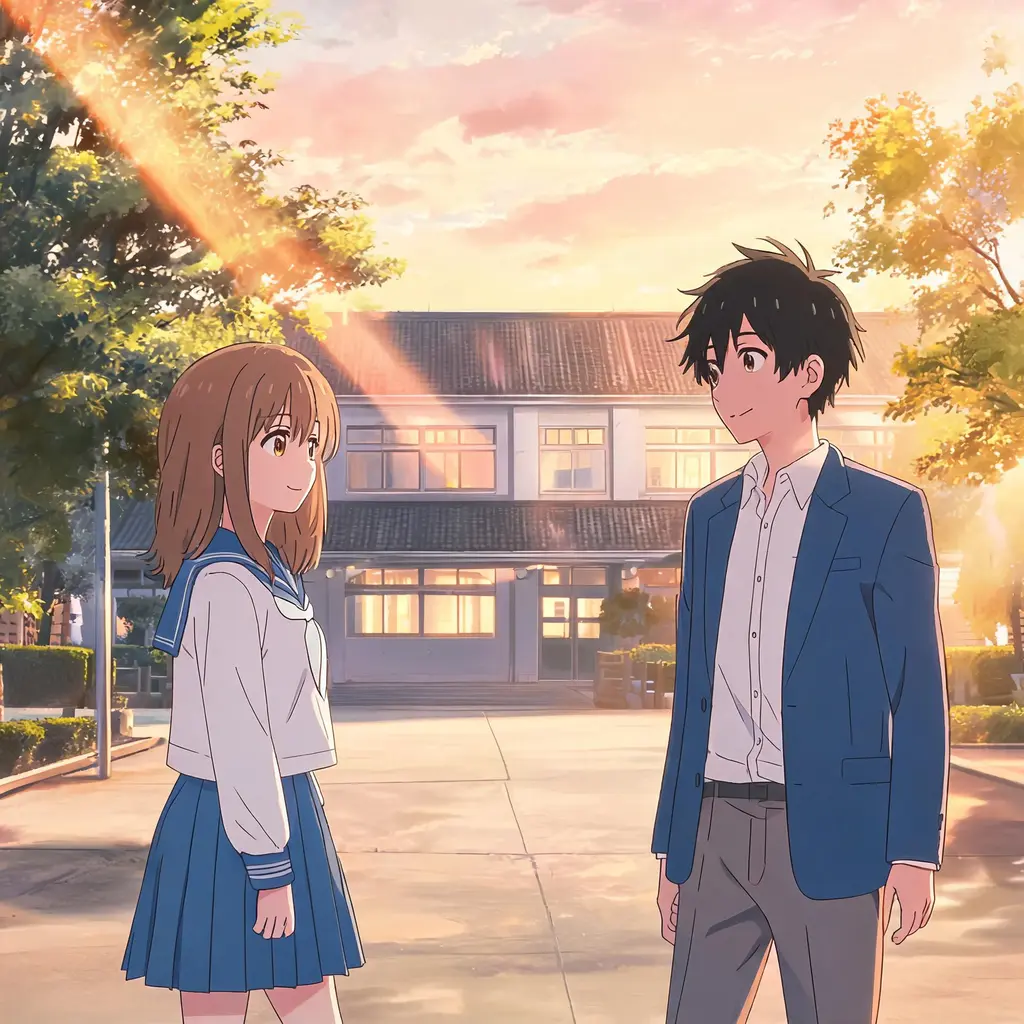
動畫影集定格畫面
把照片變成像從真實動畫影集暫停下來的一格:賽璐璐上色、乾淨線稿和手繪背景,場景和人物依然認得出來
完整提示詞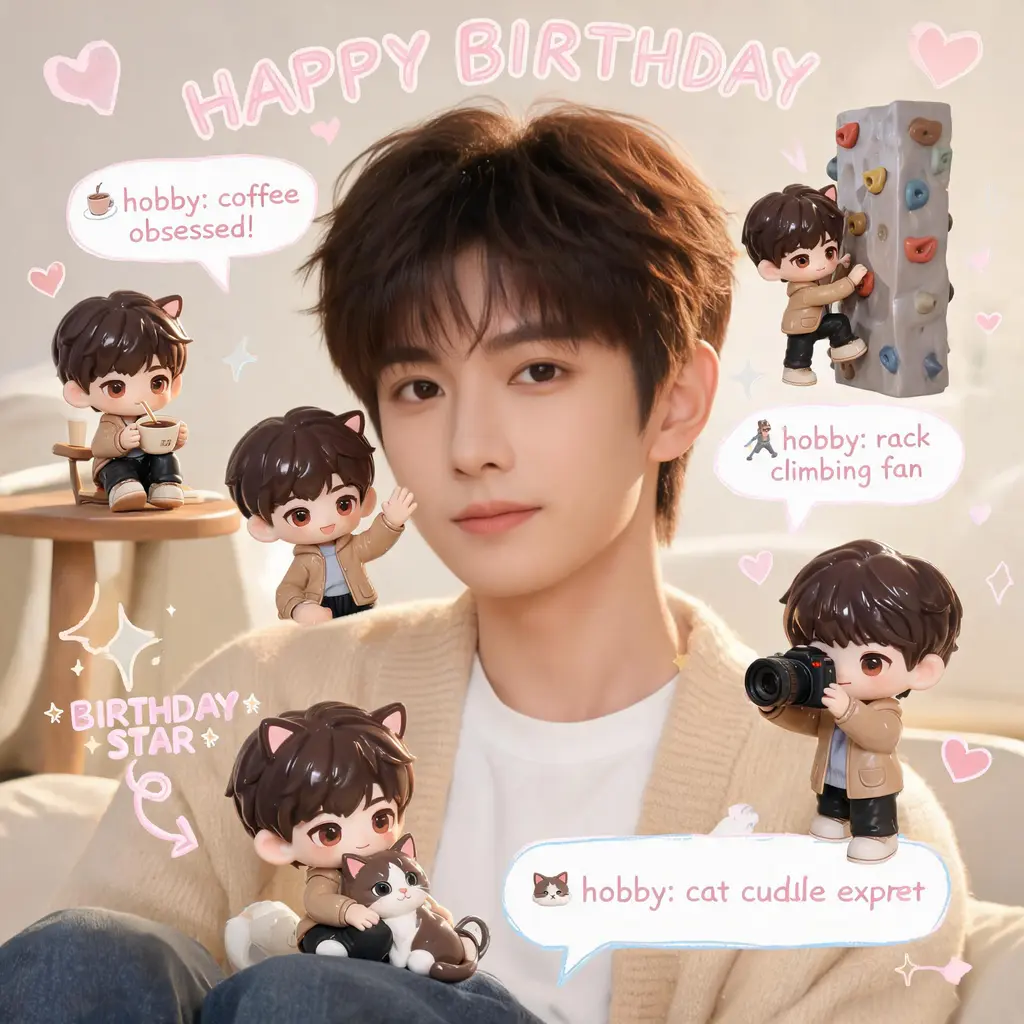
迷你分身手帳照
照片原樣保留,畫面裡塞滿你的迷你 3D Q 版分身,再加上手寫塗鴉、箭頭和說明泡泡,走溫馨粉彩手帳風
完整提示詞
漫畫原稿上色
把黑白漫畫頁上成全彩版本:配色連貫、賽璐璐陰影,原本的線稿和對白字完全不動
完整提示詞
破格衝出漫畫頁
把你自己或任何主體變成全彩寫實人物,從黑白漫畫頁中撕裂而出,旁邊是驚訝的漫畫角色、速度線和飛散的碎紙
完整提示詞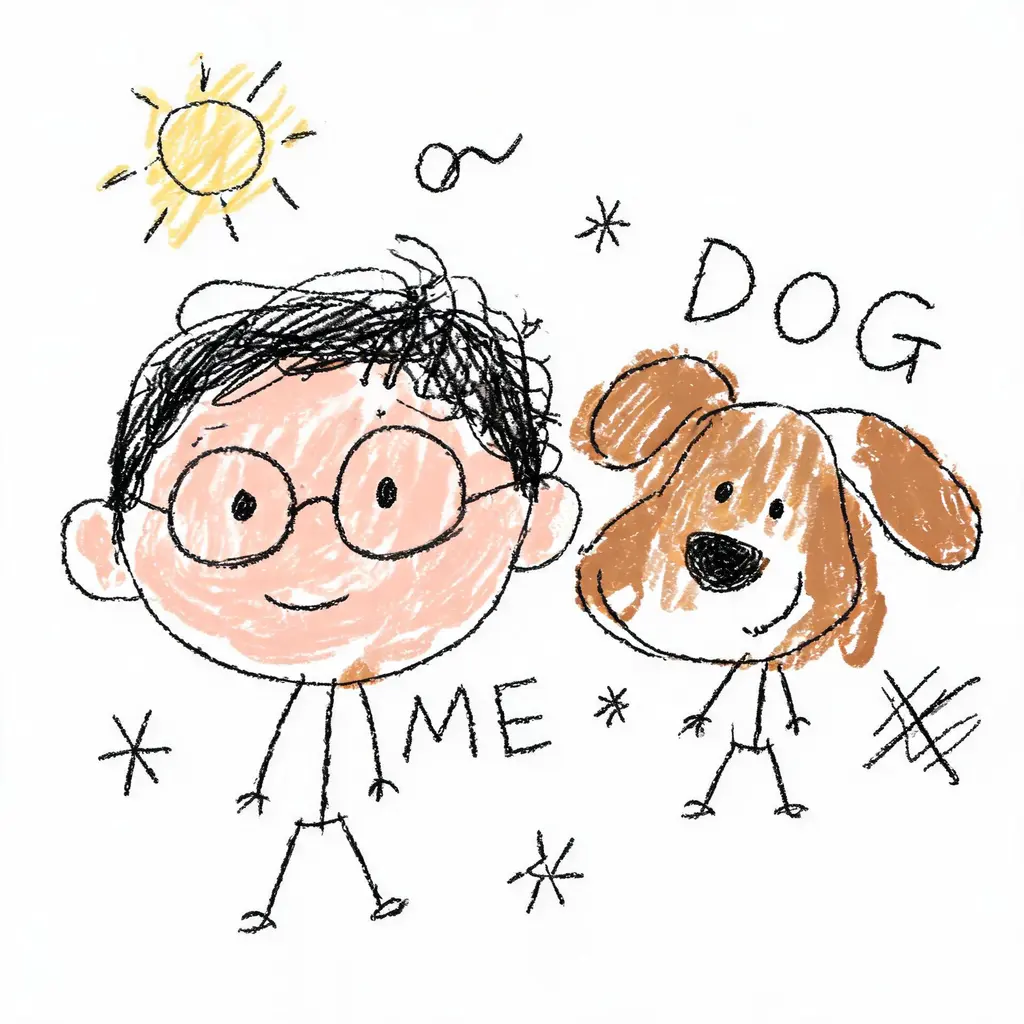
故意畫壞的塗鴉重繪
把照片畫成理直氣壯的爛塗鴉:抖動線條、比例歪斜、白底上隨便上色,錯得很好笑但還勉強認得出來
完整提示詞
保臉變裝寫真
把你原本的臉放進全新造型:換髮型、原創服裝或電影感場景,嚴格規定不改動五官,並用單眼等級的打光完成
完整提示詞