设备样机图
把应用界面呈现在逼真的手机、平板或笔记本里,置于干净背景上,比例准确、投影自然落地。
更新日期:
完整提示词
英文提示词包含建议的示例需求。生成前请修改主体和细节。原始示例输入和生成参数尚未完全核实。
推荐模型: GPT Image 2
Create a clean product mockup that presents a described app screen or interface inside a realistic modern device such as a smartphone, tablet, or laptop, styled for a marketing or portfolio page. Set the device on a simple, uncluttered surface or a soft solid-color backdrop with a gentle gradient, keeping the environment minimal so the screen stays the focus. Render the device with accurate, contemporary industrial design: correct proportions, slim uniform bezels, subtle rounded corners, and believable materials like matte aluminum or dark glass, shown at a slight three-quarter angle or straight-on depending on what reads best. Display the described interface crisply on the screen with a plausible, tidy layout, honest UI spacing, and a bright accurate display glow, avoiding warped or smeared graphics. Add a soft, realistic contact shadow and a faint screen reflection for grounding, but keep reflections subtle so content stays legible. Light the scene evenly and softly so the device edges catch a clean highlight without harsh glare. Only render on-screen text that the user explicitly describes, spelled correctly and neatly aligned; otherwise show simple, generic interface shapes rather than inventing detailed copy. Do not add brand logos you were not asked for, extra devices, hands, or busy props. The final image should look like a professional device presentation shot.
User request: a smartphone showing a minimal weather app with a soft blue gradient
官方示例
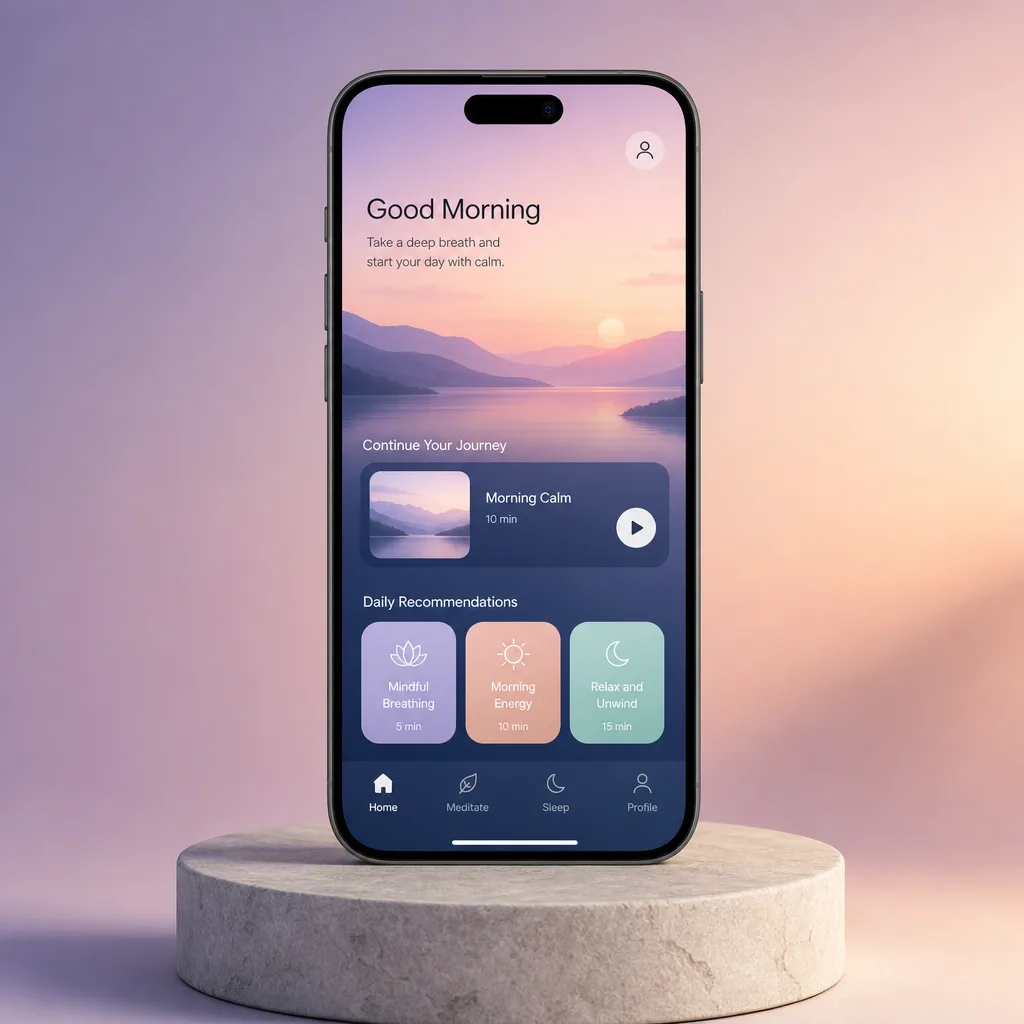
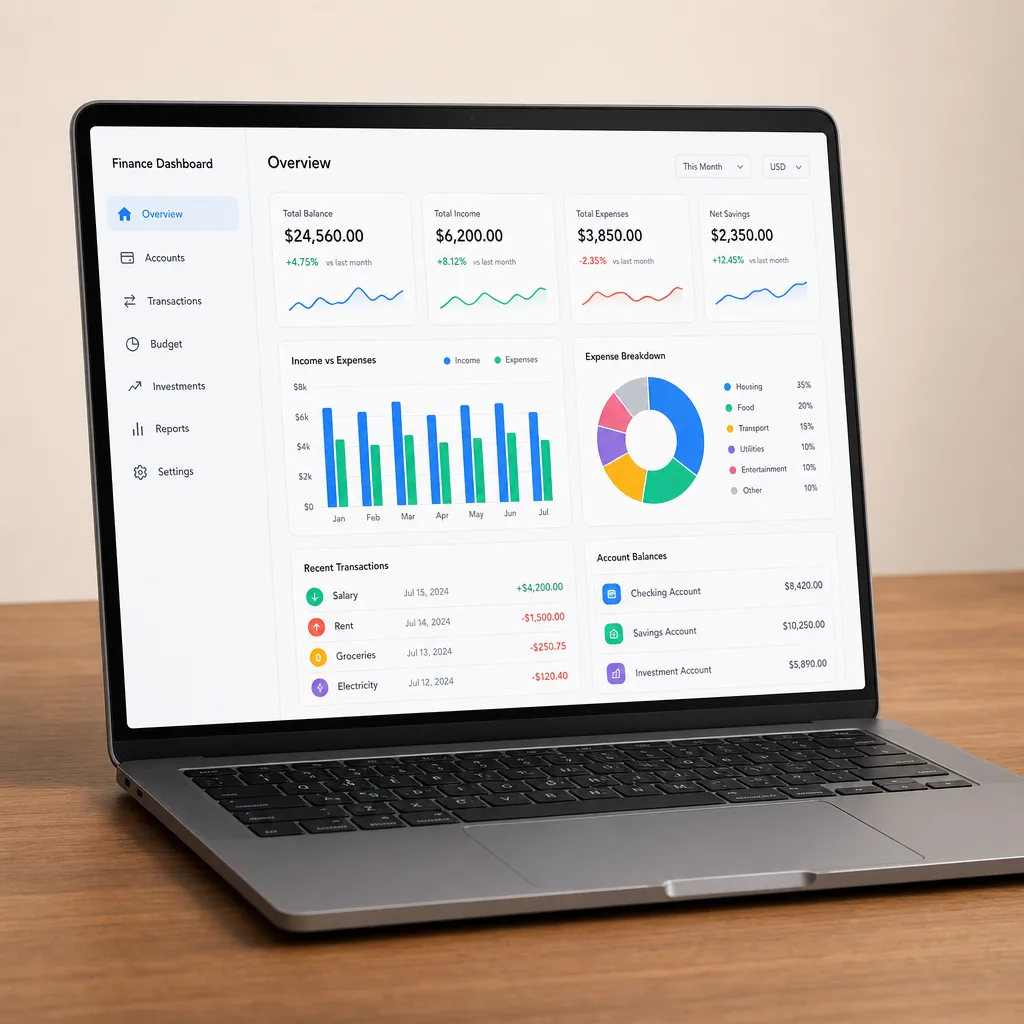
提示词技巧
- 指明设备和横竖方向,让画框匹配你的屏幕比例
- 简单描述界面布局,而不是逐一列出每个 UI 标签
- 提到屏幕的强调色,让显示内容贴合品牌
相关提示词配方

电商版式
促销海报
排出精致的竖版促销海报,含清晰的标题区、主角产品和行动号召,并把你提供的任何文案原样呈现。
完整提示词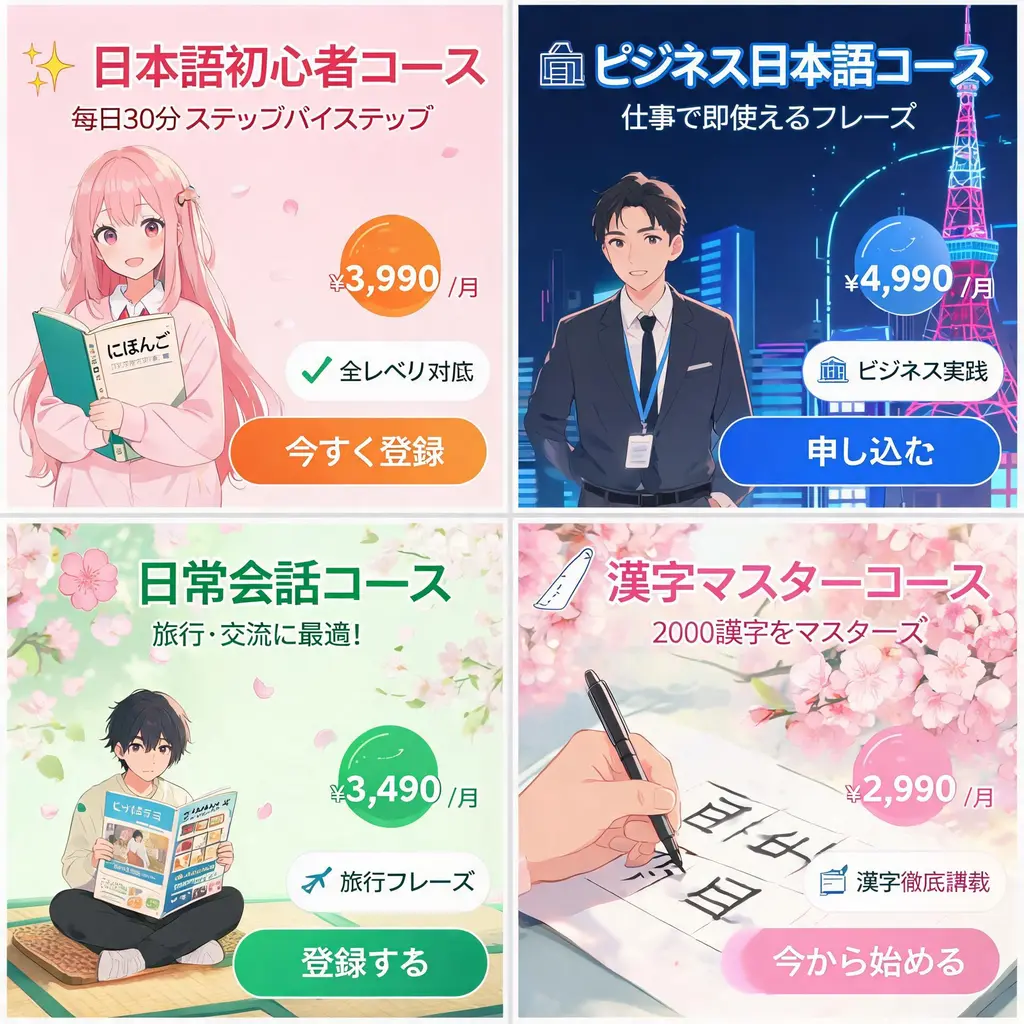
电商版式
日式广告横幅套装
把一份活动简报变成协调统一的日式网页广告横幅套装,包含醒目文案、价格徽章、卖点印章、主视觉和清晰的行动按钮。
完整提示词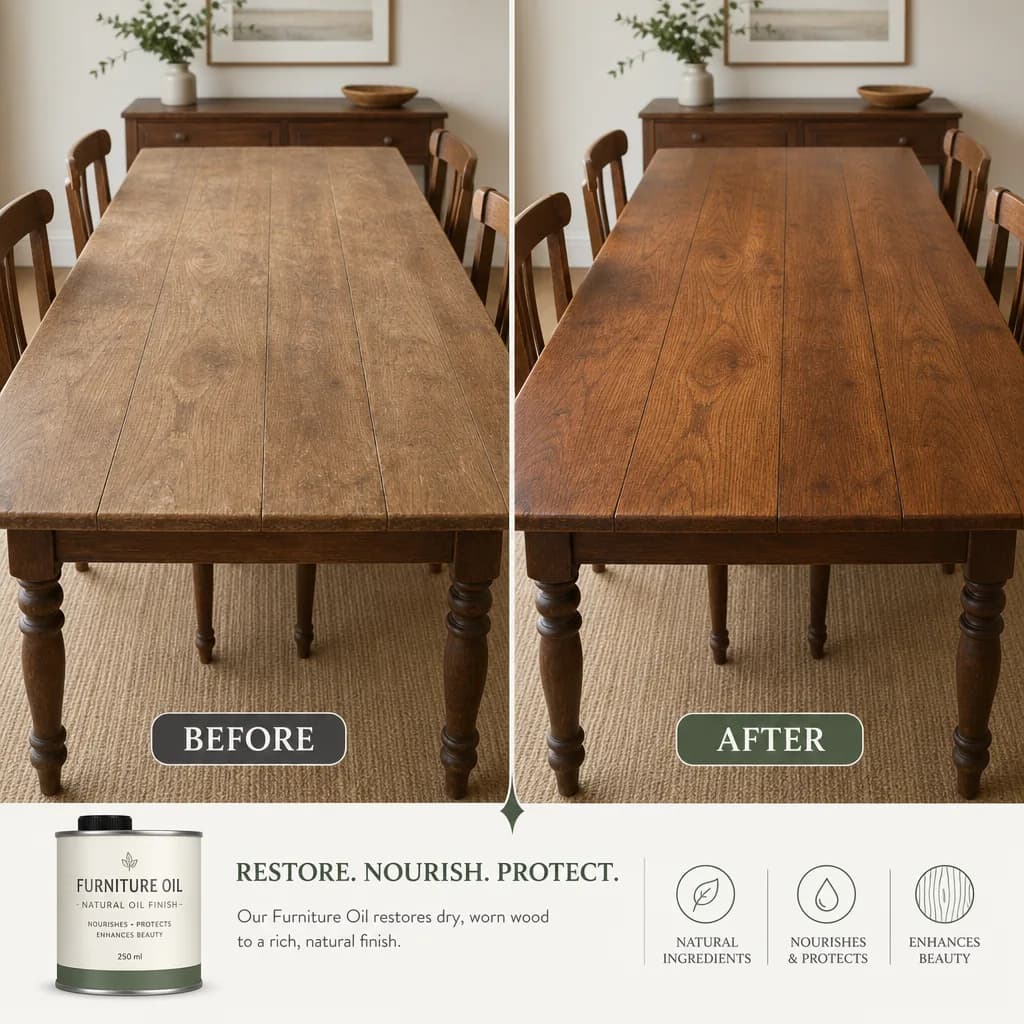
电商版式
前后对比图
把一次转变拆成两块匹配的面板,用干净的分隔线和一致的取景,并原样呈现你写的标注和数据。
完整提示词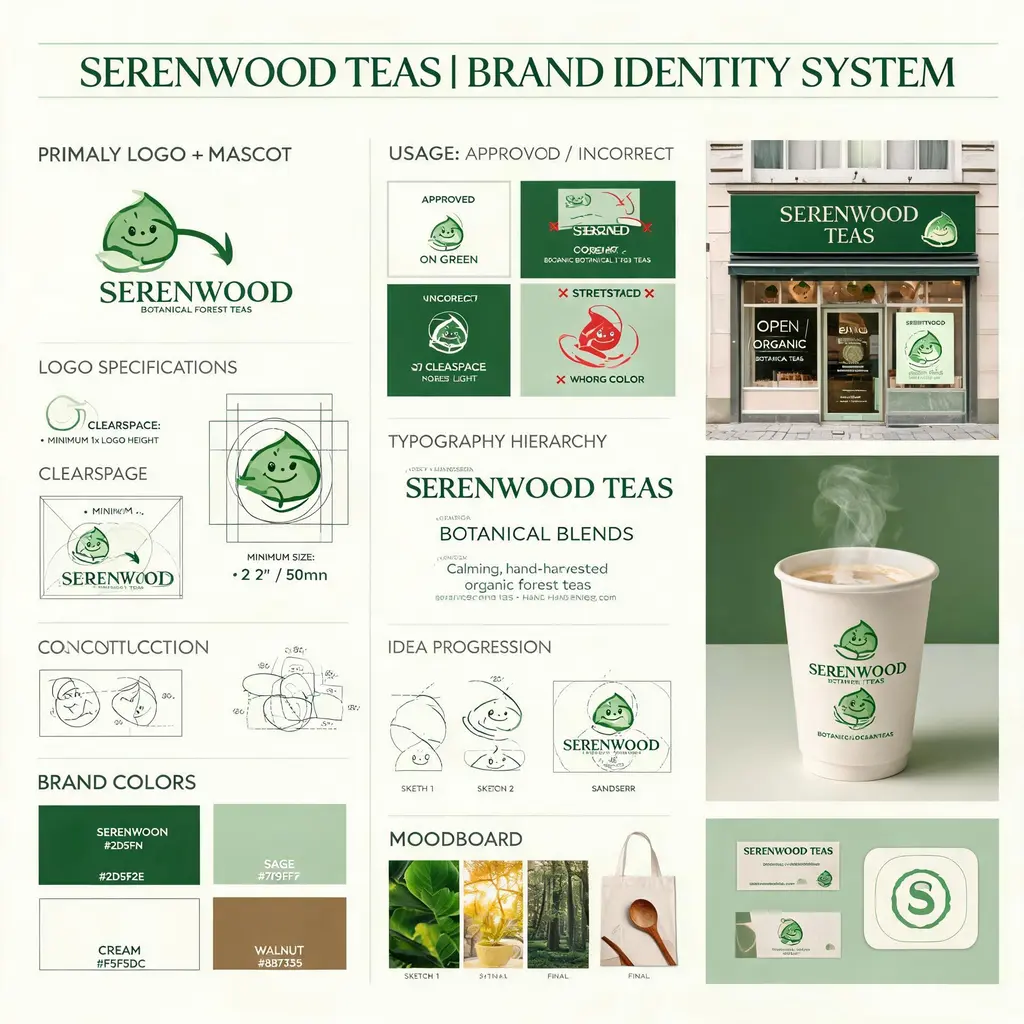
电商版式
品牌视觉识别板
把虚构品牌简报变成设计机构级的视觉识别板,完整呈现标志构造、色板、字体、使用规范、概念草图和精致的真实应用样机。
完整提示词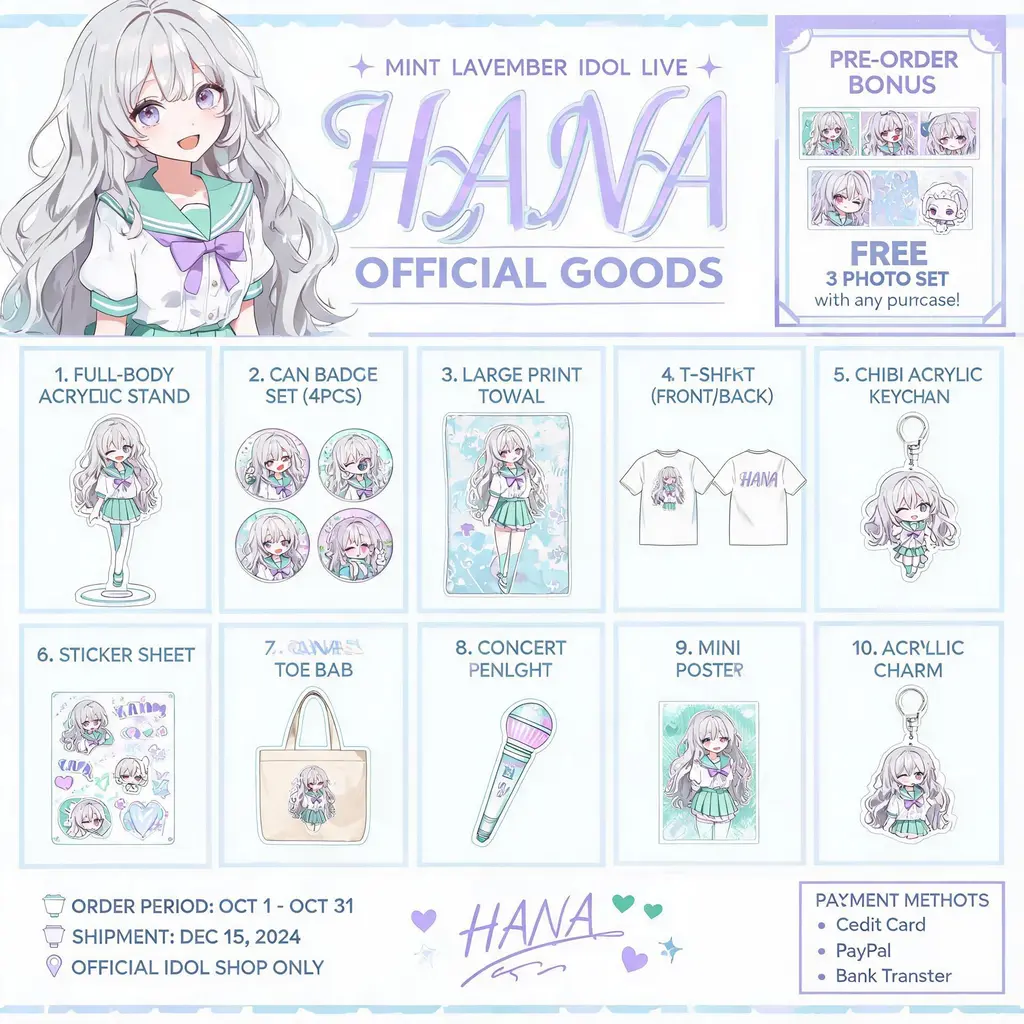
电商版式
角色周边图鉴
把你的原创角色变成官方周边图鉴海报:亚克力立牌、徽章、T恤、钥匙扣按编号排成商品网格,顶部配主视觉横幅,随时可以分享给粉丝。
完整提示词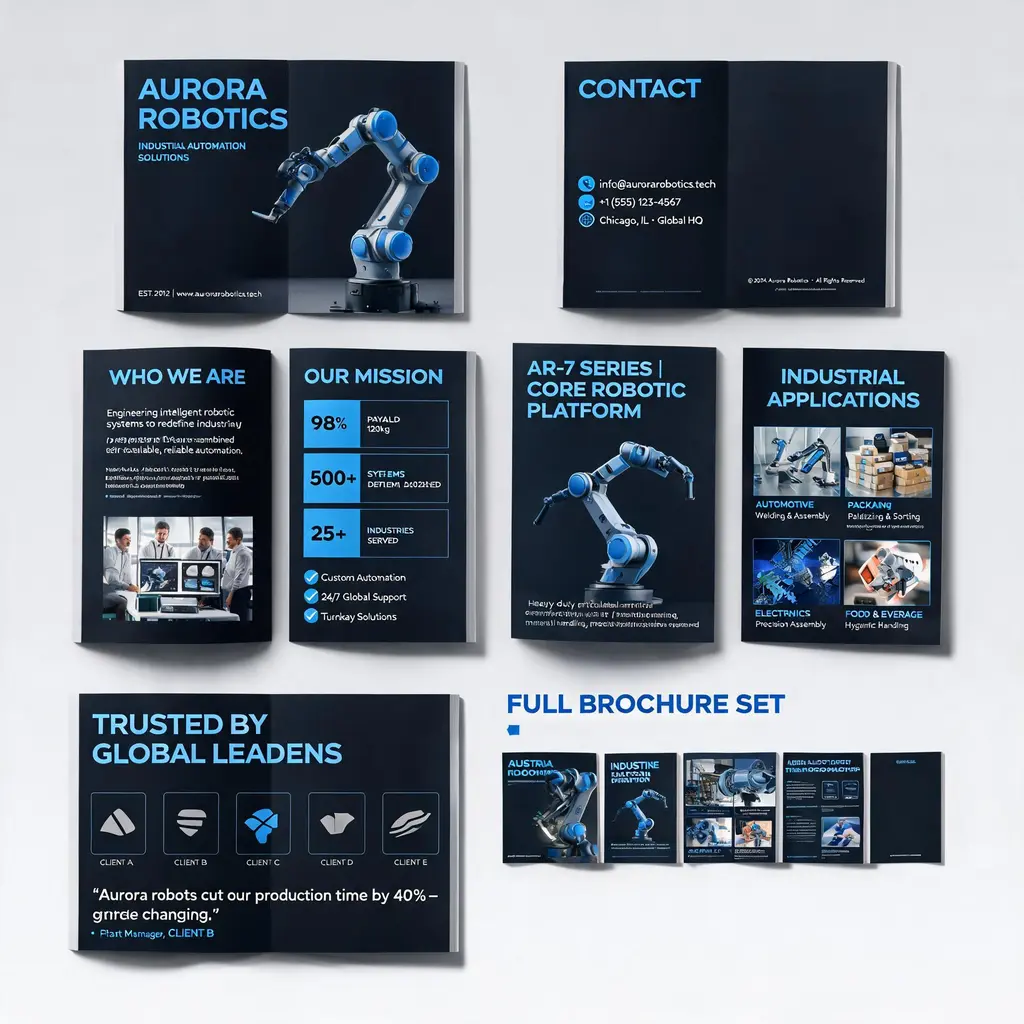
电商版式
企业画册系统
把公司或产品介绍变成高端的多页企业画册方案:封面、企业介绍、产品技术、应用场景与案例页统一在同一品牌视觉之下,并附整册系统预览。
完整提示词