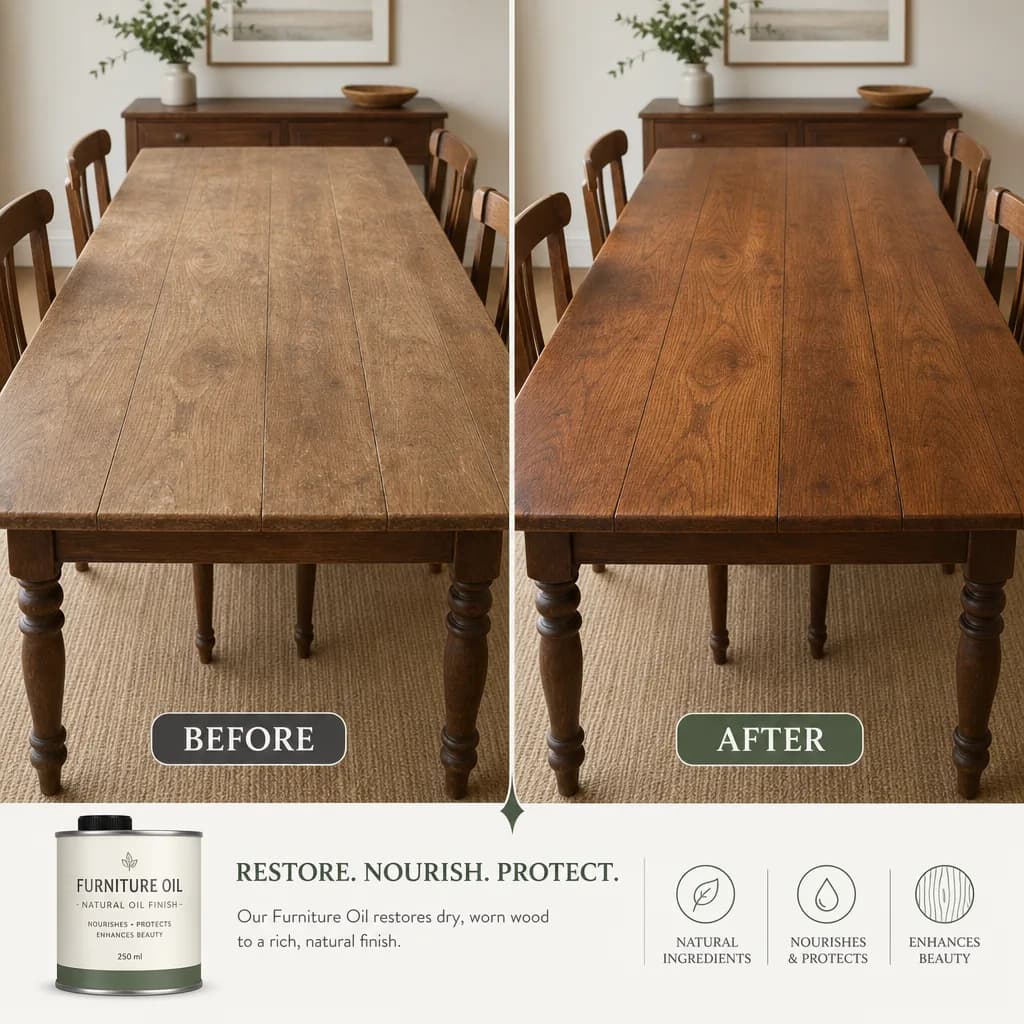
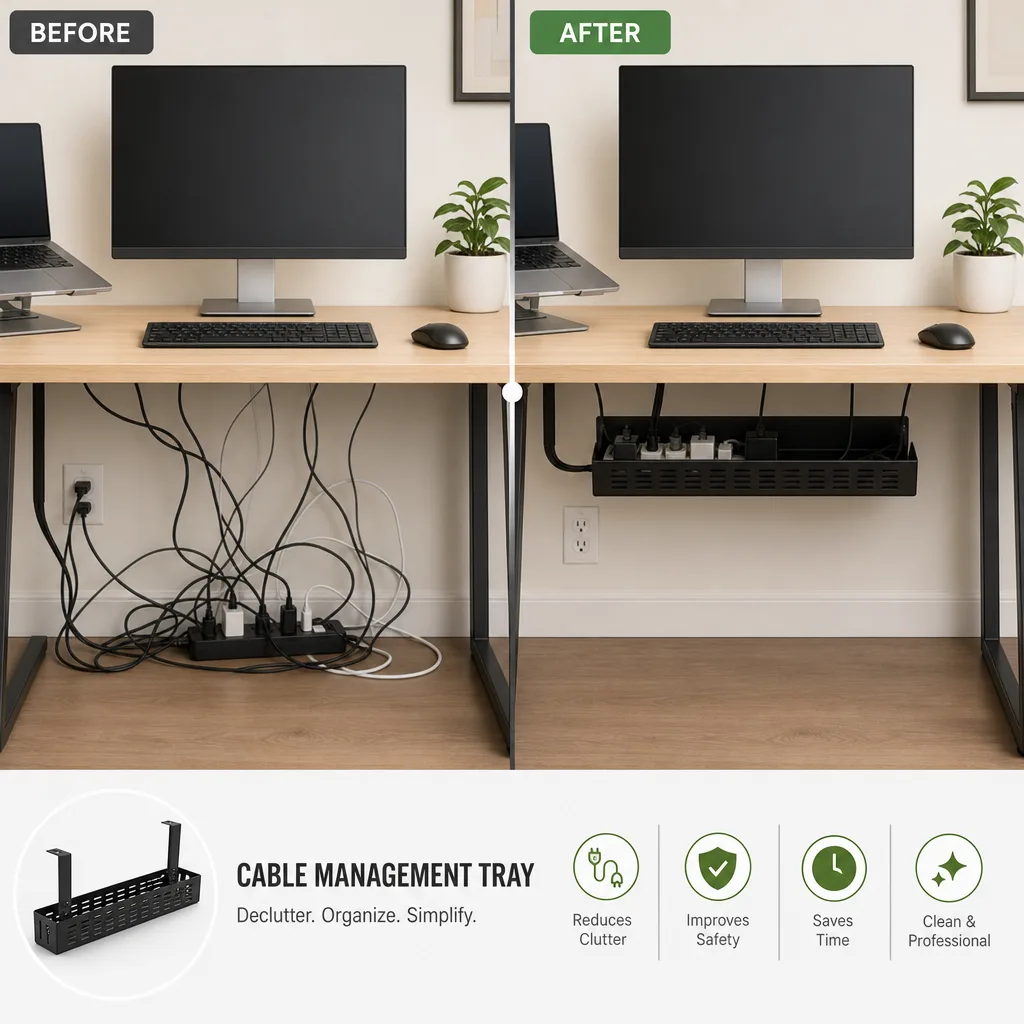
Porównanie przed i po
Podziel metamorfozę na dwa dopasowane panele z czytelnym rozdzielnikiem i jednakowym kadrowaniem, a podpisy i wskaźniki zostaną odwzorowane dokładnie tak, jak je wpiszesz.
Aktualizacja
Pełny prompt
Prompt po angielsku z przykładowym opisem. Przed generowaniem dostosuj temat i szczegóły. Oryginalne dane wejściowe i ustawienia przykładów nie są w pełni potwierdzone.
Zalecany model: GPT Image 2
Przykłady od zespołu
Powiązane przepisy na prompty

Plakat promocyjny
Ułóż dopracowany pionowy plakat promocyjny z czytelną strefą nagłówka, produktem na pierwszym planie i wezwaniem do działania, a każdy podany tekst zostanie odwzorowany dokładnie tak, jak go wpiszesz.
Zestaw japońskich banerów reklamowych
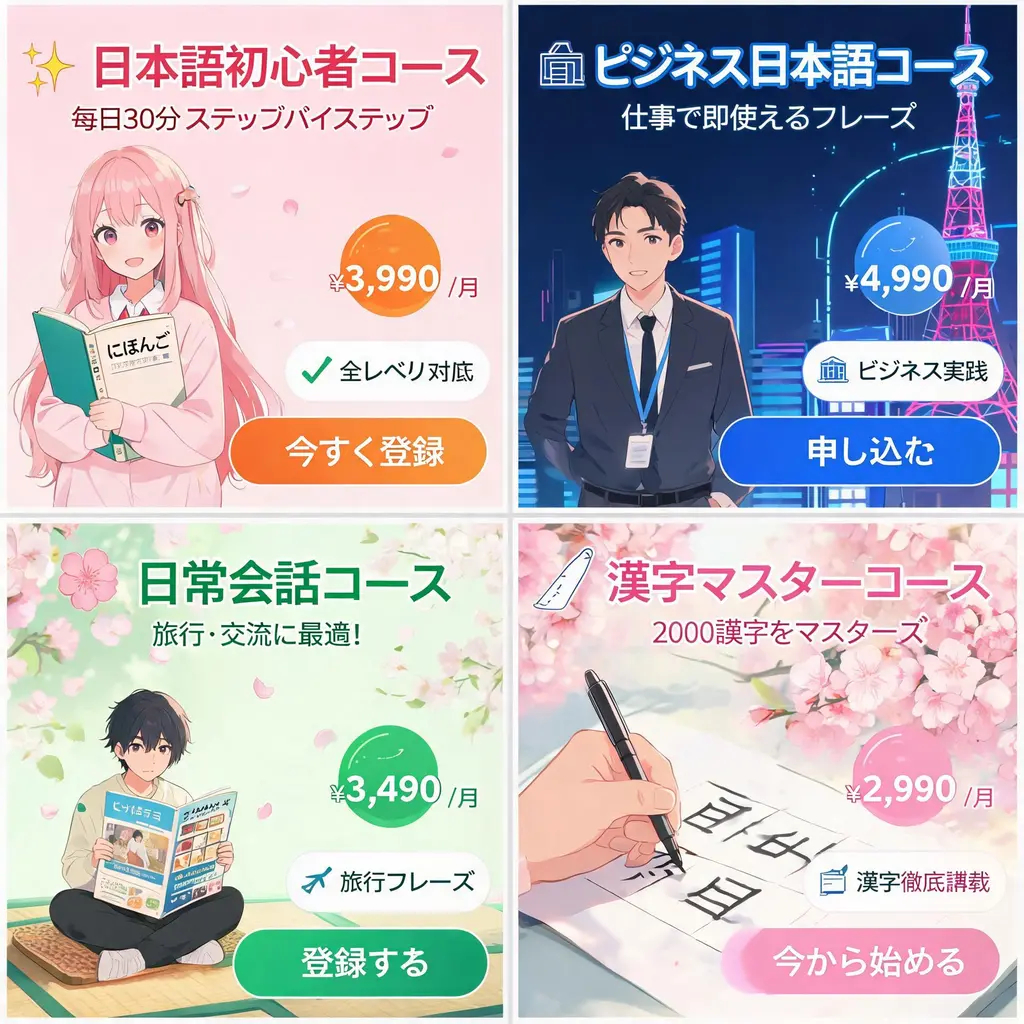
Zamień jeden brief kampanii w spójny arkusz banerów w stylu japońskim — z mocnym hasłem, plakietkami cenowymi, pieczęciami funkcji, zdjęciami i czytelnymi przyciskami CTA.
Tablica identyfikacji marki
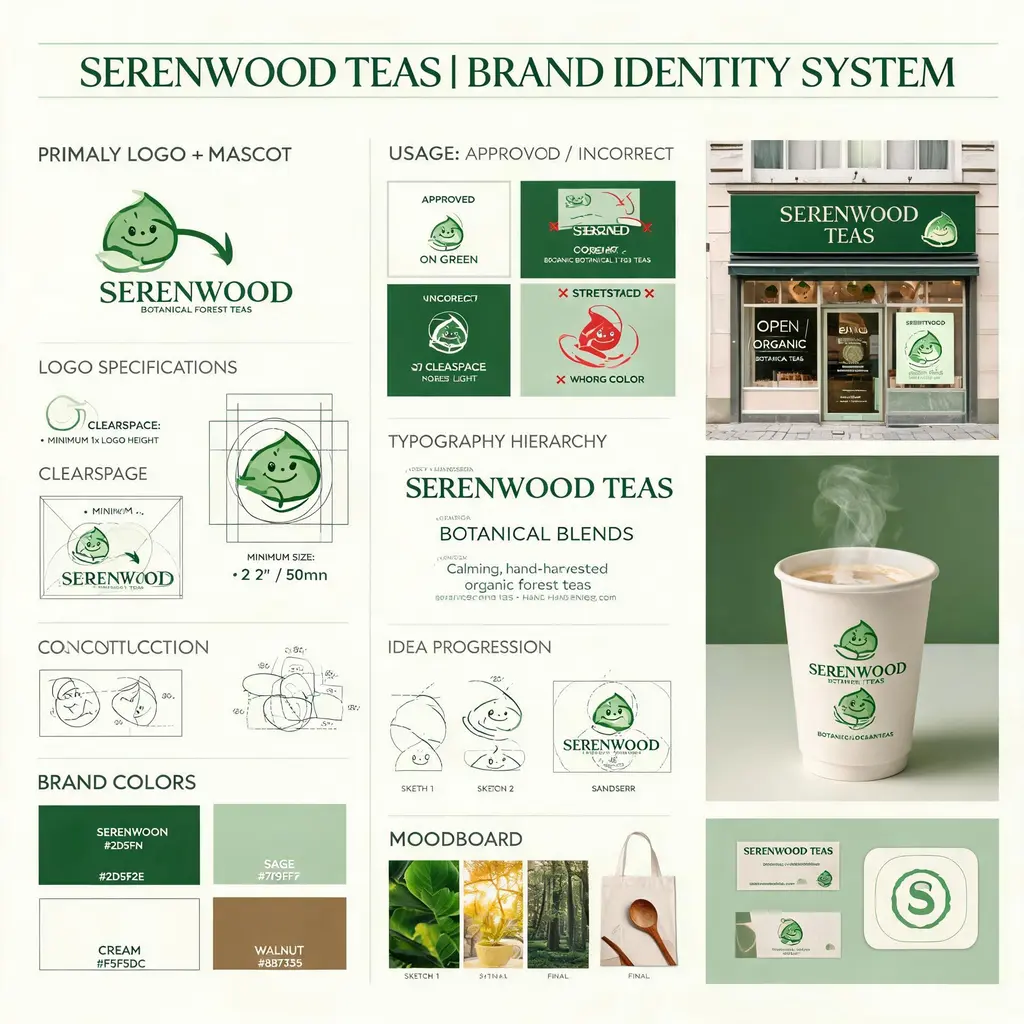
Zamień brief fikcyjnej marki w agencyjną tablicę identyfikacji — konstrukcja logo, paleta, typografia, zasady użycia, szkice koncepcyjne i dopracowane makiety w realnych zastosowaniach.
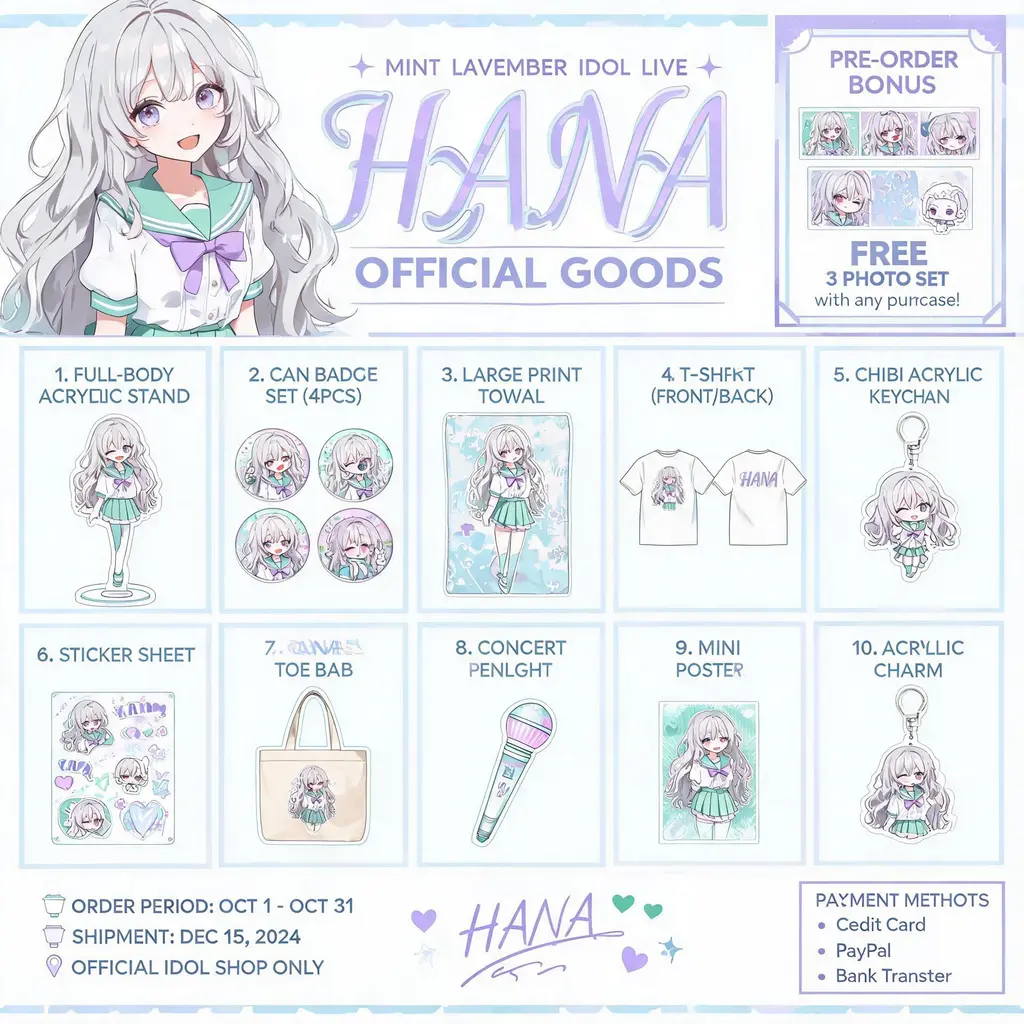
Katalog gadżetów z postacią
Zamień swoją autorską postać w ulotkę z oficjalnym katalogiem gadżetów — ponumerowana siatka standów akrylowych, przypinek, koszulek i breloków pod nagłówkiem z grafiką kluczową.
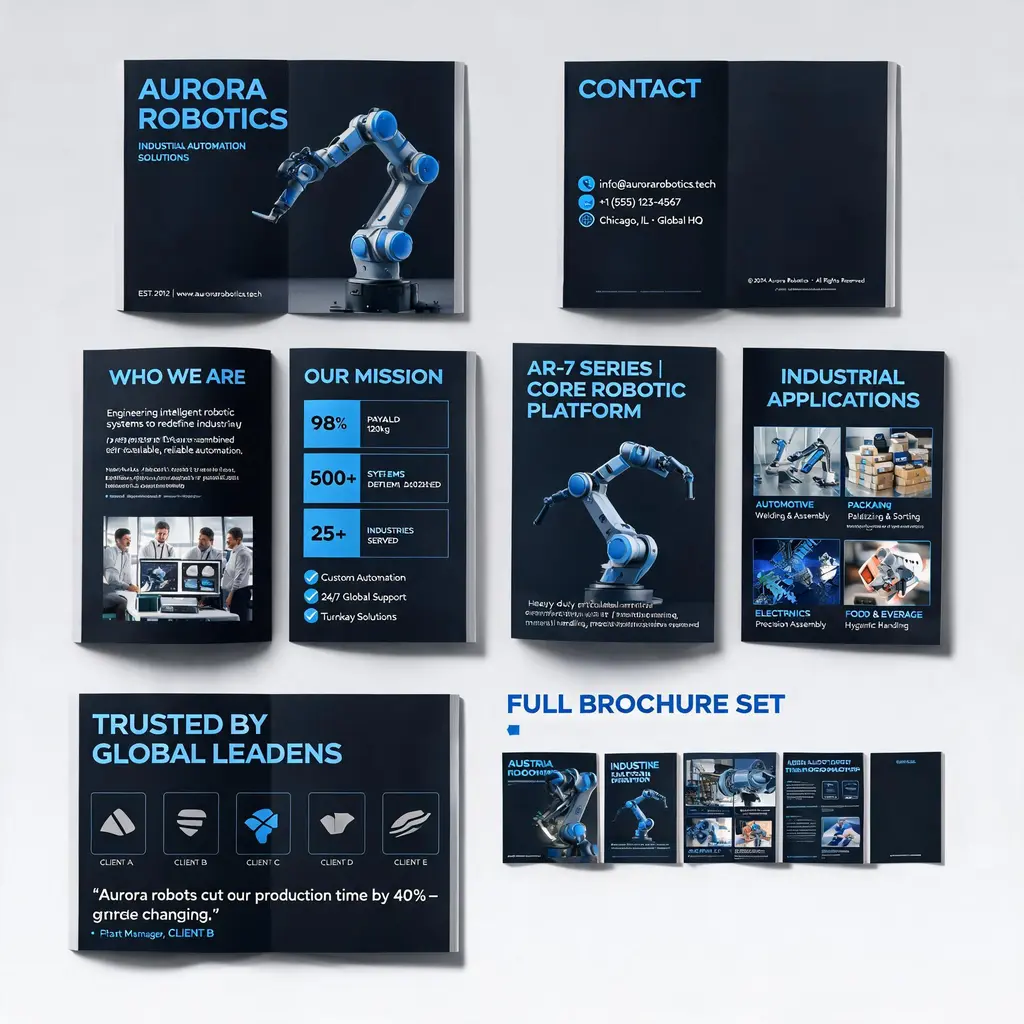
System broszur firmowych
Zamień opis firmy lub produktu w ekskluzywny zestaw wielostronicowych broszur — okładka, wstęp, produkt, zastosowania i wdrożenia spięte jedną identyfikacją, z podglądem całego kompletu.
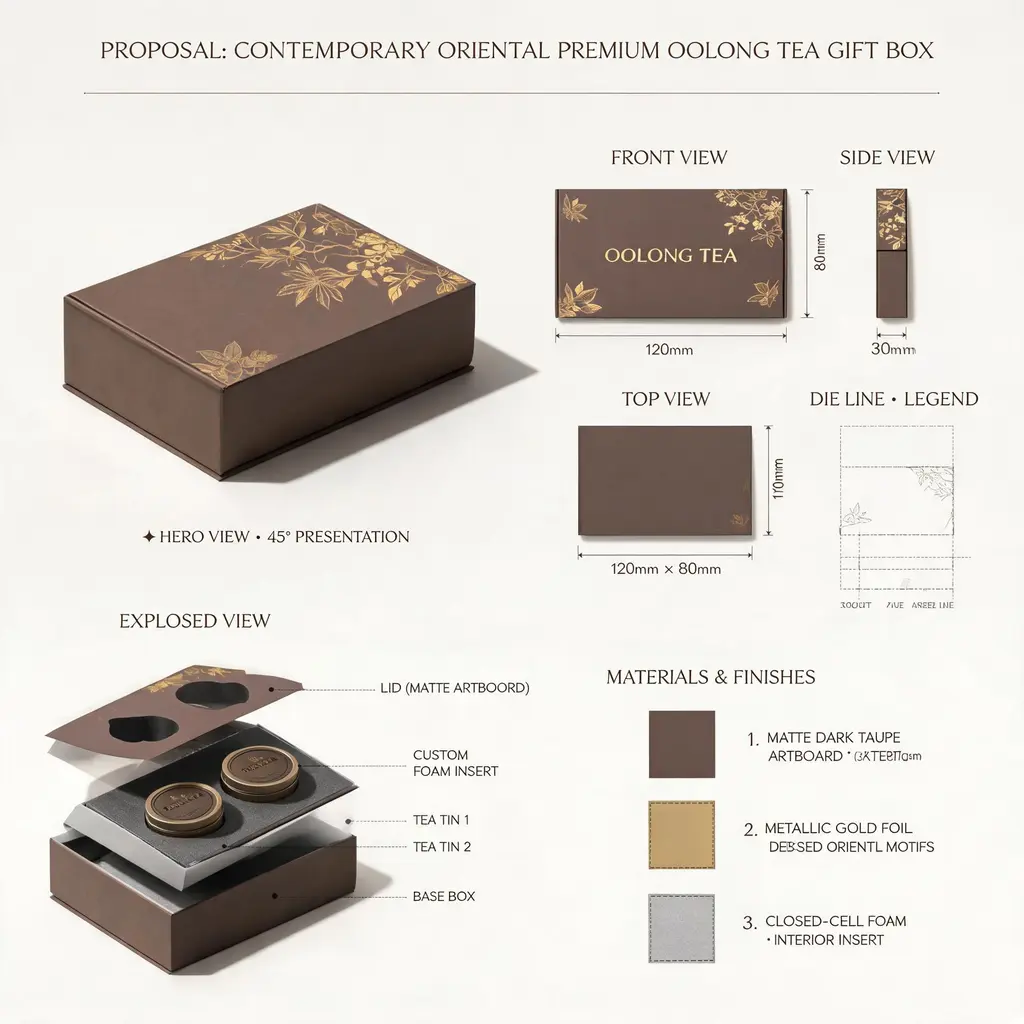
Tablica propozycji projektowej
Pokaż pomysł na produkt lub opakowanie jako arkusz propozycji z topowego studia — render główny, rzuty ortograficzne, wykrojniki, rozstrzelone wnętrze, próbki materiałów i opisane wymiary na jednej tablicy.