Zakrywanie danych na zdjęciu
Zakryj wskazane twarze i dane osobowe na przesłanym zdjęciu nieprzezroczystymi polami, zachowując spójność sceny.
Aktualizacja:
Pełny prompt
Prompt po angielsku z przykładowym opisem. Przed generowaniem dostosuj temat i szczegóły. Oryginalne dane wejściowe i ustawienia przykładów nie są w pełni potwierdzone.
Zalecany model: GPT Image 2.5 Flare
Wskazówki do promptów
- Wskaż każdy obszar; sprawdź pobrany obraz pod kątem pominiętych odbić i częściowo czytelnego tekstu.
- Przed udostępnieniem wrażliwych treści sprawdź końcowe piksele i popraw pominięcia w osobnym edytorze.
Źródła i autorzy
Zaadaptowane i przepisane przez OmniArt. Poniżej podano źródła, zmiany i warunki użytkowania.
- Visible privacy masking concept · @kasu_mi_ai
cuty.ai/gpt-image-2-prompts
The Cuty gallery states no explicit license for reusing these prompts or reference images. Original authors retain applicable rights; this citation does not grant rights to their materials.
Original OmniArt workflow inspired only by a general concept. Source prompt text and images were not copied; brands and protected characters were generalized. No generated example or tested result is claimed.
Powiązane przepisy na prompty
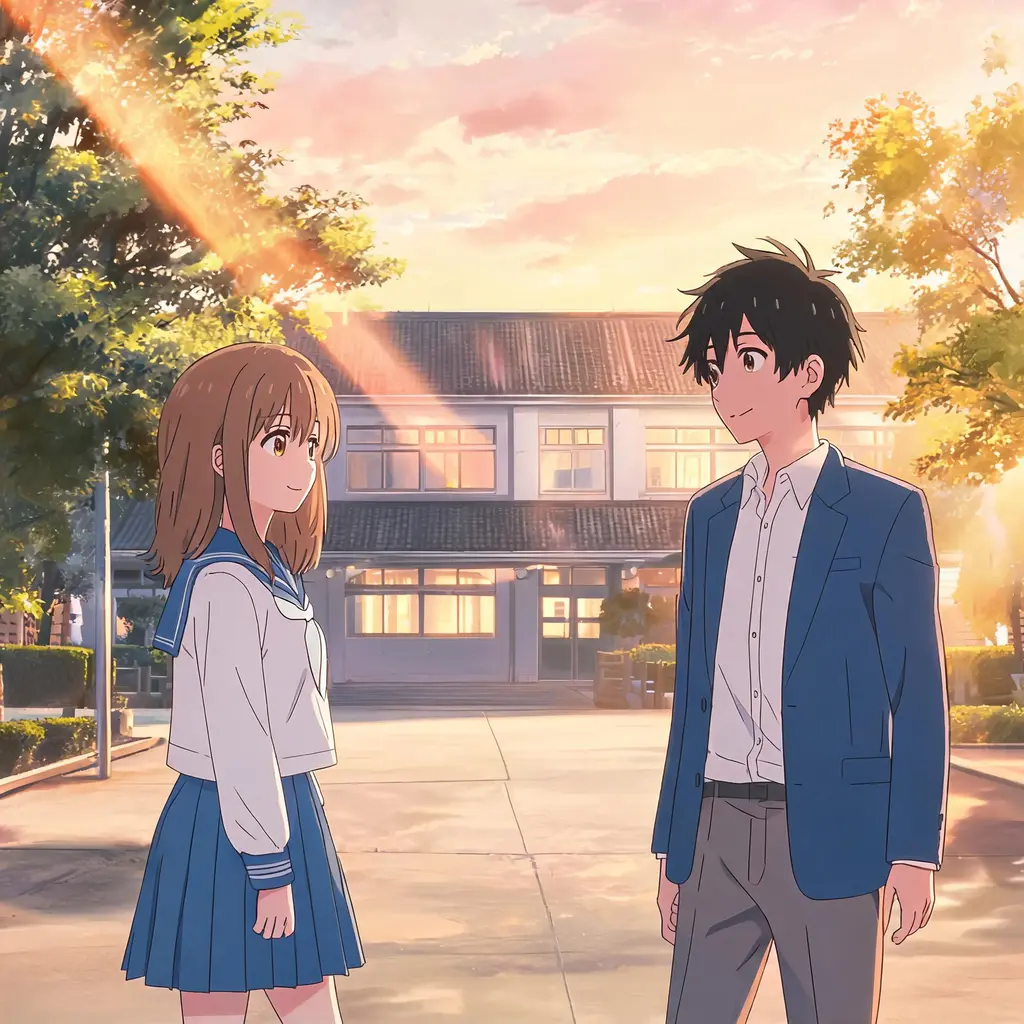
Kadr z odcinka anime
Zamień zdjęcie w kadr zatrzymany jak z prawdziwego odcinka anime — cel-shading, czyste linie i malowane tło, z zachowaniem rozpoznawalnej sceny i osób.
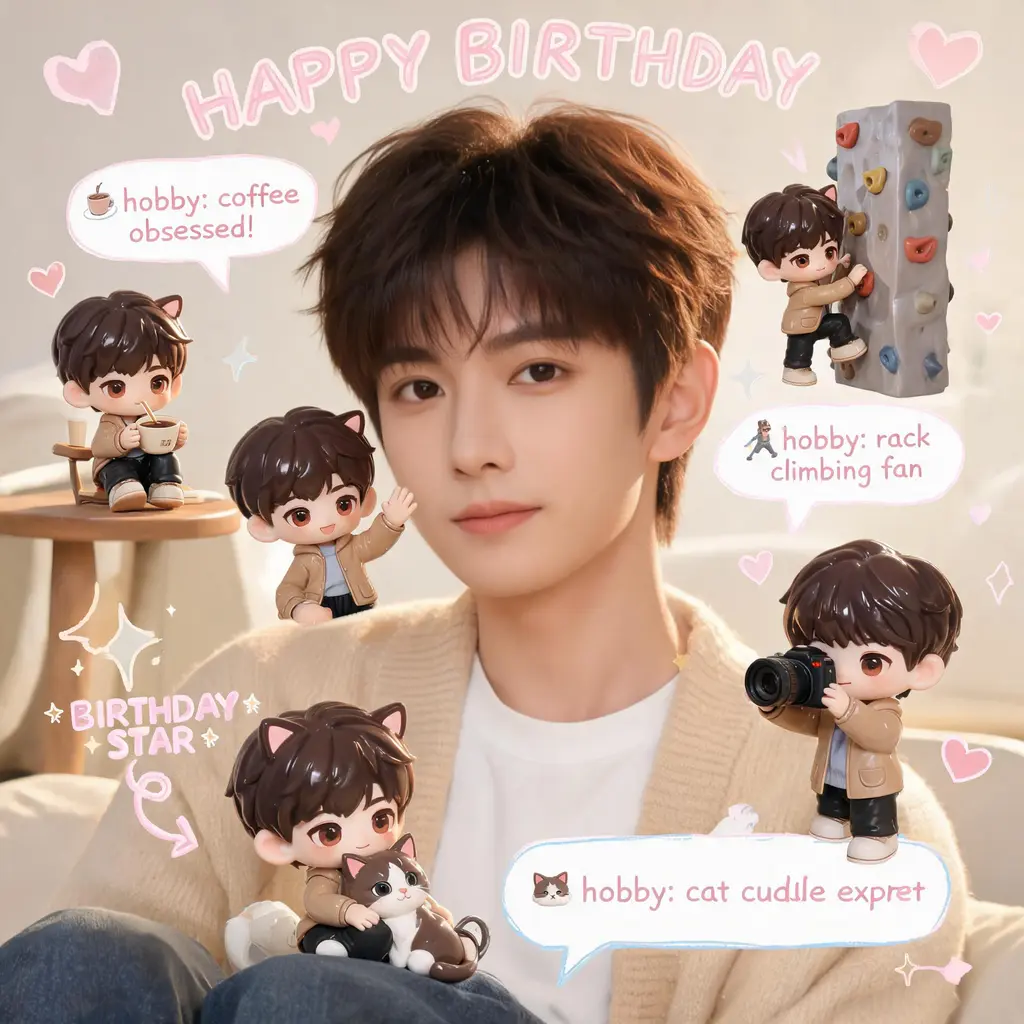
Scrapbook z chibi mini-ja
Zachowaj zdjęcie dokładnie takim, jakie jest, i zapełnij scenę malutkimi chibi-kopiami 3D twojej postaci, odręcznymi bazgrołami, strzałkami i dymkami z ciekawostkami w przytulnym pastelowym stylu scrapbooka.

Kolorowanie strony komiksu
Zamień czarno-białą stronę mangi lub komiksu w pełnokolorowe wydanie — spójna paleta, cel-shading i nietknięte oryginalne kreski oraz liternictwo.

Wyjście z kadru komiksu
Zamień siebie albo dowolny temat w fotorealistyczną, pełnokolorową postać wyrywającą się z czarno-białej strony mangi, ze zszokowanymi bohaterami, liniami prędkości i lecącymi strzępami papieru.
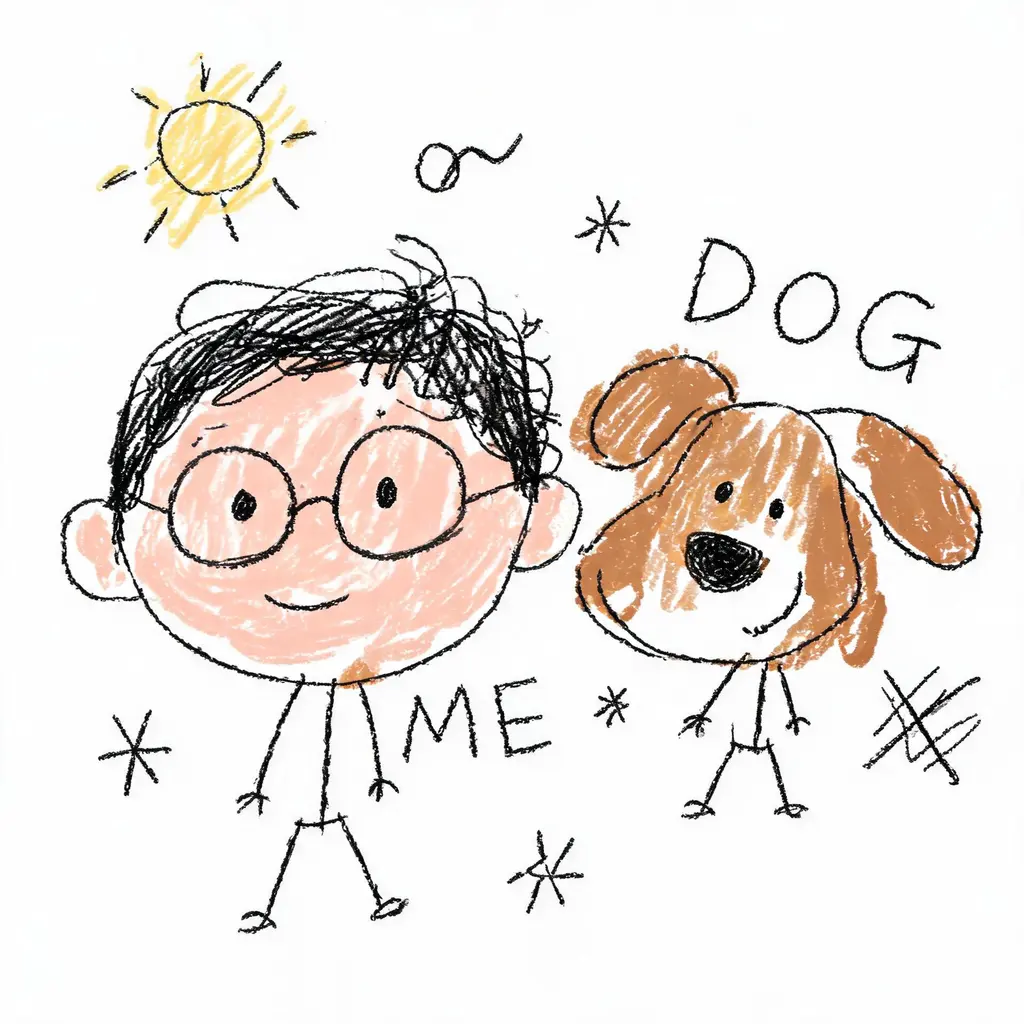
Celowo koślawy przerys
Zamień zdjęcie w dumnie okropny bazgroł — drżące linie, przekrzywione proporcje i niechlujne kolorowanie na czystej bieli, błędne w najzabawniejszy możliwy sposób, a mimo to wciąż rozpoznawalne.

Metamorfoza z zachowaną twarzą
Wstaw swoją dokładną twarz w nowy wizerunek — inna fryzura, autorski kostium albo filmowa sceneria — z surową zasadą nienaruszania rysów i dopracowanym światłem klasy lustrzanki.