커머스 레이아웃

토마토 상품 소개 6칸 구성

토마토의 전체 모습, 질감, 단면, 크기, 활용법, 포장을 한 장의 6칸 상품 소개 시트로 구성합니다.

업데이트:

전체 프롬프트

입력 예시가 포함된 영어 프롬프트입니다. 생성 전에 대상과 세부 사항을 수정하세요. 원본 예시의 입력과 생성 설정은 완전히 확인되지 않았습니다.

추천 모델: GPT Image 2.5 Flare

Create one commerce presentation sheet containing exactly six equal panels in a two-column, three-row grid, all showing the same batch of tomatoes and the same packaging. Use any supplied product and packaging references as identity anchors; otherwise construct the product and pack from the written brief. In either case, preserve tomato variety, typical size, skin color, stem appearance, container shape, and label design across the sheet. Give each panel a different listing responsibility. Panel one is a clean hero view of the whole product and pack; panel two is a close detail of skin and stem texture; panel three shows a freshly halved tomato and its believable interior; panel four establishes scale through a natural adult hand or a supplied size reference; panel five shows practical kitchen use with simple ingredients; panel six presents the package clearly with the supplied product name and factual label text. Use consistent daylight, white balance, surface materials, and styling so the panels belong to one listing rather than six competing advertisements. Keep gutters even and add only the short panel captions supplied in the request. Preserve realistic moisture and food texture without plastic gloss. Do not invent nutrition figures, organic certification, farm provenance, customer reviews, discounts, or unsupported benefits. Deliver the complete six-panel sheet without storefront UI, extra panels, badges, or watermarks. User request: One batch of red vine tomatoes in a plain kraft produce tray with a small cream label reading Vine tomatoes. Use the same tomatoes and tray across six panels captioned Product, Texture, Inside, In hand, In the kitchen, Packaging. Pale stone counter, soft window light, basil and a wooden board only in the kitchen panel. No nutritional or certification claims.

프롬프트 작성 팁

  • 제품과 포장의 참조 이미지, 각 칸의 짧은 제목을 제공하고 근거가 있는 상품 정보만 사용해 주세요.

출처 및 크레딧

OmniArt가 재구성하고 다시 작성했습니다. 출처, 변경 사항 및 이용 조건은 아래에 표시됩니다.

  • Tomato E-Commerce Product Image Set · @Adam38363368936

    EvoLinkAI/awesome-gpt-image-2-API-and-Prompts

    The repository uses CC0 1.0; this does not establish rights to third-party community prompts or media. Attribution is retained without asserting clearance of third-party content.

    Independently authored from a general workflow concept. Creates six same-product listing panels for tomatoes, with packaging continuity and distinct panel roles; excludes unsupported commerce claims. No source prompt text or media copied. GPT Image 2.5 Flare is a recommendation, not a verified example model.

출처 및 크레딧

관련 프롬프트 레시피

프로모션 포스터
커머스 레이아웃

프로모션 포스터

뚜렷한 헤드라인 영역, 주인공 제품, 행동 유도 요소를 갖춘 세련된 세로형 프로모션 포스터를 배치하고, 제공한 문구를 적힌 그대로 표시합니다.
전체 프롬프트
일본풍 광고 배너 세트
커머스 레이아웃

일본풍 광고 배너 세트

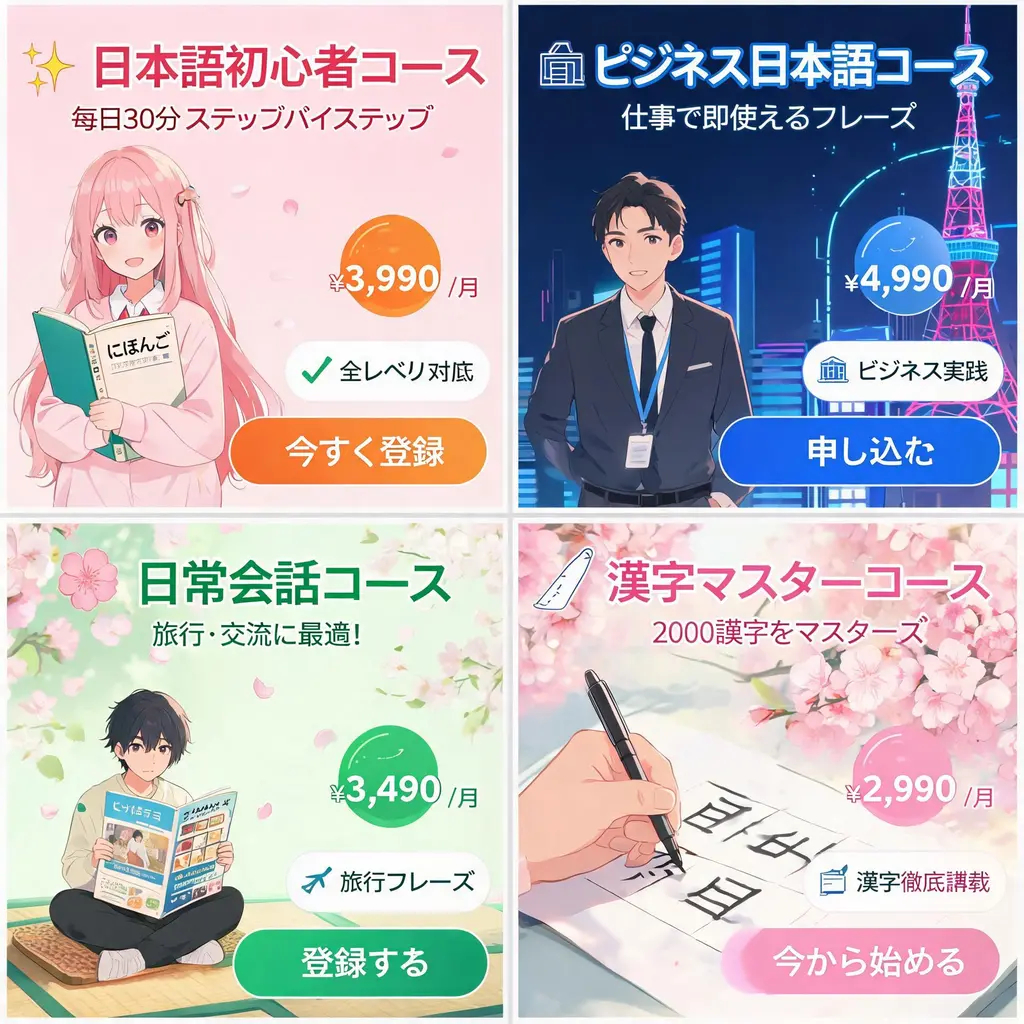
하나의 캠페인 브리프를 강렬한 카피, 가격 배지, 특징 인장, 이미지와 선명한 CTA 버튼을 갖춘 통일감 있는 일본풍 웹 배너 시트로 바꿔 보세요.
전체 프롬프트
비포·애프터 비교
커머스 레이아웃

비포·애프터 비교

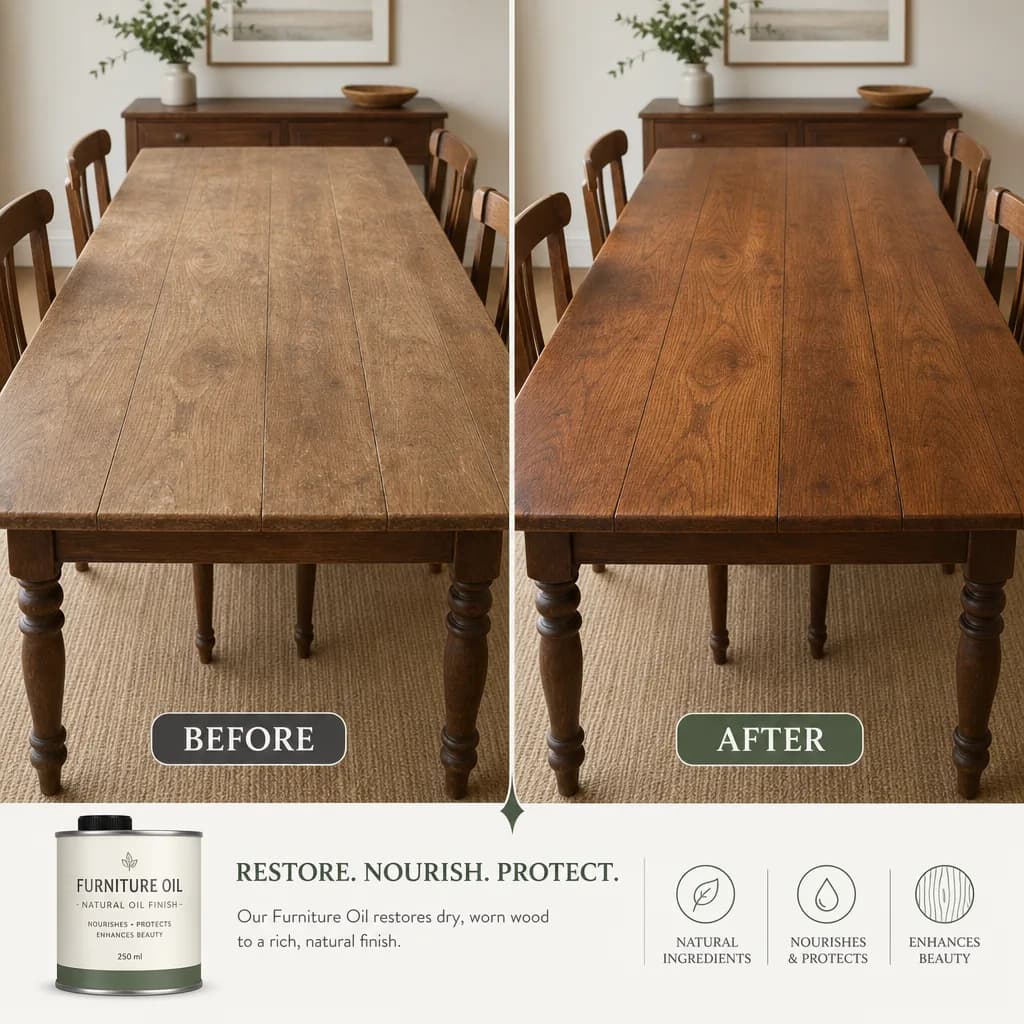
하나의 변화를 깔끔한 구분선과 일관된 구도의 짝맞춘 두 패널로 나누고, 캡션과 수치를 적은 그대로 렌더링합니다.
전체 프롬프트
브랜드 아이덴티티 보드
커머스 레이아웃

브랜드 아이덴티티 보드

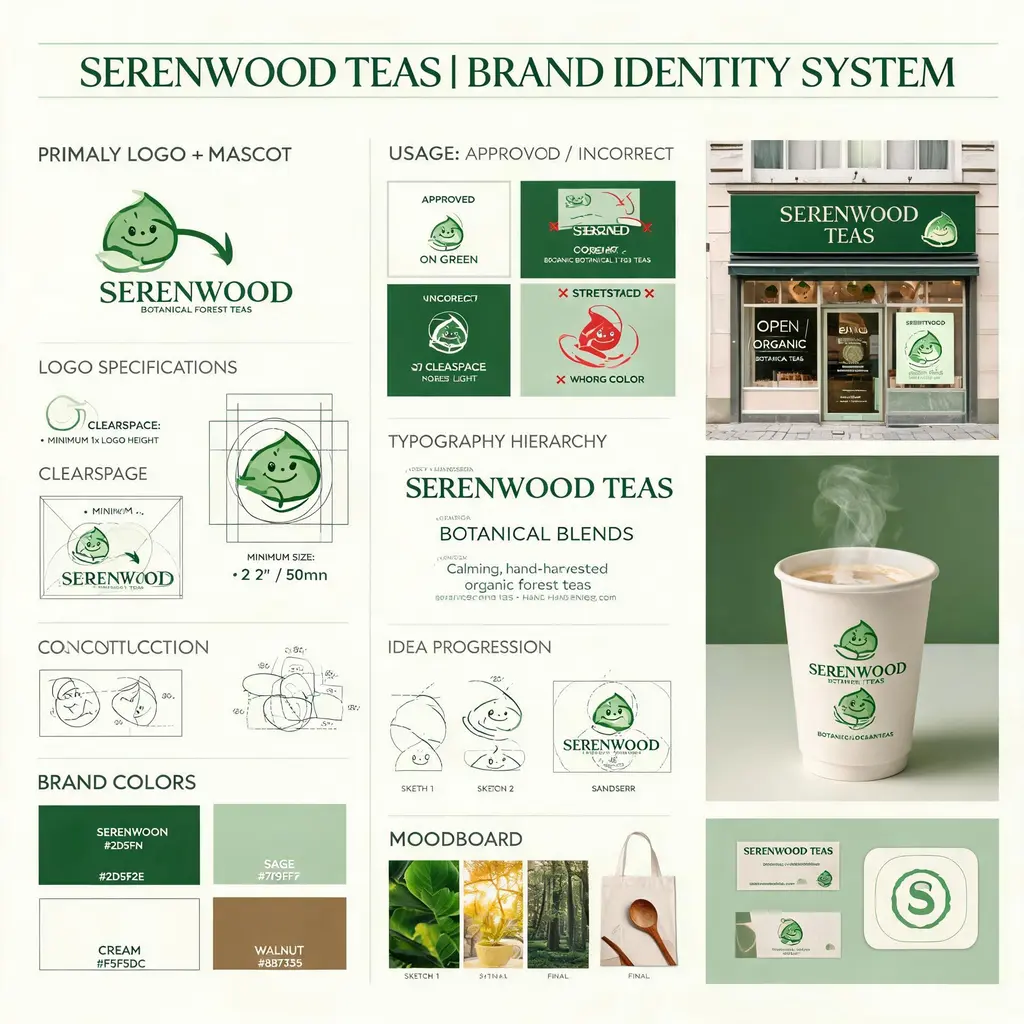
가상의 브랜드 브리프를 로고 구조, 컬러 팔레트, 타이포그래피, 사용 규칙, 콘셉트 스케치와 완성도 높은 실제 적용 목업을 담은 에이전시 스타일 아이덴티티 보드로 바꿔 보세요.
전체 프롬프트
캐릭터 굿즈 카탈로그
커머스 레이아웃

캐릭터 굿즈 카탈로그

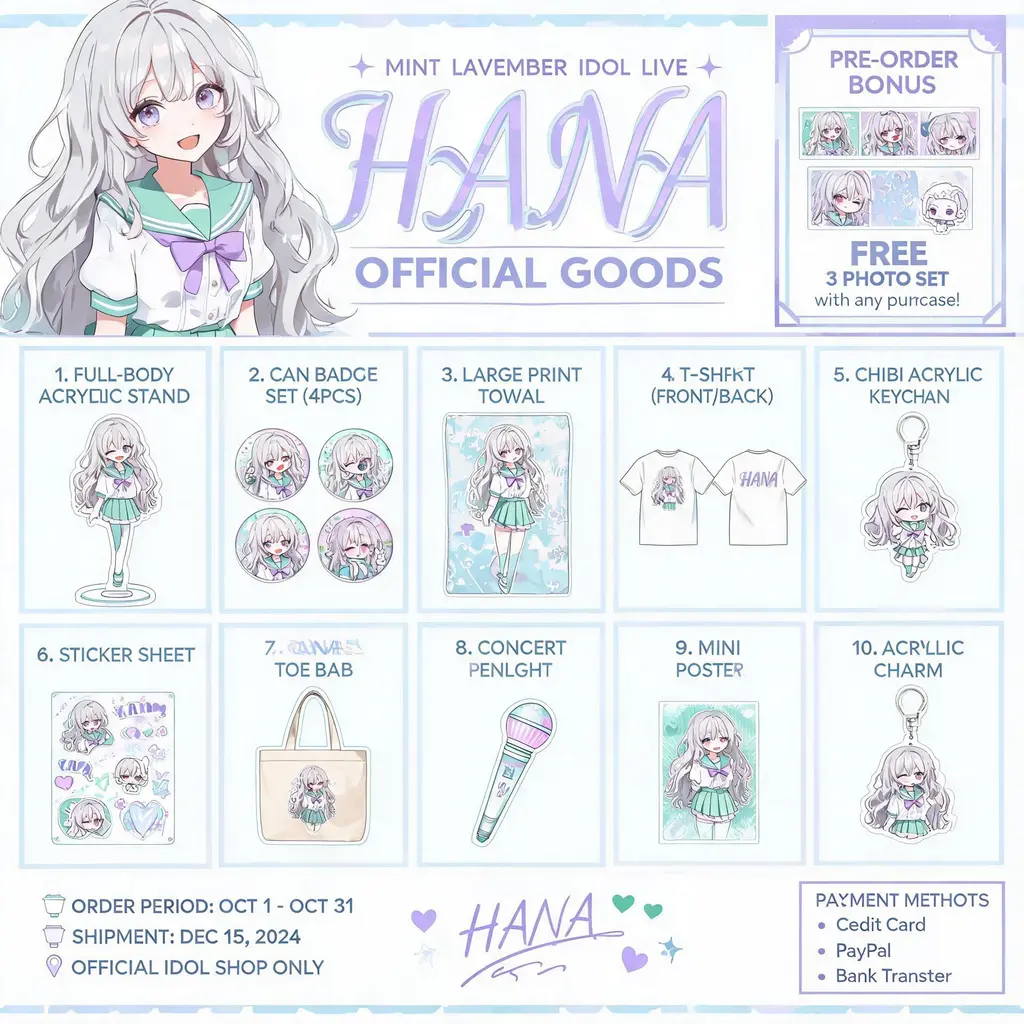
오리지널 캐릭터를 공식 굿즈 카탈로그 전단으로 바꿔 보세요. 아크릴 스탠드, 배지, 티셔츠, 키링이 번호 매겨진 그리드로 정렬되고 상단에는 키 비주얼 헤더가 자리합니다.
전체 프롬프트
기업 브로슈어 시스템
커머스 레이아웃

기업 브로슈어 시스템

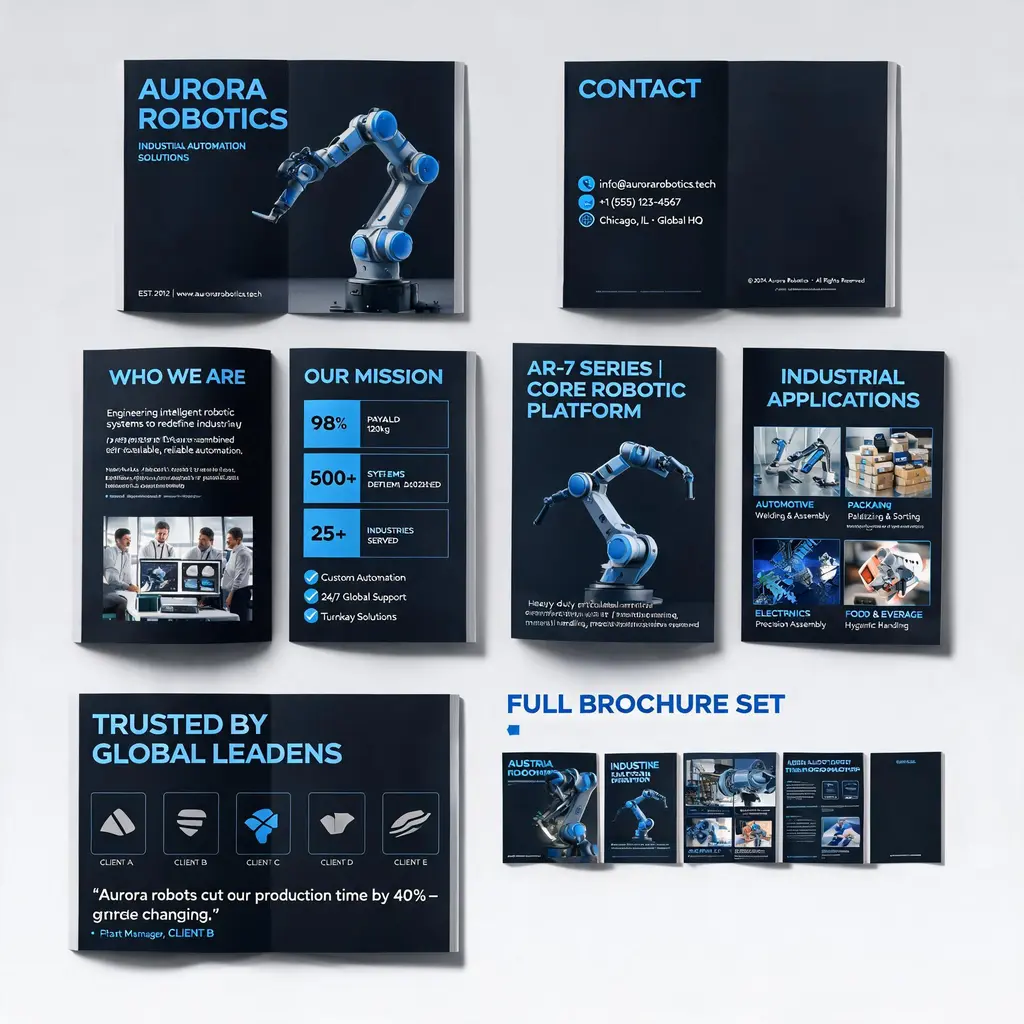
회사나 제품 설명을 프리미엄 멀티 페이지 브로슈어 세트로 바꿔 보세요. 표지, 소개, 제품, 활용 시나리오, 사례 페이지가 하나의 브랜드 룩으로 통일되고 전체 세트 미리보기까지 담깁니다.

전체 프롬프트