비포·애프터 비교
하나의 변화를 깔끔한 구분선과 일관된 구도의 짝맞춘 두 패널로 나누고, 캡션과 수치를 적은 그대로 렌더링합니다.
업데이트:
전체 프롬프트
입력 예시가 포함된 영어 프롬프트입니다. 생성 전에 대상과 세부 사항을 수정하세요. 원본 예시의 입력과 생성 설정은 완전히 확인되지 않았습니다.
추천 모델: GPT Image 2
Design a clean before-and-after comparison image built as two clearly divided panels of equal size, split by an elegant vertical center divider. Place the before state in the left panel and the after state in the right panel, keeping the subject, framing, scale, angle, and camera distance identical between the two sides so the only visible difference is the transformation itself, with the left showing the starting condition and the right showing the improved result. Label each side with a small, clear caption, and if the user provides metrics or result data, present them in a tidy row or small grid beneath or between the panels with clean type. Render any text the user supplies, including the before and after captions, percentages, or data points, exactly as written, correctly spelled; never invent statistics, claims, or filler wording, and leave data areas clean if no numbers are given rather than adding placeholder text. Keep lighting consistent and honest across both panels so the comparison reads as credible rather than exaggerated, and add a small product thumbnail if it belongs. Use a clean, professional layout with aligned margins and balanced negative space. Do not add watermarks or clutter. The result should look like a trustworthy campaign comparison. Use the details below for the subject and the exact before and after states.
자체 제작 예시
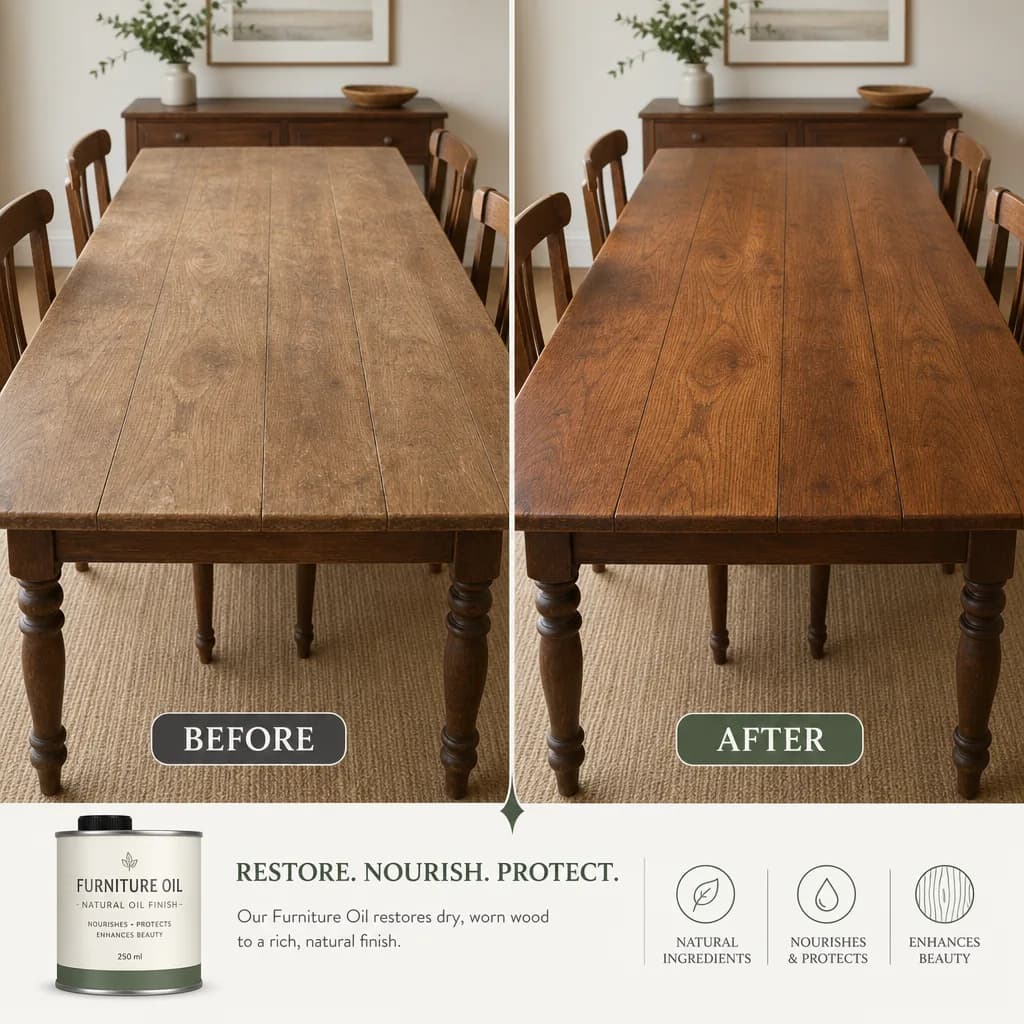
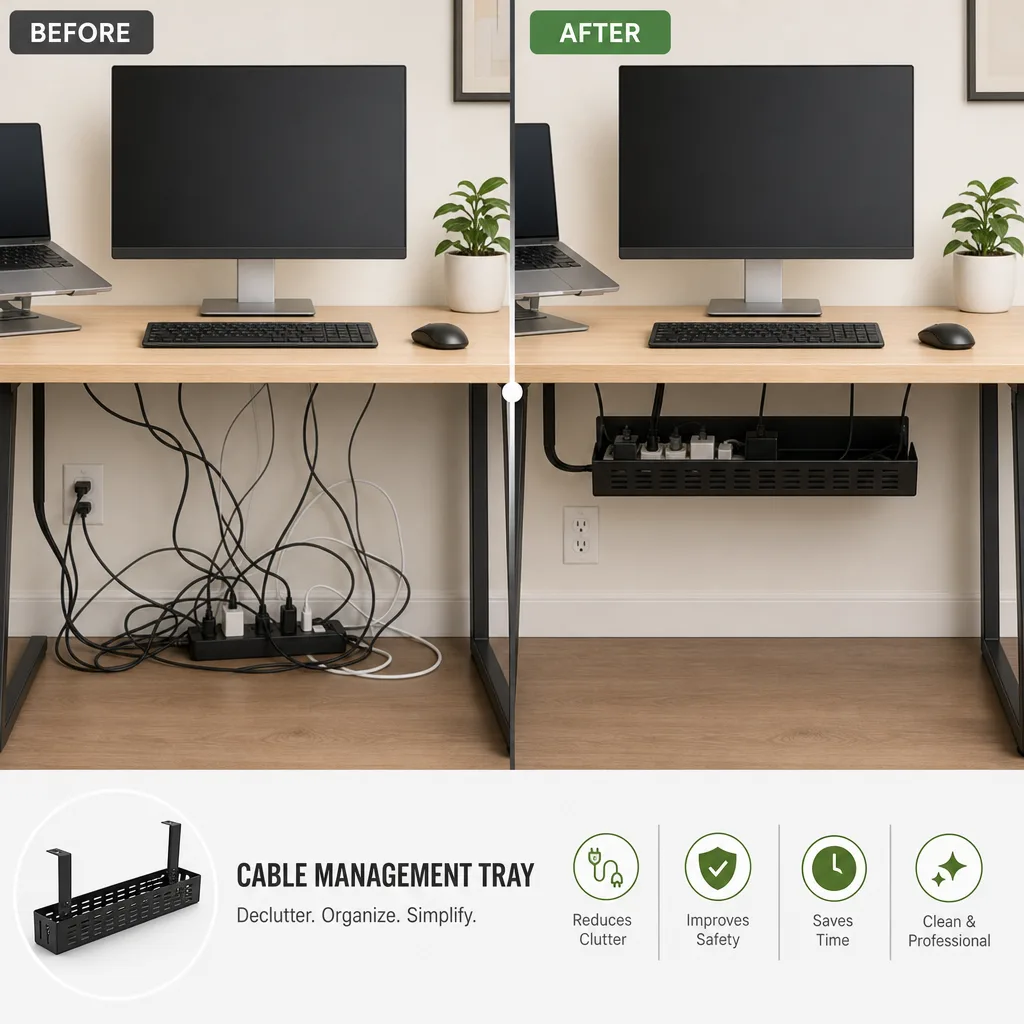
프롬프트 작성 팁
- 전후 상태를 명확히 묘사해 두 패널이 결과에서만 차이 나게 하세요
- 캡션과 퍼센트는 따옴표로 감싸 라벨이 정확히 표시되고 신뢰를 유지하게 하세요
- 두 상태 모두 같은 대상과 각도를 유지해 비교가 정직하게 읽히도록 하세요
관련 프롬프트 레시피

커머스 레이아웃
프로모션 포스터
뚜렷한 헤드라인 영역, 주인공 제품, 행동 유도 요소를 갖춘 세련된 세로형 프로모션 포스터를 배치하고, 제공한 문구를 적힌 그대로 표시합니다.
전체 프롬프트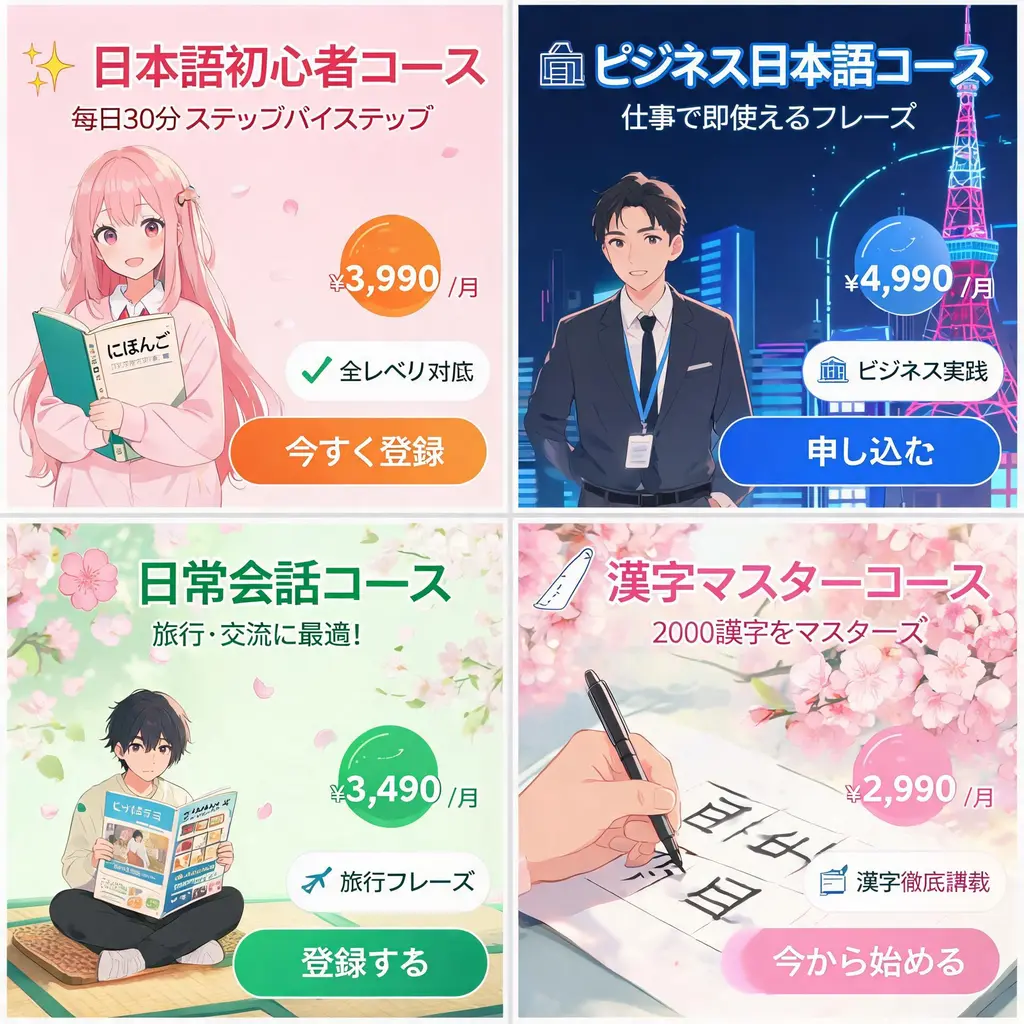
커머스 레이아웃
일본풍 광고 배너 세트
하나의 캠페인 브리프를 강렬한 카피, 가격 배지, 특징 인장, 이미지와 선명한 CTA 버튼을 갖춘 통일감 있는 일본풍 웹 배너 시트로 바꿔 보세요.
전체 프롬프트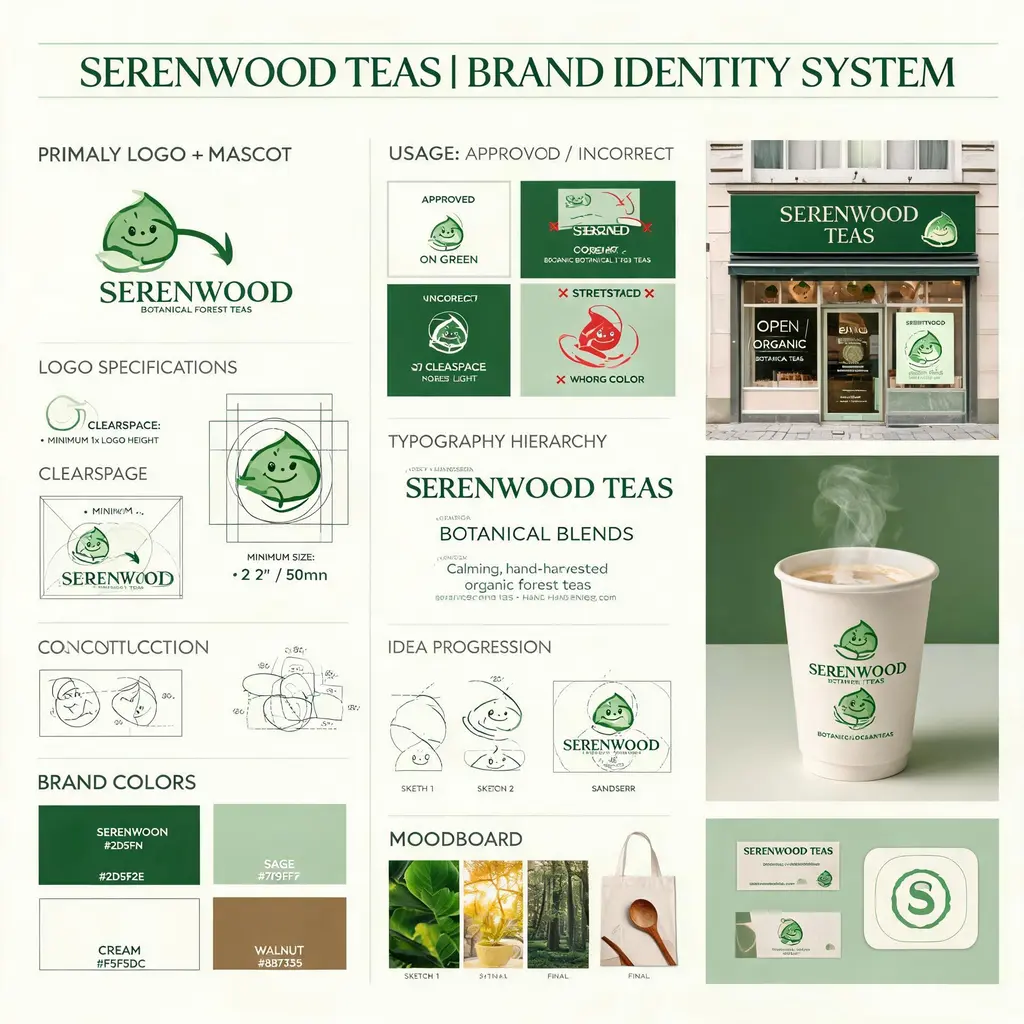
커머스 레이아웃
브랜드 아이덴티티 보드
가상의 브랜드 브리프를 로고 구조, 컬러 팔레트, 타이포그래피, 사용 규칙, 콘셉트 스케치와 완성도 높은 실제 적용 목업을 담은 에이전시 스타일 아이덴티티 보드로 바꿔 보세요.
전체 프롬프트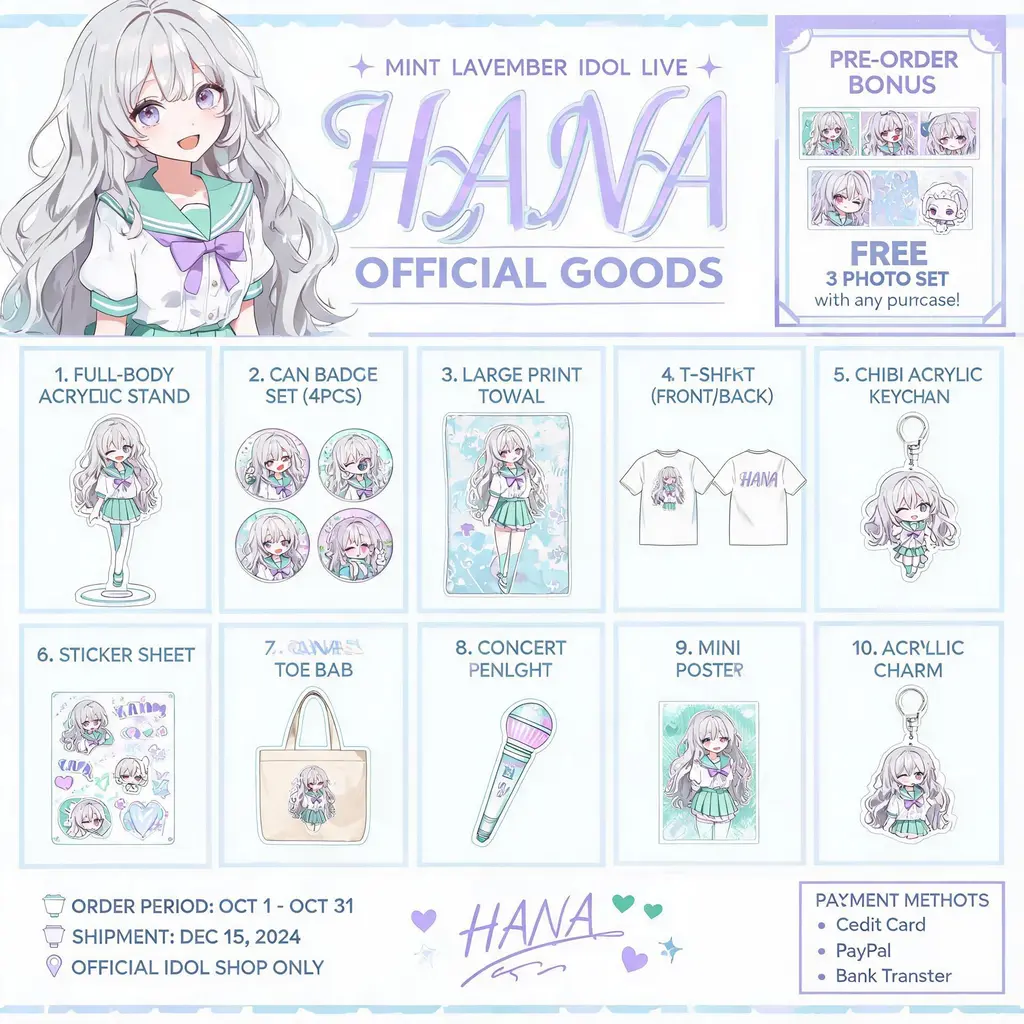
커머스 레이아웃
캐릭터 굿즈 카탈로그
오리지널 캐릭터를 공식 굿즈 카탈로그 전단으로 바꿔 보세요. 아크릴 스탠드, 배지, 티셔츠, 키링이 번호 매겨진 그리드로 정렬되고 상단에는 키 비주얼 헤더가 자리합니다.
전체 프롬프트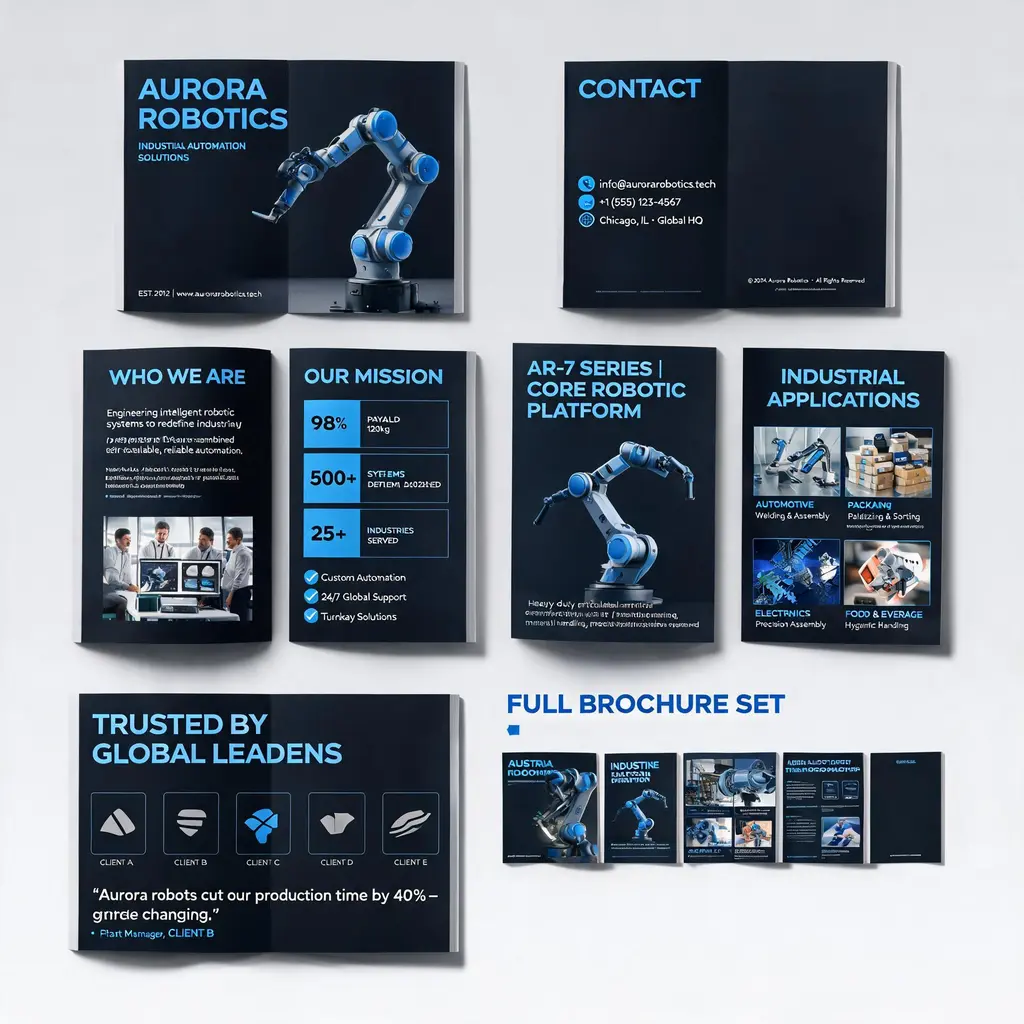
커머스 레이아웃
기업 브로슈어 시스템
회사나 제품 설명을 프리미엄 멀티 페이지 브로슈어 세트로 바꿔 보세요. 표지, 소개, 제품, 활용 시나리오, 사례 페이지가 하나의 브랜드 룩으로 통일되고 전체 세트 미리보기까지 담깁니다.
전체 프롬프트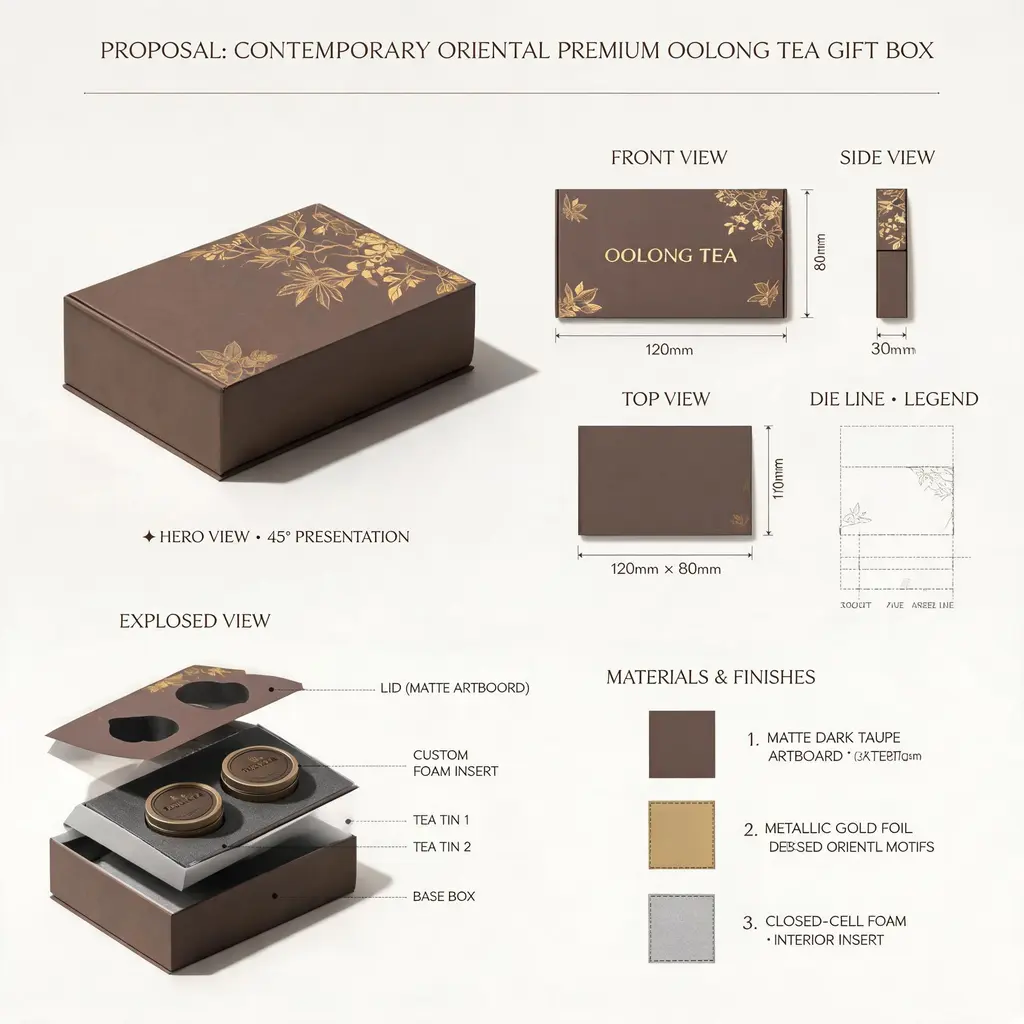
커머스 레이아웃
디자인 제안 보드
어떤 제품이나 패키지 아이디어든 톱 스튜디오의 제안 시트로 표현하세요. 히어로 렌더링, 정투상도, 칼선 도면, 내부 분해도, 소재 스와치, 치수 주석이 한 장의 보드에 담깁니다.
전체 프롬프트