Verso Babbo Natale! 🎅
È arrivato il momento! Montiamo sul renna e aiutiamo Babbo Natale!
Carica una foto per generare
Cos'è l'effetto Verso Babbo Natale! 🎅?
Il template Verso Babbo Natale! 🎅 trasforma le tue foto in un breve video AI con aspetto e movimento predefiniti. L'esempio in questa pagina mostra lo stile del risultato prima della generazione.
Aggiungi le foto richieste, controlla il prompt facoltativo e genera senza un editor video. OmniArt salva il clip completato nella cronologia creativa, pronto da scaricare e condividere.
Come creare un video Verso Babbo Natale! 🎅
- 01
Carica la tua foto
Scegli una foto nitida e ben illuminata in cui il soggetto sia facilmente visibile. Vanno bene sia ritratti che foto di gruppo — l'effetto si adatta alla tua immagine.
- 02
Controlla l'anteprima
Guarda il clip di esempio per vedere esattamente cosa fa l'effetto. Alcuni effetti accettano anche un breve prompt di testo per guidare il risultato.
- 03
Genera e scarica
Premi genera e segui l'avanzamento in tempo reale. Il tuo video sarà pronto da scaricare e condividere in pochi minuti.
Perché creare video Verso Babbo Natale! 🎅 su OmniArt
Risultati da studio
Ogni effetto funziona su un template video selezionato, ottimizzato per movimenti nitidi, volti stabili e un risultato pronto da condividere.
Risultati in pochi minuti
Niente timeline, niente keyframe, nessuna app di montaggio. Carica una foto e ottieni un video finito mentre segui l'avanzamento.
Inizia gratis
Genera qualsiasi effetto con crediti gratuiti e conserva ogni risultato nella tua libreria OmniArt, sincronizzata su tutti i dispositivi.
Altri effetti AI da provare
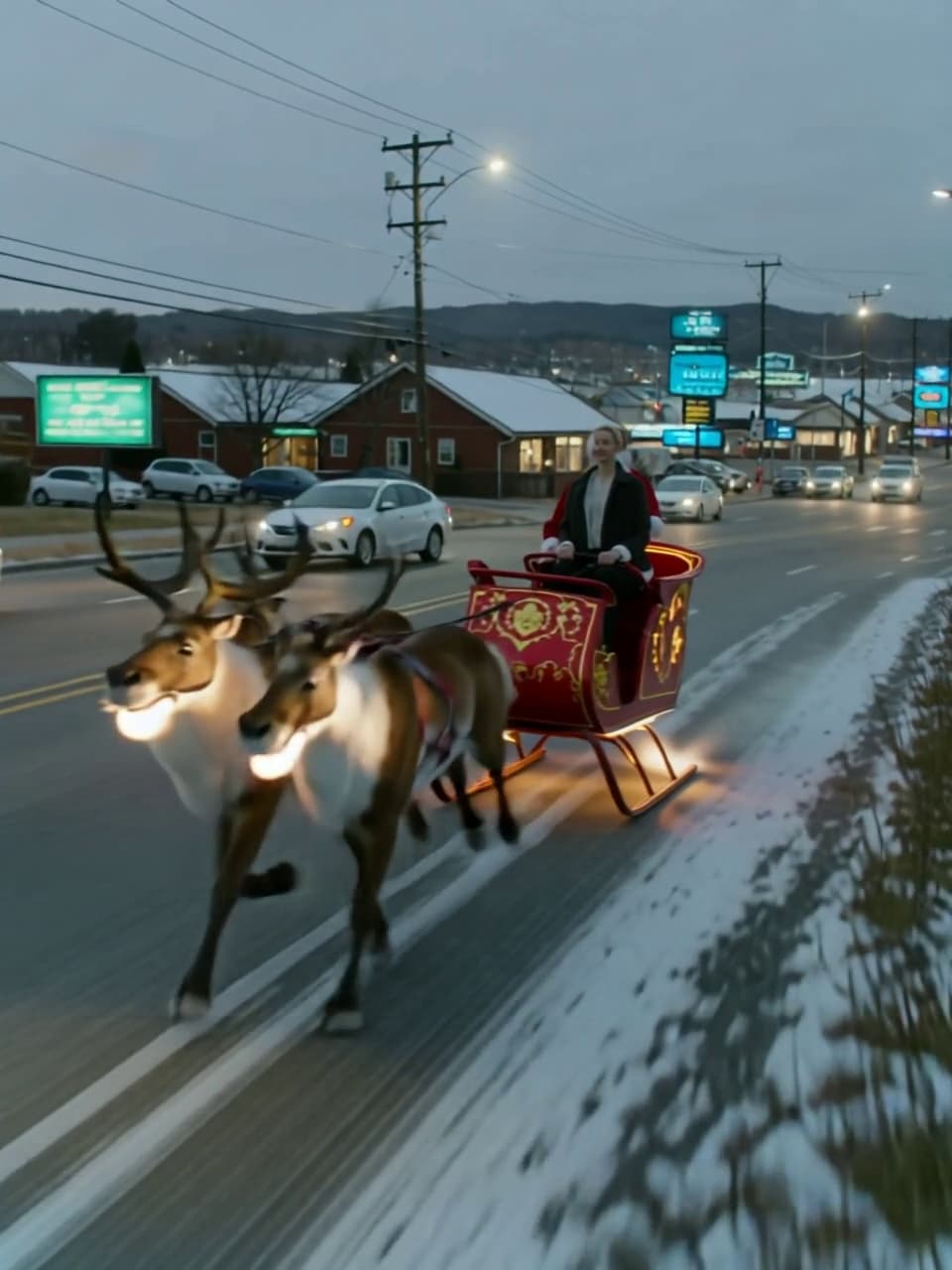 Video
VideoLa slitta di Babbo Natale
Cavalca la slitta di Babbo Natale.
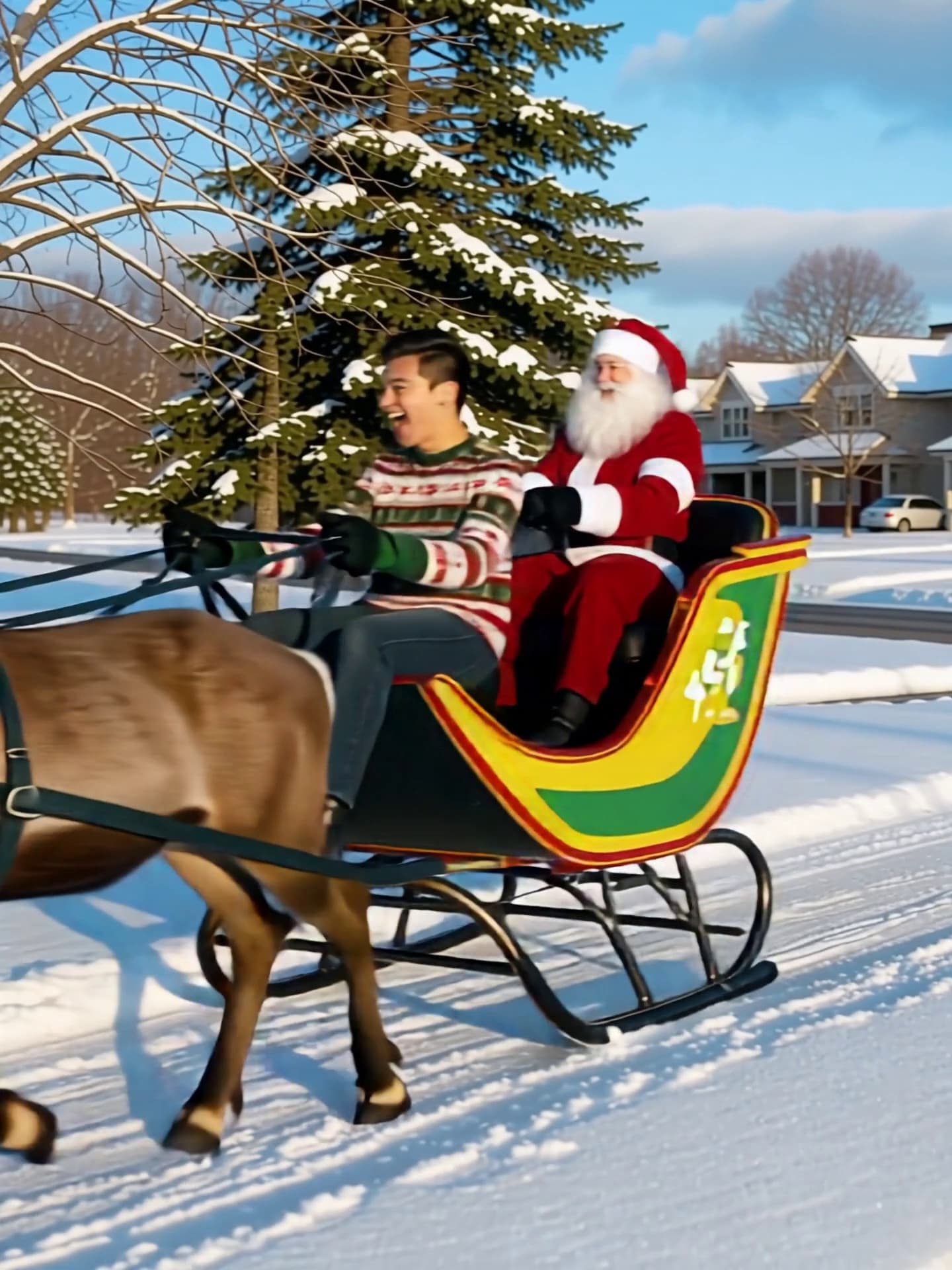 Video
VideoGita in Slitta di Babbo Natale
Fatti prendere in stile natalizio!
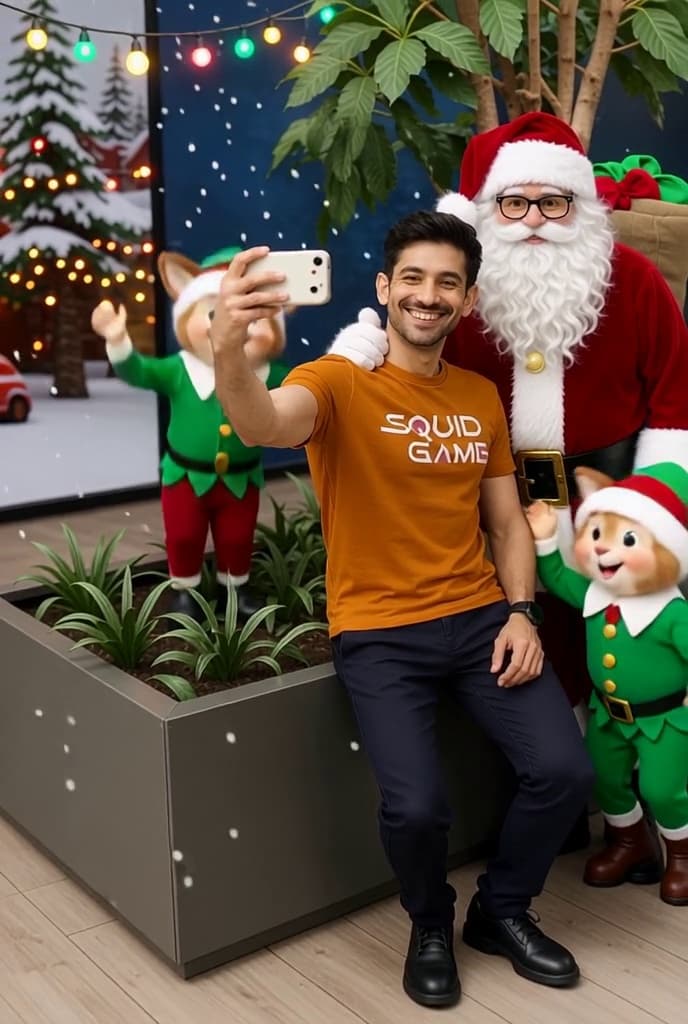 Video
VideoBabbo Natale e Io
Scatta un selfie con Babbo Natale! perfetto per queste festività.
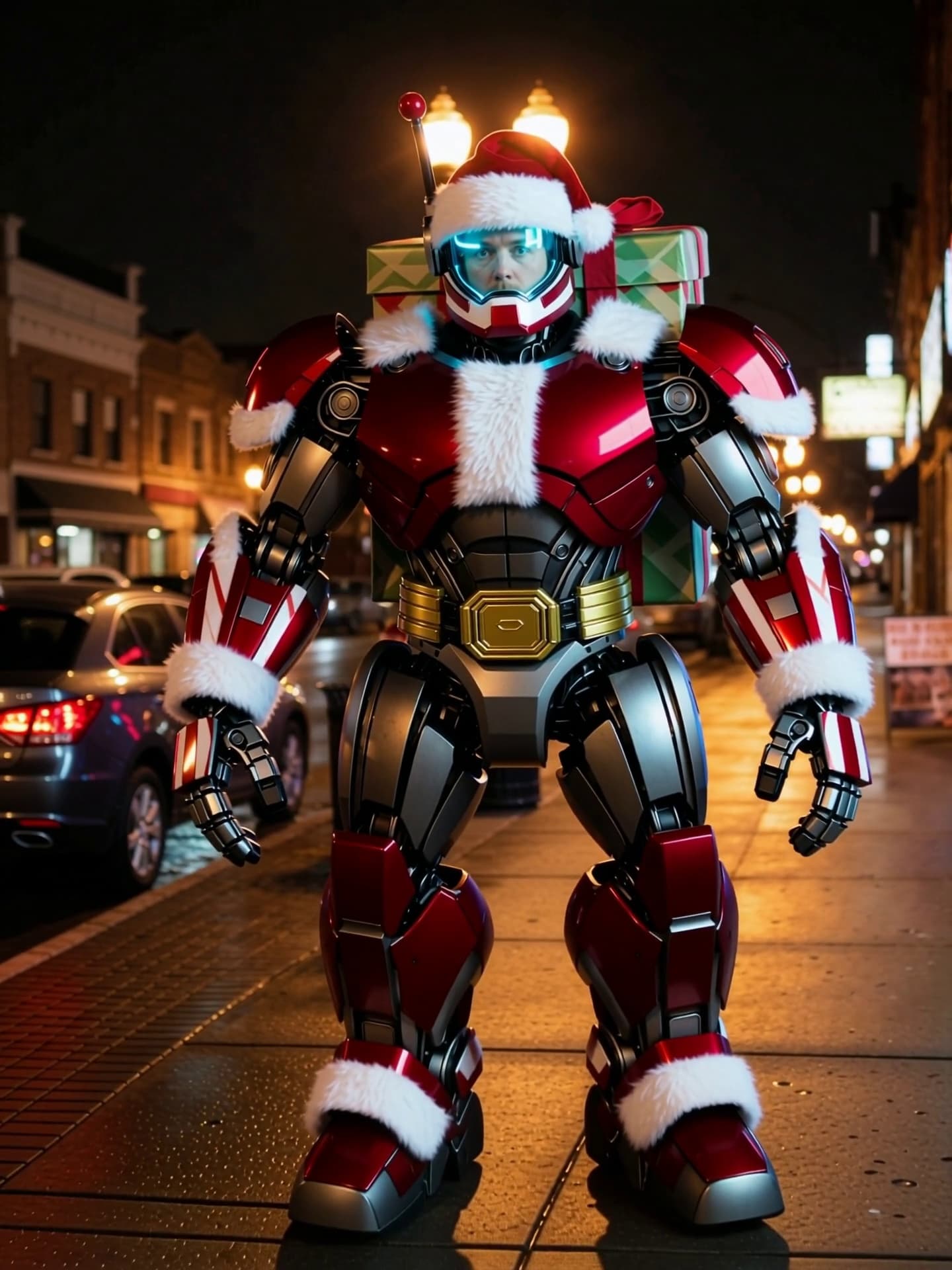 Video
VideoAttivazione del Grande Robot Babbo Natale
Trasformati istantaneamente nel grande robot Babbo Natale.
 Video
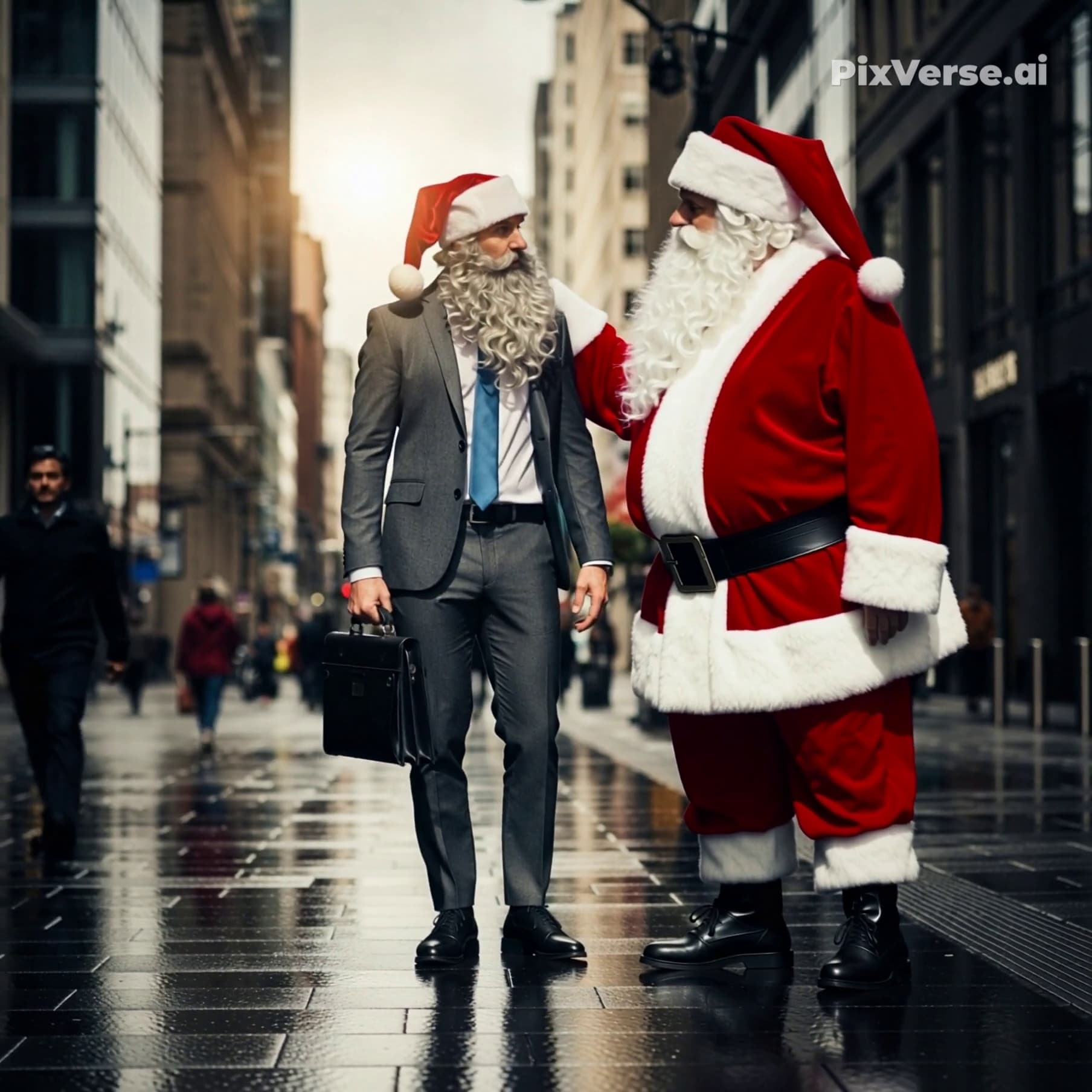
VideoCongratulazioni! Sei stato scelto da Babbo Natale!
Wow, all'improvviso un magnifico baffo...! Congratulazioni, sembri avere le qualità di Babbo Natale!
 Video
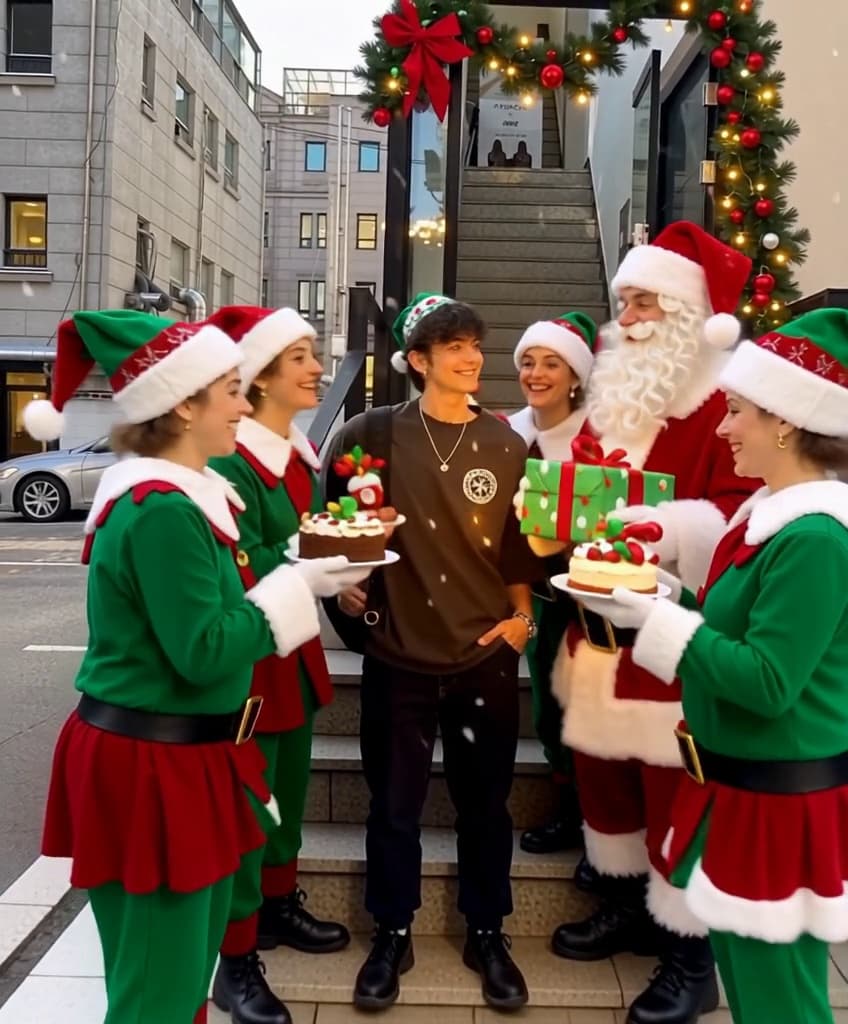
VideoCiao Babbo Natale
Fai il selfie delle vacanze definitivo con Babbo Natale e i suoi allegri elfi.
 Video
VideoSelfie di Babbo Natale
Scarica questo modello per aggiungere uno sfondo natalizio festoso e un allegro cappello di Babbo Natale al tuo preferito.
 Video
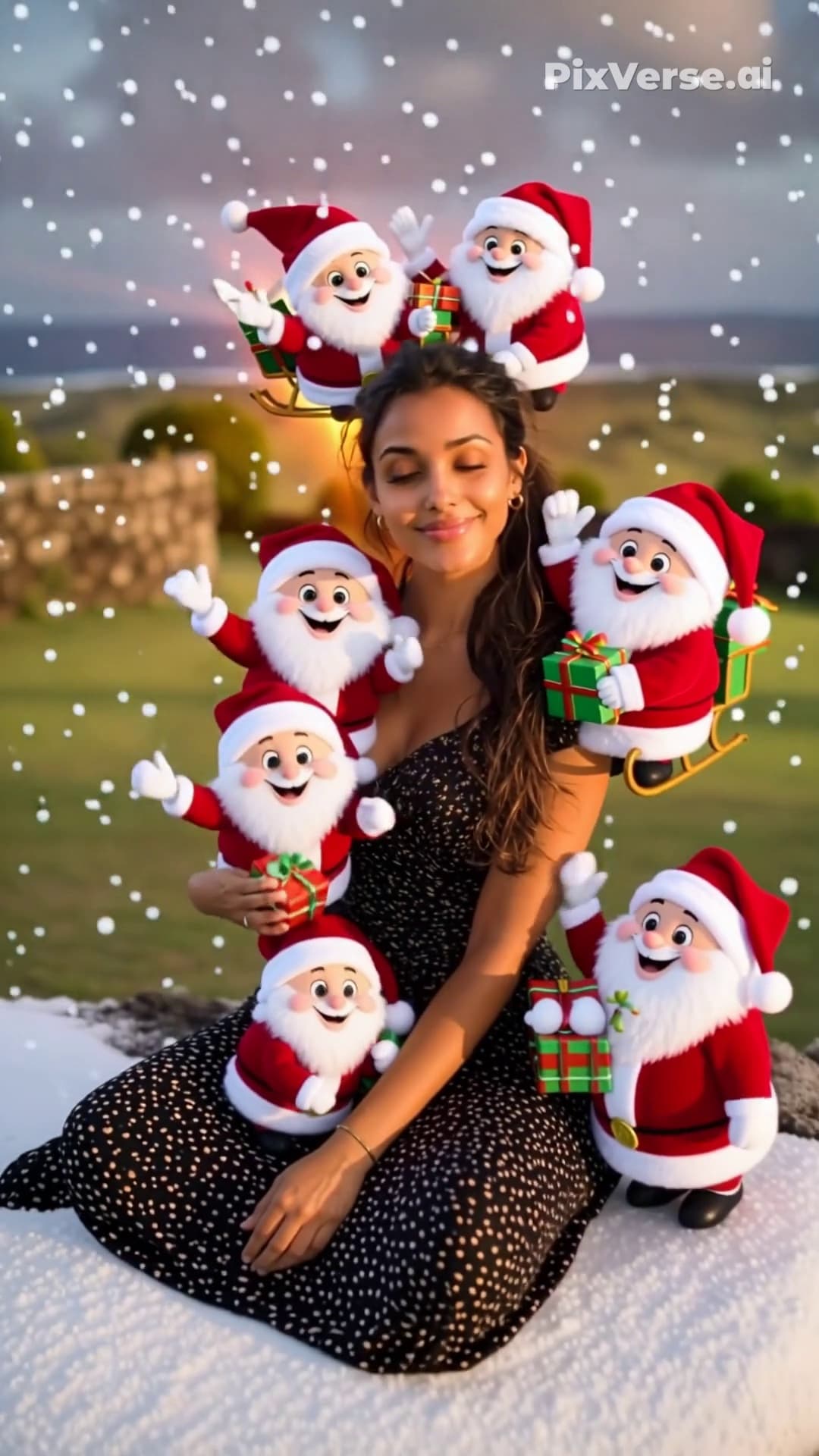
VideoSquadra di Babbo Natale
Un ritratto divertente e vivace con diversi Babbo Natale cartoon in miniatura che spuntano attorno al soggetto.
Domande frequenti
Trasforma la foto che carichi in un breve video generato dall'AI usando un template Verso Babbo Natale! 🎅 selezionato. Il clip di esempio in questa pagina mostra esattamente il movimento che puoi aspettarti.
Le foto nitide e ben illuminate, con il soggetto completamente visibile, danno i risultati migliori. Evita filtri pesanti, angolazioni estreme o immagini a risoluzione molto bassa.
La maggior parte dei video viene completata in pochi minuti. Puoi seguire l'avanzamento nella pagina e i clip completati vengono salvati automaticamente nella tua libreria.
Ogni generazione costa una piccola quantità di crediti, mostrata sul pulsante genera. I nuovi account partono con crediti gratuiti, così puoi provare l'effetto prima di pagare qualsiasi cosa.
L'uso commerciale dipende dal template, dai tuoi materiali e dai termini applicabili. Devi disporre dei diritti necessari su tutto ciò che carichi e assicurarti che l'uso del risultato non violi la proprietà intellettuale di terzi.