笔记本屏幕内容替换
只替换笔记本屏幕内容,并明确列出必须保持不变的周围场景细节
更新日期:
完整提示词
英文提示词包含建议的示例需求。生成前请修改主体和细节。原始示例输入和生成参数尚未完全核实。
推荐模型: GPT Image 2
提示词技巧
- 明确屏幕位置,并列出桌面、灯光与窗外景色等不可改动项
- 与原照片对比;屏幕外仍可能出现细微变化
来源与署名
由 OmniArt 改编和重写,以下列出来源署名、修改说明及使用条件
- Replace only the content of a laptop screen · ai_kairos_jp
wangrunlin/awesome-gpt-image-2-5-prompts
Repository MIT covers tooling and original documentation only; community prompts and third-party media retain their original rights and terms (CONTENT_POLICY.md).
Original independently written workflow recipe with explicit scene and optional screen-content reference roles, identified edit region, and comparison guidance; localized into 19 languages. No source wording or media copied.
相关提示词配方
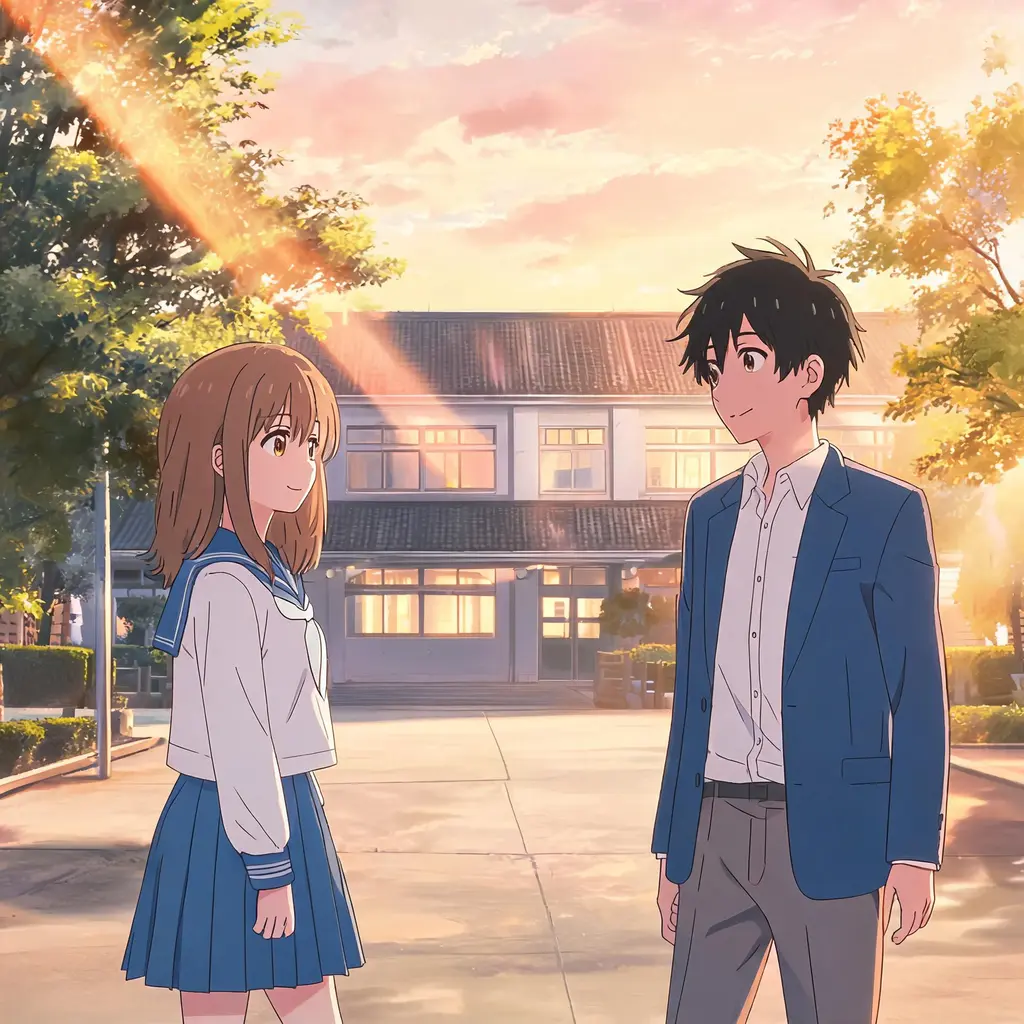
动漫剧集截图风
把照片变成仿佛从真实动漫剧集暂停下来的一帧:赛璐璐上色、干净线稿、手绘背景,场景和人物依旧一眼认得出
完整提示词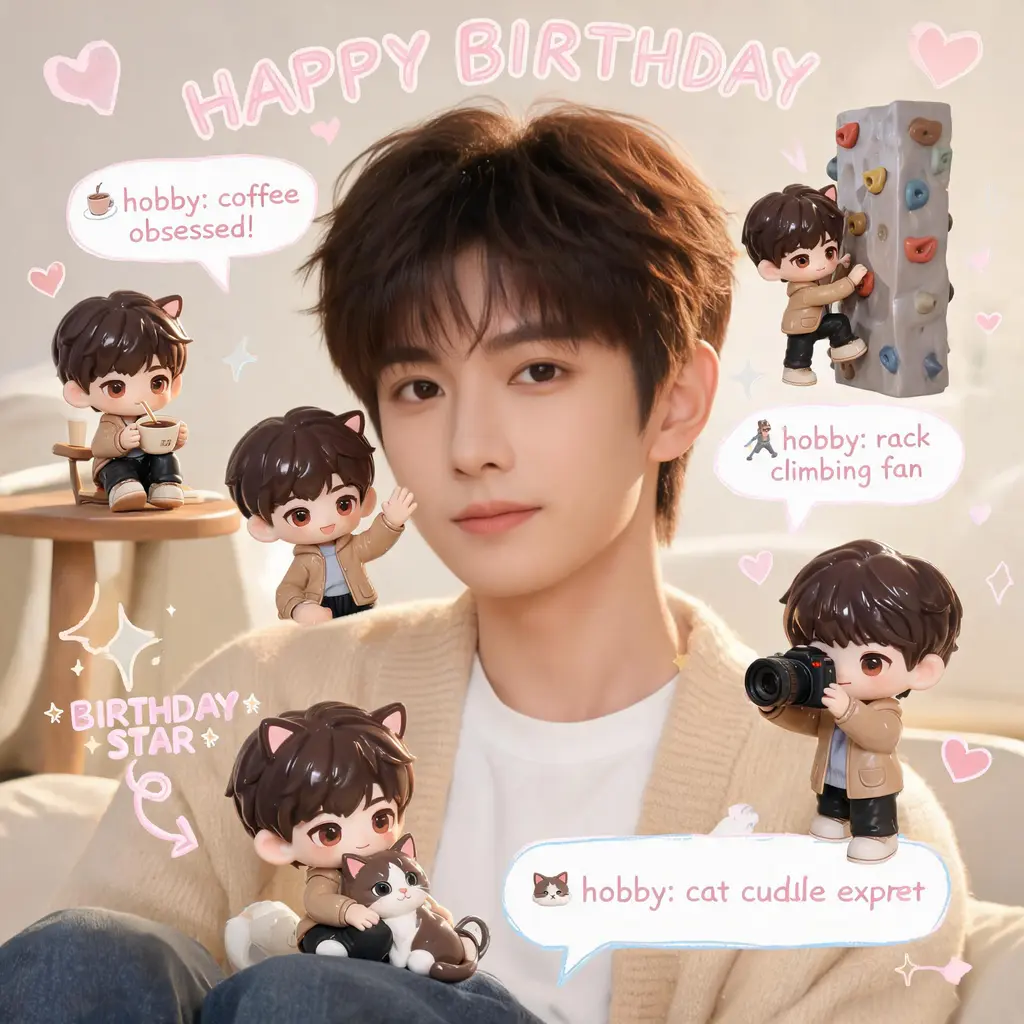
Q版分身手账照
原照片原封不动,在场景里加上几个你的迷你 3D Q版分身,再配上手写涂鸦、箭头和趣味小标注,营造温馨的粉彩手账风
完整提示词
漫画上色
把黑白漫画页变成完整的全彩版:调色统一、赛璐璐式明暗,线稿、分格与对话框文字原样保留
完整提示词
冲破漫画分镜
把你自己或任何主体变成全彩写实人物,撕破黑白漫画页破框而出,四周是震惊的漫画角色、速度线和飞舞的碎纸屑
完整提示词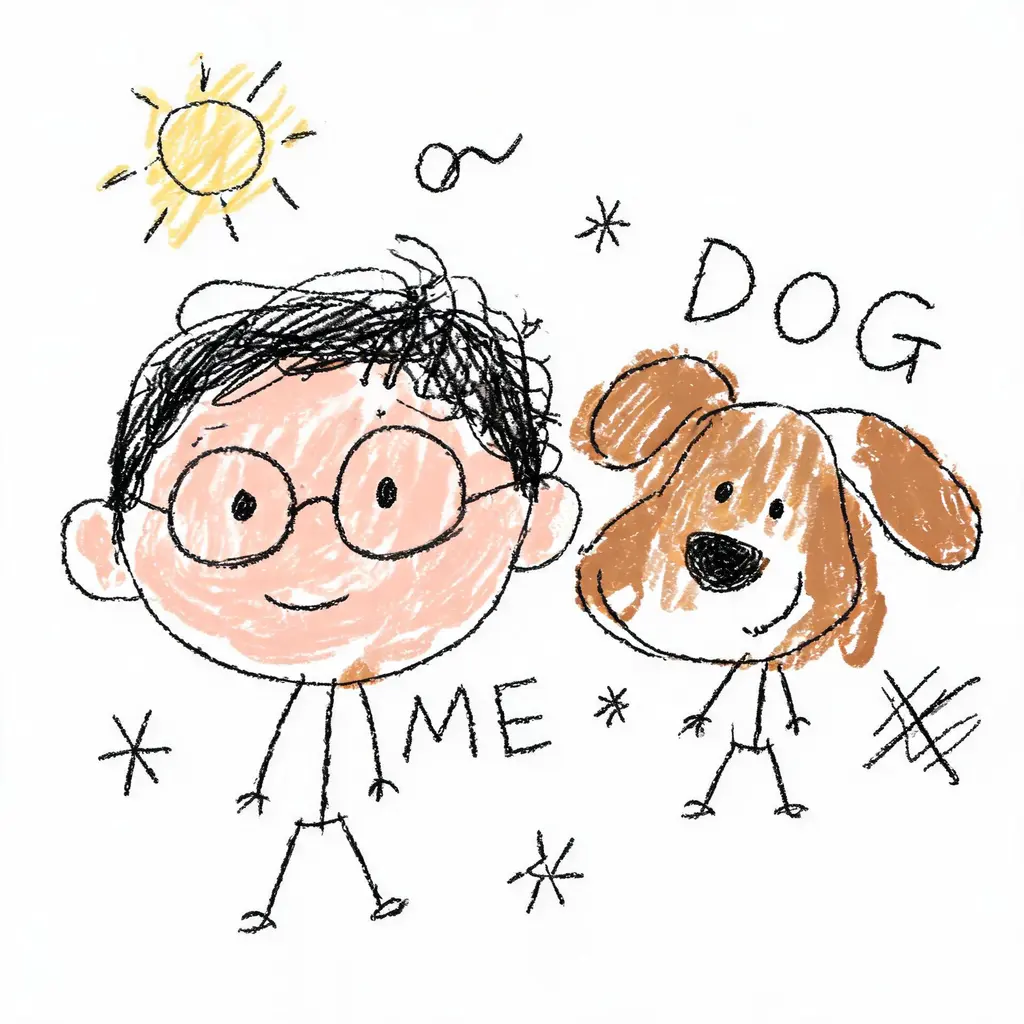
故意画崩重绘
把照片变成一幅理直气壮的烂涂鸦:线条抖、比例歪、上色随便涂出界,白底上错得妙趣横生,却还勉强认得出是谁
完整提示词
锁脸变装写真
把你的脸原样放进全新造型:换发型、穿原创战衣或置身电影感场景,严格遵守不改动面部的规则,配上精致的单反级打光
完整提示词