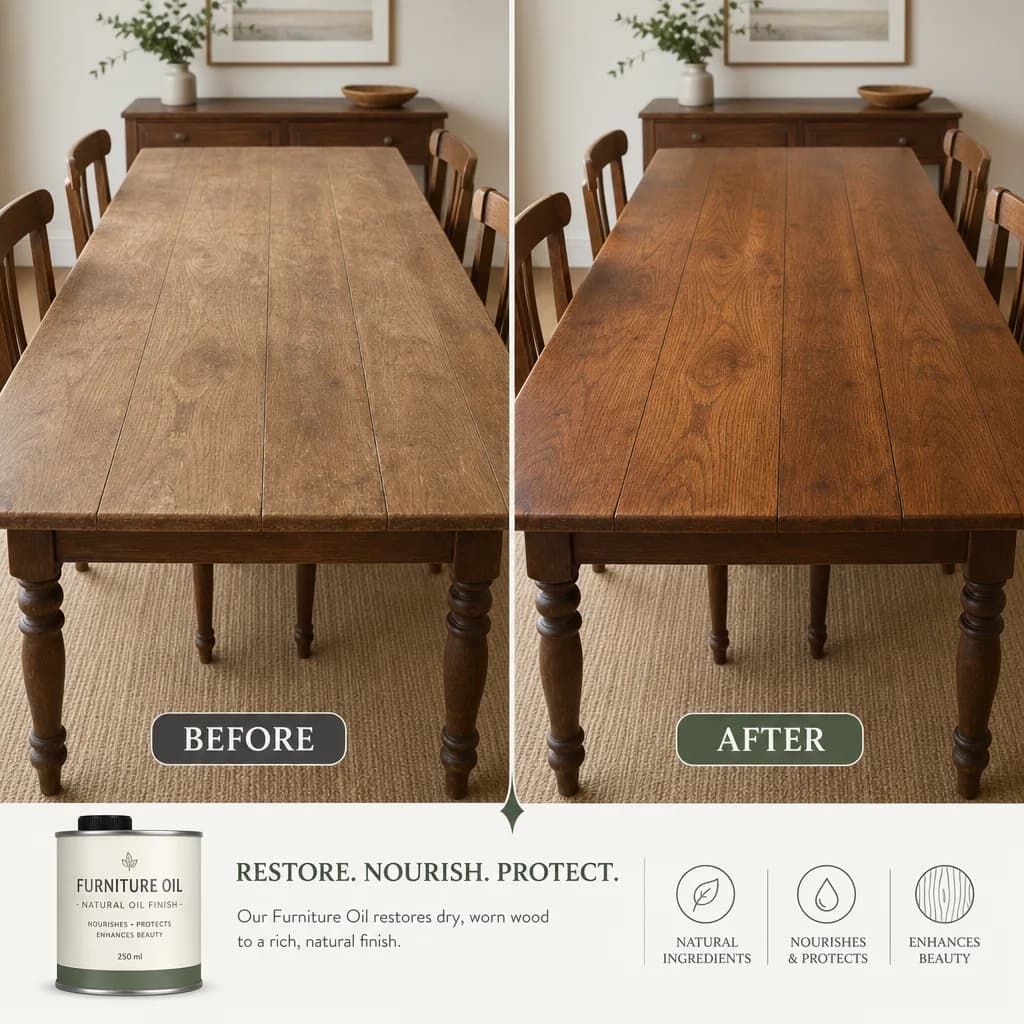
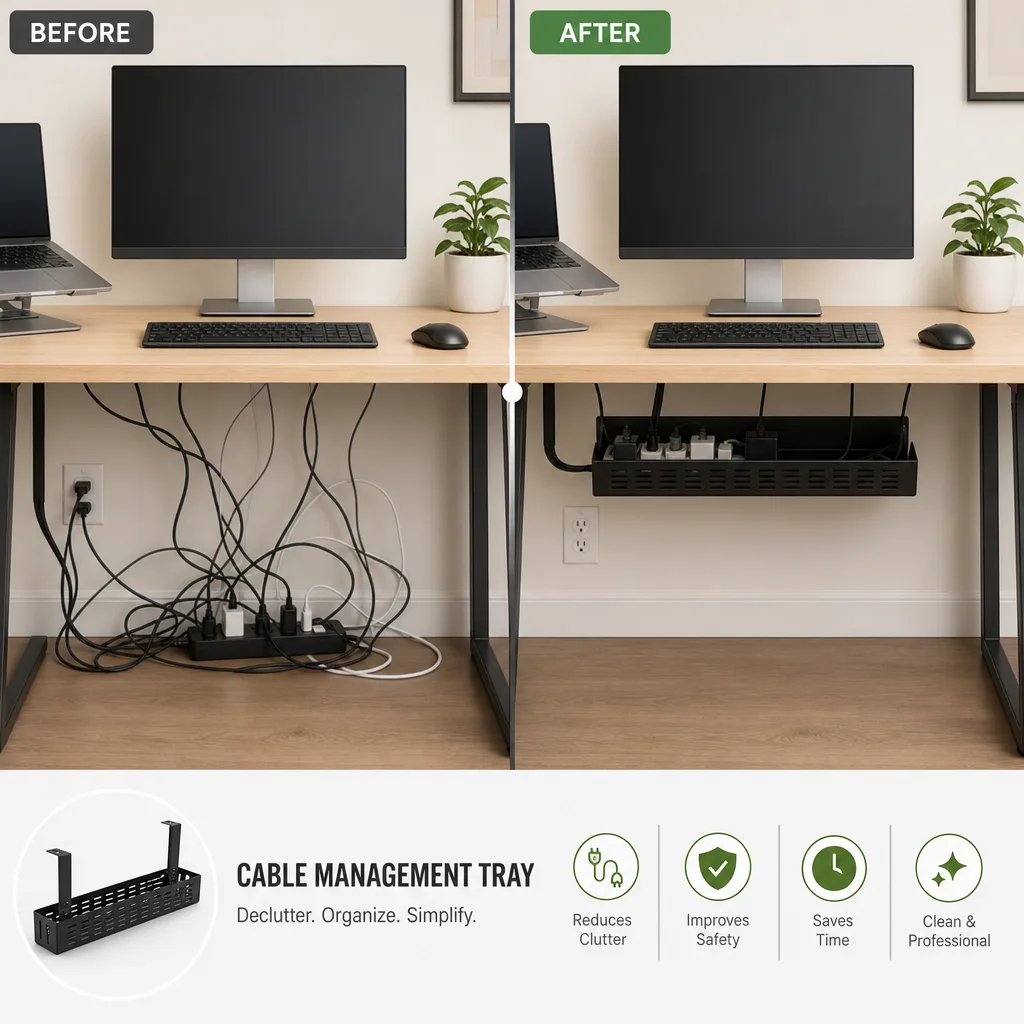
Порівняння до та після
Ділить перетворення на дві однакові панелі з чітким роздільником і однаковим кадруванням, відтворюючи ваші підписи й показники буквально.
Оновлено:
Повний промпт
Промпт англійською з прикладом запиту. Перед генерацією змініть об’єкт і деталі. Початкові запити та налаштування прикладів підтверджені не повністю.
Рекомендована модель: GPT Image 2
Власні приклади OmniArt
Схожі промпт-рецепти

Промопостер акції
Складає охайний вертикальний промопостер із чіткою зоною заголовка, головним продуктом і закликом до дії, відтворюючи будь-який ваш текст буквально.
Повний промпт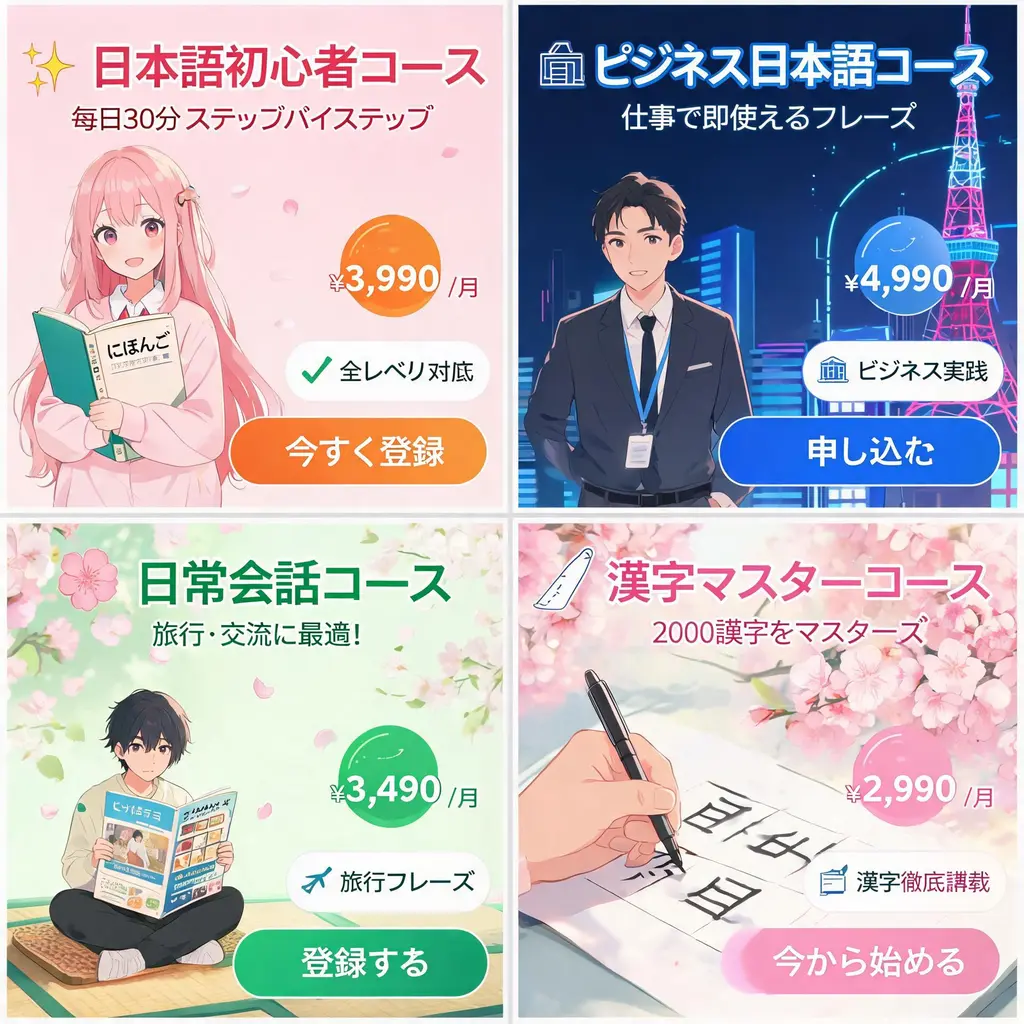
Набір японських рекламних банерів
Перетворює бриф кампанії на узгоджений набір веббанерів у японському стилі: влучні слогани, цінові плашки, значки переваг, зображення та чіткі кнопки заклику до дії.
Повний промпт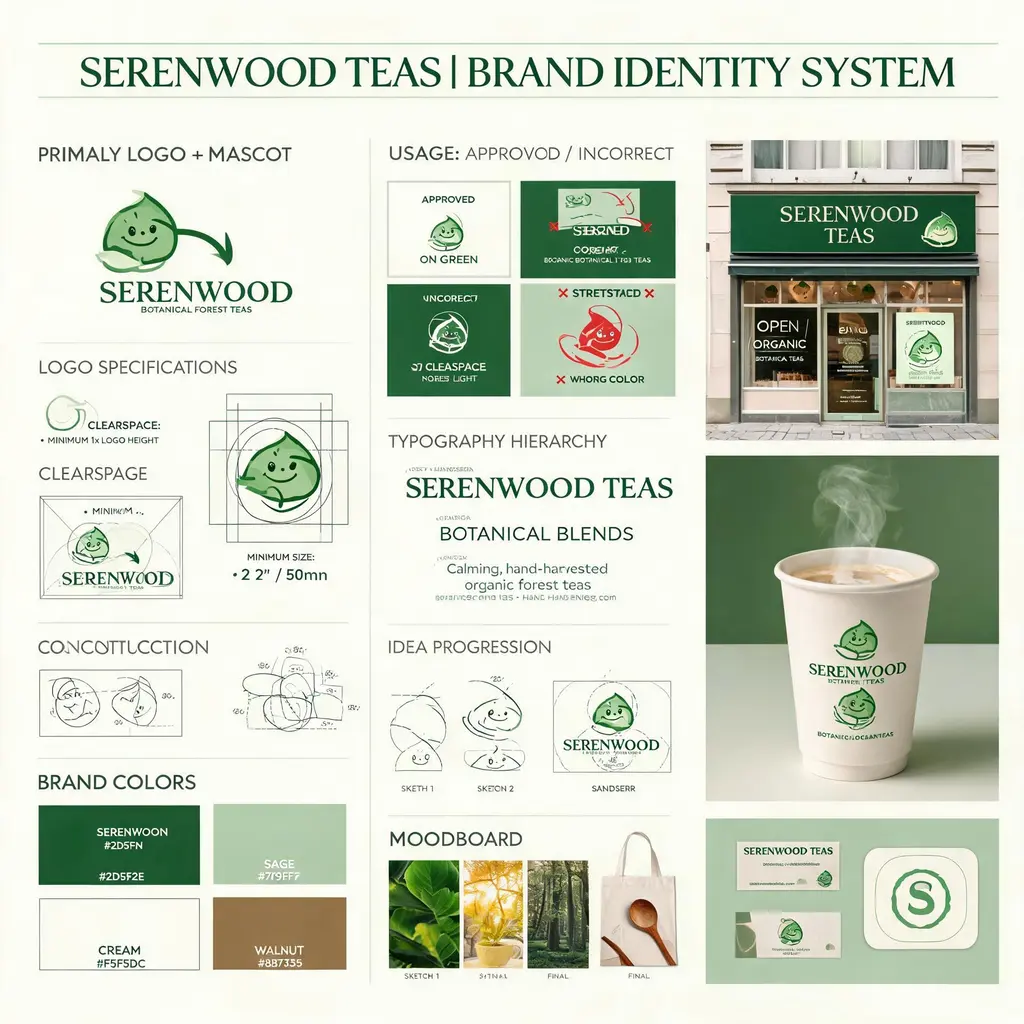
Борд фірмового стилю
Перетворює бриф вигаданого бренду на агенційний борд ідентичності: побудова логотипа, палітра, типографіка, правила використання, ескізи концепцій і чепурні макети в реальному середовищі.
Повний промпт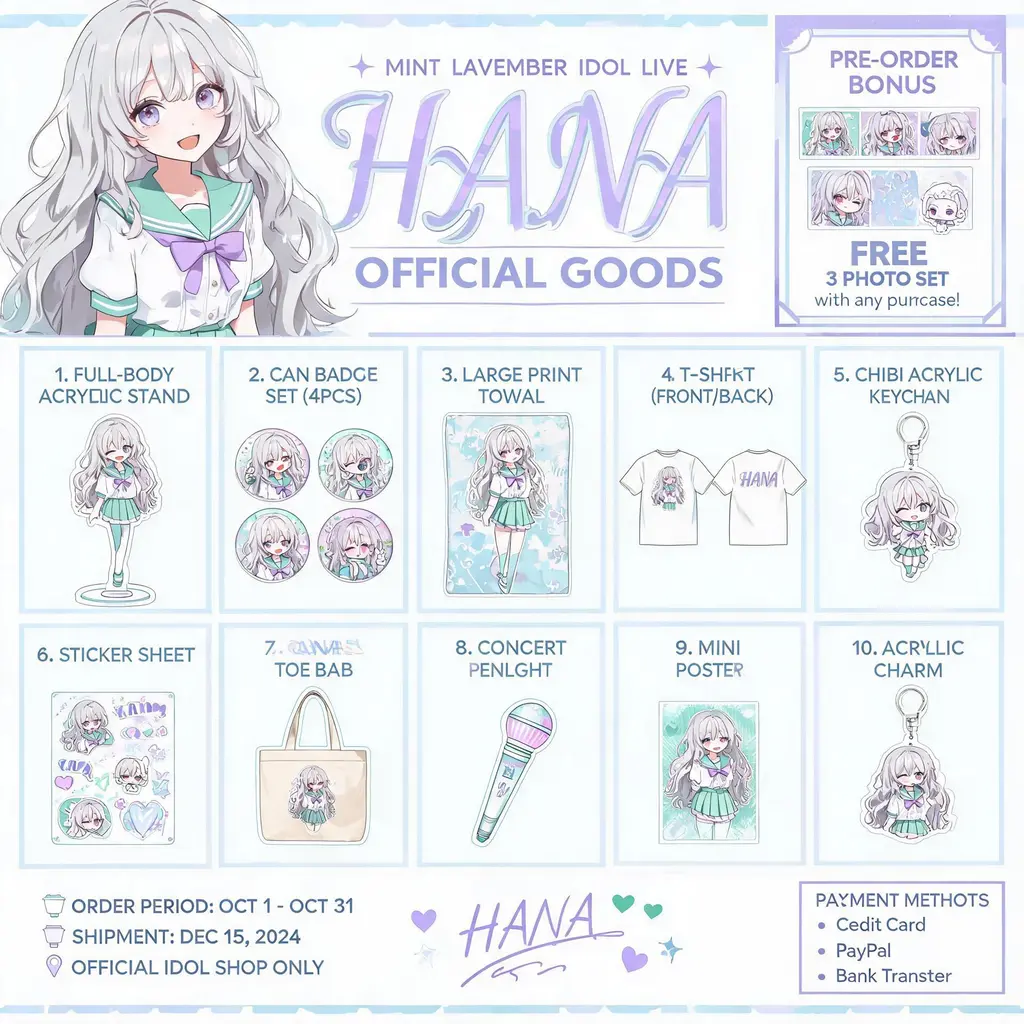
Каталог мерчу з персонажем
Перетворює вашого авторського персонажа на рекламний каталог офіційних товарів — пронумерована сітка акрилових стендів, значків, футболок і брелоків під шапкою з ключовим візуалом.
Повний промпт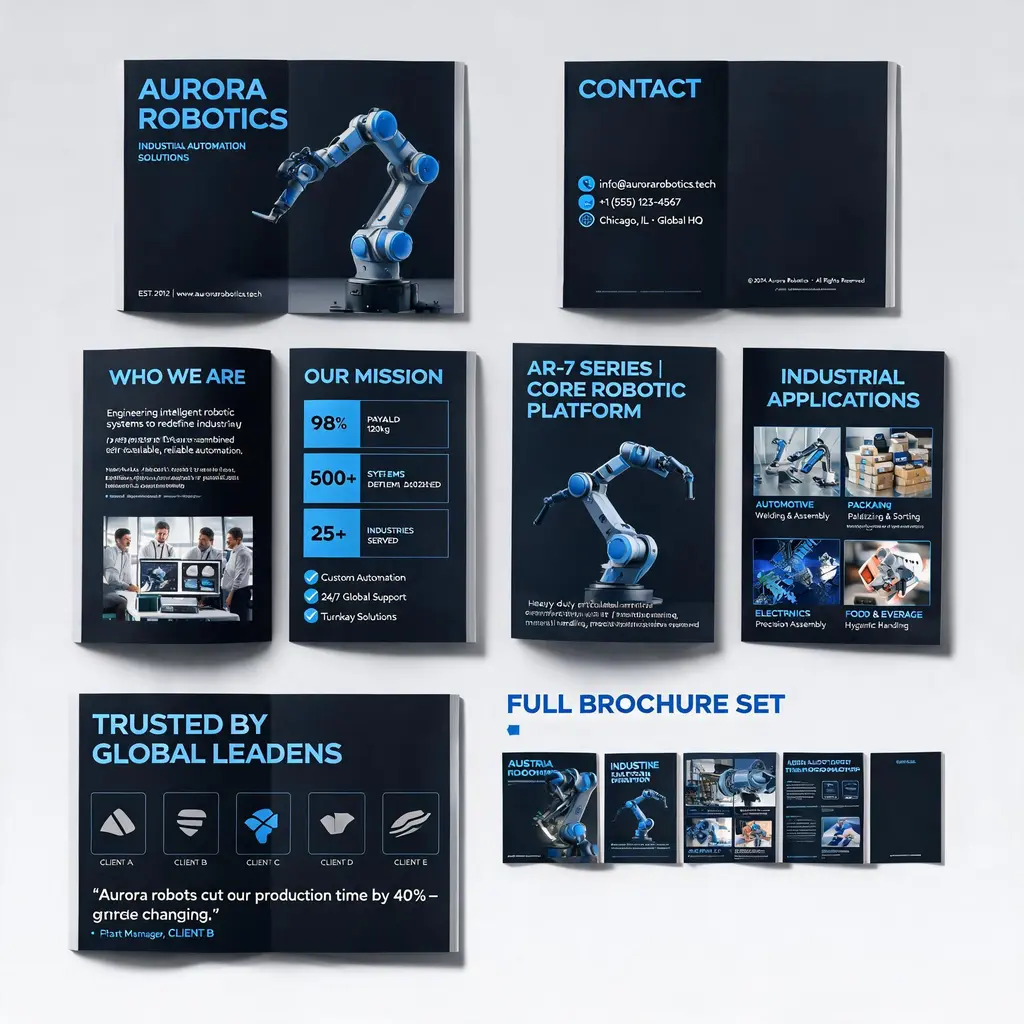
Система корпоративних брошур
Перетворює опис компанії чи продукту на преміальний багатосторінковий комплект брошур — обкладинка, вступ, продукт, сценарії та кейси в єдиному стилі, з переглядом усього набору.
Повний промпт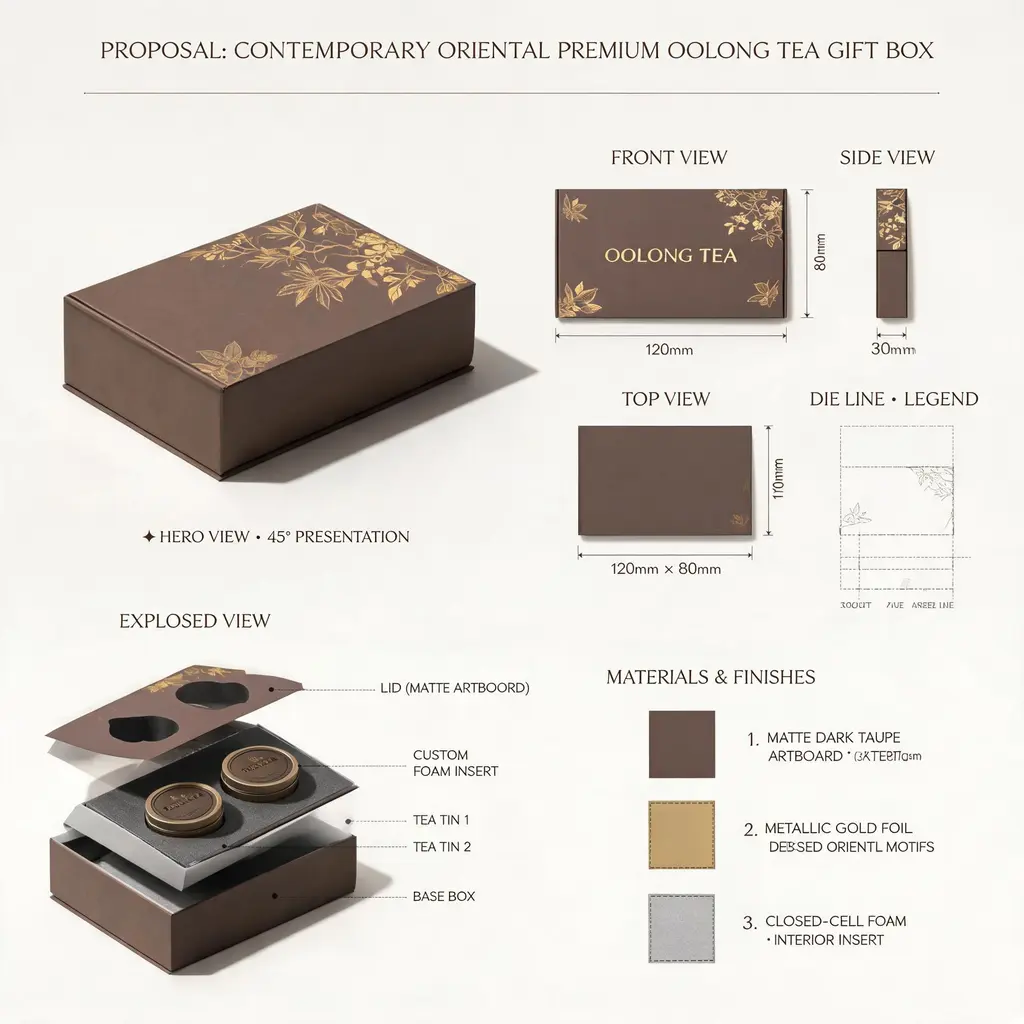
Борд дизайн-пропозиції
Подає ідею продукту чи упаковки як презентаційний аркуш топової студії: головний рендер, ортогональні проєкції, розгортки, розріз із розібраними вузлами, зразки матеріалів і розміри з підписами.
Повний промпт