เรนเดอร์สตูดิโอโดยคงรูปทรงอ้างอิง
ปรับวัสดุและแสงของวัตถุ โดยใช้รูปทรงในภาพอ้างอิงเป็นแนวทาง
อัปเดต:
Prompt ฉบับเต็ม
Prompt ภาษาอังกฤษพร้อมคำขอตัวอย่าง ปรับหัวข้อและรายละเอียดก่อนสร้าง ข้อมูลที่ป้อนและการตั้งค่าของตัวอย่างต้นฉบับยังไม่ได้รับการยืนยันครบถ้วน
โมเดลที่แนะนำ: GPT Image 2
เคล็ดลับการเขียนพรอมต์
- เลือกภาพอ้างอิงที่เห็นวัตถุทั้งชิ้นชัดเจนจากมุมที่ต้องการ
- เทียบเส้นขอบ สัดส่วน และช่องเปิดกับภาพอ้างอิง รายละเอียดเล็กน้อยอาจเปลี่ยนไป
แหล่งที่มาและเครดิต
ดัดแปลงและเขียนใหม่โดย OmniArt ดูแหล่งที่มา การเปลี่ยนแปลง และเงื่อนไขการใช้งานด้านล่าง
- Geometry-locked product render · higgsfield
wangrunlin/awesome-gpt-image-2-5-prompts
Repository MIT covers tooling and original documentation only; community prompts and third-party media retain their original rights and terms (CONTENT_POLICY.md).
Independently rewritten as a reusable still-image finishing template for clearly depicted objects, with a new folded-ribbon sculpture example and 19-locale explanatory copy; no upstream prompt passage or media reproduced. Reference types are flexible, geometry requires visual inspection, and no animation, CAD accuracy, or exact preservation is claimed.
สูตรพรอมต์ที่เกี่ยวข้อง
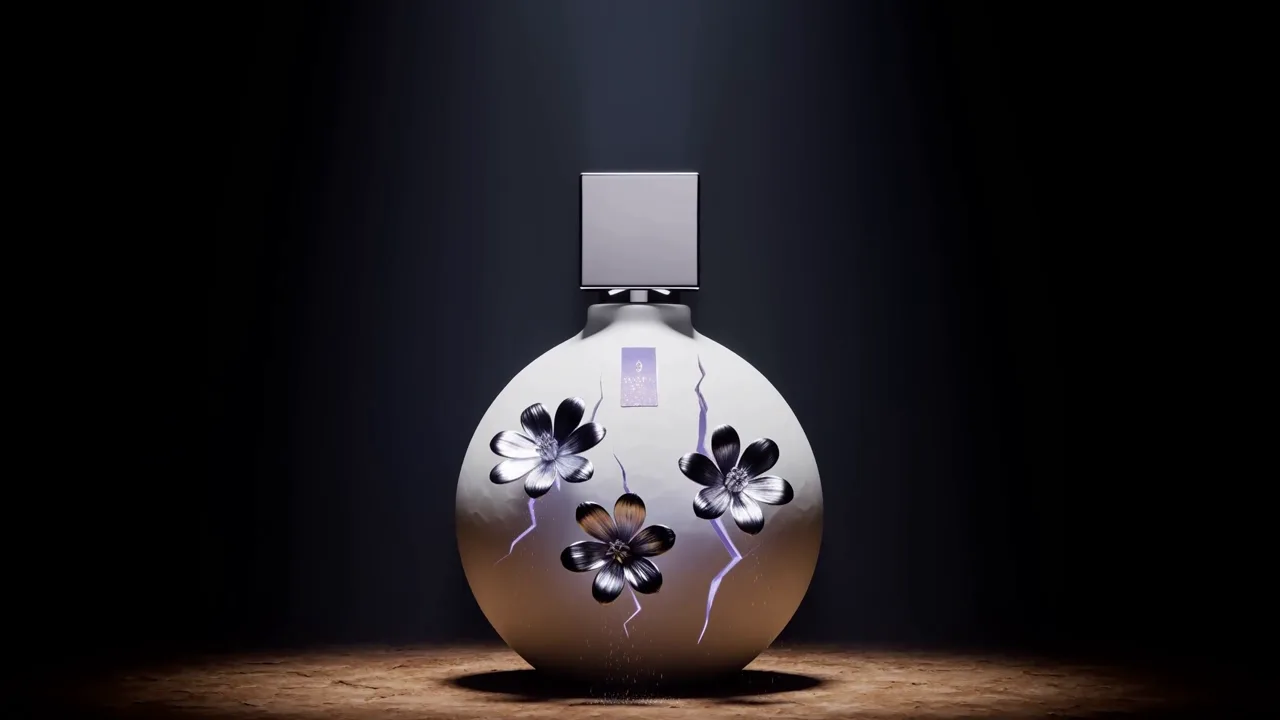
ดอกไม้พอร์ซเลนใต้แสงจันทร์
กำกับภาพยนตร์สินค้ายามจันทร์ส่องอย่างแม่นยำ ให้ดอกไม้สีเงินผลิบานชั่วครู่จากรอยร้าวเรืองแสงบนเซรามิก ก่อนกลับคืนสู่เฟรมฮีโร่ของสินค้าที่ไร้ตำหนิ
Prompt ฉบับเต็ม
แพ็กเกจระดับพรีเมียม
นำเสนอสินค้าพร้อมชุดแกะกล่องครบชุด ทั้งกล่องนอก กระดาษห่อ ริบบิ้น และการ์ดแบรนด์ บนพื้นผิวหรูหรา ด้วยแสงนุ่มนวลและประกายโลหะที่ดูมีรสนิยม
Prompt ฉบับเต็ม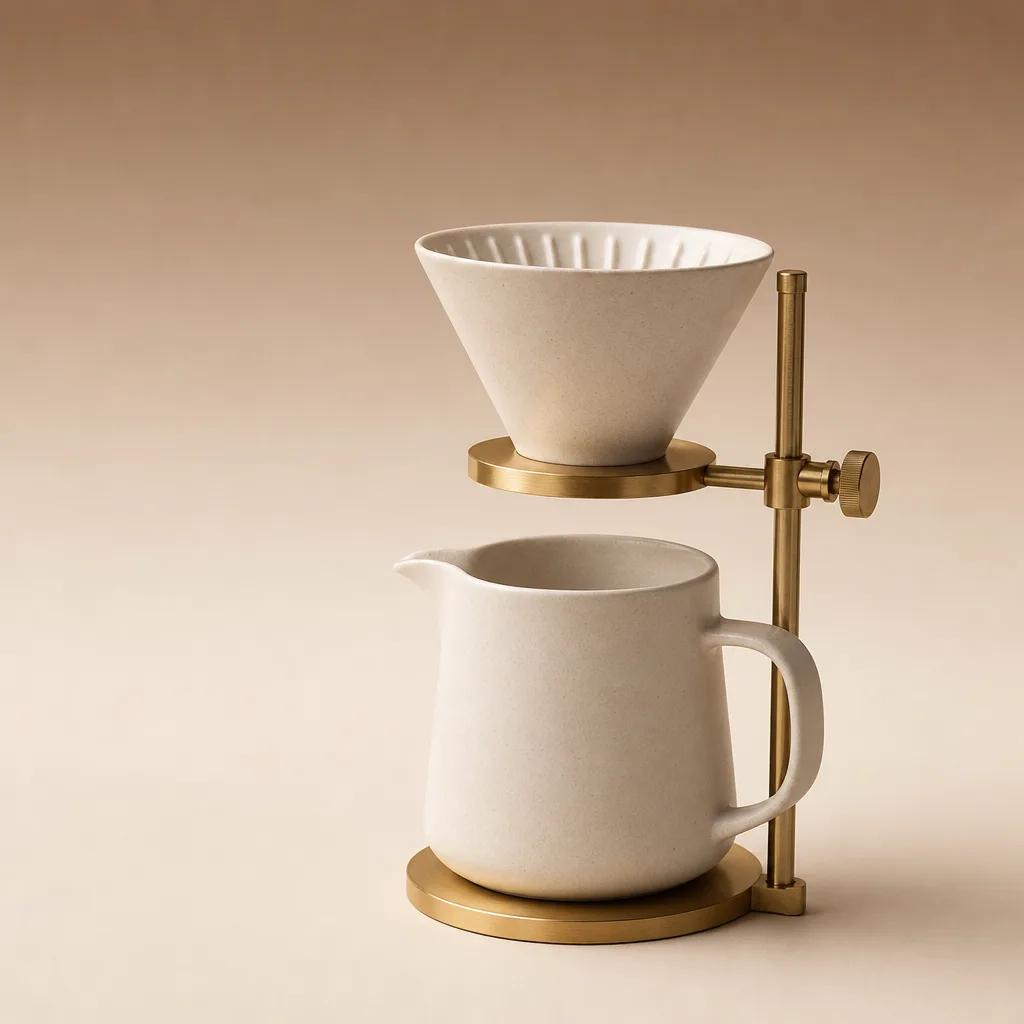
ภาพหลักของสินค้า
เปลี่ยนคำอธิบายสินค้าแบบเรียบง่ายให้เป็นภาพหลักสะอาดตาจากสตูดิโอ พร้อมพื้นหลังไล่เฉดนุ่มนวลและเงาที่วางบนพื้น พร้อมใช้กับแลนดิงเพจหรือหน้ารายการสินค้า
Prompt ฉบับเต็ม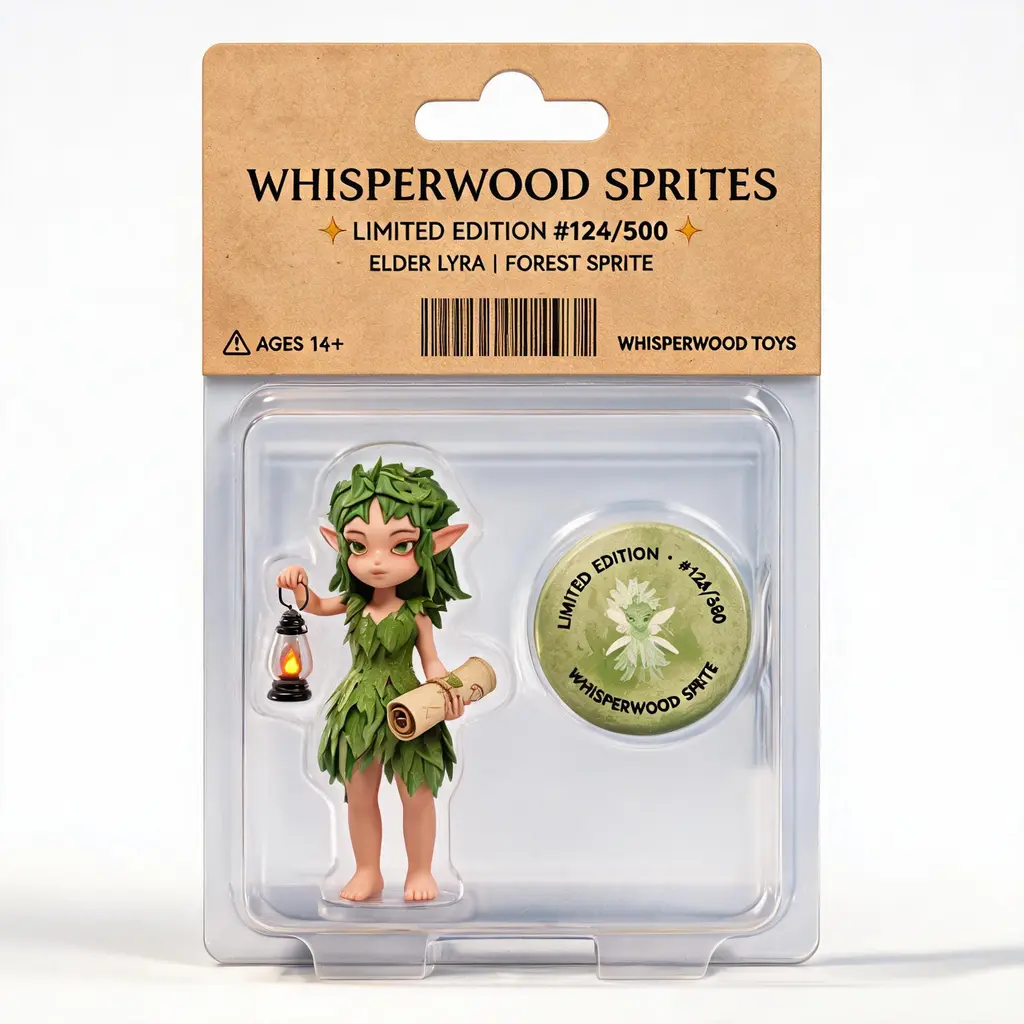
ม็อกอัปสินค้าคาแรกเตอร์
เปลี่ยนคาแรกเตอร์ต้นฉบับให้เป็นสินค้าบรรจุภัณฑ์สมจริง ตั้งแต่ฟิกเกอร์บลิสเตอร์และของจิ๋วในถุง ไปจนถึงกล่องสะสมพร้อมอุปกรณ์และรายละเอียดรุ่นพิเศษ
Prompt ฉบับเต็ม
แฟลตเลย์เรียบสะอาด
จัดวางผลิตภัณฑ์และของประกอบไม่กี่ชิ้นเป็นแฟลตเลย์มองจากด้านบนอย่างเป็นระเบียบบนพื้นผิวด้านสีนุ่มนวล ให้แสงสม่ำเสมอและอ่านง่าย
Prompt ฉบับเต็ม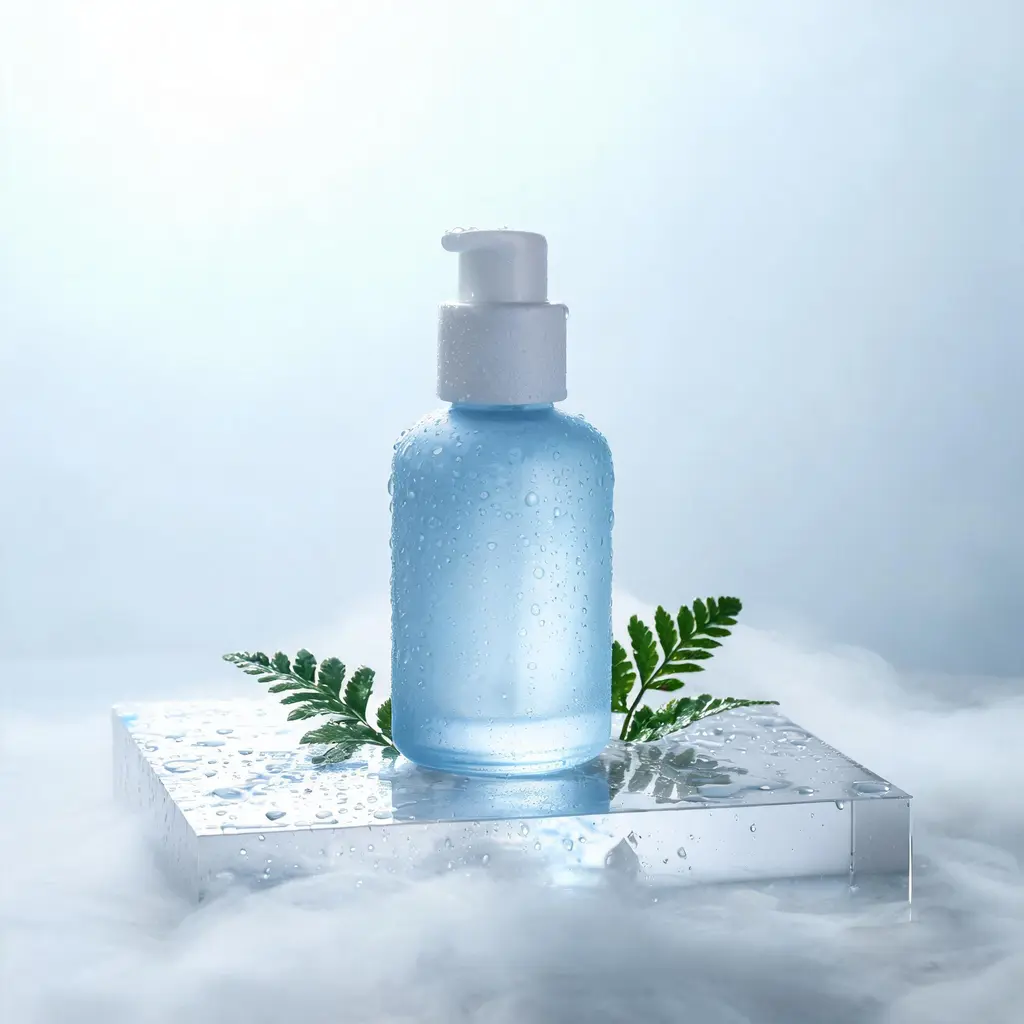
ภาพนิ่งสินค้าอารมณ์สดชื่น
เปลี่ยนสินค้าให้เป็นภาพโฆษณาโทนสว่างเย็น พร้อมหยดน้ำแข็ง หมอก แท่นเปียก หรือพืชพรรณที่สร้างความรู้สึกสะอาดสดชื่น
Prompt ฉบับเต็ม