รวมสัตว์เลี้ยงจากหลายภาพ
ย้ายสัตว์เลี้ยงจากคนละภาพมาไว้ในฉากเดียว ให้แสงตรงกันและคงลายของแต่ละตัว
อัปเดต:
Prompt ฉบับเต็ม
Prompt ภาษาอังกฤษพร้อมคำขอตัวอย่าง ปรับหัวข้อและรายละเอียดก่อนสร้าง ข้อมูลที่ป้อนและการตั้งค่าของตัวอย่างต้นฉบับยังไม่ได้รับการยืนยันครบถ้วน
โมเดลที่แนะนำ: GPT Image 2.5 Flare
เคล็ดลับการเขียนพรอมต์
- ก่อนแชร์ ให้เทียบลายขน รูปหู และปลอกคอกับภาพต้นทางทุกใบ
- ดูอุ้งเท้าและเงา ถ้าน้องลอยหรือทิศแสงไม่ตรง ให้ระบุพื้นผิวที่สัมผัสและแสงมาจากด้านไหน
แหล่งที่มาและเครดิต
ดัดแปลงและเขียนใหม่โดย OmniArt ดูแหล่งที่มา การเปลี่ยนแปลง และเงื่อนไขการใช้งานด้านล่าง
- Combine pets across images · OpenAI
RaphaelAI-OpenLab/awesome-gpt-image-2.6
Public example from OpenAI's image prompting guide; no redistribution license was verified and the collection's MIT license does not cover it. This template is independently authored; no source text or media is copied.
Generalized the composite so any pets the user names can move into a destination photo, with upload order, coat identity, contact shadows, and a path when a photo is missing. The source collection labels this case GPT Image 2.6; GPT Image 2.5 Flare is a recommendation, not a verified example model.
สูตรพรอมต์ที่เกี่ยวข้อง
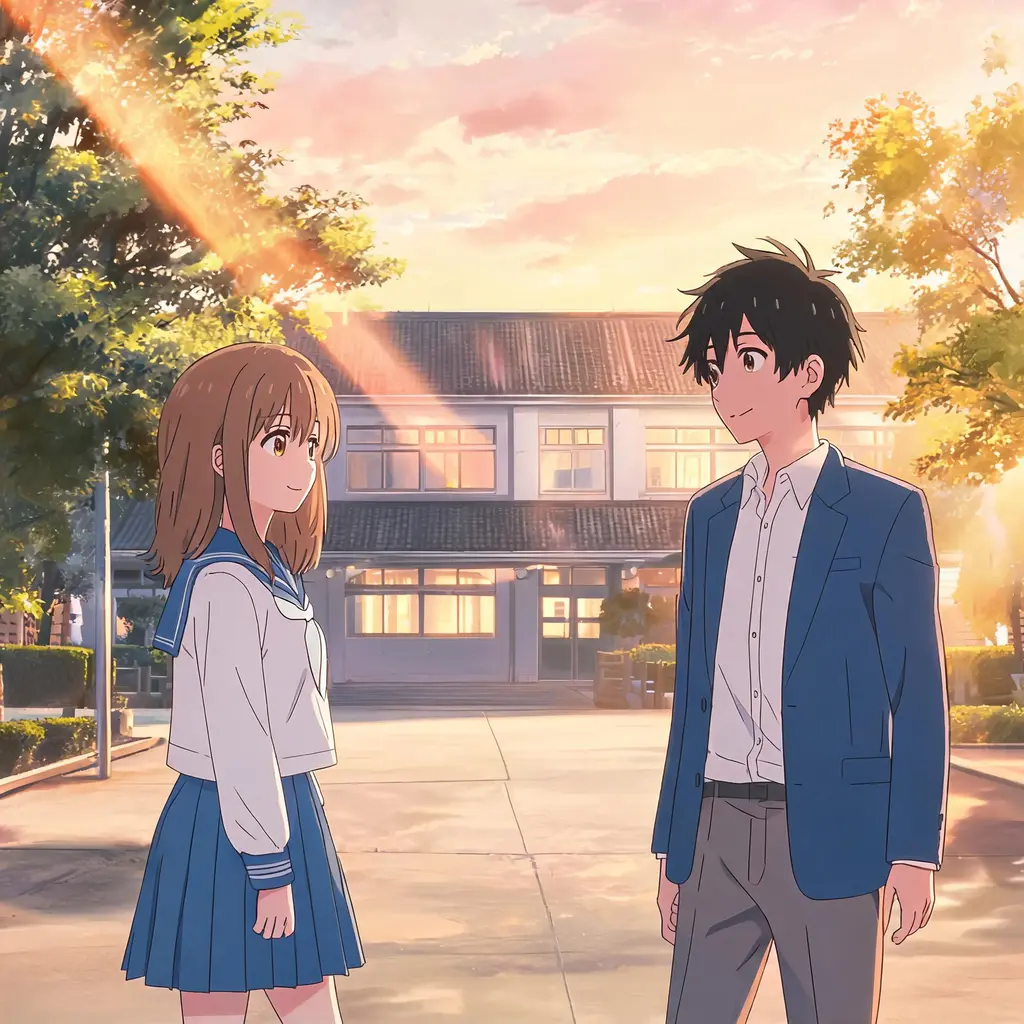
เฟรมจากอนิเมะ
เปลี่ยนรูปถ่ายให้เป็นภาพเฟรมที่เหมือนกดหยุดจากอนิเมะจริง ๆ ด้วยเซลเชดดิ้ง เส้นสะอาด และฉากหลังวาดมือ โดยฉากและผู้คนยังจดจำได้เหมือนเดิม
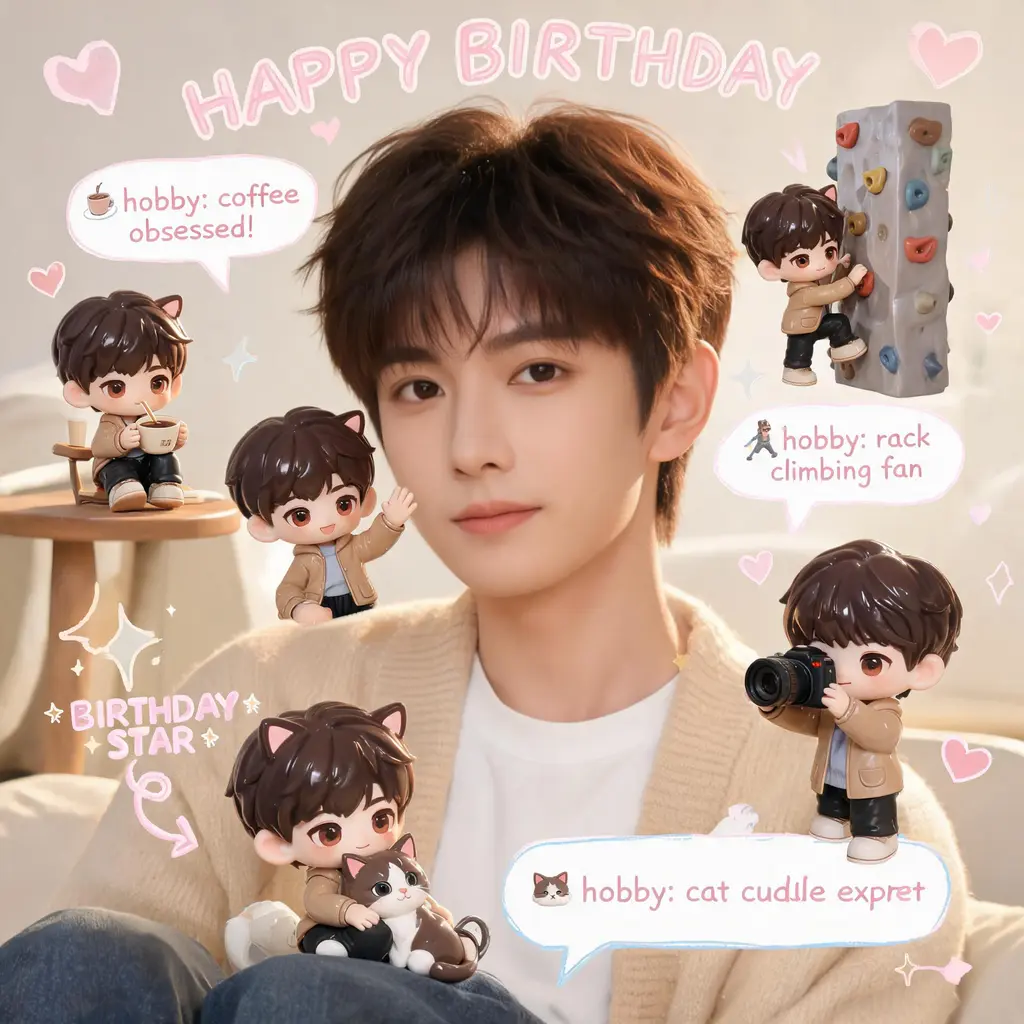
สแครปบุ๊กมินิมีจิบิ
คงรูปถ่ายเดิมไว้ทุกอย่าง แล้วเติมฉากด้วยตัวจิ๋วจิบิ 3D ของคุณหลายตัว พร้อมลายมือขยุกขยิก ลูกศร และบับเบิลเกร็ดสนุก ๆ ในสไตล์สแครปบุ๊กพาสเทลอบอุ่น

ลงสีหน้าการ์ตูน
เปลี่ยนหน้ามังงะหรือการ์ตูนขาวดำให้เป็นฉบับลงสีเต็มรูปแบบ ด้วยโทนสีกลมกลืนและเงาสไตล์เซลล์ โดยเส้นภาพและตัวอักษรในบอลลูนคงเดิมทุกจุด

ทะลุช่องการ์ตูน
เปลี่ยนตัวคุณหรือใครก็ได้ให้เป็นบุคคลสมจริงสีเต็มที่พุ่งทะลุหน้ามังงะขาวดำออกมา ท่ามกลางตัวการ์ตูนที่ตกใจ เส้นสปีด และเศษกระดาษฉีกขาดปลิวว่อน
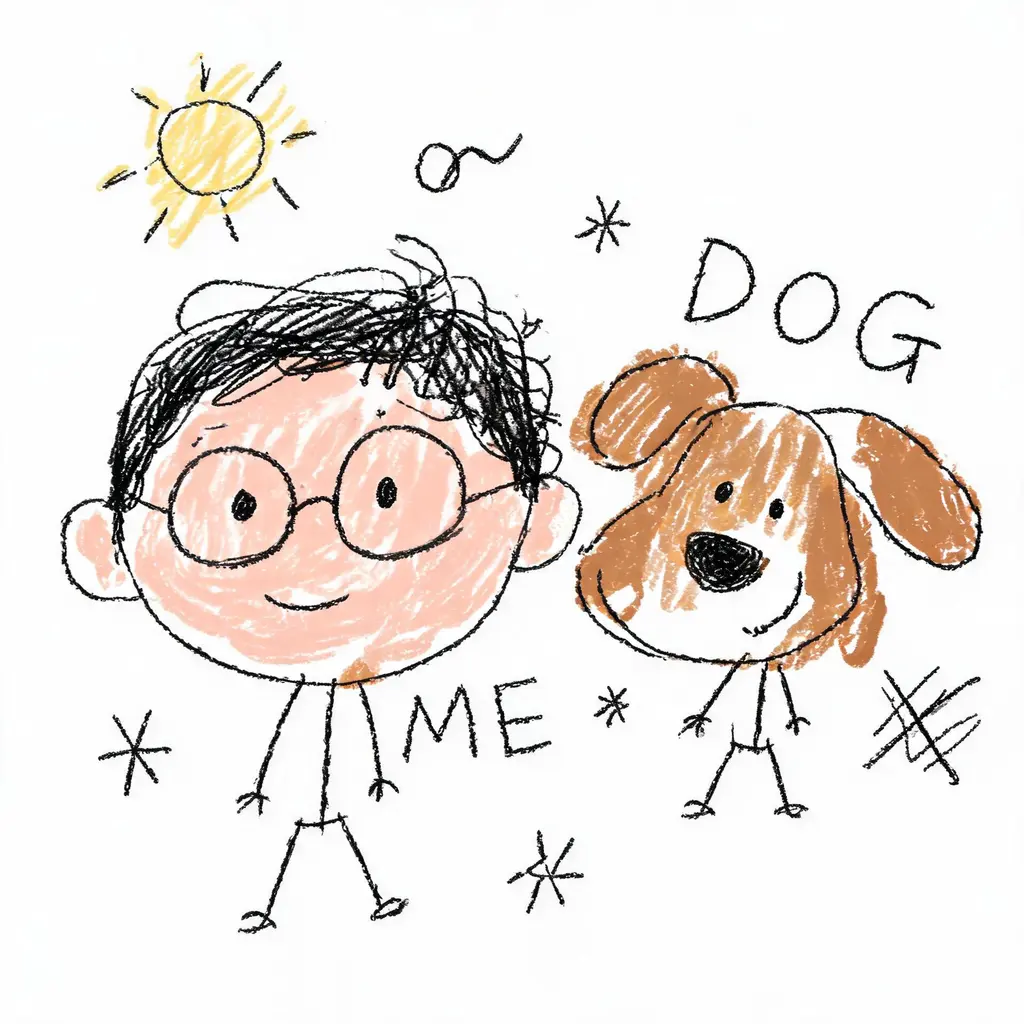
วาดใหม่ให้ห่วยตั้งใจ
เปลี่ยนรูปถ่ายให้เป็นภาพขยุกขยิกที่ห่วยอย่างภาคภูมิ เส้นสั่น สัดส่วนเบี้ยว ลงสีเลอะเทอะบนพื้นขาว ผิดเพี้ยนอย่างฮาแต่ยังพอจำได้ว่าเป็นใคร

แปลงโฉมล็อกใบหน้า
นำใบหน้าจริงของคุณไปอยู่ในลุคใหม่ ไม่ว่าจะเปลี่ยนทรงผม สวมชุดออริจินัล หรืออยู่ในฉากสไตล์ภาพยนตร์ ด้วยกฎเข้มงวดห้ามแก้ไขใบหน้า และแสงเนี้ยบระดับกล้อง DSLR