แก้ภาพตามวงกลมมาร์กอัป
เปลี่ยนเฉพาะบริเวณที่ทำเครื่องหมายบนภาพ แล้วลบเครื่องหมายออก โดยคงบุคคลผู้ใหญ่และส่วนที่เหลือของภาพ
อัปเดต:
Prompt ฉบับเต็ม
Prompt ภาษาอังกฤษพร้อมคำขอตัวอย่าง ปรับหัวข้อและรายละเอียดก่อนสร้าง ข้อมูลที่ป้อนและการตั้งค่าของตัวอย่างต้นฉบับยังไม่ได้รับการยืนยันครบถ้วน
โมเดลที่แนะนำ: GPT Image 2.5 Flare
เคล็ดลับการเขียนพรอมต์
- ตรวจว่าเครื่องหมายหายแล้ว และบริเวณที่ไม่ได้มาร์กรวมถึงใบหน้ายังอยู่ที่เดิม
- ถ้าไม่ได้อัปโหลดภาพ ผลลัพธ์ควรเป็นหุ่นนิ่งบนโต๊ะเรียบ ๆ ไม่ใช่ภาพบุคคล
แหล่งที่มาและเครดิต
ดัดแปลงและเขียนใหม่โดย OmniArt ดูแหล่งที่มา การเปลี่ยนแปลง และเงื่อนไขการใช้งานด้านล่าง
- Circle markup edit adding Santa hat and gift · IHayato
RaphaelAI-OpenLab/awesome-gpt-image-2.6
The collection's MIT license covers its code, templates and original documentation only; its LICENSE states that third-party prompts, reference images and example outputs keep their own rights. This template is independently authored; no source text or media is copied.
Generalized the marked-region edit so any color or number maps to a written change, with identity, light, and unmarked-area locks, plus a plain-table fallback when no photo is uploaded. The source collection labels this case GPT Image 2.6; GPT Image 2.5 Flare is a recommendation, not a verified example model.
สูตรพรอมต์ที่เกี่ยวข้อง
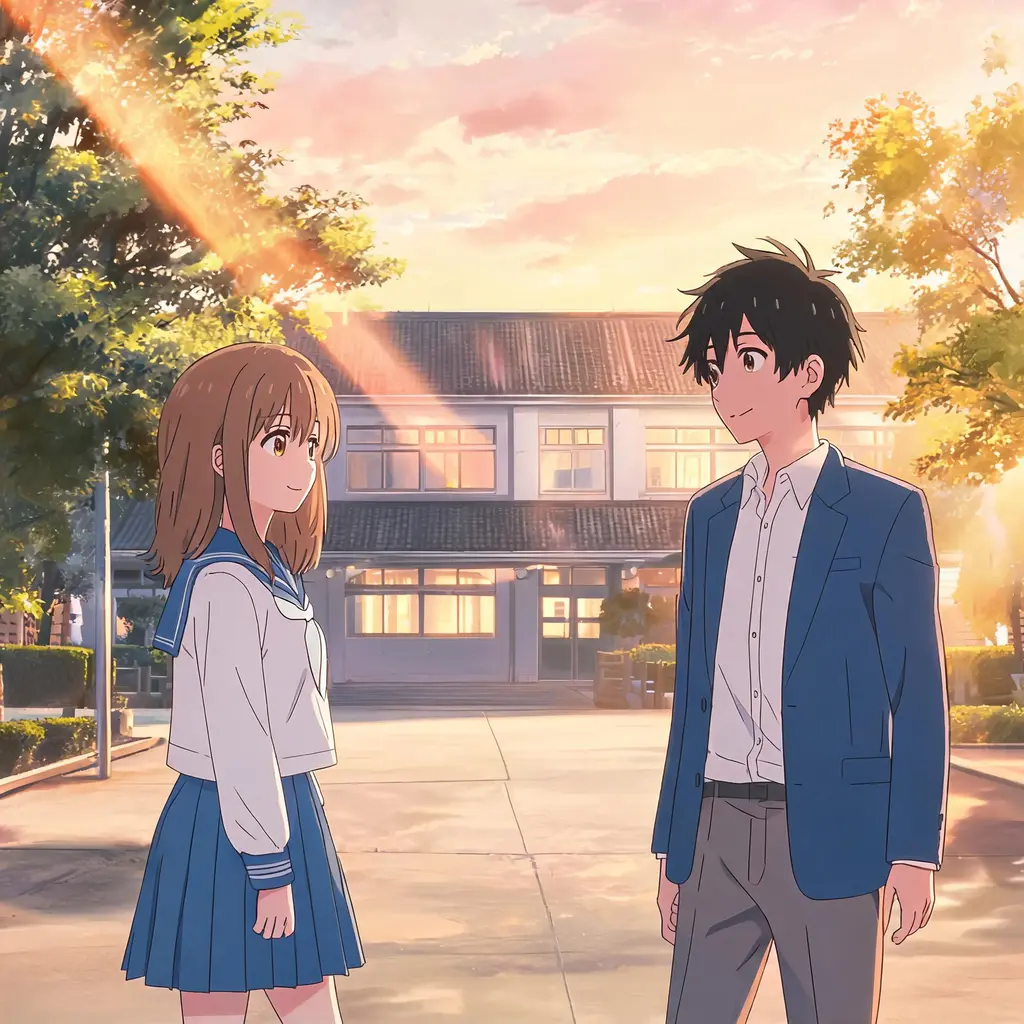
เฟรมจากอนิเมะ
เปลี่ยนรูปถ่ายให้เป็นภาพเฟรมที่เหมือนกดหยุดจากอนิเมะจริง ๆ ด้วยเซลเชดดิ้ง เส้นสะอาด และฉากหลังวาดมือ โดยฉากและผู้คนยังจดจำได้เหมือนเดิม
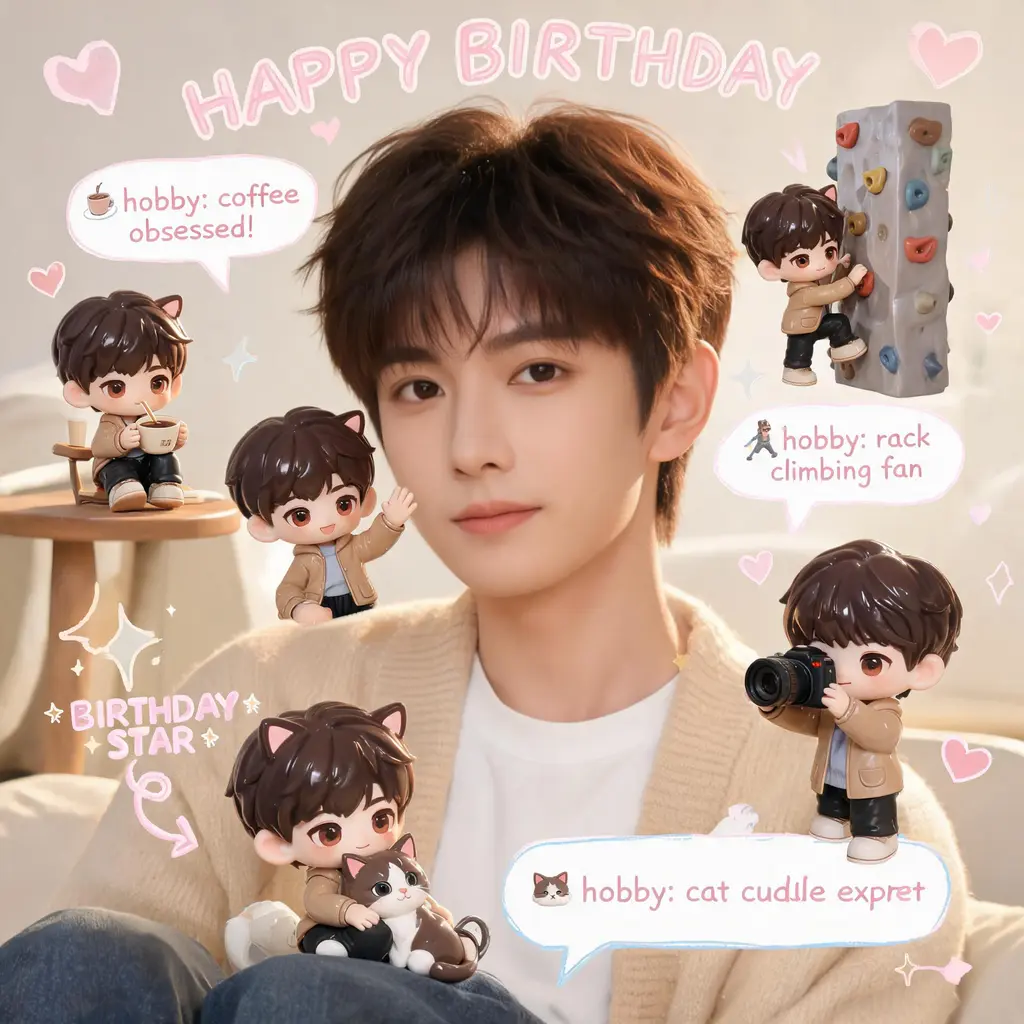
สแครปบุ๊กมินิมีจิบิ
คงรูปถ่ายเดิมไว้ทุกอย่าง แล้วเติมฉากด้วยตัวจิ๋วจิบิ 3D ของคุณหลายตัว พร้อมลายมือขยุกขยิก ลูกศร และบับเบิลเกร็ดสนุก ๆ ในสไตล์สแครปบุ๊กพาสเทลอบอุ่น

ลงสีหน้าการ์ตูน
เปลี่ยนหน้ามังงะหรือการ์ตูนขาวดำให้เป็นฉบับลงสีเต็มรูปแบบ ด้วยโทนสีกลมกลืนและเงาสไตล์เซลล์ โดยเส้นภาพและตัวอักษรในบอลลูนคงเดิมทุกจุด

ทะลุช่องการ์ตูน
เปลี่ยนตัวคุณหรือใครก็ได้ให้เป็นบุคคลสมจริงสีเต็มที่พุ่งทะลุหน้ามังงะขาวดำออกมา ท่ามกลางตัวการ์ตูนที่ตกใจ เส้นสปีด และเศษกระดาษฉีกขาดปลิวว่อน
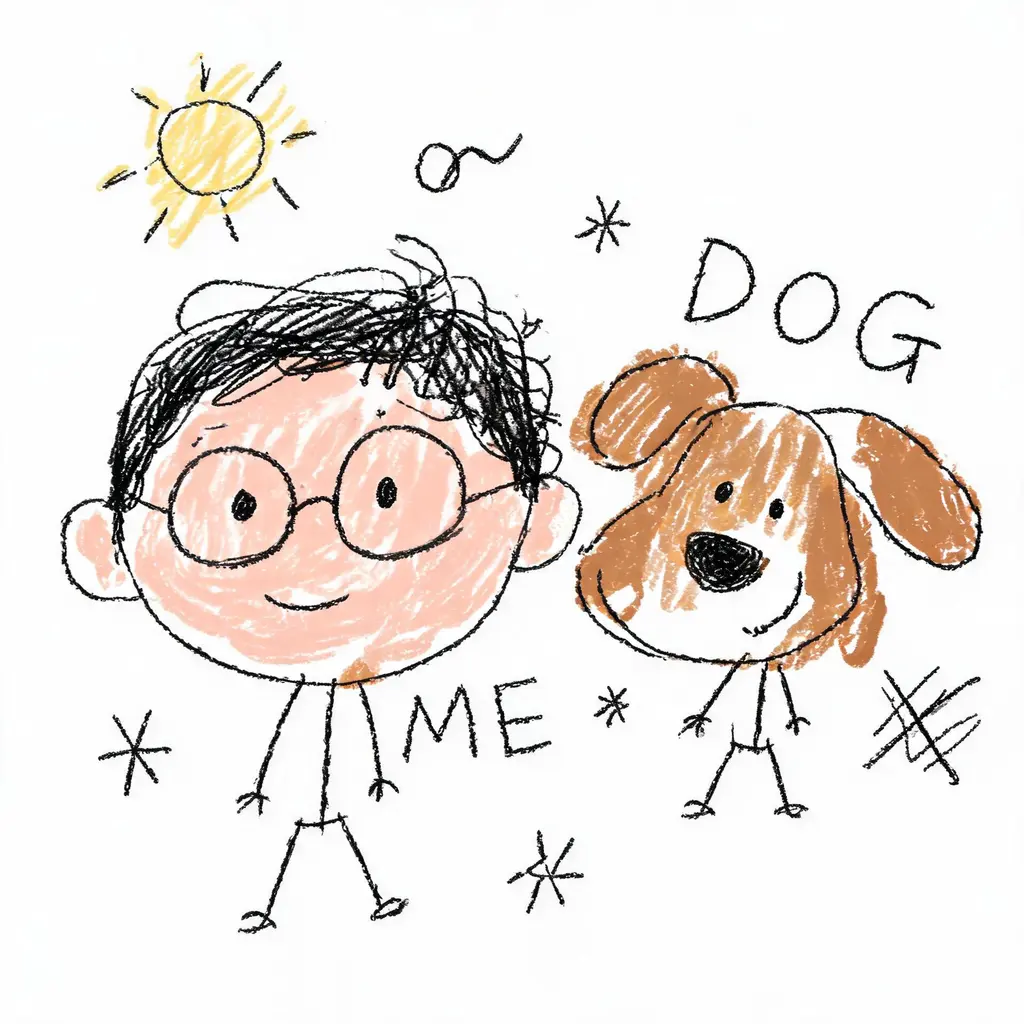
วาดใหม่ให้ห่วยตั้งใจ
เปลี่ยนรูปถ่ายให้เป็นภาพขยุกขยิกที่ห่วยอย่างภาคภูมิ เส้นสั่น สัดส่วนเบี้ยว ลงสีเลอะเทอะบนพื้นขาว ผิดเพี้ยนอย่างฮาแต่ยังพอจำได้ว่าเป็นใคร

แปลงโฉมล็อกใบหน้า
นำใบหน้าจริงของคุณไปอยู่ในลุคใหม่ ไม่ว่าจะเปลี่ยนทรงผม สวมชุดออริจินัล หรืออยู่ในฉากสไตล์ภาพยนตร์ ด้วยกฎเข้มงวดห้ามแก้ไขใบหน้า และแสงเนี้ยบระดับกล้อง DSLR