Kijkpagina van een livestream
Zet een beschreven stream of evenement om in een realistische desktopkijkpagina in donkere modus, met LIVE-speler, chatoverlay, kanalenrij en actieknoppen — klaar voor UI-portfolio’s of conceptpitches.
Bijgewerkt:
Volledige prompt
Engelstalige prompt met een voorbeeldverzoek. Pas het onderwerp en de details aan voordat je genereert. De oorspronkelijke invoer en instellingen van de voorbeelden zijn niet volledig bevestigd.
Aanbevolen model: GPT Image 2
Voorbeelden van OmniArt zelf
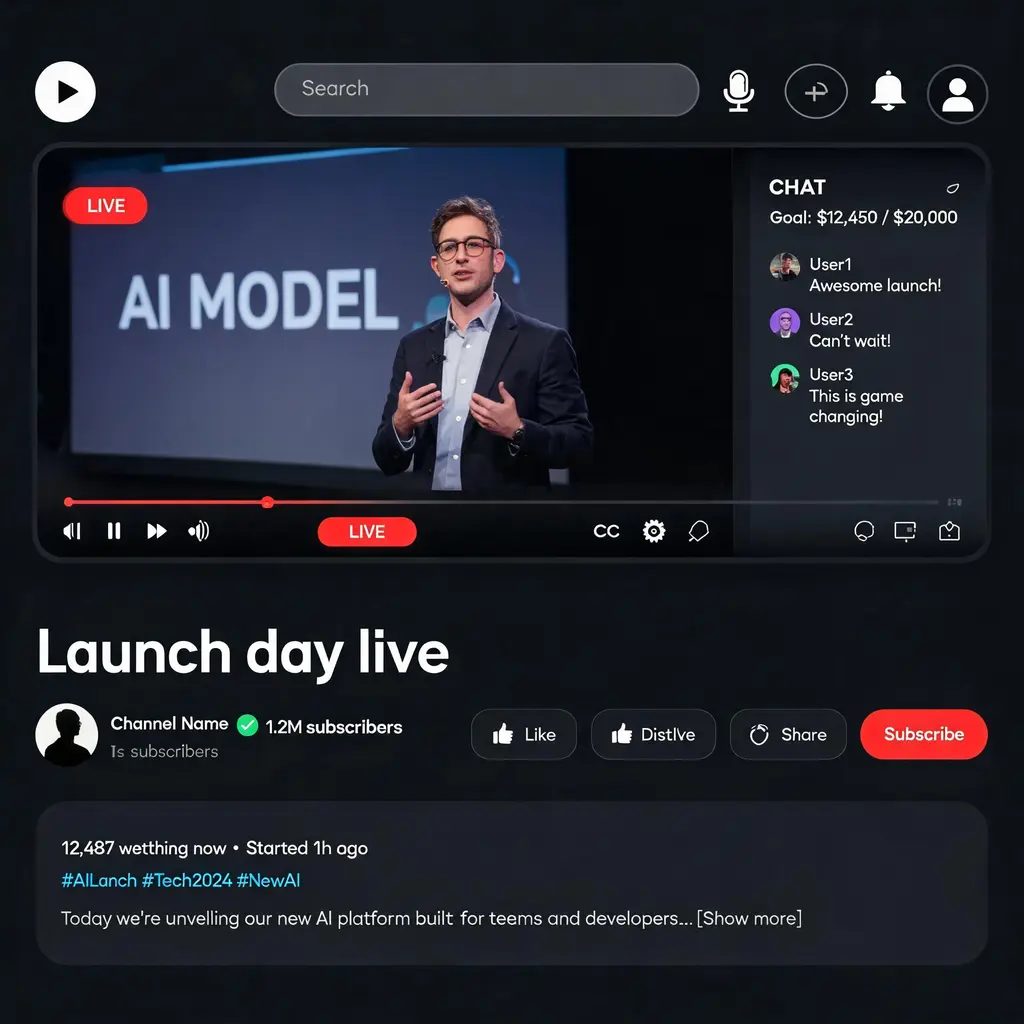
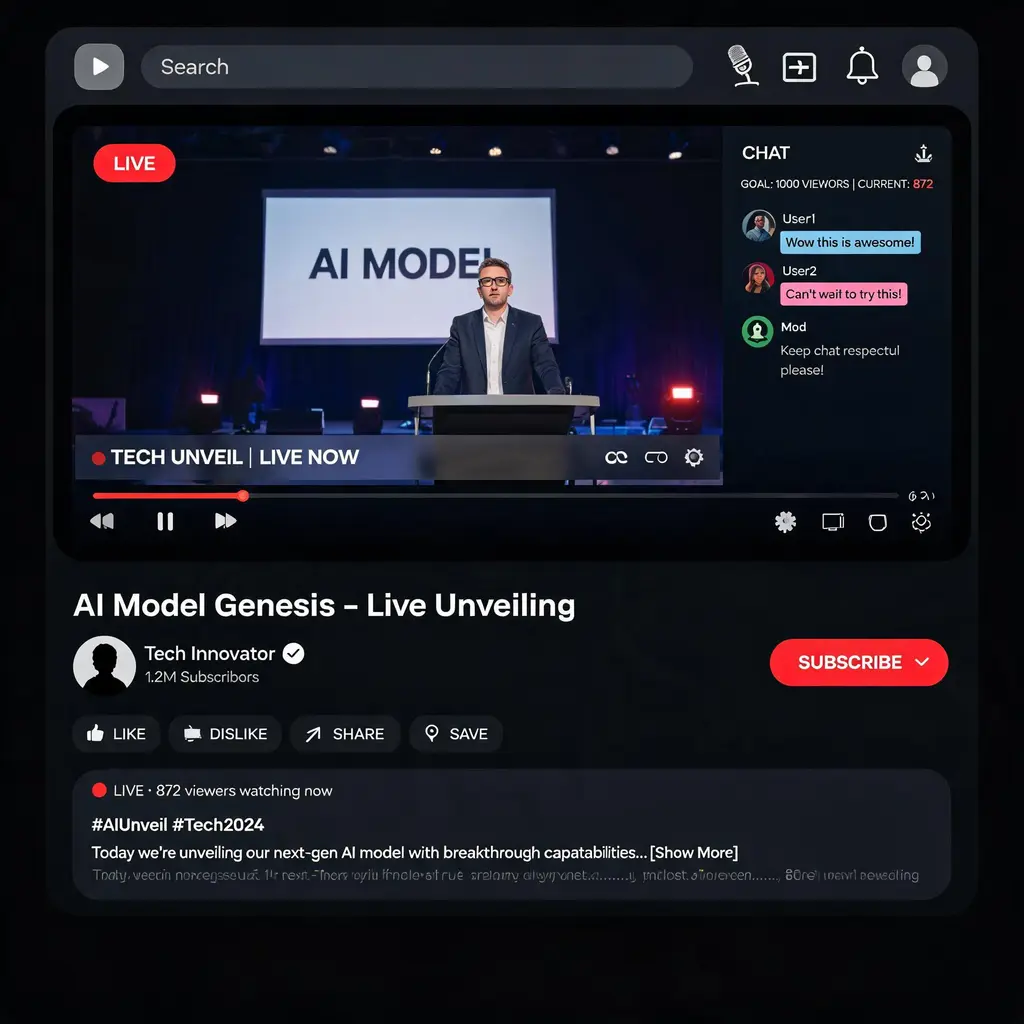
Bronnen en naamsvermelding
Aangepast en herschreven door OmniArt. Bronnen, wijzigingen en gebruiksvoorwaarden staan hieronder.
- 视频封面界面图 · @bowowwoaaa2
freestylefly/awesome-gpt-image-2
Repository code is MIT; its disclaimer says community content belongs to original authors/platforms and commercial reuse is not guaranteed.
Rewritten and consolidated into an OmniArt recipe archetype; template tokens removed; named people, brands, platforms, games, and film IP generalized; no raw prompt text or source image copied.
- 界面交互设计图 · @marouane53
freestylefly/awesome-gpt-image-2
Repository code is MIT; its disclaimer says community content belongs to original authors/platforms and commercial reuse is not guaranteed.
Rewritten and consolidated into an OmniArt recipe archetype; template tokens removed; named people, brands, platforms, games, and film IP generalized; no raw prompt text or source image copied.
- 应用界面样机图 · @tehno_maniak
freestylefly/awesome-gpt-image-2
Repository code is MIT; its disclaimer says community content belongs to original authors/platforms and commercial reuse is not guaranteed.
Rewritten and consolidated into an OmniArt recipe archetype; template tokens removed; named people, brands, platforms, games, and film IP generalized; no raw prompt text or source image copied.
Verwante promptrecepten
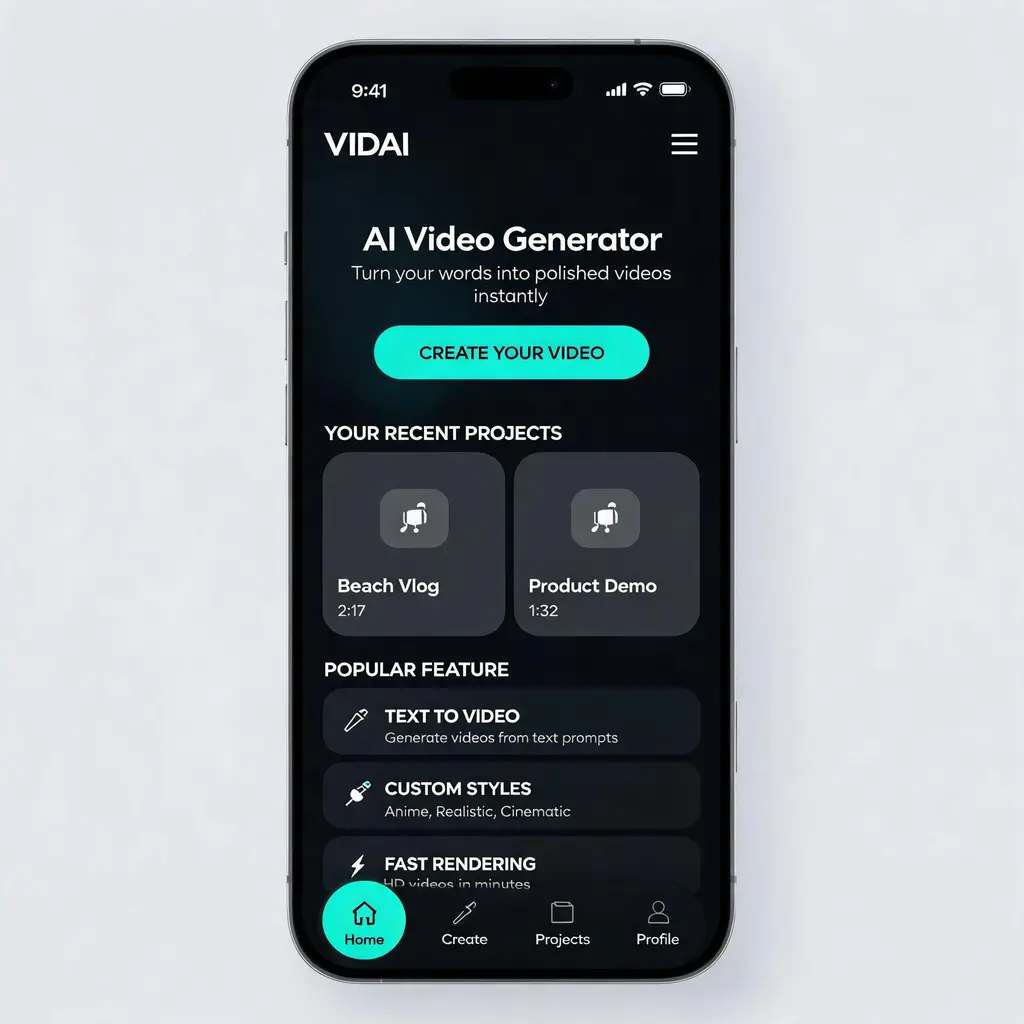
Verzorgd app-UI-concept
Zet elk app- of website-idee om in een hoogwaardig UI-ontwerp op portfolioniveau — heroblok, kaarten en navigatie in een samenhangend donker of licht thema, gepresenteerd als productdesignconcept.
Volledige prompt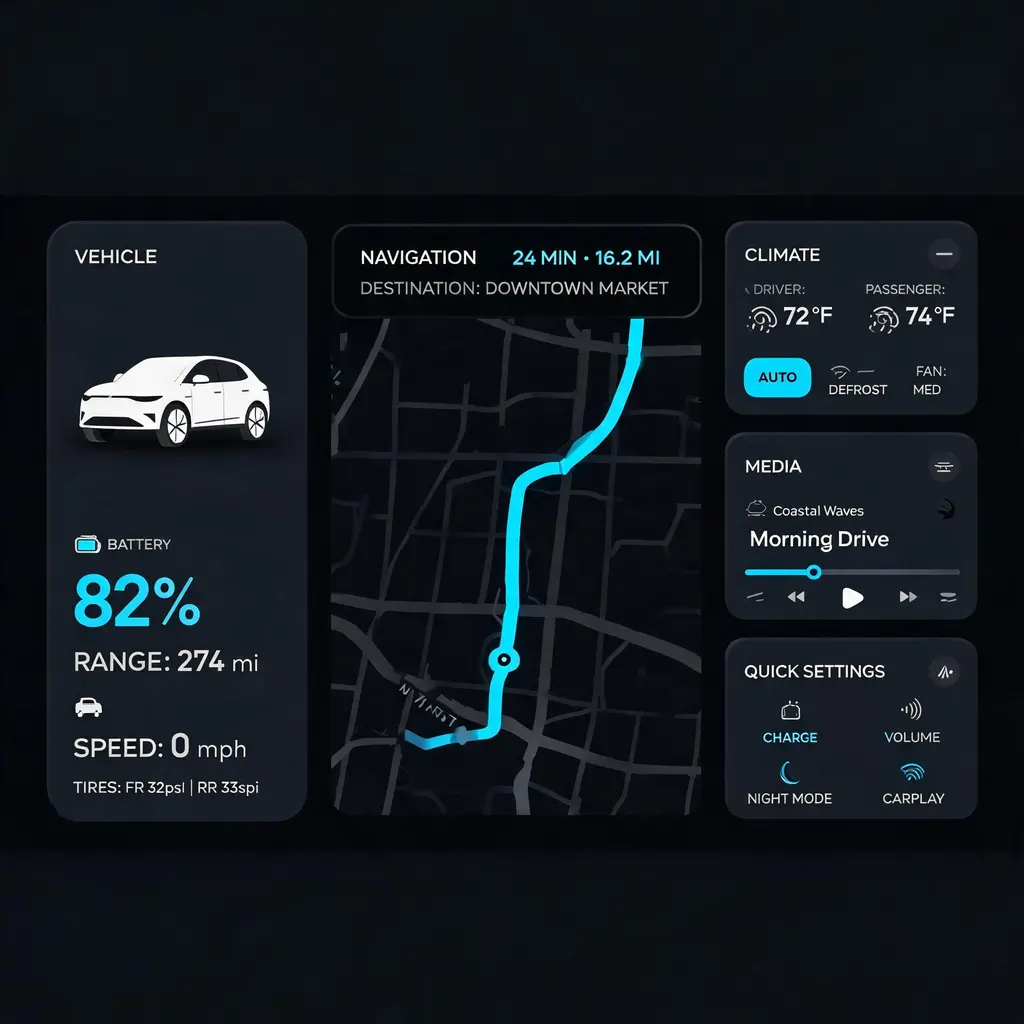
Auto-dashboardinterface
Zet een functielijst of sfeer om in een 21:9-infotainmentscherm voor de auto in donker thema op productieniveau, met navigatiekaart, voertuigstatus en klimaatwidgets — klaar voor een HMI-portfolio of pitch.
Volledige prompt
Foto van een chatscreenshot
Maak van een korte dialoog een levensechte telefoonfoto van een gesprek in een berichtenapp, compleet met vingerafdrukken, weerspiegeling en een terloops scheve uitsnede.
Volledige prompt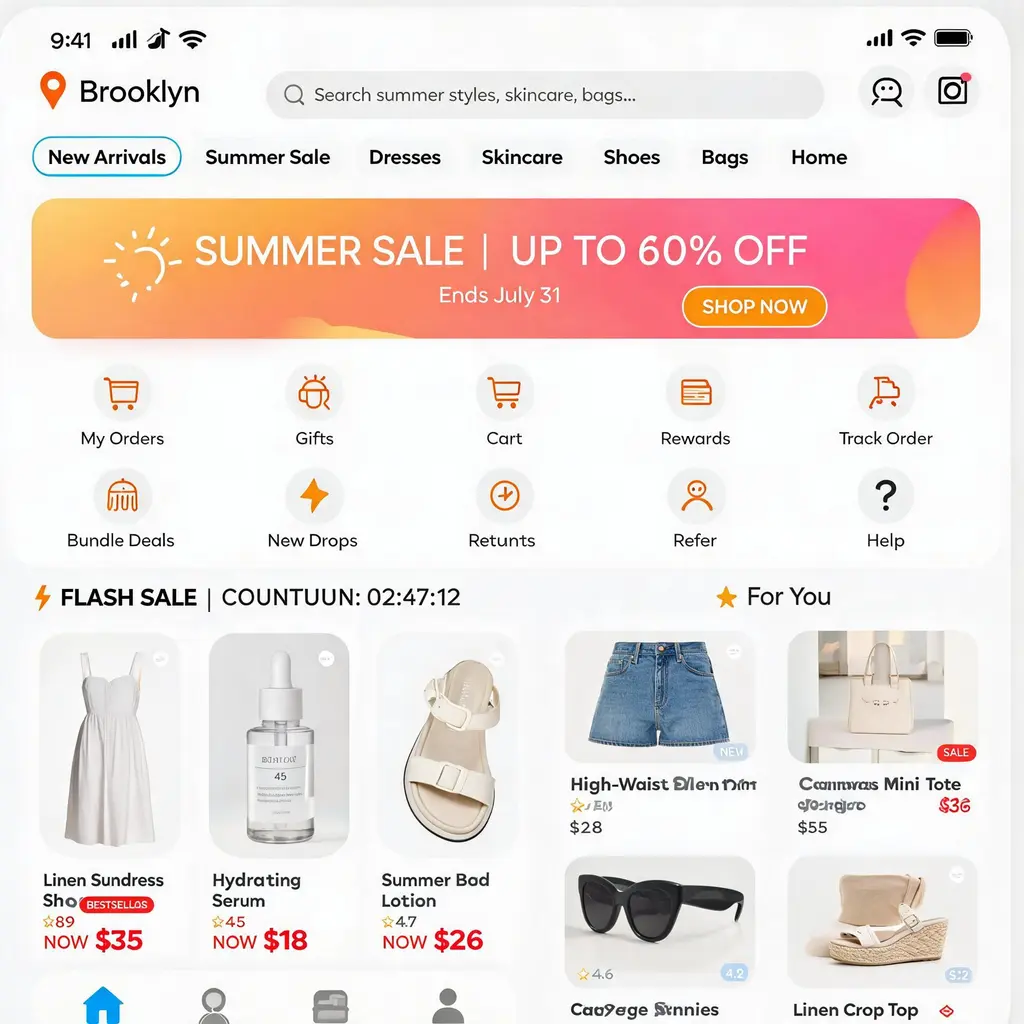
Startscherm van een webshopapp
Maak van een winkel of productniche een pixelperfect startscherm voor een mobiele shoppingapp, met zoekbalk, flashsale, banners en een productwaterval — klaar voor portfolio’s, pitches en UI-inspiratie.
Volledige prompt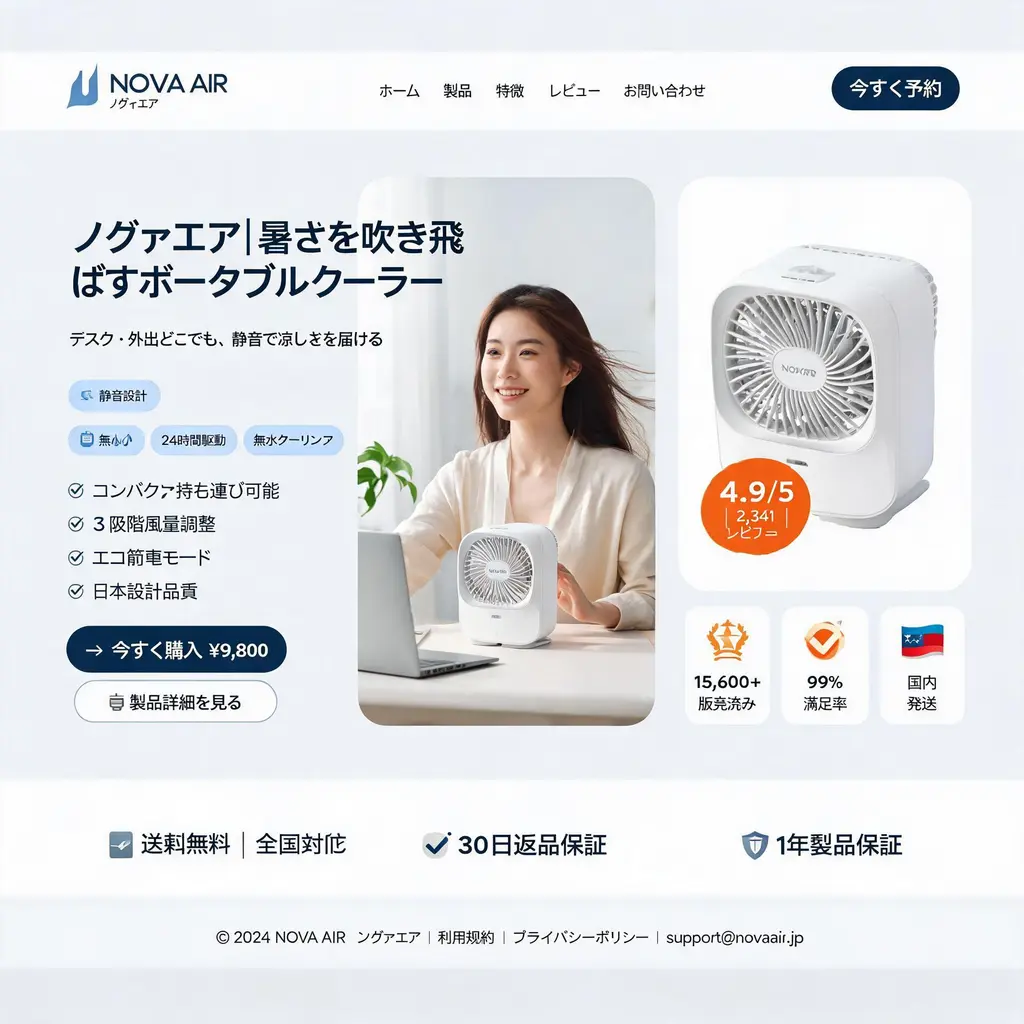
Landingspagina voor een webshop
Zet een D2C-product om in een strakke desktopmockup van een landingspagina — navigatiebalk, driekoloms heroblok met model en productfoto, functiebadges en een cijferbalk in direct-responsestijl.
Volledige prompt
Historische socialfeed
Zet elk tijdperk of historisch figuur om in een gevat screenshot van een moderne socialfeed, met portretten in de stijl van toen, reacties in karakter en een UI met tijdsthema — om eeuwen later samen om te lachen.
Volledige prompt