스케치로 재구성하는 장면
한 번의 편집으로, 업로드한 장면의 사물을 별도의 배치 스케치에 맞춥니다.
업데이트:
전체 프롬프트
입력 예시가 포함된 영어 프롬프트입니다. 생성 전에 대상과 세부 사항을 수정하세요. 원본 예시의 입력과 생성 설정은 완전히 확인되지 않았습니다.
추천 모델: GPT Image 2
프롬프트 작성 팁
- 이번 편집에는 원본 장면과 스케치를 서로 다른 참조 이미지 두 장으로 올리세요.
- 나중에 다듬으려면 새 생성을 시작하고, 이 결과물을 현재 이미지로 업로드하세요.
출처 및 크레딧
OmniArt가 재구성하고 다시 작성했습니다. 출처, 변경 사항 및 이용 조건은 아래에 표시됩니다.
- Recompose a scene from a sketch · Synthetic_Copy
wangrunlin/awesome-gpt-image-2-5-prompts
Repository MIT covers tooling and original documentation only; community prompts and third-party media retain their original rights and terms (CONTENT_POLICY.md).
Rewritten as an original OmniArt single-edit workflow. It requires two uploads, the original scene and a separate layout sketch, and a later cleanup is a new generation that reuses the output manually. Localized into 19 locales. No source wording or media copied.
관련 프롬프트 레시피
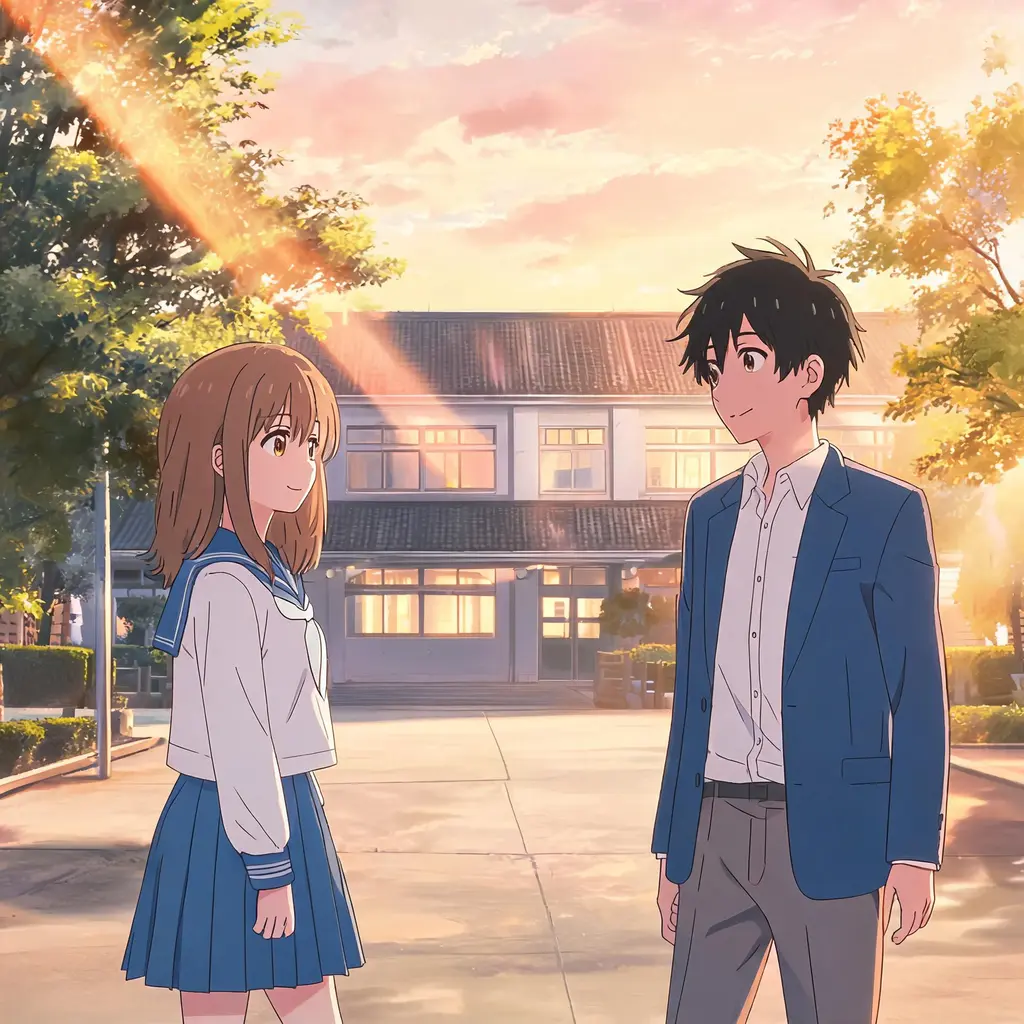
애니 에피소드 스틸
사진을 실제 애니메이션 에피소드에서 일시정지한 듯한 한 장면으로 바꿉니다. 셀 셰이딩과 깔끔한 선화, 손그림 배경 속에서도 장면과 인물은 그대로 알아볼 수 있습니다.
전체 프롬프트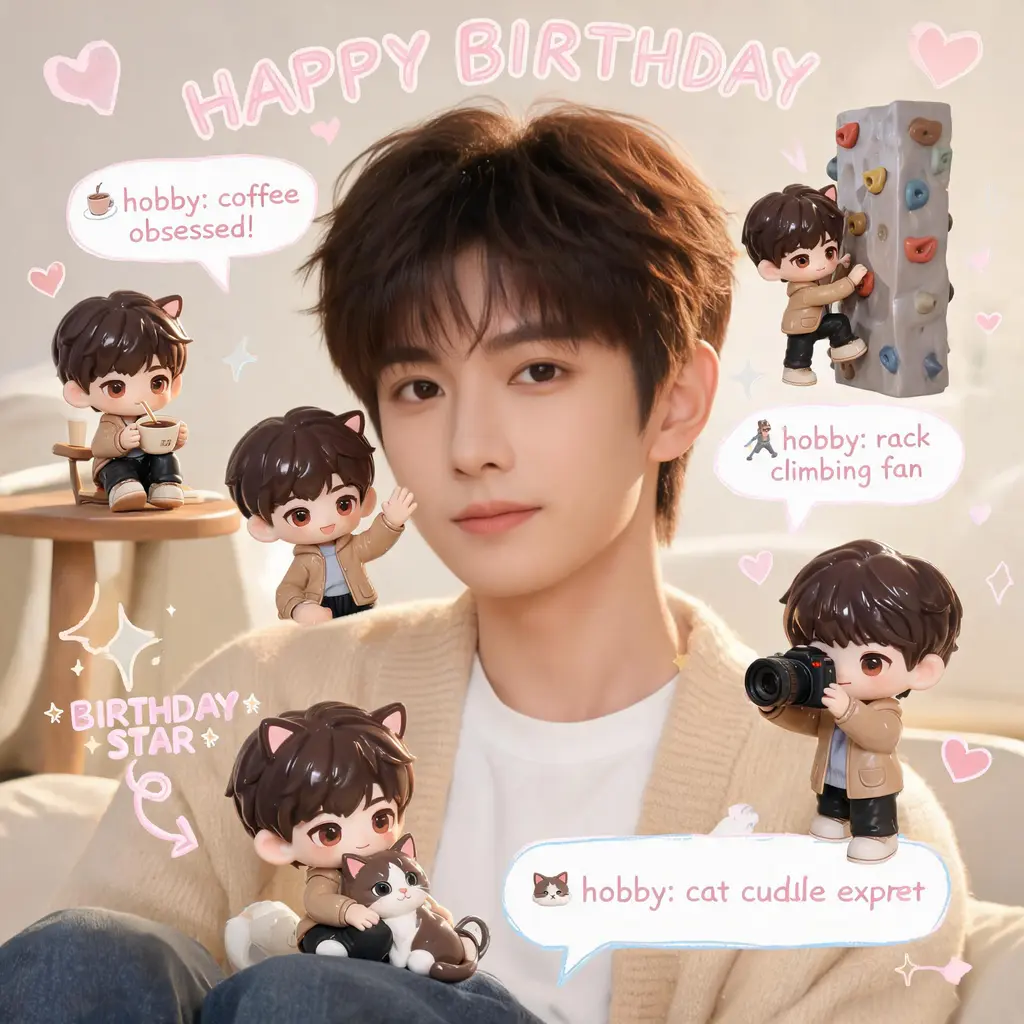
치비 미니미 스크랩북
원본 사진은 그대로 두고, 장면 곳곳에 나만의 3D 치비 미니미를 배치한 뒤 손글씨 낙서, 화살표, 재미있는 정보 말풍선을 더해 아늑한 파스텔 스크랩북 감성으로 꾸며 줍니다.
전체 프롬프트
만화 페이지 채색
흑백 만화 페이지를 완전한 컬러판으로 바꿔 줍니다. 통일된 팔레트와 셀 채색 음영을 입히면서 선화와 말풍선 글자는 원본 그대로 유지합니다.
전체 프롬프트
만화 컷 탈출
나 자신이나 어떤 대상이든 흑백 만화 페이지를 찢고 튀어나오는 풀컬러 실사 인물로 만들어 줍니다. 놀란 만화 캐릭터들, 속도선, 흩날리는 찢어진 종잇조각까지 그대로.
전체 프롬프트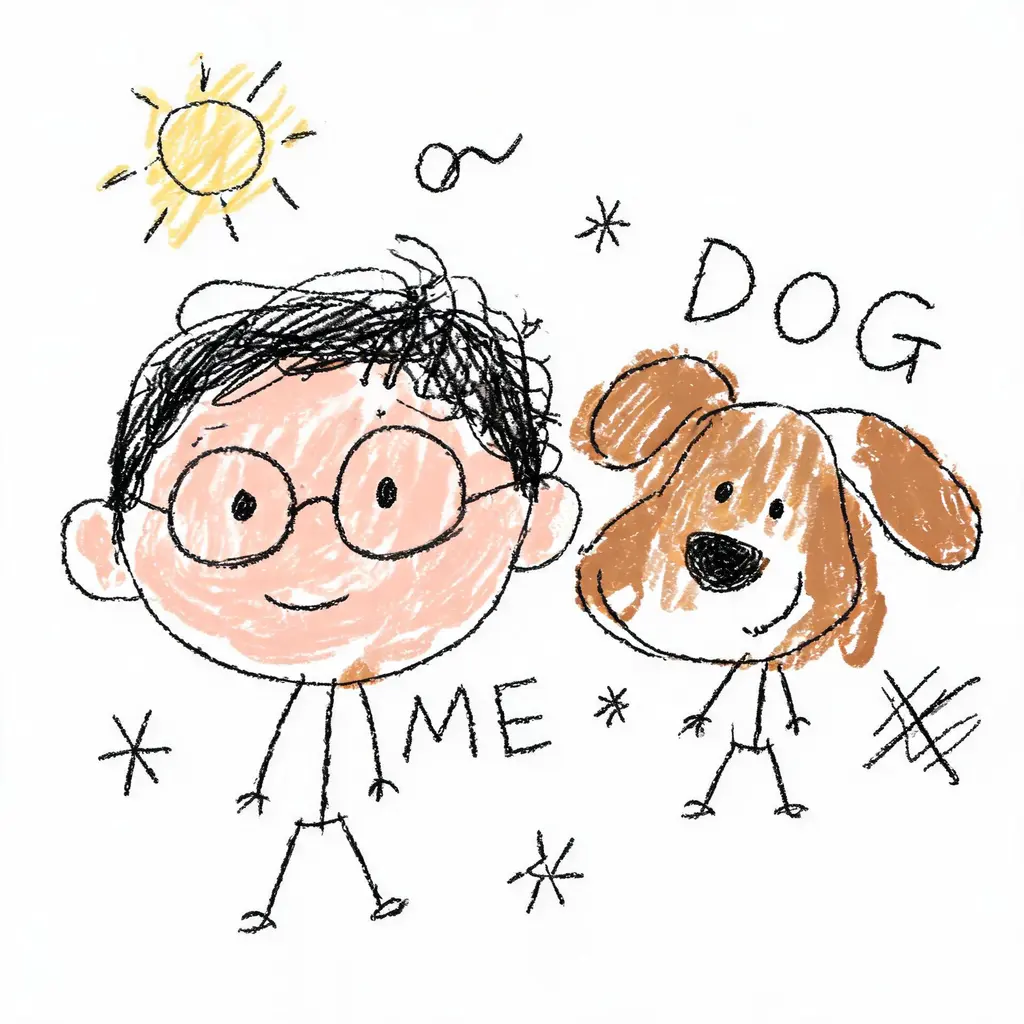
일부러 못 그린 그림
사진을 당당하게 엉망인 낙서로 바꿉니다. 떨리는 선, 삐뚤어진 비율, 대충 칠한 색이 흰 배경 위에서 우스꽝스럽게 틀렸지만, 그래도 누군지는 간신히 알아볼 수 있습니다.
전체 프롬프트
얼굴 고정 변신샷
당신의 얼굴을 그대로 유지한 채 새로운 룩으로 — 헤어 체인지, 오리지널 코스튬, 시네마틱한 장면까지. 얼굴은 절대 바꾸지 않는 엄격한 규칙과 세련된 DSLR급 조명이 함께합니다.
전체 프롬프트