그림책 캐릭터의 연속성
한 장의 정지 펼침면에서 창작 그림책 캐릭터를 소개 칸과 이후 이야기 순간에 같은 모습으로 보여 줍니다.
업데이트:
전체 프롬프트
입력 예시가 포함된 영어 프롬프트입니다. 생성 전에 대상과 세부 사항을 수정하세요. 원본 예시의 입력과 생성 설정은 완전히 확인되지 않았습니다.
추천 모델: GPT Image 2.5 Flare
프롬프트 작성 팁
- 이야기를 이어 가기 전에 두 칸의 얼굴, 옷, 대표 소품이 같은지 확인하세요.
- 제목을 직접 주지 않았다면 그림 위에 글자 없이 한 장의 정지 펼침면인지 확인하세요.
출처 및 크레딧
OmniArt가 재구성하고 다시 작성했습니다. 출처, 변경 사항 및 이용 조건은 아래에 표시됩니다.
- Establish a storybook character · OpenAI
RaphaelAI-OpenLab/awesome-gpt-image-2.6
Public example from OpenAI's image prompting guide; no redistribution license was verified and the collection's MIT license does not cover it. This template is independently authored; no source text or media is copied.
Folded character setup into the left panel of one still two-panel spread, with an original illustrated protagonist and a locked design rather than a separate first image. The source collection labels this case GPT Image 2.6; GPT Image 2.5 Flare is a recommendation, not a verified example model.
- Continue the same character’s story · OpenAI
RaphaelAI-OpenLab/awesome-gpt-image-2.6
Public example from OpenAI's image prompting guide; no redistribution license was verified and the collection's MIT license does not cover it. This template is independently authored; no source text or media is copied.
The later story moment is the right-hand panel of that same still spread, and the event itself is supplied by the user. The source collection labels this case GPT Image 2.6; GPT Image 2.5 Flare is a recommendation, not a verified example model.
관련 프롬프트 레시피
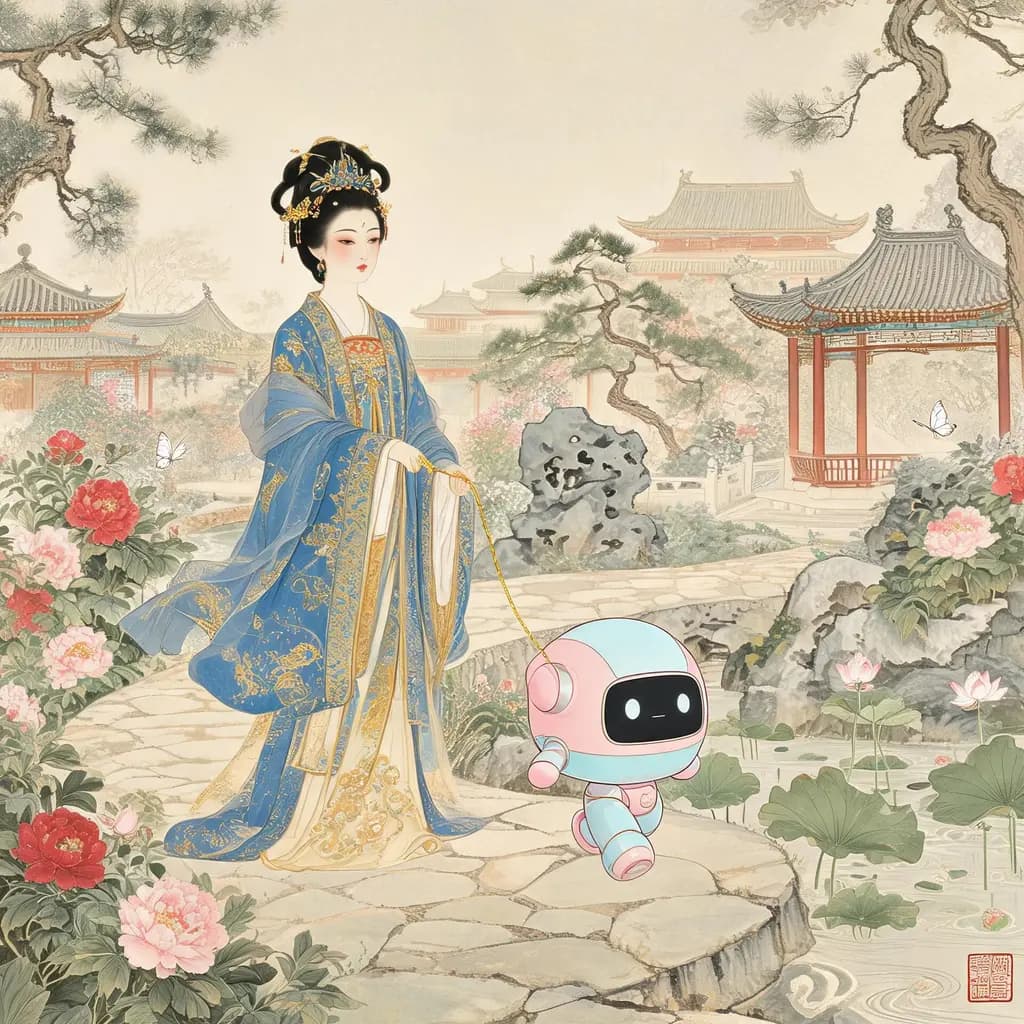
고전 명화 속 현대 믹스
현대의 기기나 기관, 상상 속 생물을 그 시대의 기법으로 충실하게 그린 고전 화폭에 녹여, 마치 원래부터 거기 있던 것처럼 보이게 합니다.
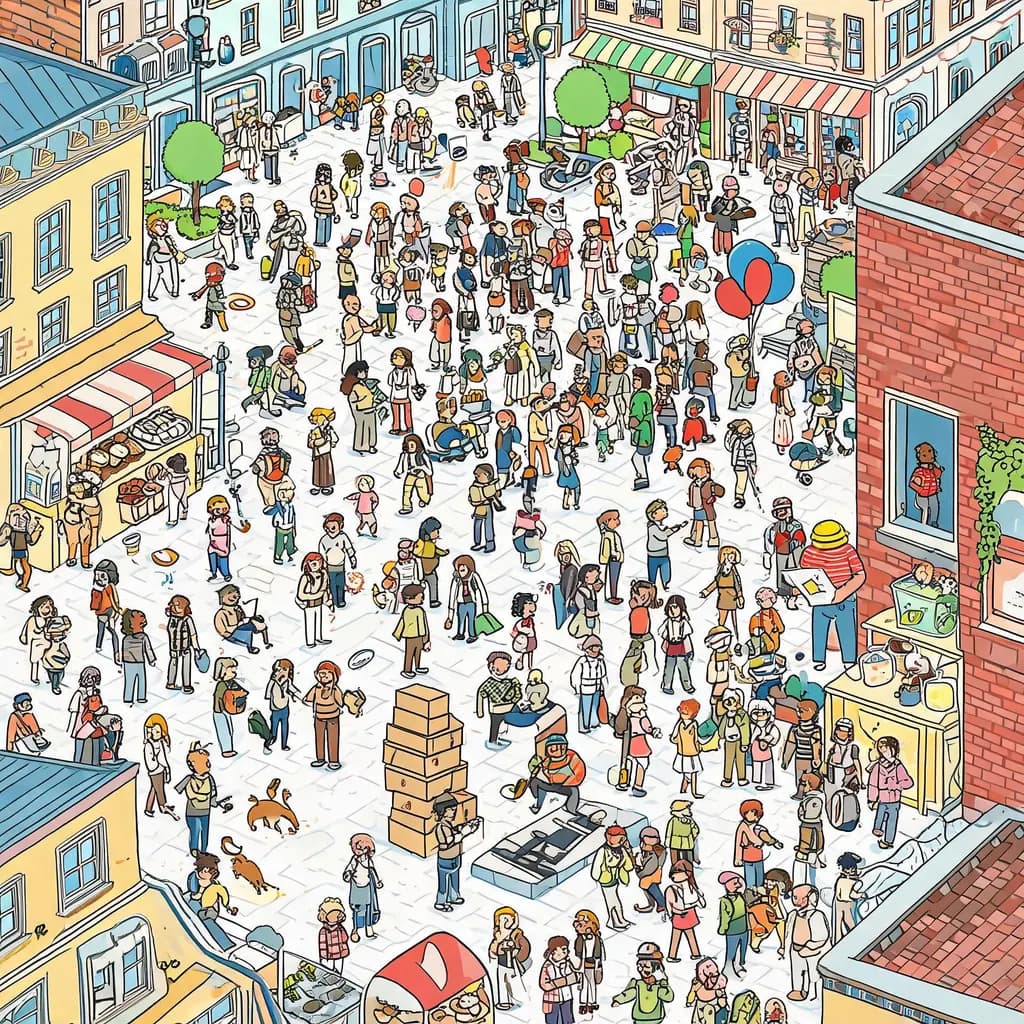
군중 찾기 일러스트
원하는 장소와 캐릭터로 빔멜빌트풍 숨은그림찾기 장면을 만듭니다. 수백 명의 분주한 작은 인물들 사이 어딘가에 지정한 캐릭터가 숨어 있습니다.
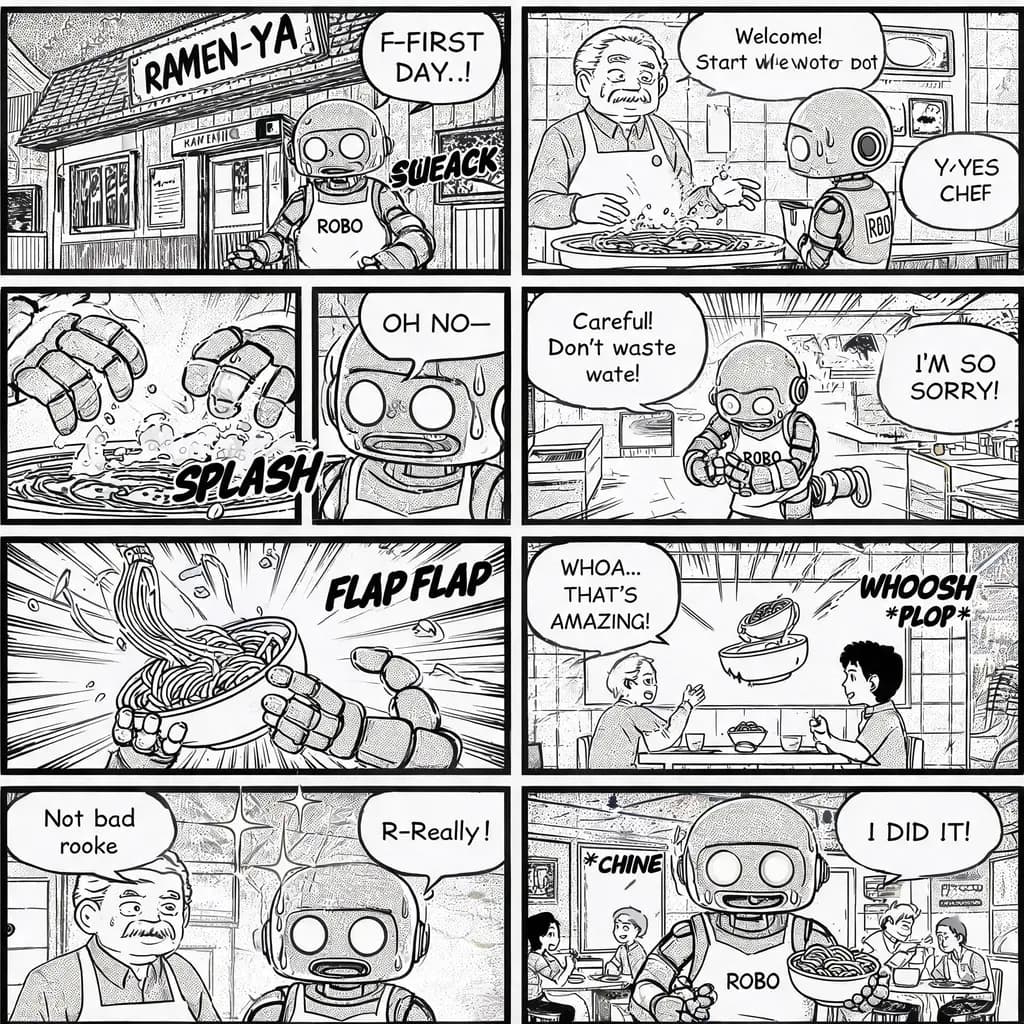
8컷 만화
짧은 이야기 아이디어를 완성된 흑백 만화 한 페이지로 만듭니다. 스크린톤과 말풍선, 제대로 된 마무리 한 방까지 갖춘 8컷 구성입니다.
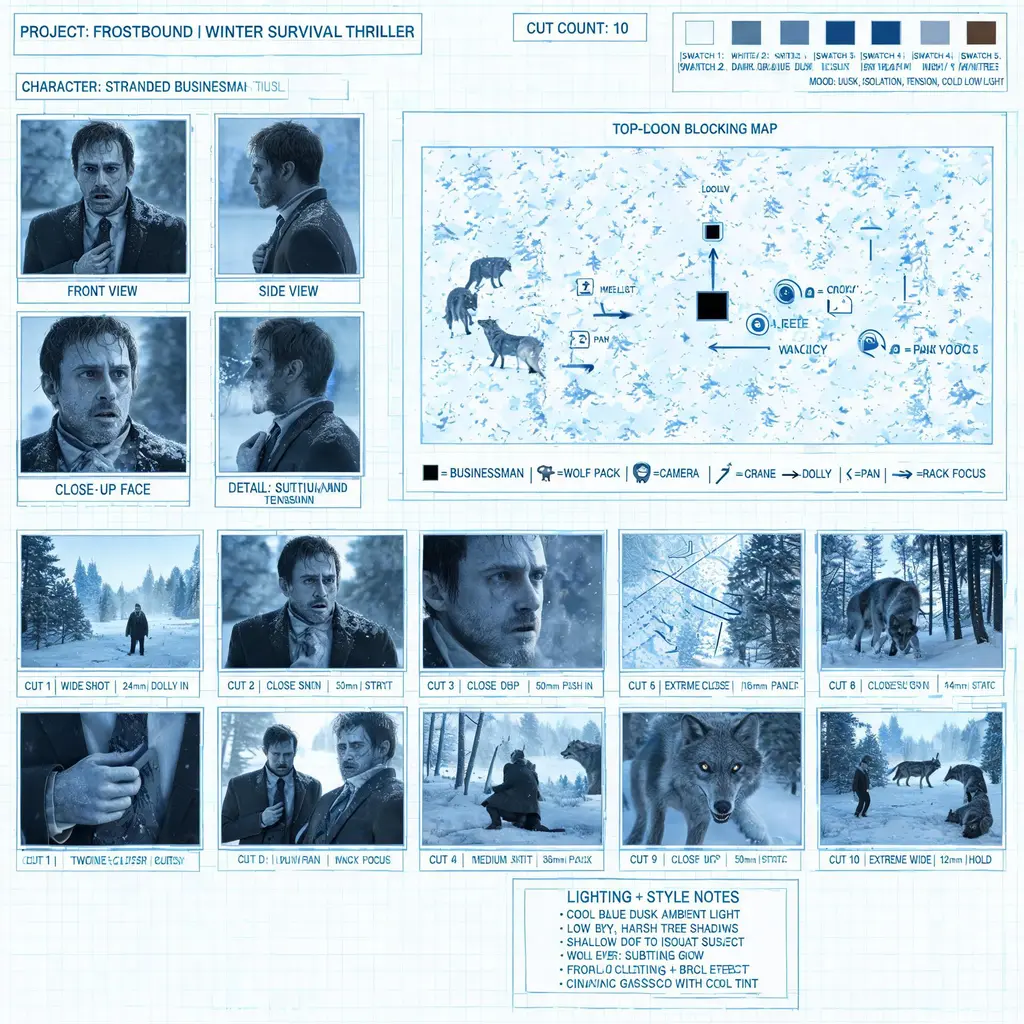
영화 프리프로덕션 보드
이야기, 레시피, 광고 아이디어를 캐릭터 레퍼런스 타일, 동선 지도, 카메라 무빙 화살표, 번호 매긴 스토리보드 컷이 담긴 전문 프리비즈 시트로 만듭니다.
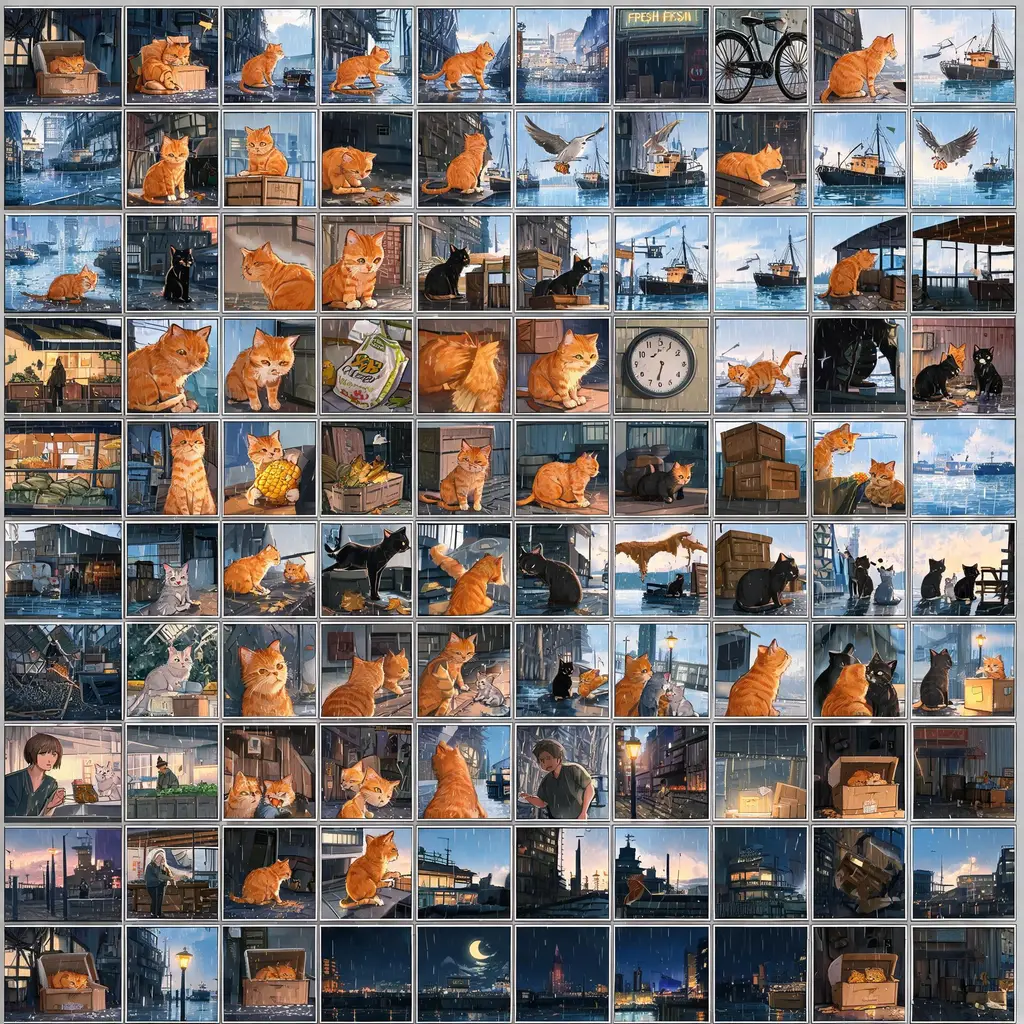
100컷 스토리보드
어떤 이야기 아이디어든 약 100개의 작은 연속 패널이 빼곡히 들어찬 스토리보드 한 장으로 만들어, 시작부터 결말까지 전체 서사를 한 이미지에 담습니다.

혼합 스타일 패널 콜라주
여러 주제와 정확한 세부 조건을 한 장의 정교한 콜라주로 구성하고, 각 패널을 서로 다른 시각 매체로 표현해 스타일 샘플이나 창작 비교판으로 만듭니다.