편집 & 스타일 변환

참조 색감을 적용한 제품 인물 사진

참조 이미지의 색감, 명암 곡선, 조명을 활용해 제품 인물 사진 한 장을 만듭니다. 포장은 유지하고 가상의 성인을 등장시킵니다.

업데이트:

전체 프롬프트

입력 예시가 포함된 영어 프롬프트입니다. 생성 전에 대상과 세부 사항을 수정하세요. 원본 예시의 입력과 생성 설정은 완전히 확인되지 않았습니다.

추천 모델: GPT Image 2.5 Flare

Create one believable lifestyle product portrait, using the uploaded product image as the product-identity reference and a separately identified look reference for color and light. Preserve the product's silhouette, proportions, visible packaging layout, and essential label colors. From the look reference, borrow the dominant background palette, shadow tint, contrast curve, highlight softness, grain, and direction of illumination; do not copy its person, location, or composition. Place a fictional adult presenter in the new setting described in the request, holding or using the product naturally with anatomically plausible hands. Keep the face original rather than resembling the person in the look reference. If the request includes a JSON color specification, interpret its relevant palette, exposure, and lighting values as visual instructions and produce the image itself, without displaying the JSON or adding a specification panel. Reconcile the borrowed grade with truthful product color: apply strong tints mainly to the environment and shadows, keeping important packaging details recognizable. Use an informal waist-up or chest-up phone-camera composition, realistic skin texture, and natural interaction rather than a posed catalog stance. Deliver one coherent photograph with no comparison grid, diagrams, invented endorsements, added branding, or watermark. User request: Use the uploaded reusable-bottle photo as the product reference and the uploaded amber-window photograph only as the look reference. Show a fictional adult ceramicist holding the bottle in a sunlit studio, chest-up phone framing, warm highlights, gently cool shadows, soft contrast, and fine grain. Preserve the bottle’s forest-green body and white label.

프롬프트 작성 팁

  • 제품 이미지와 색감 참조 이미지를 구분하고 색 보정 후에도 정확히 유지할 포장 색상을 지정해 주세요.

출처 및 크레딧

OmniArt가 재구성하고 다시 작성했습니다. 출처, 변경 사항 및 이용 조건은 아래에 표시됩니다.

  • JSON Color Grading UGC Model · @pavellaslov

    EvoLinkAI/awesome-gpt-image-2-API-and-Prompts

    The repository uses CC0 1.0; this does not establish rights to third-party community prompts or media. Attribution is retained without asserting clearance of third-party content.

    Independently authored from a general workflow concept. Separates product identity from look references and renders one original adult product portrait; optional JSON values guide the image rather than becoming output. No source prompt text or media copied. GPT Image 2.5 Flare is a recommendation, not a verified example model.

출처 및 크레딧

관련 프롬프트 레시피

애니 에피소드 스틸
편집 & 스타일 변환

애니 에피소드 스틸

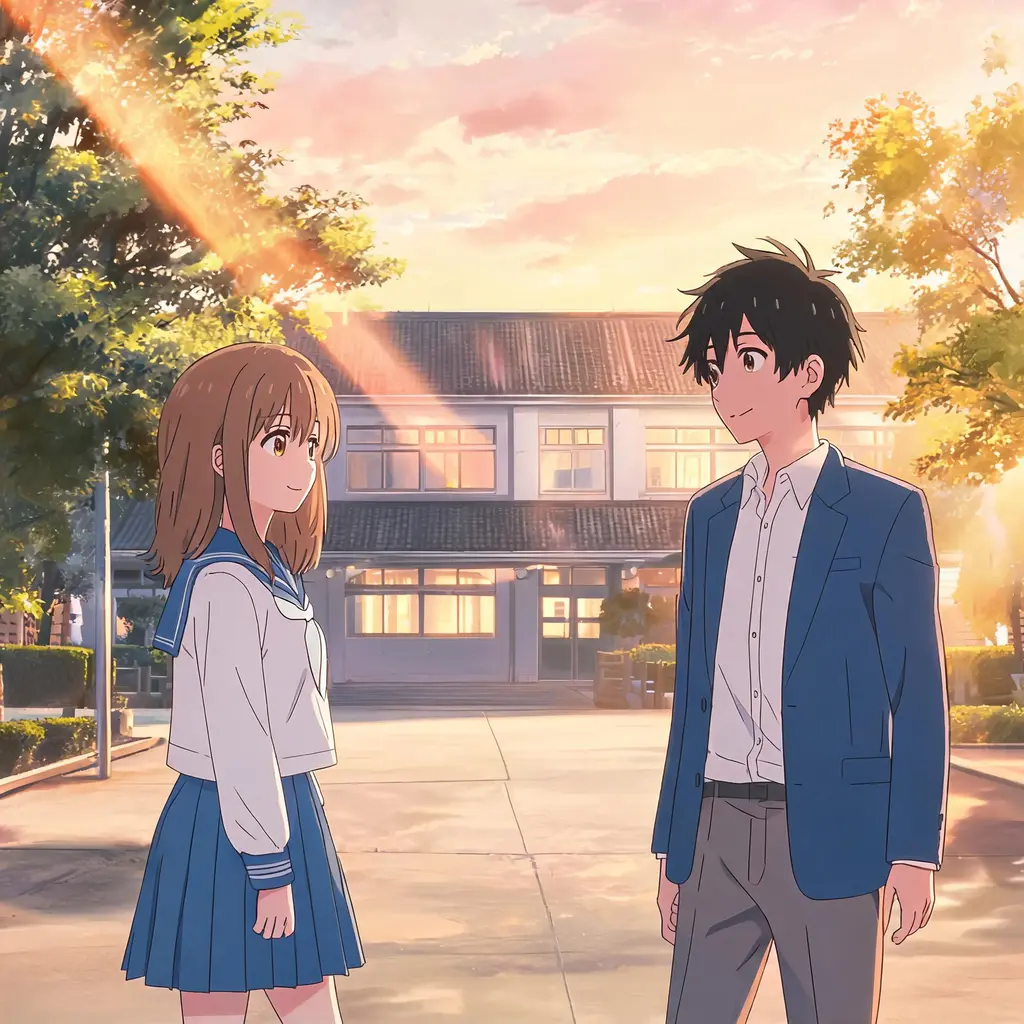
사진을 실제 애니메이션 에피소드에서 일시정지한 듯한 한 장면으로 바꿉니다. 셀 셰이딩과 깔끔한 선화, 손그림 배경 속에서도 장면과 인물은 그대로 알아볼 수 있습니다.
전체 프롬프트
치비 미니미 스크랩북
편집 & 스타일 변환

치비 미니미 스크랩북

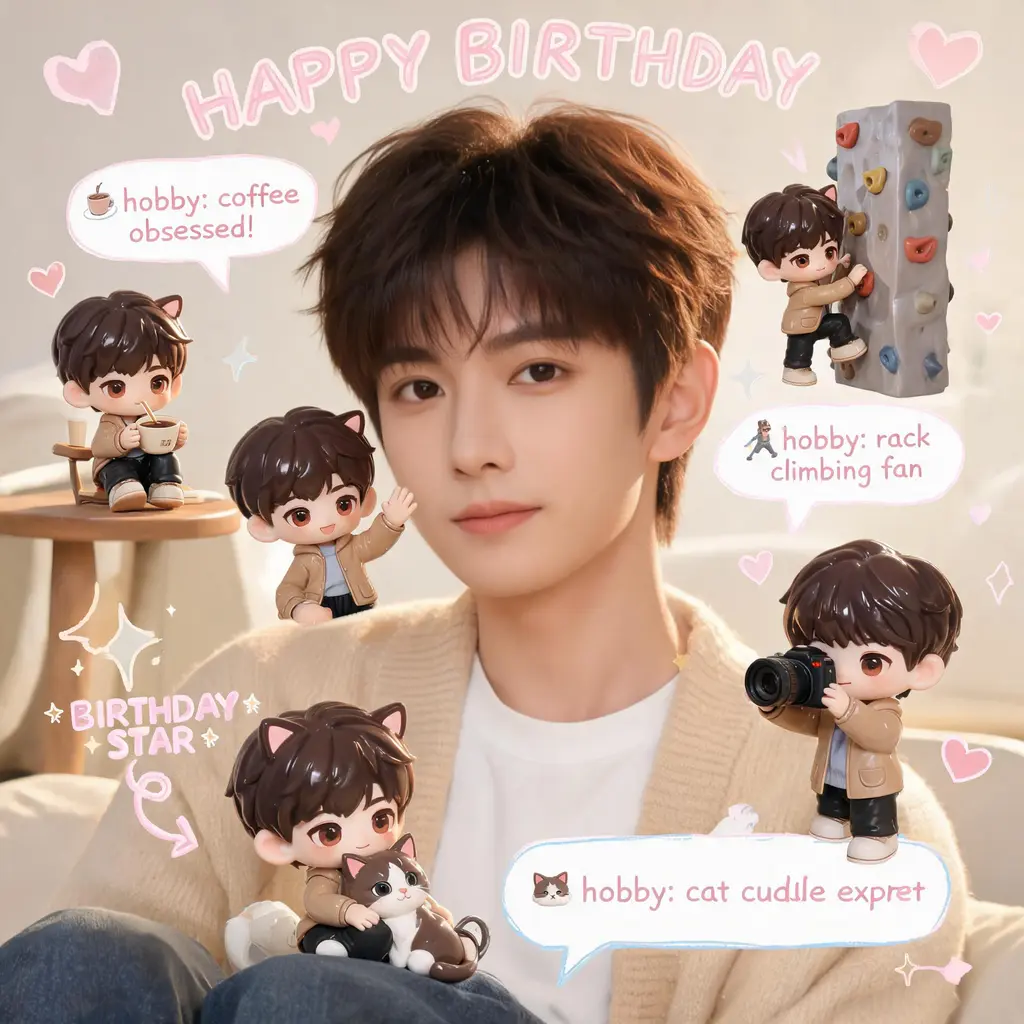
원본 사진은 그대로 두고, 장면 곳곳에 나만의 3D 치비 미니미를 배치한 뒤 손글씨 낙서, 화살표, 재미있는 정보 말풍선을 더해 아늑한 파스텔 스크랩북 감성으로 꾸며 줍니다.

전체 프롬프트
만화 페이지 채색
편집 & 스타일 변환

만화 페이지 채색

흑백 만화 페이지를 완전한 컬러판으로 바꿔 줍니다. 통일된 팔레트와 셀 채색 음영을 입히면서 선화와 말풍선 글자는 원본 그대로 유지합니다.

전체 프롬프트
만화 컷 탈출
편집 & 스타일 변환

만화 컷 탈출

나 자신이나 어떤 대상이든 흑백 만화 페이지를 찢고 튀어나오는 풀컬러 실사 인물로 만들어 줍니다. 놀란 만화 캐릭터들, 속도선, 흩날리는 찢어진 종잇조각까지 그대로.
전체 프롬프트
일부러 못 그린 그림
편집 & 스타일 변환

일부러 못 그린 그림

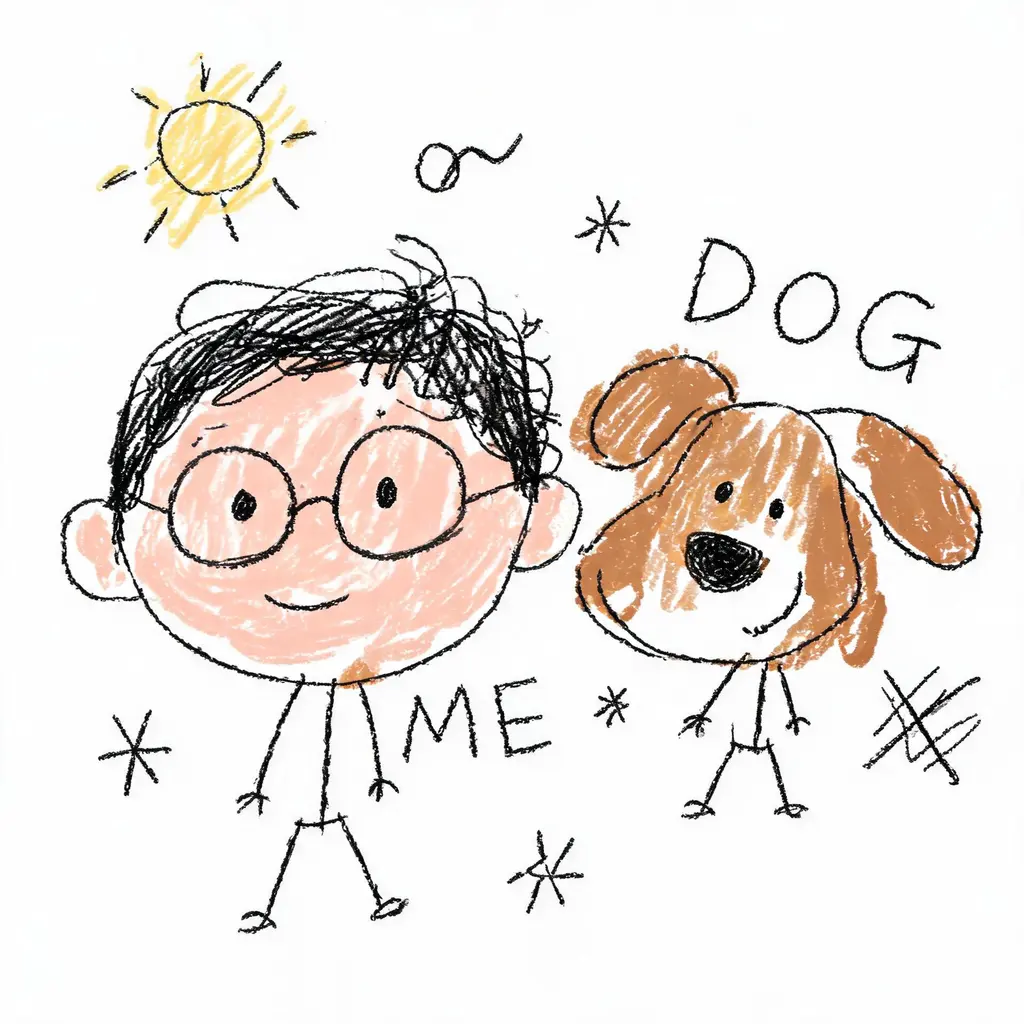
사진을 당당하게 엉망인 낙서로 바꿉니다. 떨리는 선, 삐뚤어진 비율, 대충 칠한 색이 흰 배경 위에서 우스꽝스럽게 틀렸지만, 그래도 누군지는 간신히 알아볼 수 있습니다.

전체 프롬프트
얼굴 고정 변신샷
편집 & 스타일 변환

얼굴 고정 변신샷

당신의 얼굴을 그대로 유지한 채 새로운 룩으로 — 헤어 체인지, 오리지널 코스튬, 시네마틱한 장면까지. 얼굴은 절대 바꾸지 않는 엄격한 규칙과 세련된 DSLR급 조명이 함께합니다.

전체 프롬프트