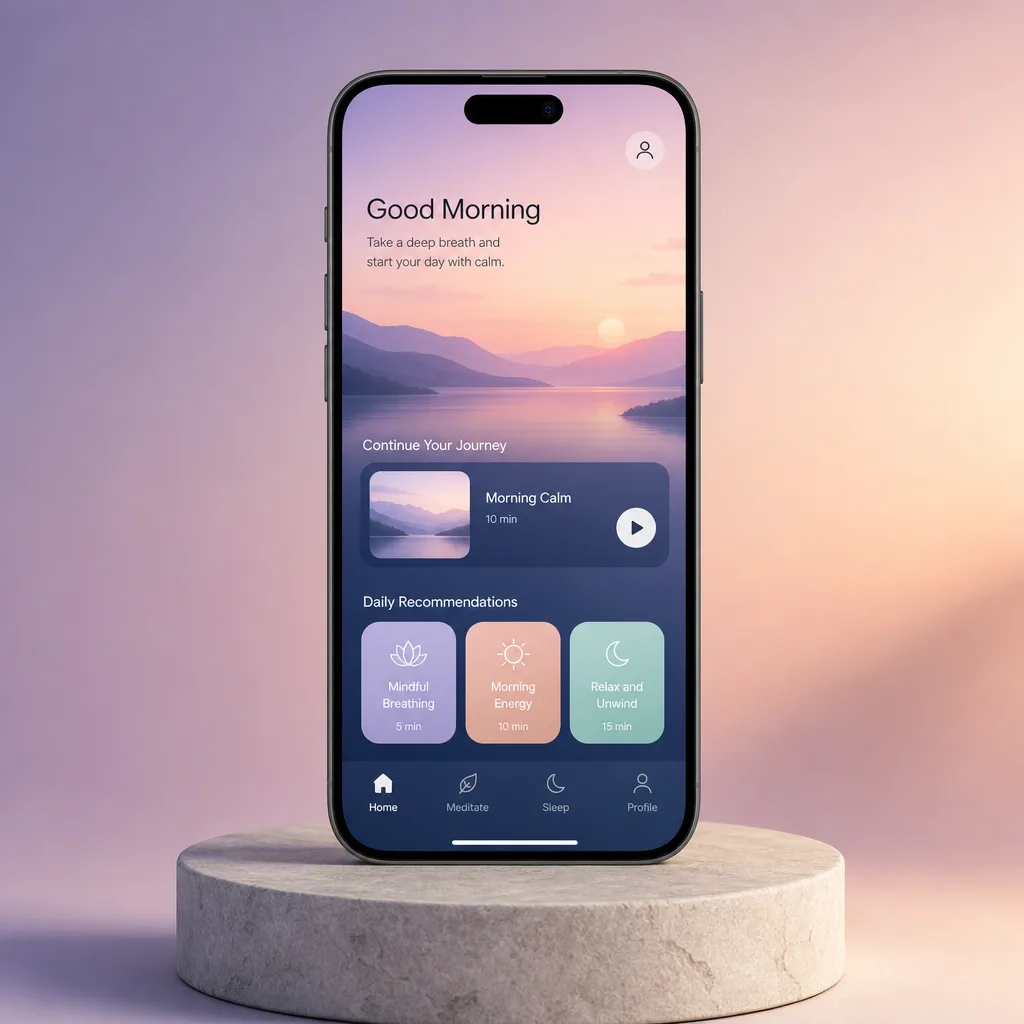
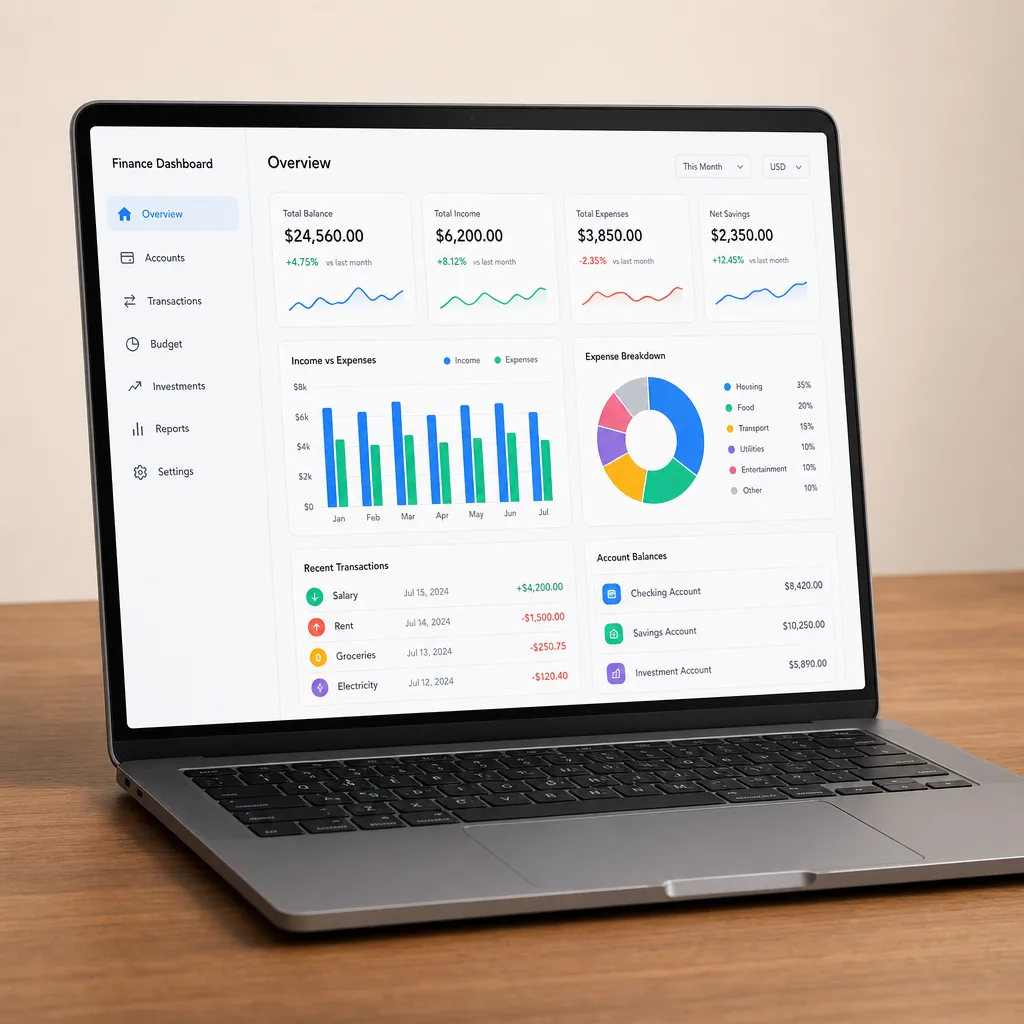
Mockup perangkat
Tampilkan layar atau antarmuka aplikasi di dalam ponsel, tablet, atau laptop yang realistis di atas latar bersih, dengan proporsi akurat dan bayangan pijak yang halus.
Diperbarui:
Prompt lengkap
Prompt berbahasa Inggris dengan contoh permintaan. Sesuaikan subjek dan detail sebelum membuat kreasi. Input dan pengaturan contoh asli belum sepenuhnya terverifikasi.
Model yang disarankan: GPT Image 2
Contoh dari kami
Tips membuat prompt
- Sebutkan perangkat dan orientasinya agar bingkai sesuai dengan rasio layar Anda
- Jelaskan tata letak antarmuka secara sederhana, bukan setiap label UI
- Sebutkan warna aksen layar agar tampilan tetap sesuai merek
Resep prompt terkait

Poster promosi
Tata poster promosi vertikal yang rapi dengan zona judul yang jelas, produk utama, dan ajakan bertindak, menampilkan teks apa pun yang Anda berikan persis seperti yang ditulis.
Prompt lengkap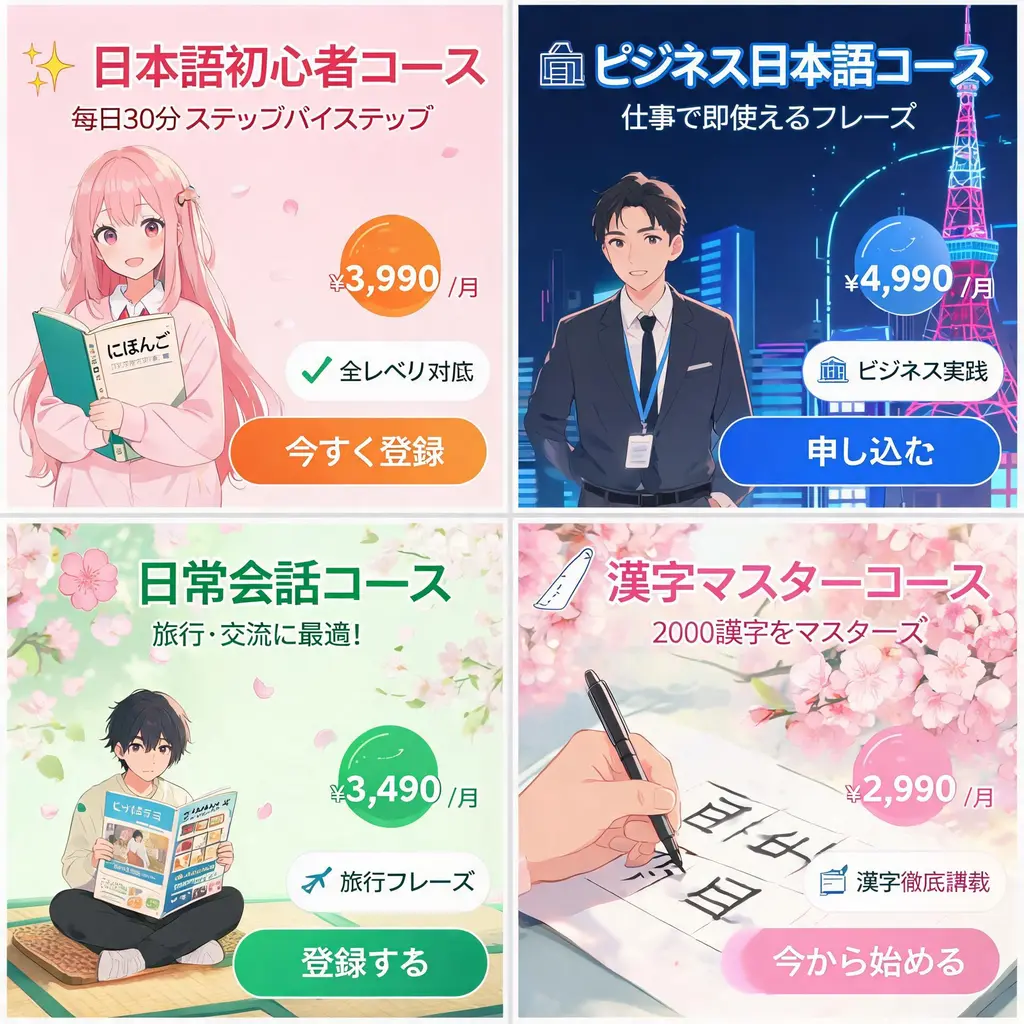
Set banner iklan Jepang
Ubah satu brief kampanye menjadi lembar banner web bergaya Jepang yang serasi, lengkap dengan copy kuat, lencana harga, segel manfaat, visual, dan tombol CTA yang jelas.
Prompt lengkap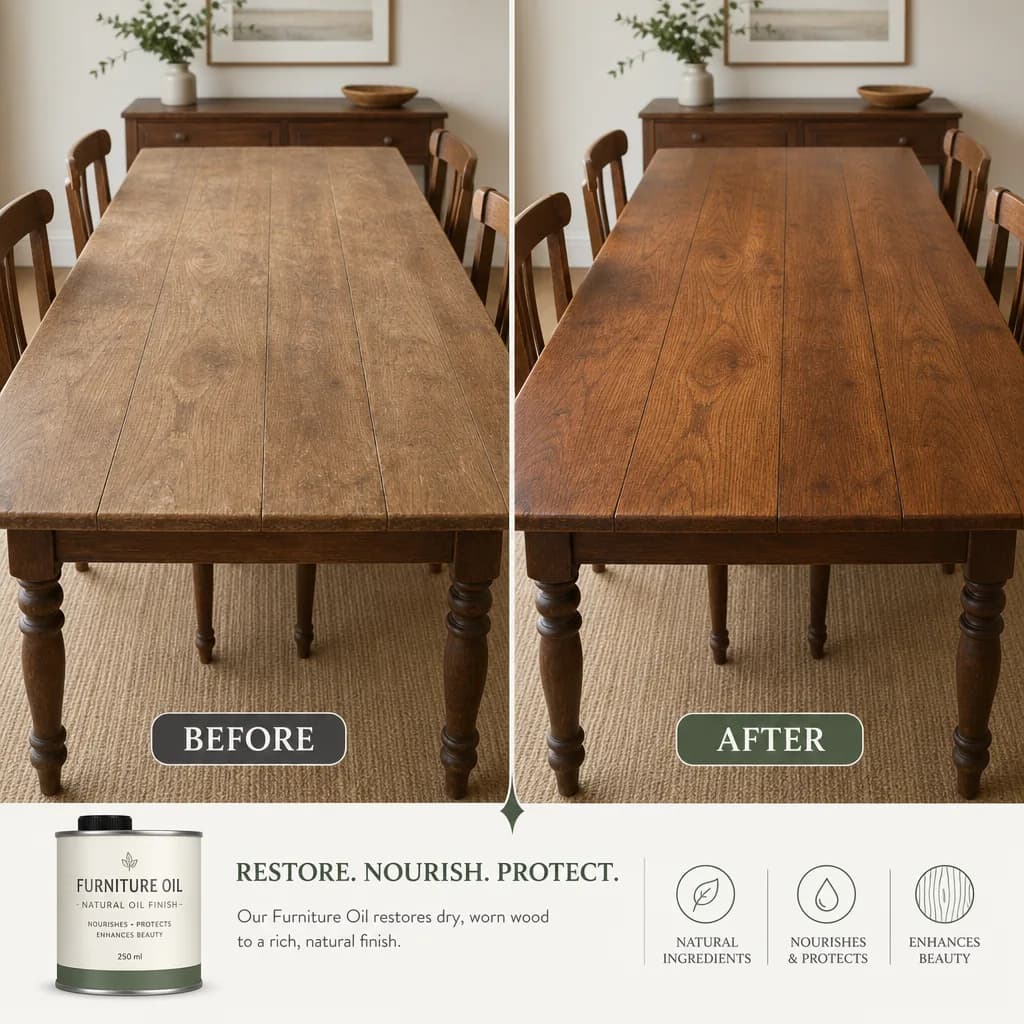
Perbandingan sebelum dan sesudah
Bagi sebuah transformasi menjadi dua panel yang sepadan dengan pembatas rapi dan pembingkaian konsisten, menampilkan keterangan dan metrik persis seperti yang Anda tulis.
Prompt lengkap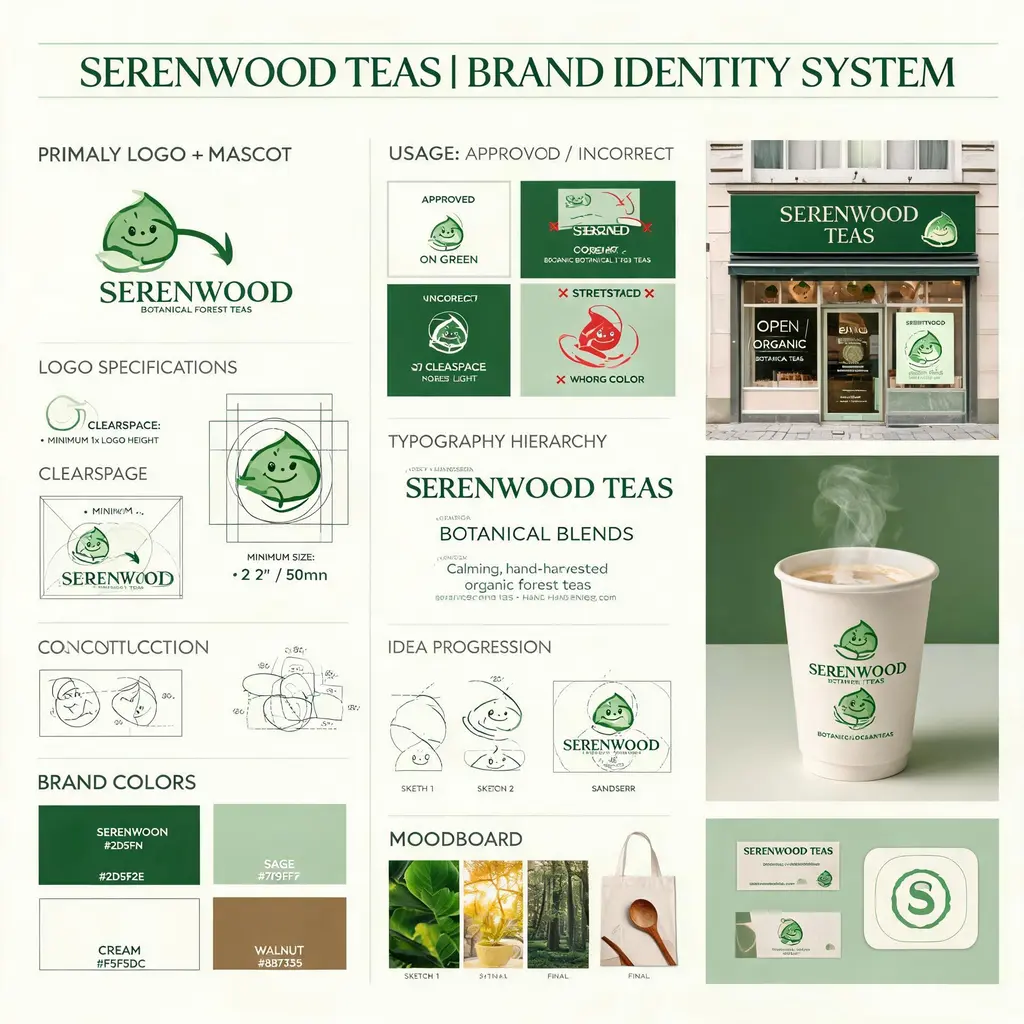
Papan identitas merek
Ubah brief merek fiktif menjadi papan identitas bergaya agensi dengan konstruksi logo, palet, tipografi, aturan penggunaan, sketsa konsep, dan mockup dunia nyata yang matang.
Prompt lengkap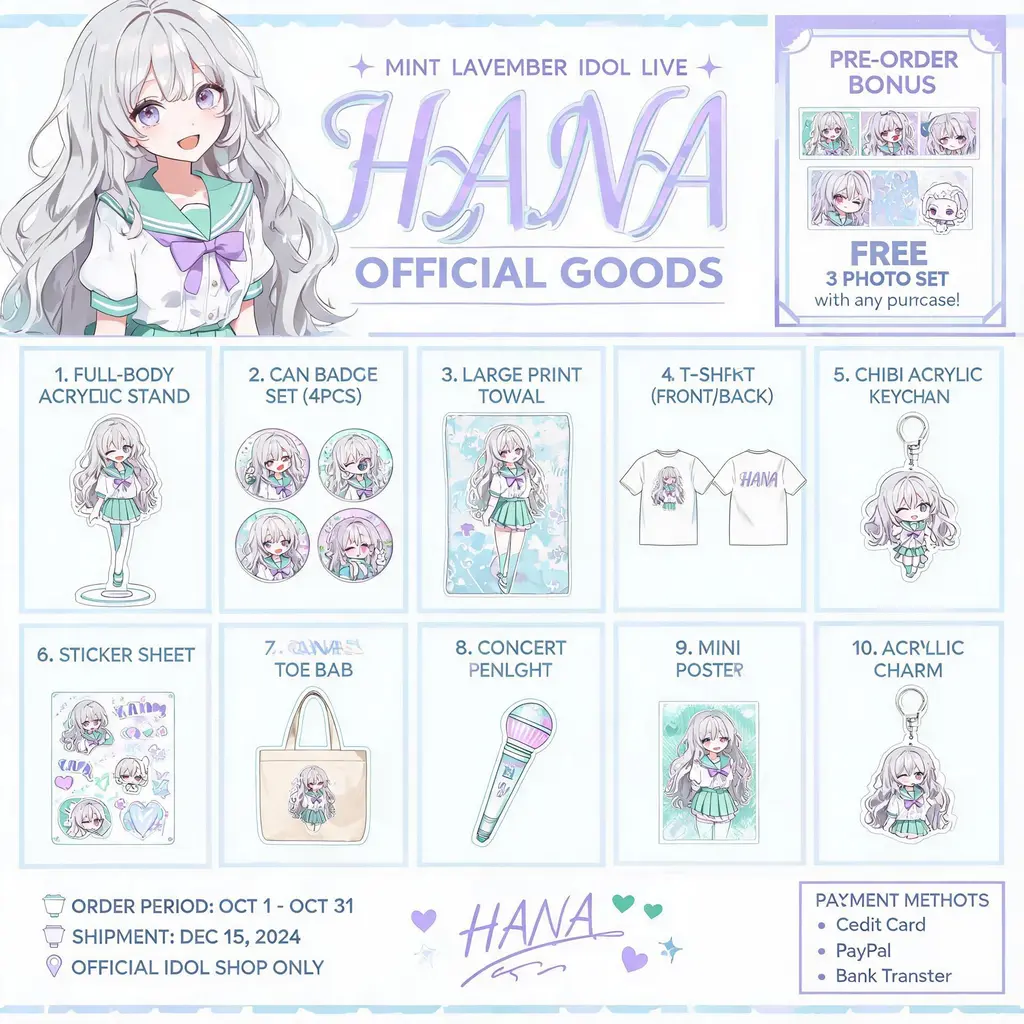
Katalog merch karakter
Ubah karakter orisinal Anda menjadi flyer katalog merchandise resmi — grid bernomor berisi standee akrilik, pin, kaus, dan gantungan kunci di bawah header key visual, siap dibagikan ke penggemar.
Prompt lengkap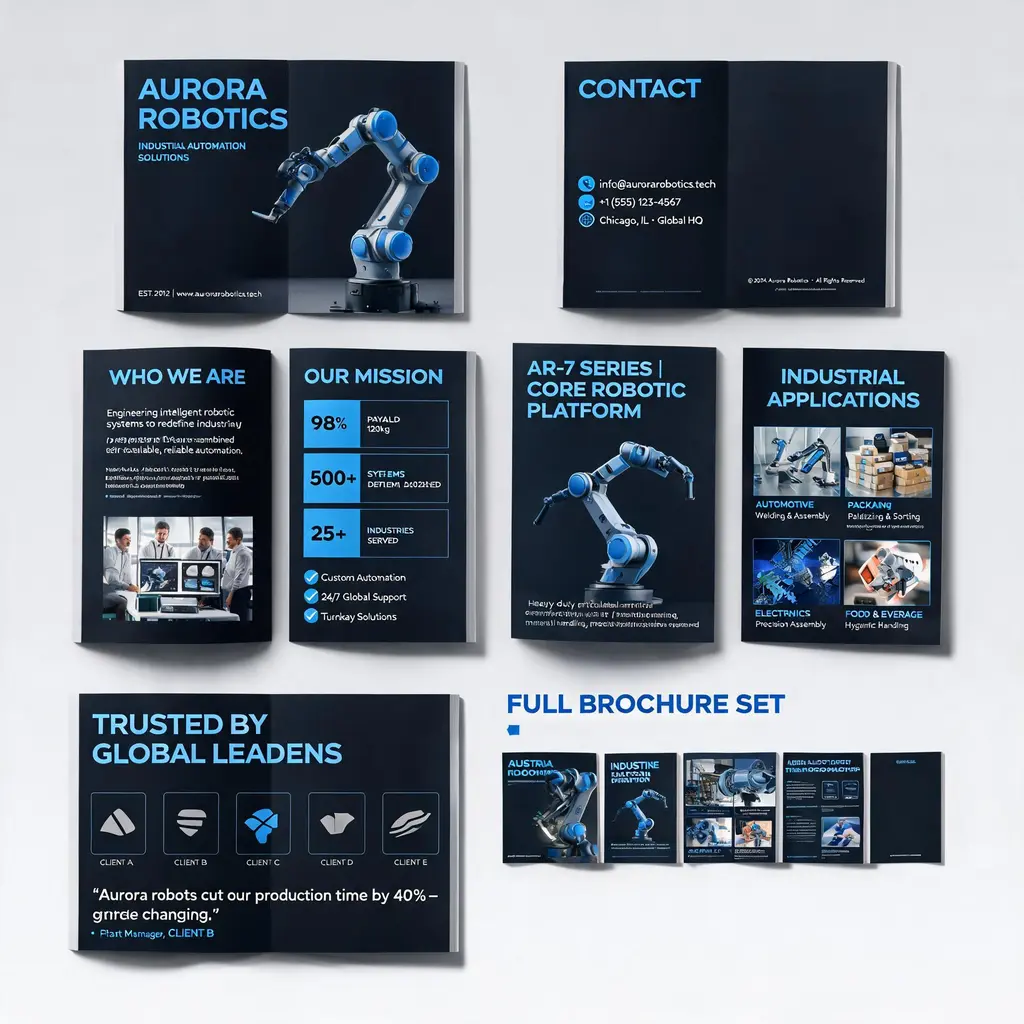
Sistem brosur korporat
Ubah deskripsi perusahaan atau produk menjadi rangkaian brosur multi-halaman premium — sampul, profil, produk, skenario penerapan, dan halaman studi kasus disatukan dalam satu tampilan brand, lengkap dengan pratinjau satu set penuh.
Prompt lengkap