Kesinambungan tokoh buku cerita
Tampilkan satu tokoh buku bergambar orisinal di panel perkenalan dan momen cerita berikutnya, pada satu hamparan diam.
Diperbarui:
Prompt lengkap
Prompt berbahasa Inggris dengan contoh permintaan. Sesuaikan subjek dan detail sebelum membuat kreasi. Input dan pengaturan contoh asli belum sepenuhnya terverifikasi.
Model yang disarankan: GPT Image 2.5 Flare
Tips membuat prompt
- Sebelum melanjutkan cerita, pastikan wajah, pakaian, dan properti khas sama di kedua panel.
- Pastikan berkasnya satu hamparan diam, tanpa huruf di atas gambar kecuali Anda memberi judul.
Sumber dan atribusi
Diadaptasi dan ditulis ulang oleh OmniArt. Sumber, perubahan, dan ketentuan penggunaan tercantum di bawah.
- Establish a storybook character · OpenAI
RaphaelAI-OpenLab/awesome-gpt-image-2.6
Public example from OpenAI's image prompting guide; no redistribution license was verified and the collection's MIT license does not cover it. This template is independently authored; no source text or media is copied.
Folded character setup into the left panel of one still two-panel spread, with an original illustrated protagonist and a locked design rather than a separate first image. The source collection labels this case GPT Image 2.6; GPT Image 2.5 Flare is a recommendation, not a verified example model.
- Continue the same character’s story · OpenAI
RaphaelAI-OpenLab/awesome-gpt-image-2.6
Public example from OpenAI's image prompting guide; no redistribution license was verified and the collection's MIT license does not cover it. This template is independently authored; no source text or media is copied.
The later story moment is the right-hand panel of that same still spread, and the event itself is supplied by the user. The source collection labels this case GPT Image 2.6; GPT Image 2.5 Flare is a recommendation, not a verified example model.
Resep prompt terkait
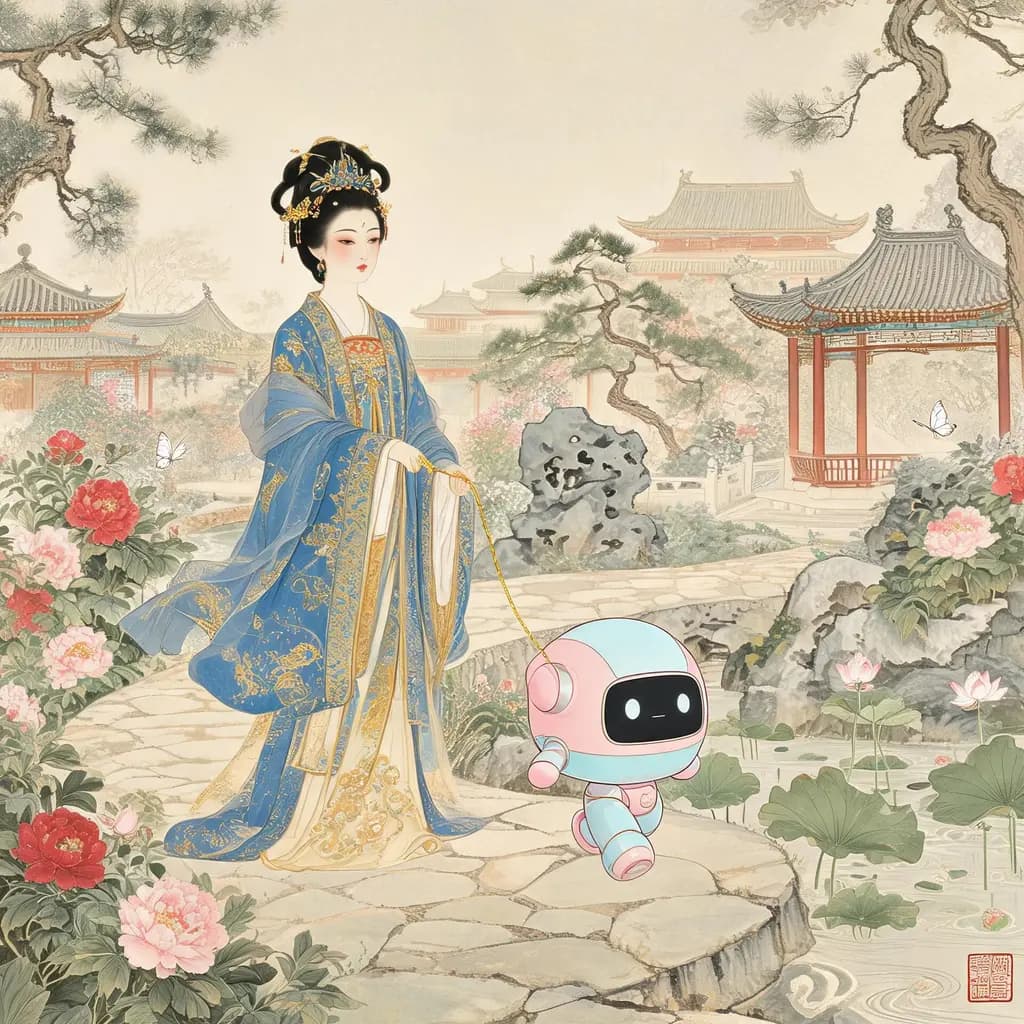
Adegan campuran kuno-modern
Lukis gadget, institusi, atau makhluk modern ke dalam karya era lampau yang setia — dengan teknik zamannya sendiri, sehingga anakronisme itu tampak memang selalu ada di sana.
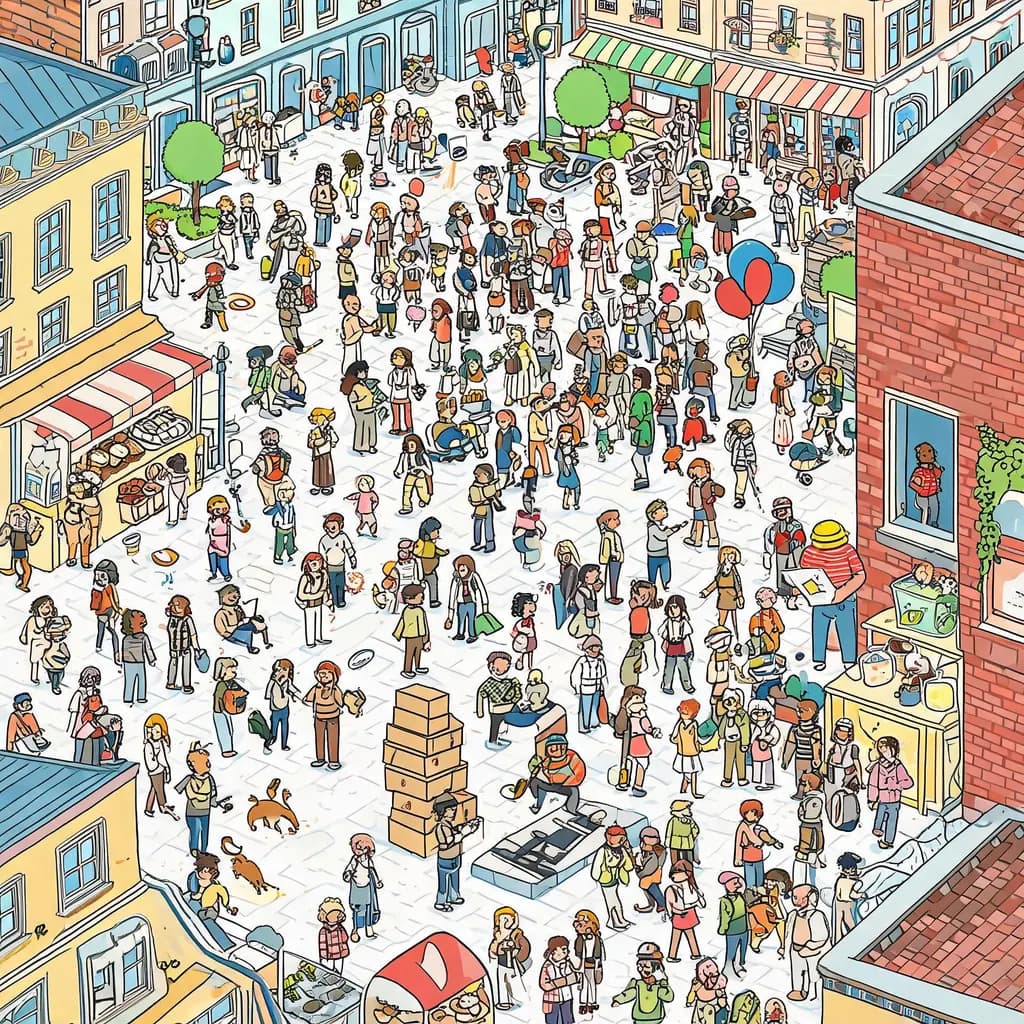
Ilustrasi cari di keramaian
Ubah tempat dan karakter apa pun menjadi adegan cari-dan-temukan bergaya wimmelbild: ratusan orang mungil yang sibuk, dengan karakter pilihanmu tersembunyi di suatu sudut keramaian.
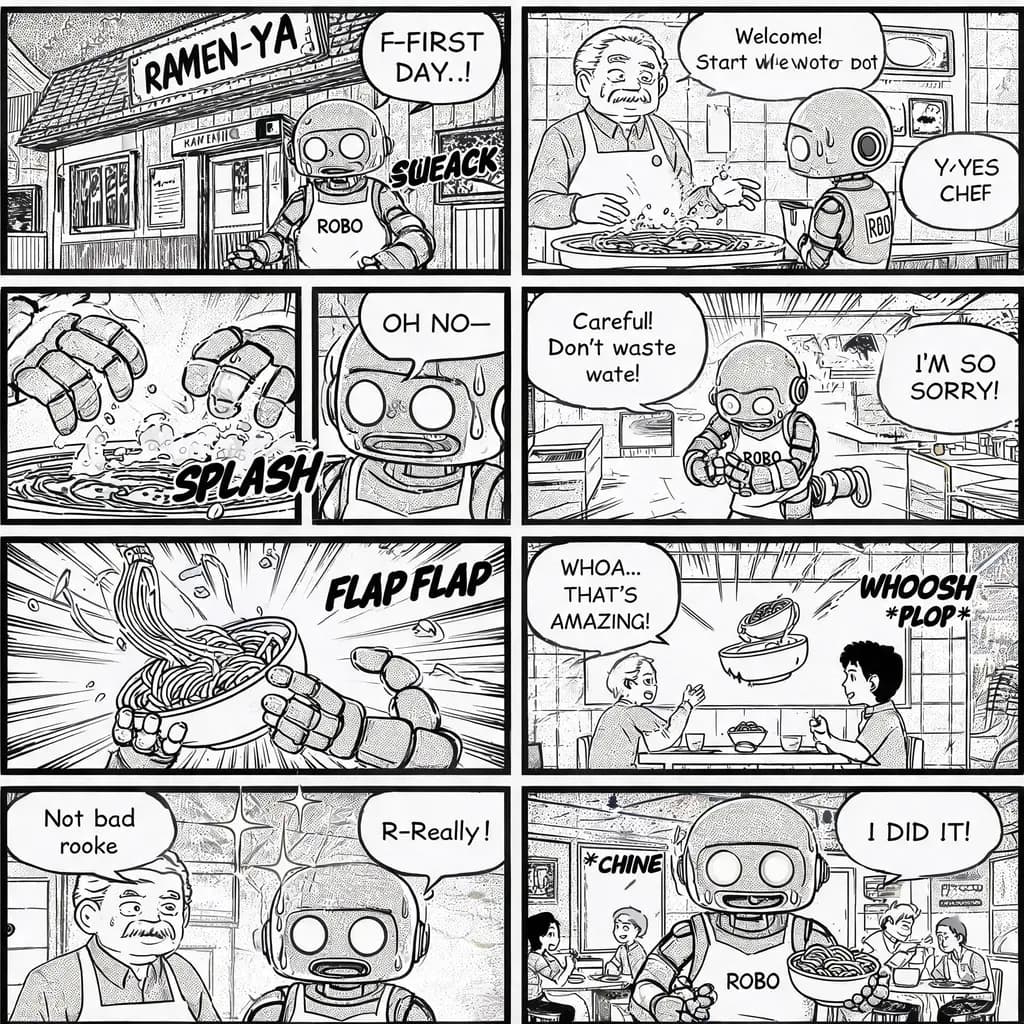
Manga delapan panel
Ubah ide cerita pendek menjadi satu halaman manga hitam-putih yang utuh: delapan panel dengan screentone, balon dialog, dan pukulan penutup yang pas.
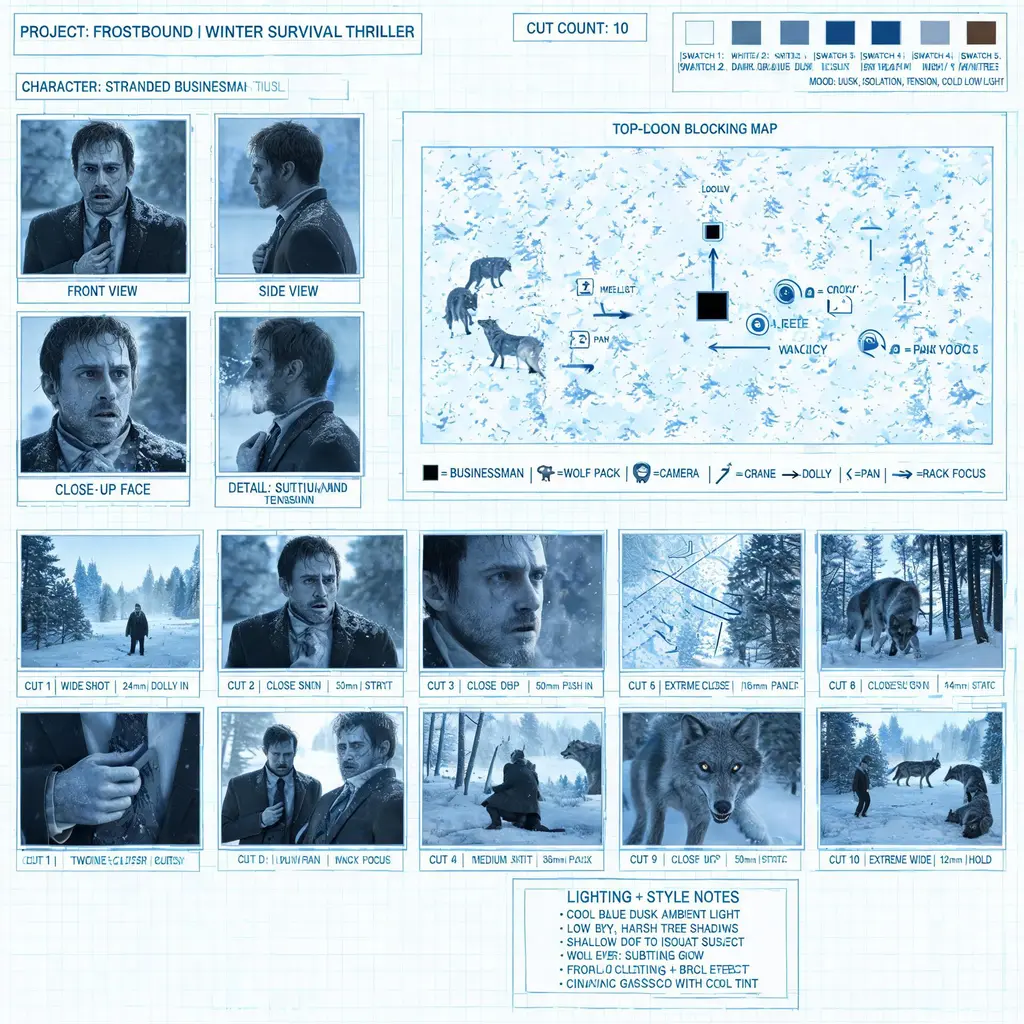
Papan praproduksi film
Ubah cerita, resep, atau ide iklan menjadi lembar previz profesional: tile referensi karakter, peta blocking, panah gerakan kamera, dan potongan storyboard bernomor dalam satu papan pitch premium.
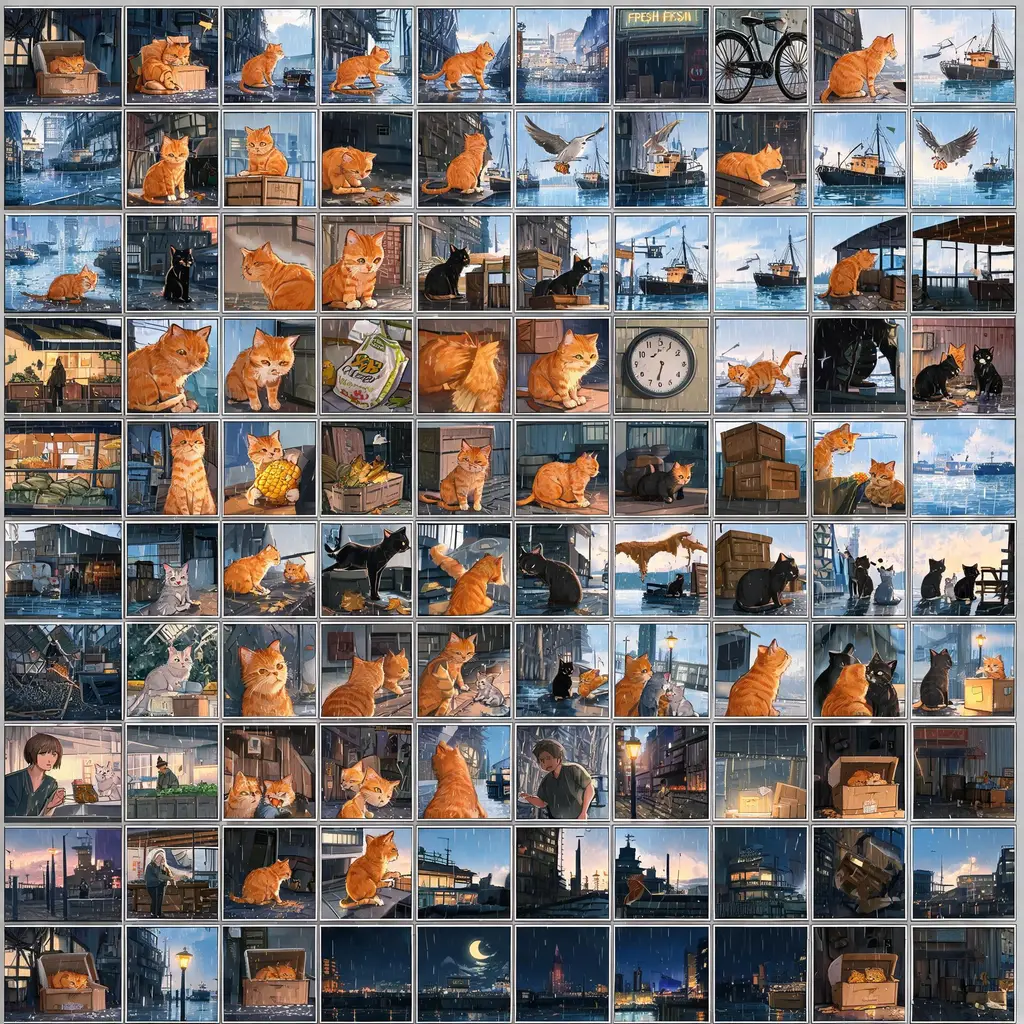
Storyboard seratus panel
Ubah ide cerita apa pun menjadi satu lembar padat berisi sekitar seratus panel kecil berurutan, menceritakan seluruh alur dari pembuka hingga akhir dalam satu gambar.

Kolase panel aneka gaya
Ubah daftar subjek dan detail presisi menjadi satu kolase rapi dengan medium visual berbeda di setiap panel, siap sebagai sampel gaya atau perbandingan kreatif.