Tiere aus mehreren Fotos vereinen
Setze Tiere aus getrennten Fotos in eine Szene, gleiche das Licht an und behalte die Zeichnung jedes Tiers.
Aktualisiert:
Vollständiges Prompt
Englisches Prompt mit einem Vorschlag für deine Anfrage. Passe Motiv und Details vor dem Generieren an. Die ursprünglichen Eingaben und Einstellungen der Beispiele sind nicht vollständig belegt.
Empfohlenes Modell: GPT Image 2.5 Flare
Prompt-Tipps
- Vergleiche vor dem Teilen Fellzeichnung, Ohrform und Halsband mit jedem Ausgangsfoto.
- Prüfe Pfoten und Schatten. Steht ein Tier in der Luft oder stimmt die Lichtrichtung nicht, nenne die Fläche und die Seite, von der das Licht kommt.
Quellen und Urheber
Von OmniArt angepasst und neu formuliert. Quellen, Änderungen und Nutzungsbedingungen sind unten aufgeführt.
- Combine pets across images · OpenAI
RaphaelAI-OpenLab/awesome-gpt-image-2.6
Public example from OpenAI's image prompting guide; no redistribution license was verified and the collection's MIT license does not cover it. This template is independently authored; no source text or media is copied.
Generalized the composite so any pets the user names can move into a destination photo, with upload order, coat identity, contact shadows, and a path when a photo is missing. The source collection labels this case GPT Image 2.6; GPT Image 2.5 Flare is a recommendation, not a verified example model.
Verwandte Prompt-Rezepte
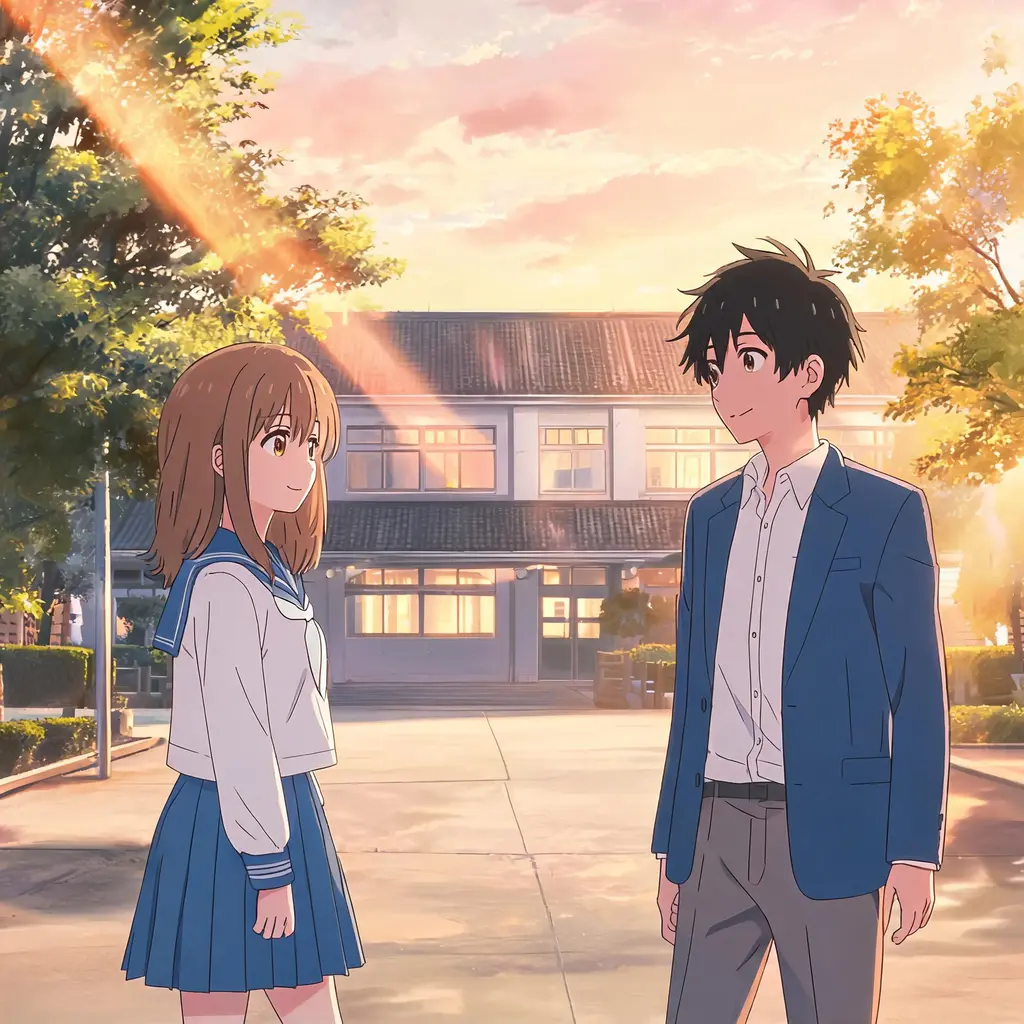
Anime-Episoden-Standbild
Verwandeln Sie ein Foto in ein Standbild, das wie aus einer echten Anime-Episode pausiert wirkt — Cel-Shading, klare Linien und gemalter Hintergrund, wobei Szene und Personen erkennbar bleiben.
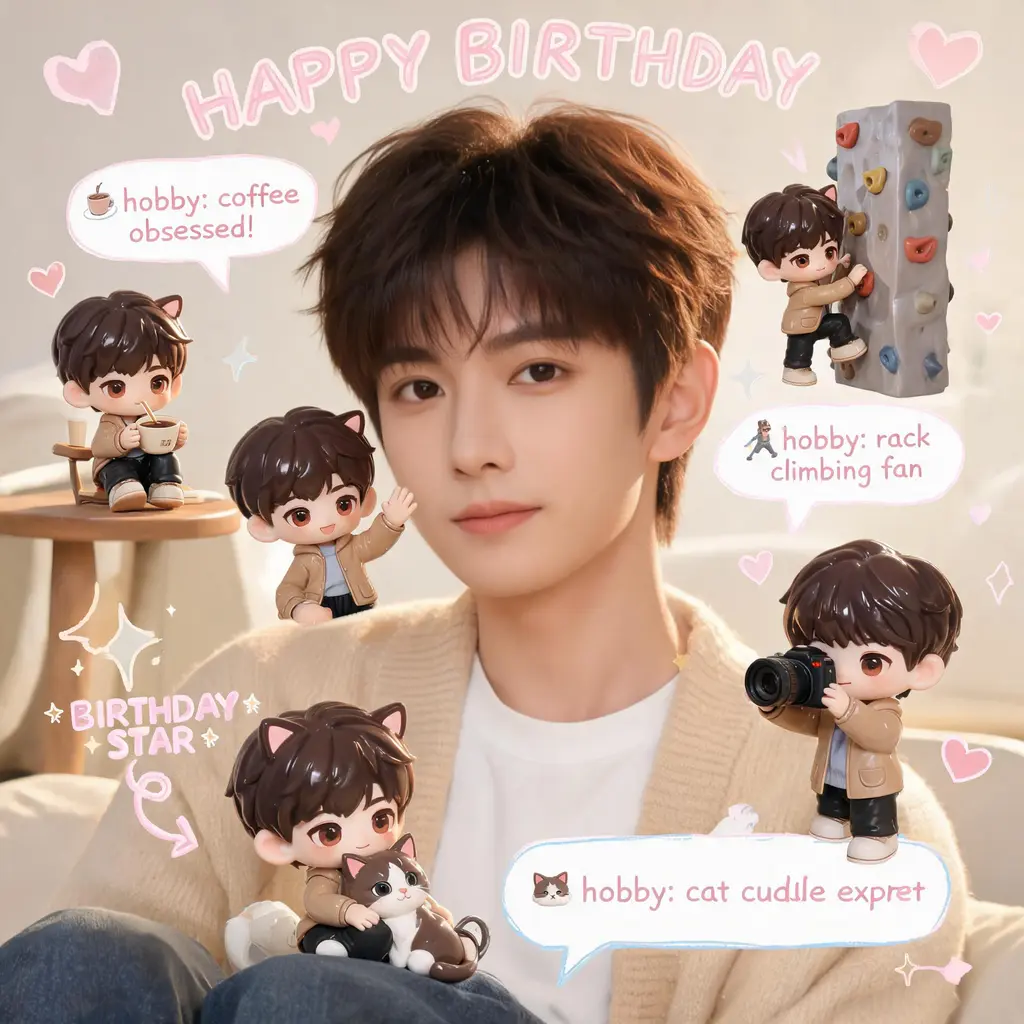
Chibi-Mini-Me-Scrapbook
Ihr Foto bleibt exakt wie aufgenommen, während kleine 3D-Chibi-Versionen von Ihnen die Szene bevölkern — dazu handschriftliche Kritzeleien, Pfeile und Fakten-Sprechblasen im gemütlichen Pastell-Scrapbook-Stil.

Comic-Kolorierung
Verwandeln Sie eine schwarz-weiße Manga- oder Comicseite in eine vollständig kolorierte Ausgabe — mit stimmiger Palette, Cel-Schattierung und unangetasteter Linienzeichnung samt Lettering.

Ausbruch aus dem Comic-Panel
Machen Sie sich oder ein beliebiges Motiv zur vollfarbigen, fotorealistischen Figur, die aus einer schwarz-weißen Manga-Seite bricht — mit schockierten Comic-Figuren, Speedlines und fliegenden Papierfetzen.
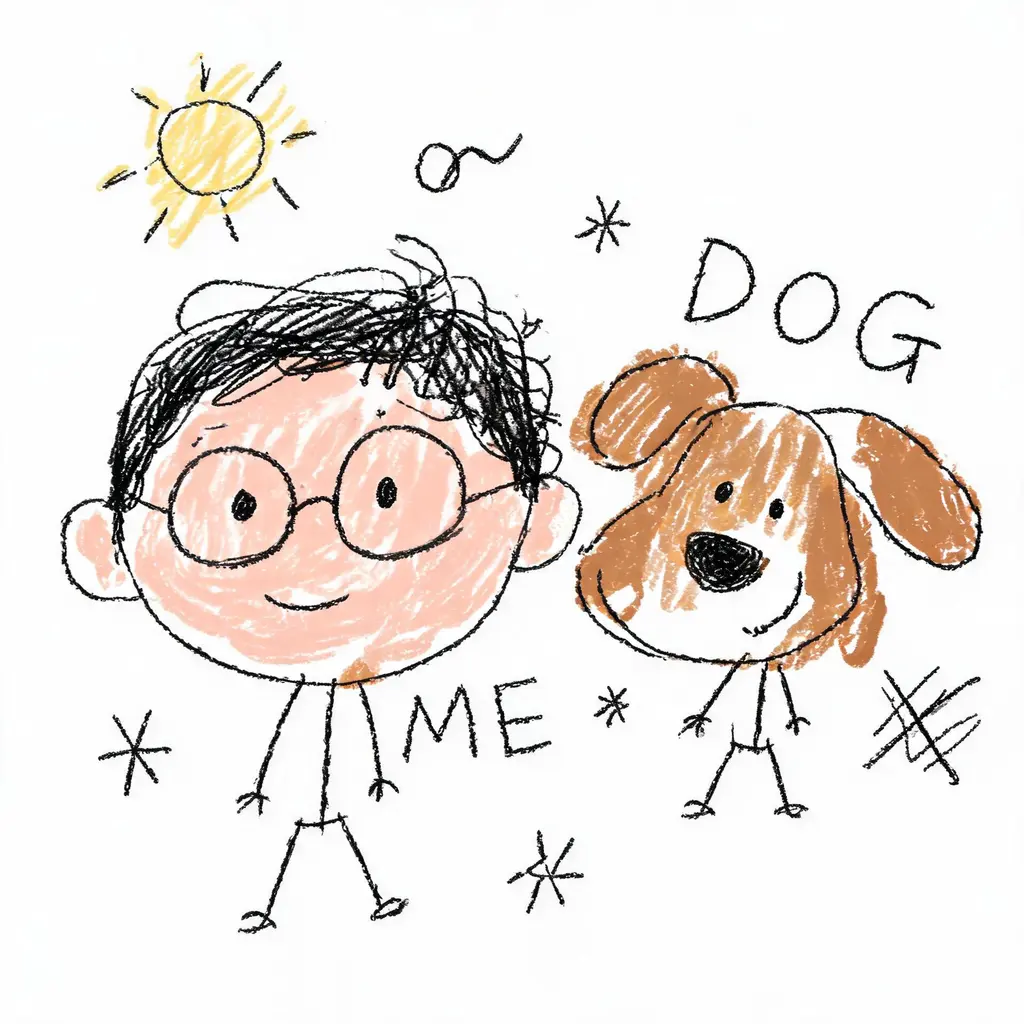
Absichtlich schlechte Zeichnung
Verwandeln Sie ein Foto in ein stolz misslungenes Gekritzel — zittrige Linien, schiefe Proportionen und schlampige Farben auf weißem Grund, auf die lustigste Art falsch und doch gerade noch erkennbar.

Makeover mit fixiertem Gesicht
Bringen Sie Ihr exaktes Gesicht in einen neuen Look — neue Frisur, ein originelles Kostüm oder eine filmreife Szene — mit strikten Regeln gegen jede Gesichtsveränderung und poliertem Licht auf DSLR-Niveau.