Испытание Зрачков
Зрачки расширяются до бесконечности, и мир рушится вместе с ними
Что такое эффект Испытание Зрачков?
Эффект Испытание Зрачков превращает один портрет в пятисекундный наезд камеры на один глаз. Сначала в кадре лицо героя, затем камера приближается к области глаз, и в финале радужка и тёмный зрачок заполняют почти весь кадр. Крупный план раскрывает цвета и узоры радужки и создаёт напряжённое, любопытное настроение.
Используйте его для короткого портретного ролика в Reels или TikTok или чтобы показать селфи с необычного ракурса. Выберите резкое, хорошо освещённое фото с открытыми глазами, которые не закрывают волосы или очки.
Коротко об эффекте
- Результат
- Видео 5 с · 720p
- Понадобится
- 1 фото
- Текстовый промпт
- Не нужен
- Кредиты
- 8 кредитов за видео
- Время генерации
- Обычно несколько минут
Другие ИИ-эффекты, которые стоит попробовать
 Видео
ВидеоДолли-зум Хичкока
Втяните мир в головокружительный момент Хичкока.
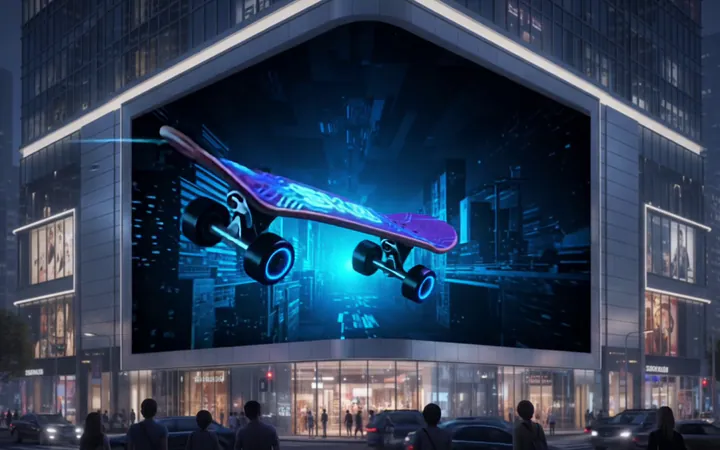 Видео
Видео3D Реклама без Очков
Разместите свою рекламу на уличных экранах торговых центров для достижения потрясающего эффекта 3D без специальных очков.
 Видео
ВидеоЗоо-Танцевальный Челлендж
Загрузи свои лучшие фото и получи такое же танцевальное видео одним кликом
 Видео
ВидеоТанцевальный челлендж Michico
Загрузите фото человека, питомца или персонажа, чтобы воссоздать танец Michico с игривым ритмом, плавными движениями рук, расслабленной пластикой и запоминающейся хореографией, синхронизированной с битом. Веселый шаблон для танцев в соцсетях с живой энергией, стильными движениями и атмосферой естественного исполнения.
 Видео
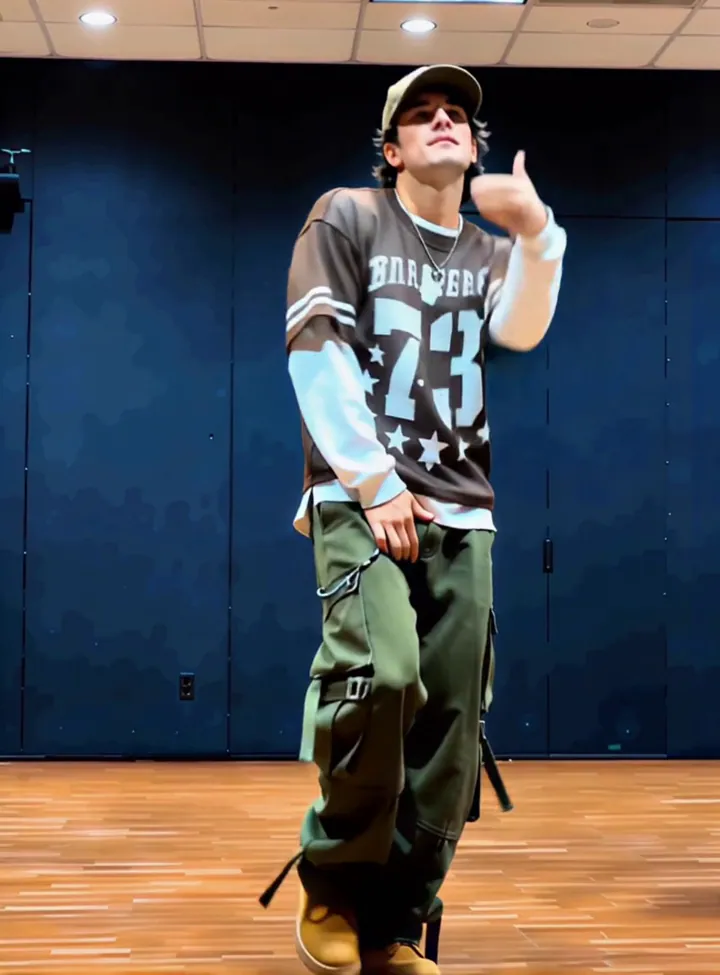
ВидеоВызов семи ходов
Твой ход. Контролируй каждое движение.
 Видео
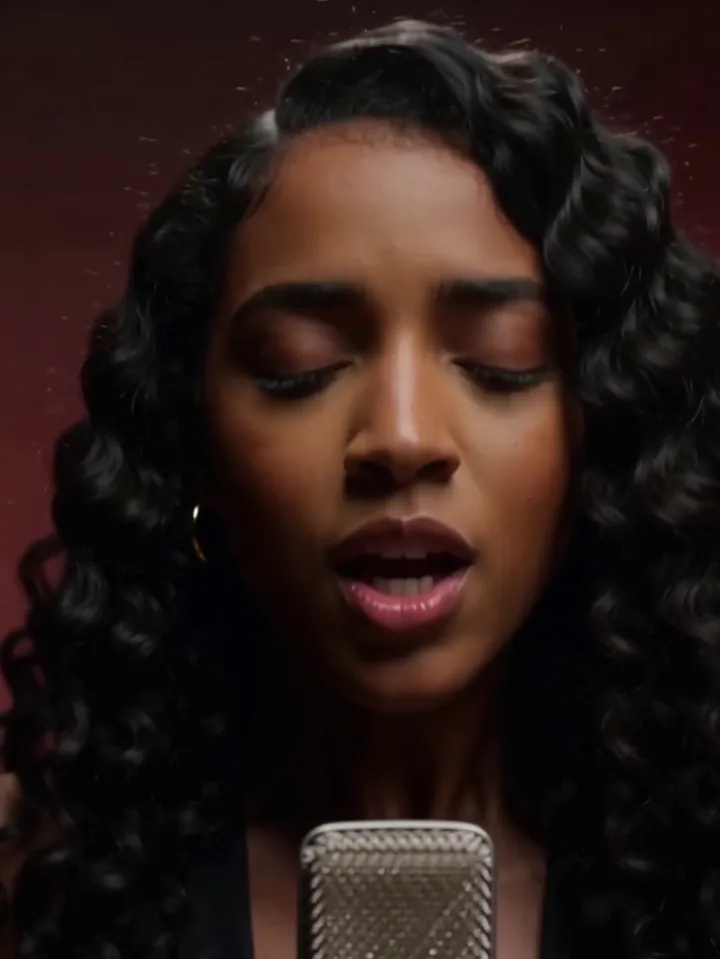
ВидеоСтудийный вокальный челлендж
Загрузите любое фото, чтобы одним кликом создать кинематографичное, эмоциональное видео студийного пения! 🎤🔥
 Видео
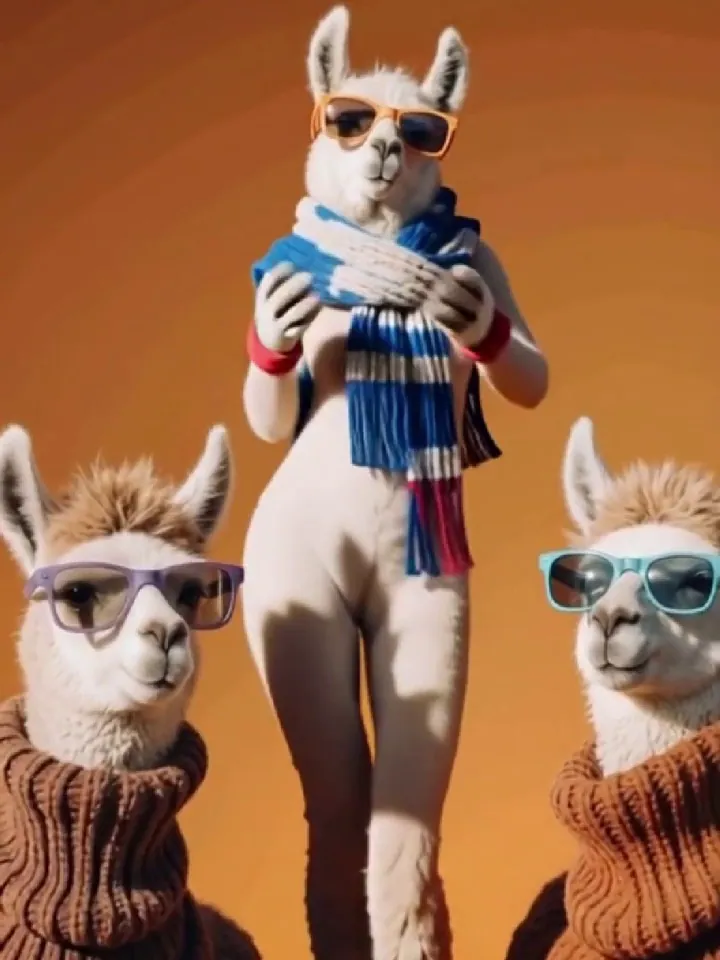
ВидеоЧеллендж Wiggle & Wobble
Стряхни ограничения. Проложи свой путь к самой уверенной версии себя!
 Видео
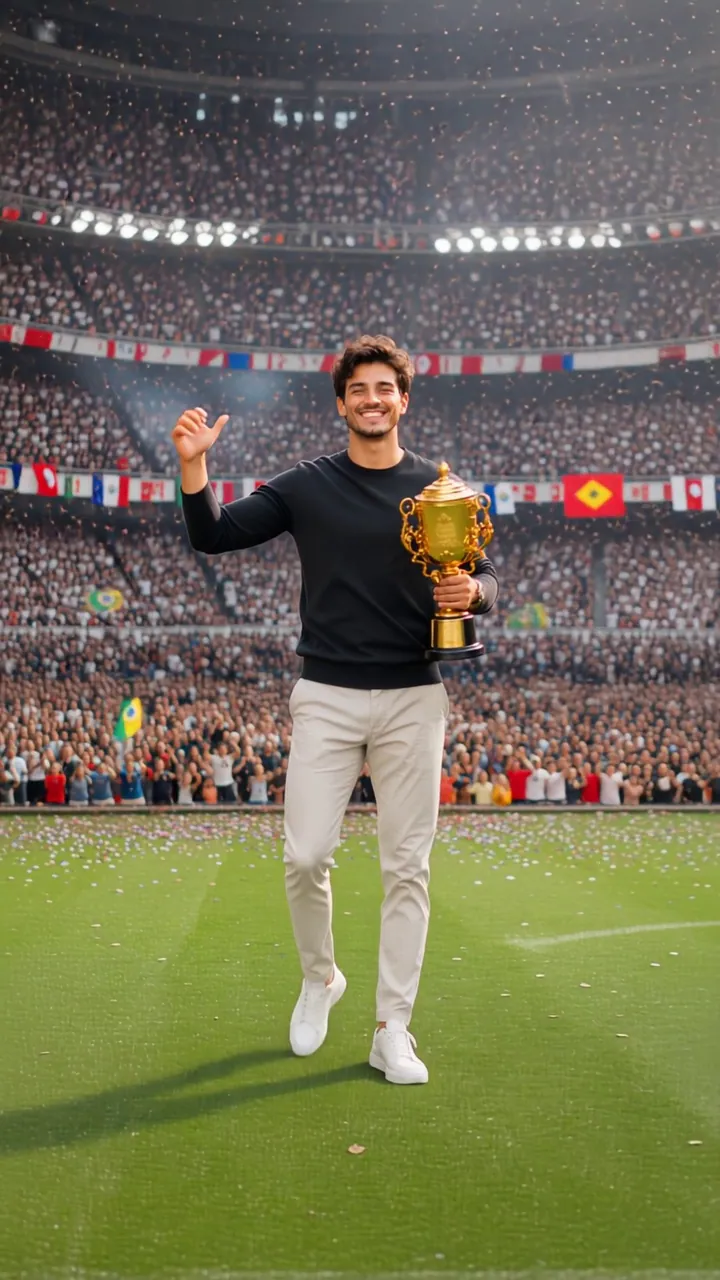
ВидеоЧемпион
Стань чемпионом, за которого болеет весь мир.
Как сделать видео Испытание Зрачков
- 1
Загрузите фото
Выберите чёткое, хорошо освещённое фото, на котором объект хорошо виден. Подойдут и портреты, и групповые снимки — эффект адаптируется под ваше изображение.
- 2
Посмотрите превью
Посмотрите пример клипа, чтобы увидеть, что именно делает эффект. Некоторые эффекты также принимают короткий текстовый промпт, чтобы направить результат.
- 3
Сгенерируйте и скачайте
Нажмите «Сгенерировать» и наблюдайте за прогрессом в реальном времени. Видео будет готово к скачиванию и публикации через несколько минут.
Как получить удачное видео с эффектом Испытание Зрачков
- Для этого эффекта: Выберите резкий портрет с открытыми, хорошо освещёнными глазами; избегайте солнцезащитных очков, бликов и прядей волос на том глазу, к которому приблизится камера.
- Один главный объект. Обрежьте пёстрый фон, чтобы эффект сосредоточился именно на нужном человеке или предмете.
- Ровный свет спереди. Лица в тени или против яркого света теряют детали, как только камера приходит в движение.
- Держите объект в кадре. Если голова, руки или края объекта обрезаны рамкой, анимация не сможет их вернуть.
- Без сильных фильтров. Бьюти-фильтры и стикеры сбивают шаблон с толку — лучше всего работает исходное фото.
Почему стоит создавать видео Испытание Зрачков в OmniArt
Качество студийного уровня
Каждый эффект работает на основе подобранного видеошаблона, настроенного на чёткое движение, стабильные лица и результат, готовый к публикации.
Результат за минуты
Никакой временной шкалы, ключевых кадров или программ для монтажа. Загрузите фото и получите готовое видео, пока наблюдаете за прогрессом.
Начните бесплатно
Генерируйте любой эффект на бесплатные кредиты и храните все результаты в своей библиотеке OmniArt, синхронизированной между устройствами.
Часто задаваемые вопросы
Он превращает загруженное вами фото в короткое видео, созданное ИИ по подобранному шаблону Испытание Зрачков. Пример клипа на этой странице показывает именно то движение, которое вы можете ожидать.
Лучший результат дают чёткие, хорошо освещённые фото с полностью видимым объектом. Избегайте сильных фильтров, экстремальных ракурсов или изображений очень низкого разрешения.
Большинство видео готовы в течение нескольких минут. Вы можете следить за прогрессом прямо на странице, а готовые клипы автоматически сохраняются в вашей библиотеке.
Каждая генерация стоит небольшое количество кредитов, которое отображается на кнопке генерации. Новые аккаунты начинают с бесплатных кредитов, так что вы можете попробовать эффект, прежде чем платить.
Возможность коммерческого использования зависит от шаблона, ваших материалов и применимых условий. Вы должны обладать необходимыми правами на всё, что загружаете, и убедиться, что использование результата не нарушает интеллектуальные права третьих лиц.