Patlatılmış ürün görünümü
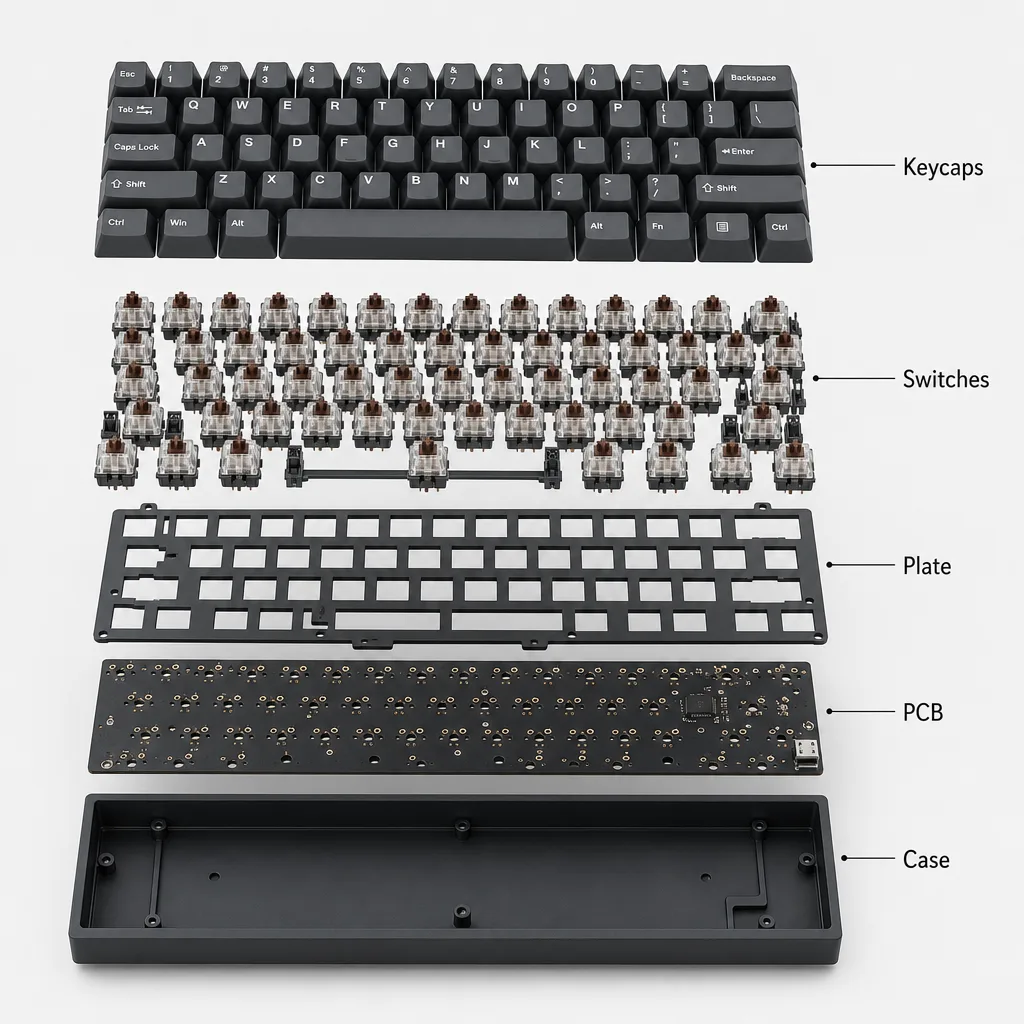
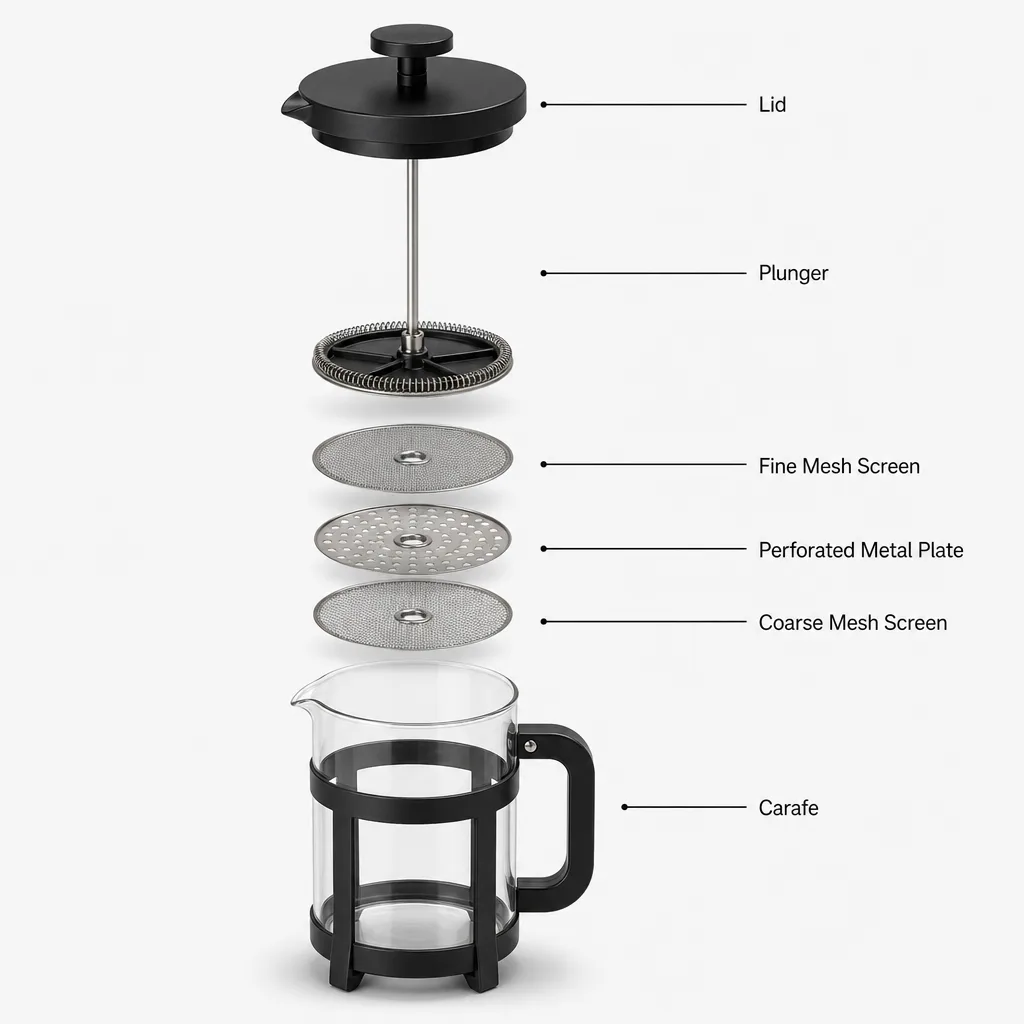
Bir ürünü hizalı, eşit aralıklı bileşenlere ayırın; düzenli kılavuz çizgileri ekleyin ve verdiğiniz parça adlarını veya spec etiketlerini yazdığınız gibi birebir işleyin.
Güncellendi:
Tam prompt
Örnek bir istek içeren İngilizce prompt. Üretmeden önce konuyu ve ayrıntıları düzenleyin. Özgün örneklerin girdileri ve üretim ayarları tam olarak doğrulanmamıştır.
Önerilen model: GPT Image 2
OmniArt ekibinin örnekleri
Prompt ipuçları
- Patlatılmış diziliş bileşenleri net ayırsın diye onları sırayla listeleyin
- Baloncukların metninizi göstermesi için kesin parça adlarını veya spec değerlerini tırnak içinde verin
- Görünümü belirlemek için dikey bir dizilim ya da izometrik bir süzülme ve açık renk bir arka plan seçin
İlgili prompt tarifleri
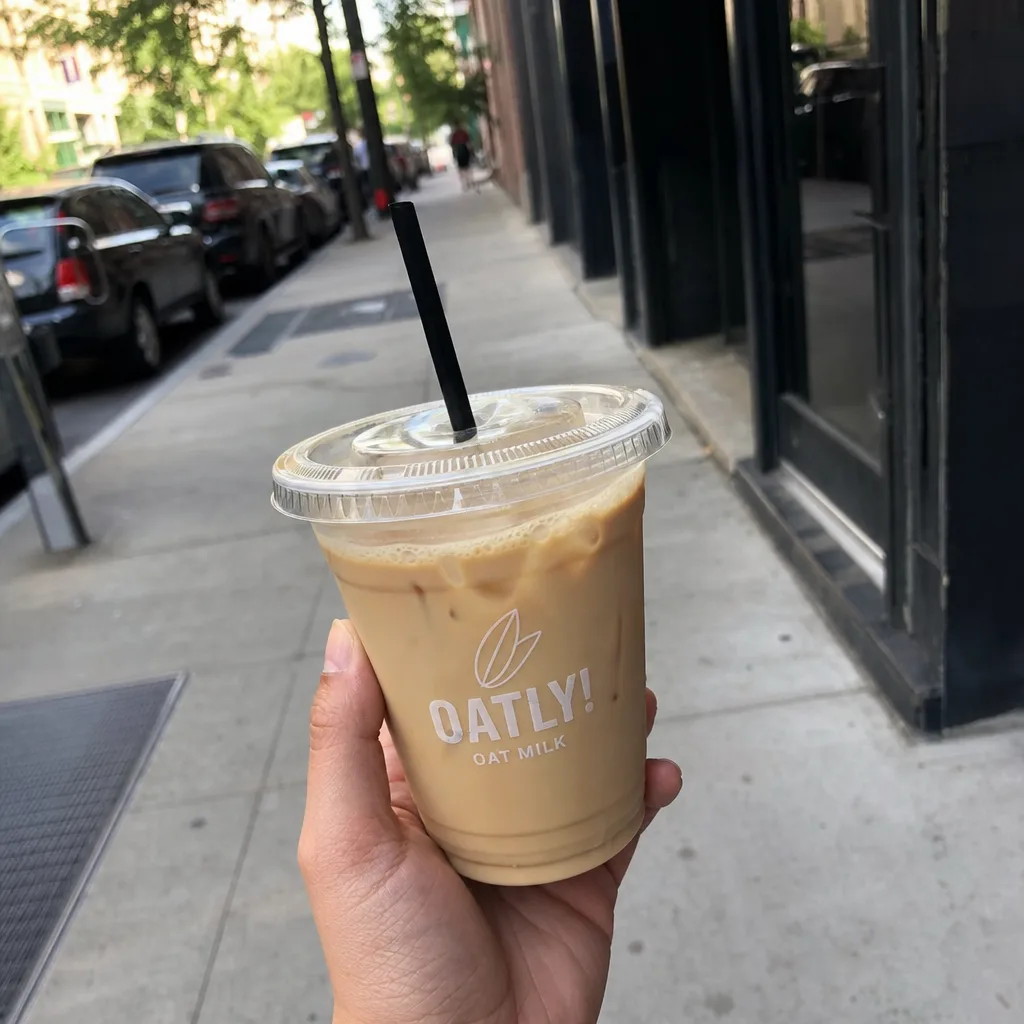
Otantik elde tutulan ürün fotoğrafı
Doğal kusurlar ve yaşanmışlık hissi veren bir ortamla dürüst, gündelik bir telefon fotoğrafı oluşturun; parlak stüdyo cilası ve bariz yapay zeka izlerinden kaçının.
Tam prompt
Lüks atmosfer
Bir ürünü, koyu ve yansıtıcı bir yüzey üzerinde atmosferik, sinematik bir sahnenin mücevheri olarak sunun; zarif duman, yaprak ya da ışık zerrecikleriyle sarın.
Tam prompt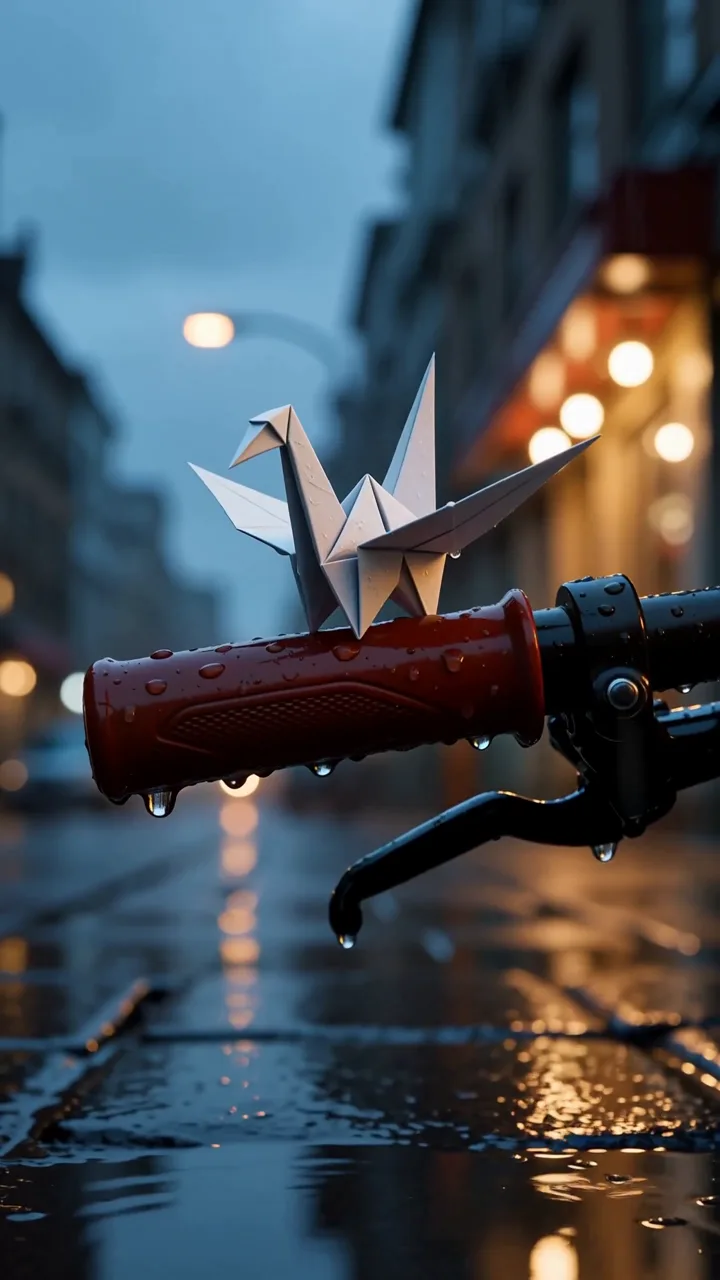
Yağmurdaki origami haberci
Yağmurda sırılsıklam olmuş bir kâğıt parçasını, hassas Foley sesleriyle desteklenen gerçekçi el kamerası telefon görüntülerinde inandırıcı bir origami haberciye dönüştürün.
Tam prompt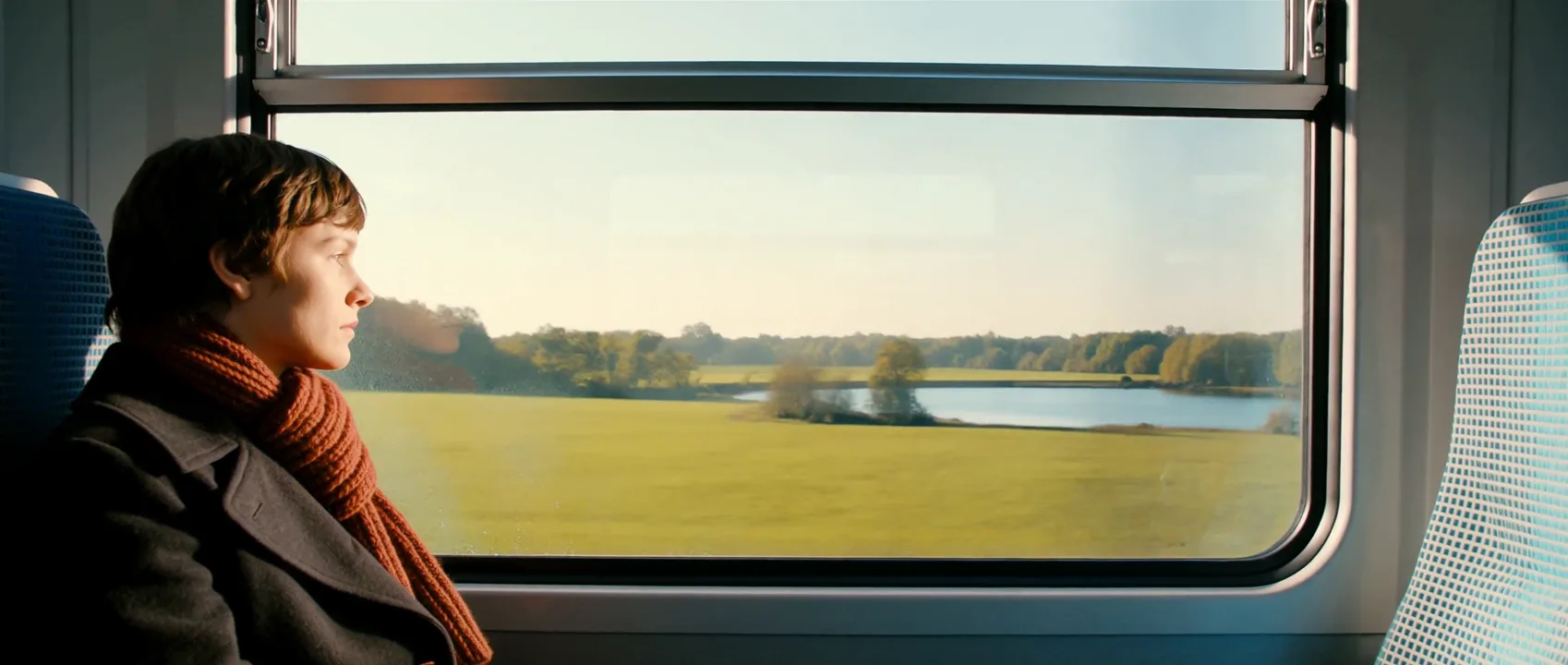
Kıştan yaza tren geçişi
Kış tünelindeki ışıklar fiziksel bir eşleşmeyle aydınlık bir yaz yolculuğuna dönüşürken tren camındaki yansımadan içeri ilerleyin; ses de aynı ritimde dönüşsün.
Tam prompt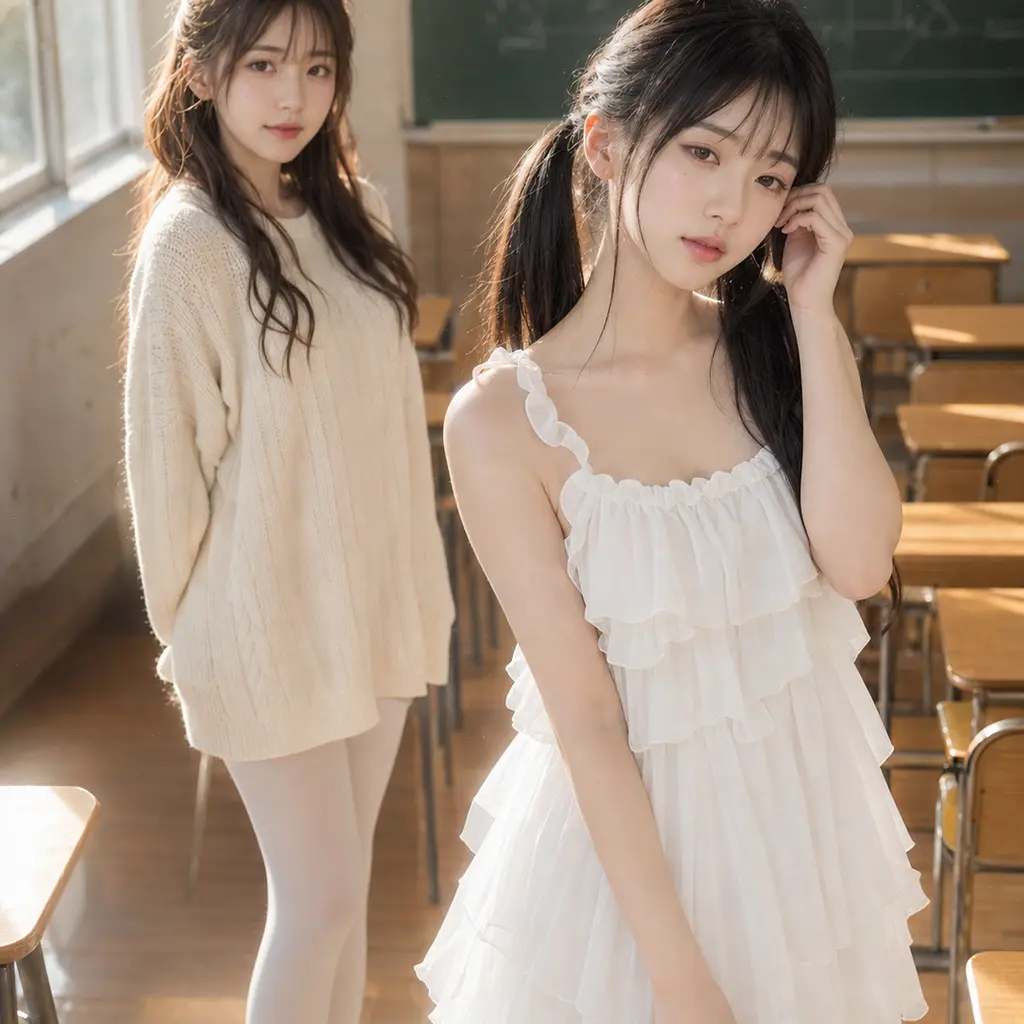
Anime gerçekçiliğinde sınıf portresi
Anime esintili yüz hatlarını gerçekçi cilt, saç, ışık ve fotoğraf dokusuyla birleştirerek iki yetişkin arkadaşın sıcak, sinematik bir sınıf portresini oluşturun.
Tam prompt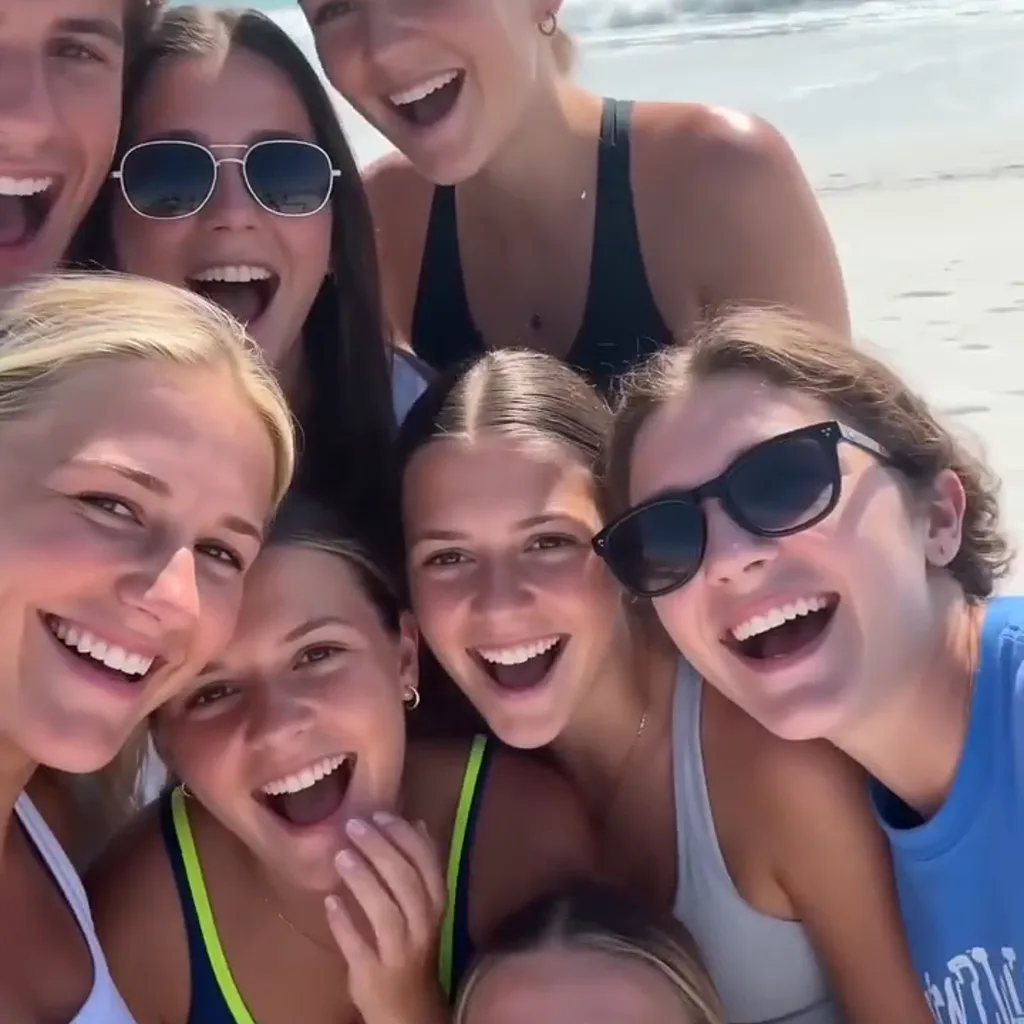
Plaj günü telefon montajı
Yetişkin bir kadın ve arkadaşlarının güneşli bir plaj gününün tadını doğal hareketler, sesler ve elde çekimin kusurlarıyla çıkardığı hızlı, 15 saniyelik bir telefon anıları montajı oluşturun.
Tam prompt